
1. Бүттүview
The Roku Select Series HD TV provides a streamlined entertainment experience. This 32-inch 720p HD television integrates the Roku operating system for easy access to streaming content, live TV, and various applications. It features a voice remote for convenient control and includes technologies like Bluetooth Headphone Mode and Dolby Audio for enhanced sound.
Негизги өзгөчөлүктөрү
- Seamless Streaming: Fast Wi-Fi and quick app launches for immediate entertainment access.
- Extensive Content: Access to thousands of streaming apps, free movies, shows, and live TV channels.
- Настройкаланган Башкы экран: Organize apps and content for personalized viewing.
- Автоматтык программалык камсыздоо жаңыртуулары: Ensures access to the latest features and applications.
- Smart Home интеграциясы: Compatible with Roku Voice, Siri, Alexa, and Google Assistant for voice control. Supports Apple AirPlay for content sharing.
- Clear HD Picture: 720p HD resolution with Roku Smart Picture technology for optimized visuals.
- Үн пульт: Search, play, and control streaming with voice commands.
- Жакшыртылган аудио: Designed for clear speech and louder sound with Dolby Audio technology.
- Bluetooth кулакчын режими: Private listening with wireless headphones.
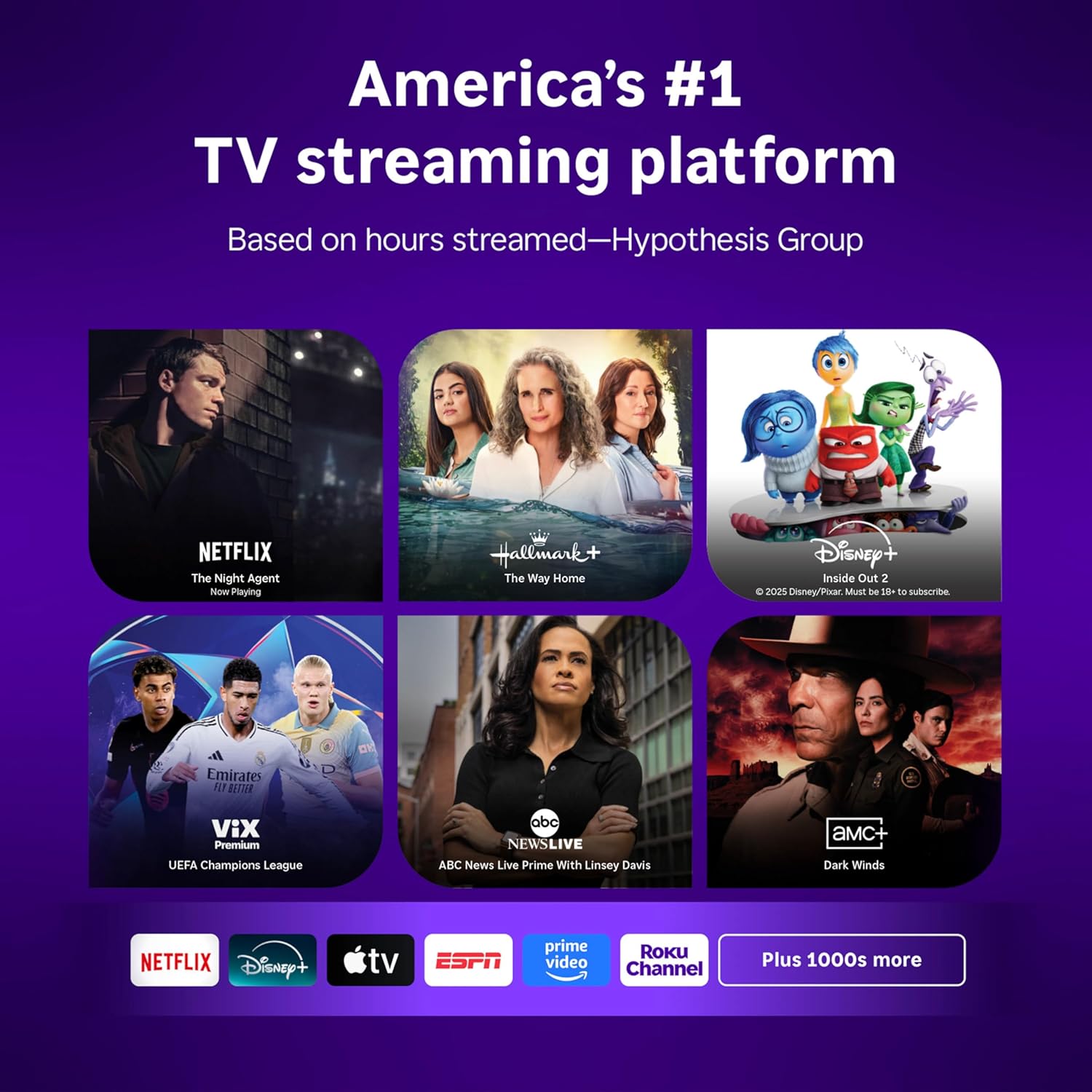
Image: Roku 32-inch Select Series HD Smart TV with included remote control.
2. Кутуда эмне бар
Орнотууну улантуудан мурун бардык компоненттер бар экенин текшериңиз.
- Roku Select Series 32" HD TV
- Stands and screws
- Roku Voice Remote with batteries (2 AAA)
- Электр кабели
- Колдонуучунун Колдонмосу (бул документ)

Image: Contents of the Roku Select Series TV packaging.
3. Орнотуу
3.1 Пакеттен чыгаруу
Carefully remove the TV and all accessories from the packaging. Retain the packaging for future transport or service needs.
3.2 Стендди бекитүү
- Сыналгы экранын сызып кетпеш үчүн жумшак, таза бетке ылдый каратып кой.
- Телевизордун астындагы бурамалар тешиктери менен сыналгы станокторун тууралаңыз.
- Берилген бурамалар менен стенддерди бекитиңиз. Алардын бекем кысылганын текшериңиз.
3.3 Перифериялык түзүлүштөрдү туташтыруу
Connect your devices to the appropriate ports on the back of the TV.
- HDMI: Connect up to three HDMI devices (e.g., cable box, gaming console, Blu-ray player) to the HDMI ports.
- USB: Use the USB port for media playback or connecting compatible accessories.
- Оптикалык (S/PDIF): Тышкы аудио системасына туташуу үчүн.
- Кубат кабели: Электр кабелин сыналгыга, андан кийин розеткага туташтырыңыз.
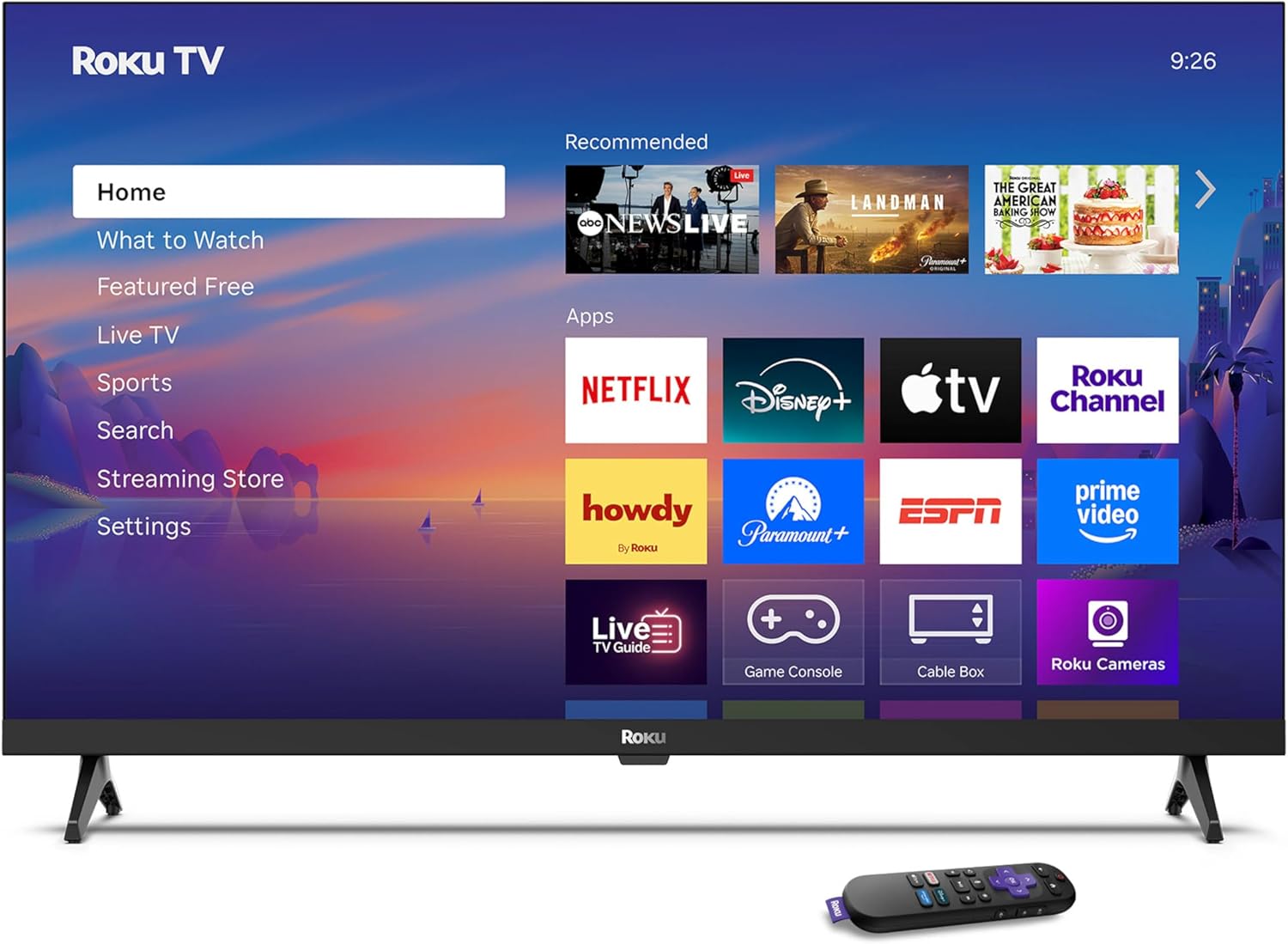
Image: Rear panel connections including HDMI, USB, and optical ports.
3.4 Алгачкы күйгүзүү жана тармакка туташуу
- Plug in the TV and press the power button on the remote or TV.
- Follow the on-screen instructions to select your language and connect to your Wi-Fi network.
- Activate your Roku account or create a new one.
Видео: Бүттүview of the Roku TV operating system, demonstrating its user interface and features. This video is provided by Roku, Inc.
4. Иштөө нускамалары
4.1 Үн пультун колдонуу
The Roku Voice Remote allows for intuitive control of your TV and streaming content.
- Үн менен издөө: Press and hold the voice button and speak your command to search for content, launch apps, or control playback.
- Навигация: Use the directional pad to move through menus and select items.
- Колдонмонун кыска жолдору: Атайын баскычтар популярдуу агым кызматтарына тез жетүүнү камсыз кылат.

Image: Features of the Roku Voice Remote, highlighting voice control and shortcut buttons.
4.2 Navigating the Home Screen
The Roku Home Screen provides access to all your installed apps, inputs, and settings.
- Үй: Returns you to the main home screen.
- Эмне көрүү керек: Discover recommended content.
- Түз ТВ: Access free live television channels.
- Агымдуу агым дүкөнү: Browse and add new streaming channels.
- Орнотуулар: Adjust TV and system preferences.

Image: The Roku TV home screen interface.
4.3 Сүрөт жана үн орнотууларын тууралоо
Сиздин жекелештирүү viewing and listening experience through the settings menu.
- Сүрөт режими: Select from predefined modes like Standard, Vivid, Sports, or Movie. Roku Smart Picture automatically optimizes settings.
- Үн режими: Pro'ну тандаңызfiles or enable features like Night Mode for reduced volume fluctuations.
- Bluetooth кулакчын режими: Pair your wireless headphones for private audio.

Image: Picture mode settings on the Roku TV.

Image: Bluetooth Headphone Mode in use.

Image: Dolby Audio technology for clear sound.
5. Техникалык тейлөө
5.1 Экранды тазалоо
Телевизордун экранын тазалоо үчүн аны жумшак, кургак, мамыксыз чүпүрөк менен акырын сүртүңүз. Эгерде өжөр тактар болсо, аны бир аз сүртүңүз.ampчүпүрөктү суу же экранга коопсуз тазалоо эритмеси менен жабыңыз. Катуу химиялык заттарды же абразивдүү материалдарды колдонуудан алыс болуңуз.
5.2 Программалык камсыздоо жаңыртуулары
Your Roku TV automatically receives software updates when connected to the internet. These updates provide new features, performance improvements, and bug fixes. Ensure your TV remains connected to the internet for optimal performance.
6. Кыйынчылыктарды
If you encounter issues with your Roku TV, refer to the following common solutions:
- Кубат жок: Кубат кабели сыналгыга да, иштеп жаткан электр розеткасына да бекем сайылганын текшериңиз. Башка розеткадан аракет кылып көрүңүз.
- Сүрөт/үн жок: Verify that the correct input source is selected. Check all cable connections (HDMI, audio). Restart the TV by unplugging it for 30 seconds and plugging it back in.
- Пульт иштебейт: Replace the AAA batteries in the remote. Ensure there are no obstructions between the remote and the TV. For voice remote issues, re-pair the remote if necessary (refer to Roku support for specific steps).
- Тармакка туташуу маселелери: Restart your Wi-Fi router and modem. Go to the TV's settings menu, then Network, and try reconnecting to your Wi-Fi network.
- Колдонмо жүктөлбөй/бузулуп жатат: Try restarting the app. If the issue persists, remove the app from the home screen, restart the TV, and then re-add the app from the Streaming Store.
7. Техникалык шарттар
| Өзгөчөлүк | Деталь |
|---|---|
| Screen Size | 32 дюйм |
| Дисплей технологиясы | LED |
| Резолюция | 720p |
| Жаңыртуу ылдамдыгы | 60 Гц |
| Өзгөчөлүктөр | Bluetooth Headphone Mode, Dolby Audio, Voice Remote |
| Байланыш технологиясы | Bluetooth, WiFi |
| Жалпы HDMI порттору | 3 |
| Жалпы USB порттору | 1 |
| Аудио киргизүү | HDMI |
| Операция системасы | Roku OS |
| Монтаж түрү | Үстөлгө орнотуу, Дубалга орнотуу |
| VESA тоо стандарты | 200 x 200 мм |
| Продукциянын өлчөмдөрү (D x W x Y) | 7"D x 28.3"W x 18.3"H |
| Элемент Салмагы | 7.5 фунт |
| Модель номери | 32R2D5 |
| UPC | 829610008974 |
8. Кепилдик маалыматы
8.1 Чектелген Кепилдик
Roku warrants the hardware against defects in materials and workmanship under normal use for a period of one (1) year from the date of purchase ("Warranty Period"). If Roku determines that the device’s hardware is defective during the Warranty Period, Roku’s sole obligation, and your exclusive remedy, will be to either repair or replace the unit with either a new or rebuilt device, at its option. This warranty applies if the product is used in accordance with the provided documentation.
8.2 Кайтаруу саясаты
You may return a device for any reason:
- Within thirty (30) days from the date of purchase from Roku.
- Within the applicable return period if purchased from an authorized reseller or distributor.
Additional details regarding product returns can be found on the Roku support site.
9. Колдоо
For further assistance, troubleshooting guides, and frequently asked questions, please visit the official Roku support webсайт: