
1. Киришүү
Thank you for choosing the Cuifati Portable 4G 5G WiFi Hotspot Device. This manual provides essential information for setting up, operating, and maintaining your device. This mobile hotspot allows you to create a fast 300Mbps network, connecting up to 10 devices simultaneously, ensuring you stay connected wherever you go. It features a built-in 2100mAh battery and uses a Type-C port for charging.

Сүрөт 1.1: Алдыңкы view of the Cuifati Portable WiFi Hotspot Device.
2. Коопсуздук маалыматы
- Аппаратты экстремалдык температурага, түз күндүн нуруна же жогорку нымдуулукка дуушар кылбаңыз.
- Аппаратты түшүрүүдөн же катуу таасирлерден сактаныңыз.
- Аппаратты өз алдынча бөлүүгө же оңдоого аракет кылбаңыз. Квалификациялуу тейлөө кызматкерлерине кайрылыңыз.
- Берилген же бекитилген кубаттоо кабелин гана колдонуңуз.
- Аппаратты суудан жана башка суюктуктардан алыс кармаңыз.
- Аппаратты колдонуп жатканда, ысып кетүүнүн алдын алуу үчүн жакшы желдетүүнү камсыз кылыңыз.
3. Пакеттин мазмуну
Сураныч, пакетте төмөнкү нерселерди текшериңиз:
- 1 x Portable WiFi Hotspot Device
- 1 x USB Type-C заряддоо кабели
- 1 х Колдонуучунун колдонмосу (бул документ)

Figure 3.1: Included items: Hotspot device and USB Type-C cable.
4. Продукт бүтүп калдыview
Аппараттын компоненттери менен таанышып алыңыз:
- Кубат баскычы: Аппаратты күйгүзүү/өчүрүү үчүн колдонулат.
- LED көрсөткүчтөрү: Display network signal strength, battery status, and message notifications.
- SIM карта слоту: 4G/5G SIM картаңызды салуу үчүн.
- Тип-C Port: Аппаратты заряддоо үчүн.

Figure 4.1: The hotspot device positioned on a desk, ready for use with other devices.
5. Орнотуу
5.1. SIM картаны салуу
- Аппараттын өчүрүлгөнүн текшериңиз.
- Locate the SIM card slot on the device. This is typically found by removing the back cover.
- Carefully insert your standard-sized SIM card into the slot with the gold contacts facing down, until it clicks into place.
- Replace the back cover if removed.

5.1-сүрөт: View of the SIM card slot, showing where to insert the SIM card.
5.2. Аппаратты заряддоо
- Connect the provided USB Type-C cable to the Type-C port on the device.
- Connect the other end of the USB cable to a USB power adapter (not included), a computer USB port, or a car USB charger.
- The battery indicator LED will show charging status. A full charge ensures over 10 hours of stable connectivity.

5.2-сүрөт: Детальдуу view of the Type-C charging port.
6. Иштөө нускамалары
6.1. Күйгүзүү / Өчүрүү
- Күйгүзүү үчүн: Индикатор жарыктары күйгүчө, Кубат баскычын бир нече секунд басып туруңуз.
- Өчүрүү үчүн: Индикатор жарыктары өчмөйүнчө Кубат баскычын кайра басып, кармап туруңуз.
6.2. Түзмөктөрдү хотспотко туташтыруу
Once the hotspot is powered on and has established a network connection (indicated by the signal LED), you can connect your devices:
- Wi-Fi иштетилген түзмөгүңүздө (смартфон, планшет, ноутбук) Wi-Fi жөндөөлөрүнө өтүңүз.
- Издөө available Wi-Fi networks. The hotspot's SSID (network name) and password are usually found on a sticker inside the battery compartment or on the device packaging.
- Тизмеден хотспоттун SSIDди тандаңыз.
- Суралганда Wi-Fi сырсөзүн киргизиңиз.
- Your device should now be connected to the internet via the hotspot. The hotspot supports simultaneous connection of up to 10 devices.

Figure 6.1: Easy setup and connection with a laptop, highlighting the plug-and-play functionality.

Figure 6.2: The hotspot providing convenient connectivity for a user working on a laptop.
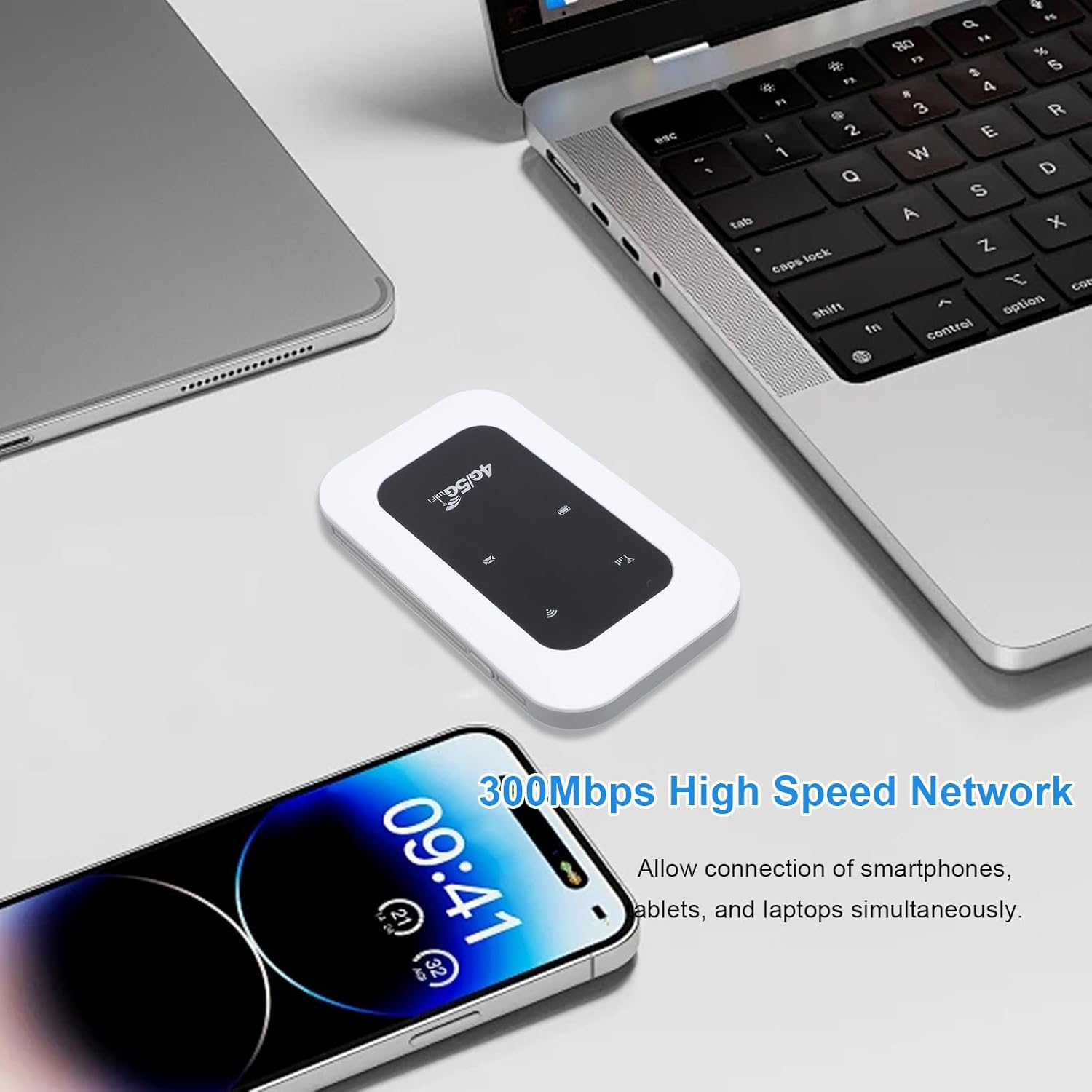
Figure 6.3: The hotspot enabling high-speed network access for multiple devices like smartphones and laptops.
7. Техникалык тейлөө
- Аппаратты жумшак, кургак чүпүрөк менен тазалаңыз. Суюк тазалагычтарды же аэрозолдорду колдонбоңуз.
- Аппаратты колдонбогондо салкын, кургак жерде сактаңыз.
- Avoid blocking the ventilation holes to ensure proper heat dissipation.
- Regularly check for firmware updates (if applicable) through the manufacturer's webоптималдуу аткаруу үчүн сайт.

Figure 7.1: The portable design allows for easy transport and use on the go, supported by its long battery life.
8. Кыйынчылыктарды
| Көйгөй | Мүмкүн себеп | Чечим |
|---|---|---|
| Тармак сигналы жок | SIM card not inserted correctly; No network coverage; SIM card not activated. | Reinsert SIM card; Move to an area with better coverage; Contact your service provider. |
| Wi-Fi'га туташпай жатат | Incorrect Wi-Fi password; Device too far from hotspot; Hotspot not powered on. | Verify password; Move closer to hotspot; Power on the hotspot. |
| Тармактын ылдамдыгы жай | Too many connected devices; Weak signal; Network congestion. | Disconnect some devices; Move to an area with stronger signal; Try again later. |
| Түзмөк заряддалбай жатат | Faulty cable or adapter; Loose connection. | Try a different cable/adapter; Ensure cable is securely connected. |
9. Техникалык шарттар
| Өзгөчөлүк | Деталь |
|---|---|
| Элемент түрү | Portable 4G 5G WiFi Hotspot |
| Тармак жыштыгы | LTE: Band 1/Band 3/Band 5/Band 40, WCDMA: Band 1 |
| WIFI колдоо | 802.11 б/г/н |
| Wireless Network Transmission Frequency | 300 Мбит/сек чейин |
| Card Slot | 1 x SIM Card (not included) |
| Батарея түрү | Камтылган 2100mAh Батарея |
| Байланыш | Бир эле учурда 10 түзмөккө чейин туташтырат |
| Заряддоо порту | Type-C |
| Модель номери | Cuifatizyd6i8p4gm |
| Өлчөмдөр | 11 x 7 x 4 см |
| Салмагы | 101 г |
10. Кепилдик жана колдоо
For warranty information and technical support, please refer to the warranty card included with your product or visit the official Cuifati webсайт. Эгерде сиз бул колдонмодо камтылбаган кандайдыр бир көйгөйлөргө туш болсоңуз, жардам алуу үчүн Cuifati кардарларды тейлөө кызматына кайрылыңыз.
Онлайн колдоо: Сураныч, келиңиз www.cuifati.com (Эскертүү: Бул толтургуч URL, please refer to actual product documentation for correct support links.)