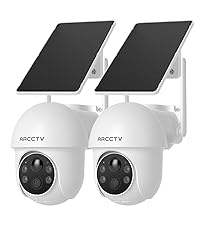
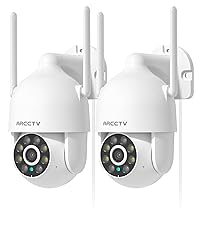
This manual provides detailed instructions for the installation, operation, and maintenance of your ARCCTV 2K Security Camera P2. Please read this manual thoroughly before using the product to ensure proper function and safety. The ARCCTV P2 camera offers advanced surveillance features including 2K Ultra HD video, 360° pan-tilt view, motion tracking, dual-band WiFi connectivity, two-way audio, and full-color night vision, all housed in an IP66 weatherproof design.
Кутуда эмне бар
ARCCTV 2K Security Camera P2 (2 Pack)
User Manual
Кубаттуу адаптер
Mounting Accessories (screws and anchors)
Mounting Sticker Template
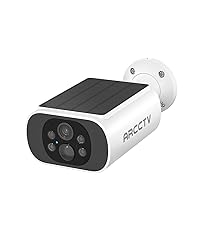
Image: The ARCCTV 2K Security Camera P2, showing its main unit and typical accessories like power cable and mounting hardware.
Өзгөчөлүктөрү
1. 2K Ultra HD & Full Color Night Vision
The camera captures video in crystal-clear 2K resolution (2304x1296p), providing enhanced detail. It features a built-in spotlight that activates full-color night vision, allowing for vivid monitoring even in low-light conditions. Infrared night vision is also available for discreet surveillance.
Image: Visual comparison demonstrating the superior clarity of 2K resolution from the ARCCTV camera compared to standard 1080p.
Image: A split image showing the difference between full-color night vision (left) and traditional infrared night vision (right) in a residential setting.
2. 360° Pan-Tilt & Auto Motion Tracking
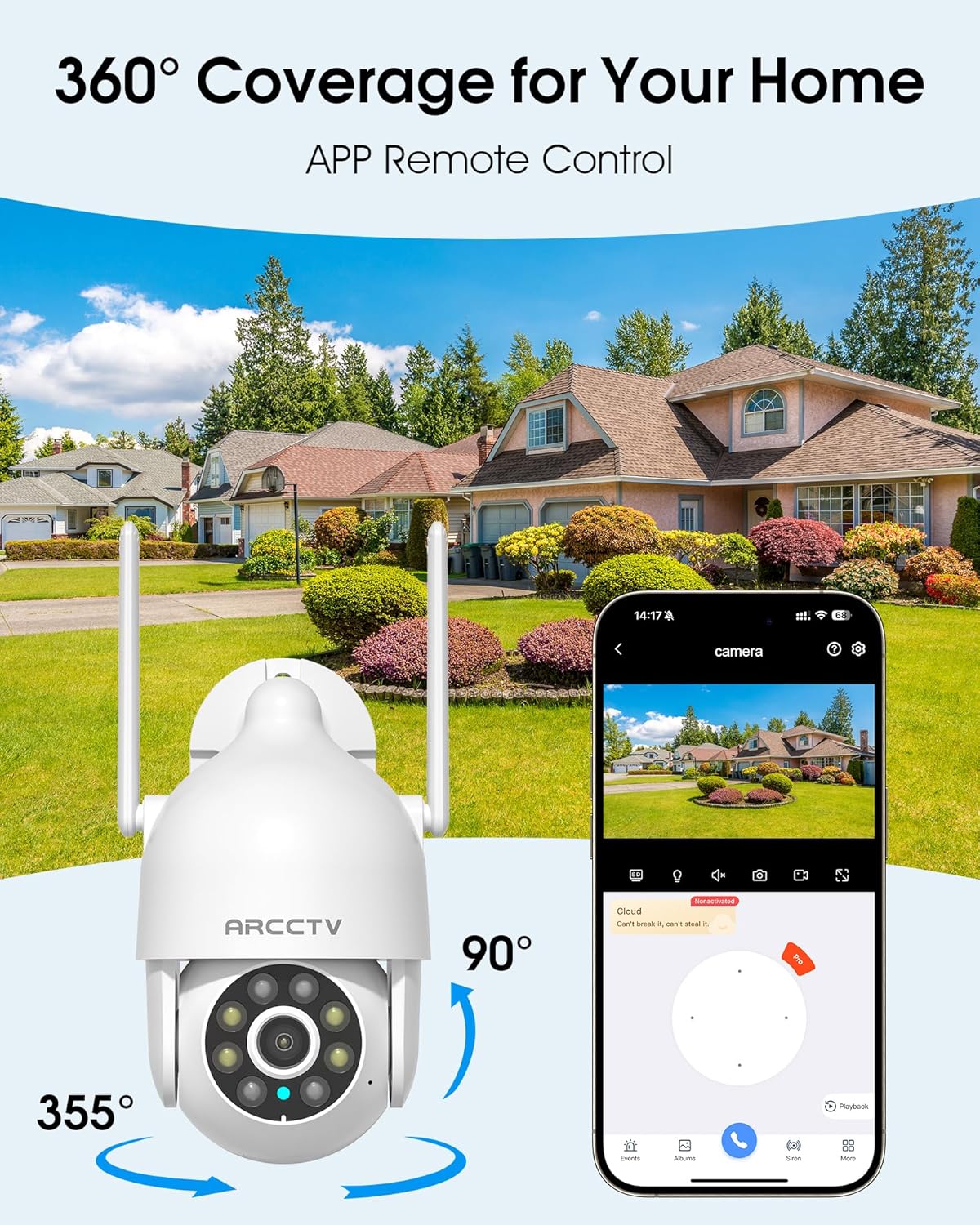
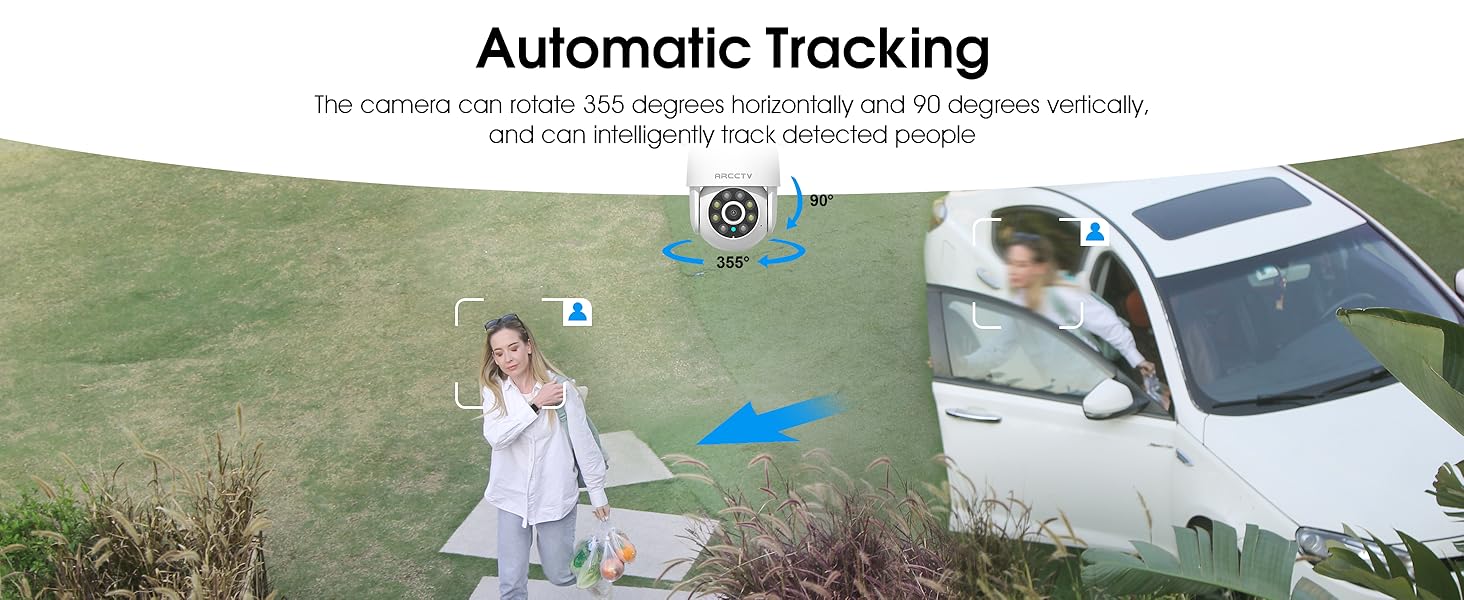
The camera can be controlled remotely to rotate 355° horizontally (pan) and 90° vertically (tilt), providing comprehensive coverage of your monitored area. Smart AI motion tracking automatically detects and follows movement, ensuring that any activity is recorded.
Image: An illustration of the camera's 360-degree pan and tilt capabilities, controlled via a smartphone application, overlooking a residential area.
Image: A person walking past a building, with the camera's smart motion tracking highlighting their movement.
Image: A security camera automatically tracking a person walking in a garden, demonstrating its intelligent tracking capabilities.
3. Dual-Band WiFi (2.4G/5G) & Stable Connection
The camera supports both 2.4GHz and 5GHz WiFi bands, offering faster and more reliable connectivity. This dual-band support helps reduce lag and ensures smooth live streaming and video playback.
Image: An illustration showing the camera's dual-band WiFi antennas, indicating support for both 2.4GHz (larger range) and 5GHz (faster speeds) networks.
4. Two-Way Audio & IP66 Weatherproof
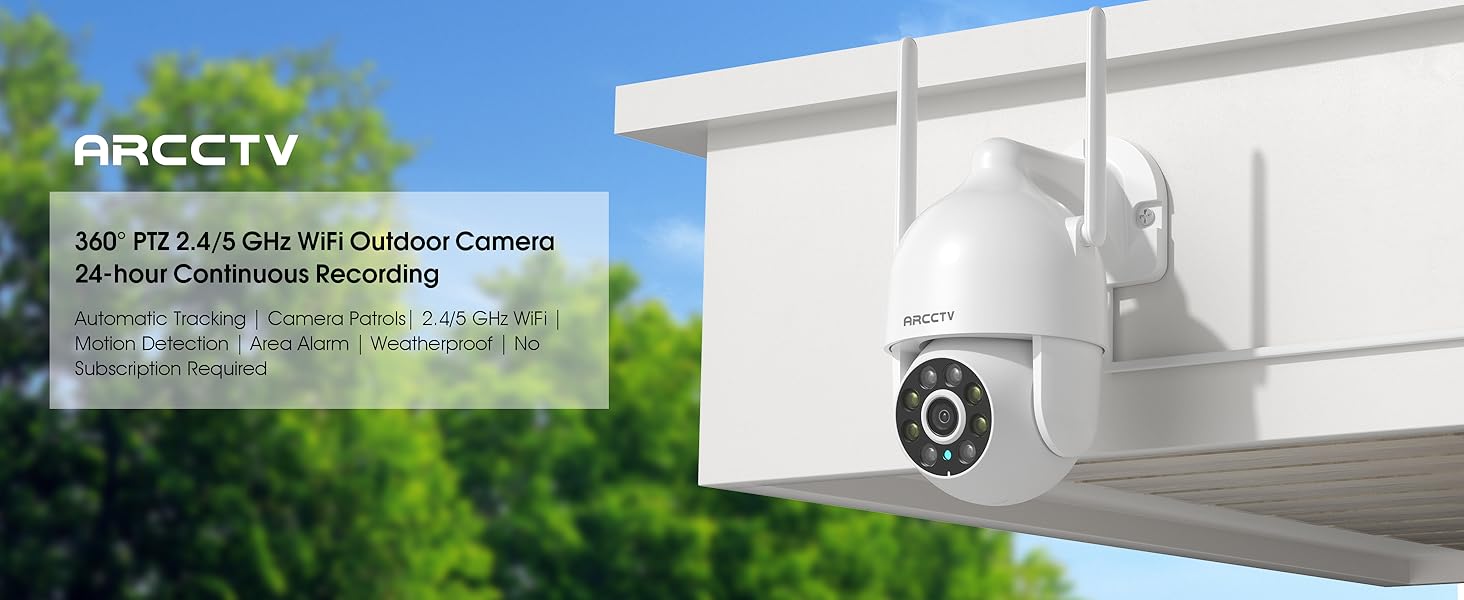
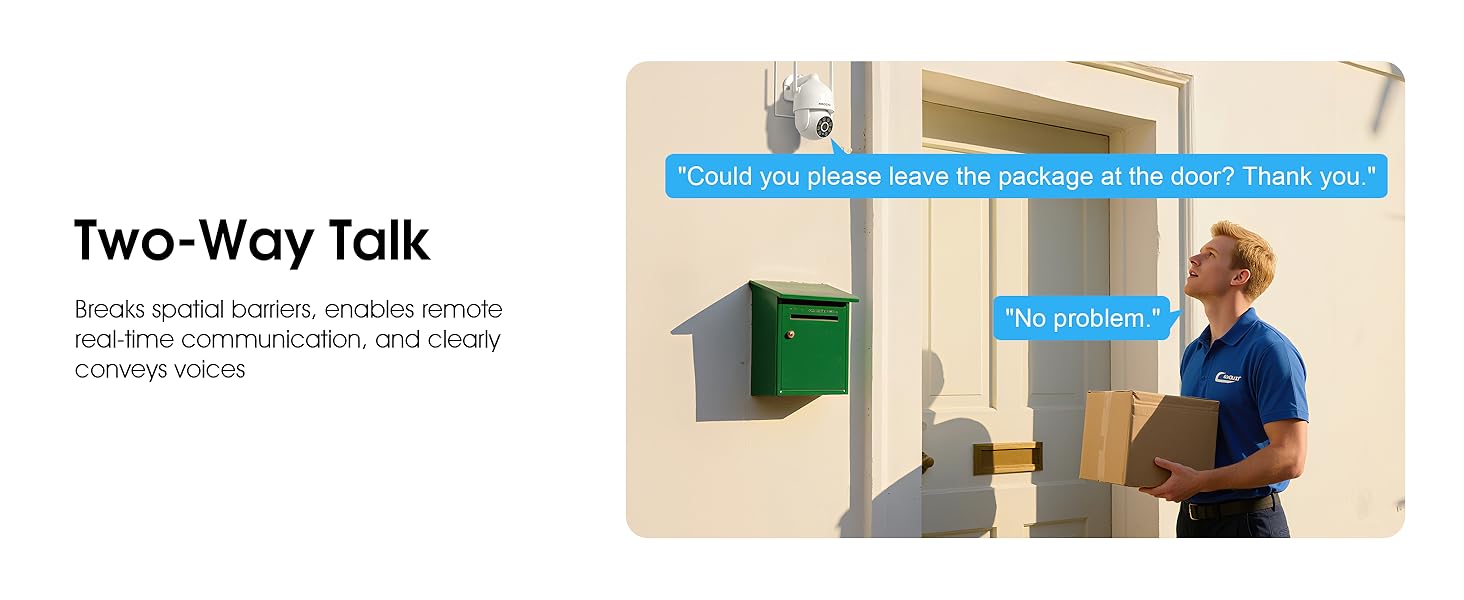
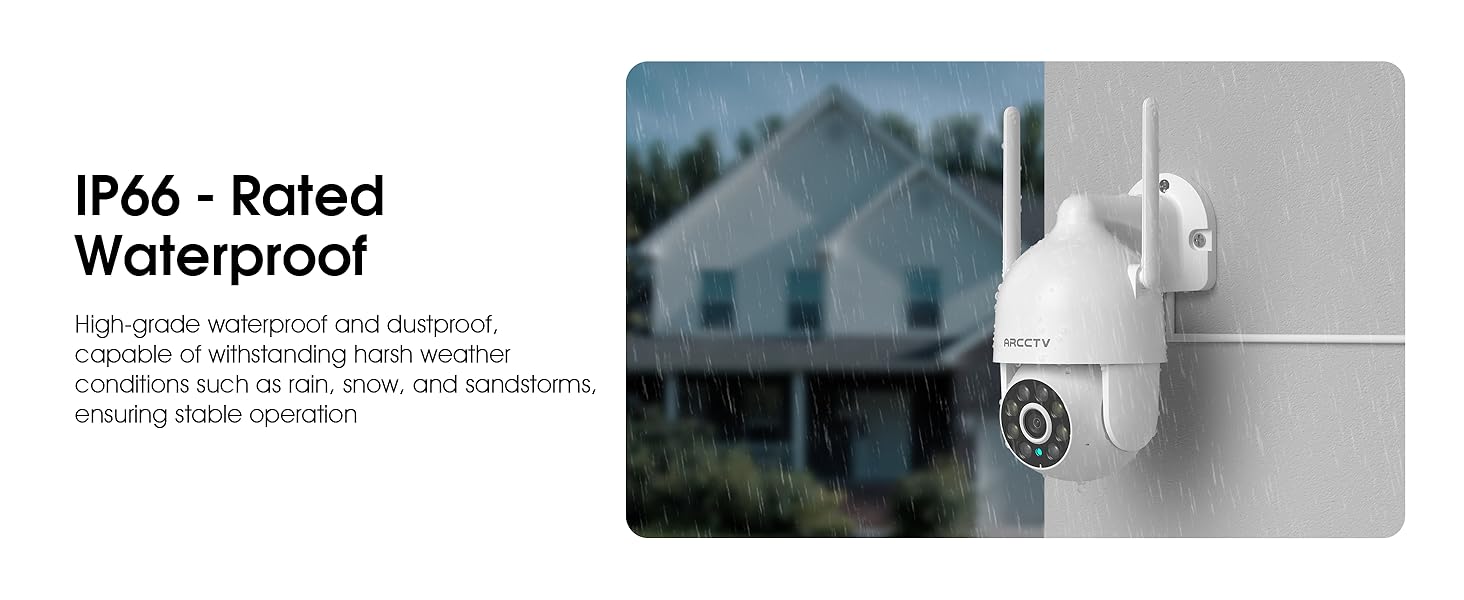
Equipped with a built-in microphone and speaker, the camera enables clear two-way communication. This feature is useful for greeting visitors or deterring intruders. The camera also boasts an IP66 waterproof rating, ensuring durability and reliable operation in various weather conditions, including rain, snow, and extreme temperatures (-4°F to 122°F).
Image: The ARCCTV camera mounted outdoors, with a visual representation of rain and snow, highlighting its IP66 weatherproof capability.
Image: A person speaking to a delivery driver via the camera's two-way audio feature, demonstrating remote communication.
5. Ийкемдүү сактоо параметрлери
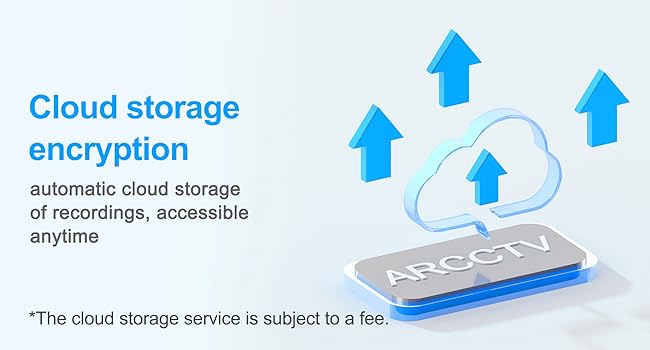
The camera supports local storage via a microSD card (up to 128GB, not included) for continuous recording. Additionally, secure cloud storage options are available (subscription may be required) for remote access and backup of your footage.
Image: A close-up of the camera showing the microSD card slot, indicating support for up to 128GB local storage.
Image: An illustration depicting cloud storage encryption, showing data being uploaded to a cloud server for secure access.
6. Instant Alerts & Siren
Receive real-time notifications on your smartphone when motion is detected. The camera can also activate a powerful spotlight (300 Lumens) and a siren warning to deter potential intruders, providing an immediate response to suspicious activity.
Image: A security camera detecting an intruder at night, activating its spotlight and siren, with icons for 300 Lumens, Siren Warning, and 2-Way Audio.
7. Smart Home интеграциясы
The ARCCTV P2 camera is compatible with Alexa, allowing you to check the monitoring screen at any time using voice control. This provides convenient access to your security feed.
Image: A person using an Alexa-enabled device to view the camera feed, demonstrating voice control compatibility.
Орнотуу колдонмосу
Камераны таңгактан чыгаруу: Carefully remove all components from the packaging. Verify that all items listed in "What's in the Box" are present.
Күйгүзүү: Connect the camera to the provided 5V1A power supply. The camera will initiate its startup sequence.
Колдонмону жүктөп алыңыз: Download the ARCCTV or Eseecloud app from your smartphone's app store (iOS or Android).
Каттоо эсеби: Колдонмону ачып, жаңы аккаунтка катталыңыз же сизде мурунтан эле бар болсо кириңиз.
Түзмөк кошуу: Жаңы камераңызды кошуу үчүн колдонмодогу көрсөтмөлөрдү аткарыңыз. Бул, адатта, камерадагы QR кодун сканерлөөнү же анын идентификаторун кол менен киргизүүнү камтыйт.
Тармак туташуусу: Connect the camera to your home WiFi network. The camera supports both 2.4GHz and 5GHz bands. Ensure your smartphone is connected to the same network during setup.
Монтаждоо (кошумча):
Choose a suitable outdoor or indoor location for optimal viewing and power access.
Use the provided mounting sticker template to mark drill holes on the wall.
Тешиктерди бургула жана дубалдын анкерлерин салгыла.
Secure the camera's mounting base with the provided screws.
Баштапкы конфигурация: Adjust camera settings such as motion detection zones, alert preferences, and recording schedules within the app.
Image: A person installing the ARCCTV camera on an exterior wall, demonstrating the ease of setup.
Иштөө нускамалары
Live View жана Pan-Tilt башкаруусу
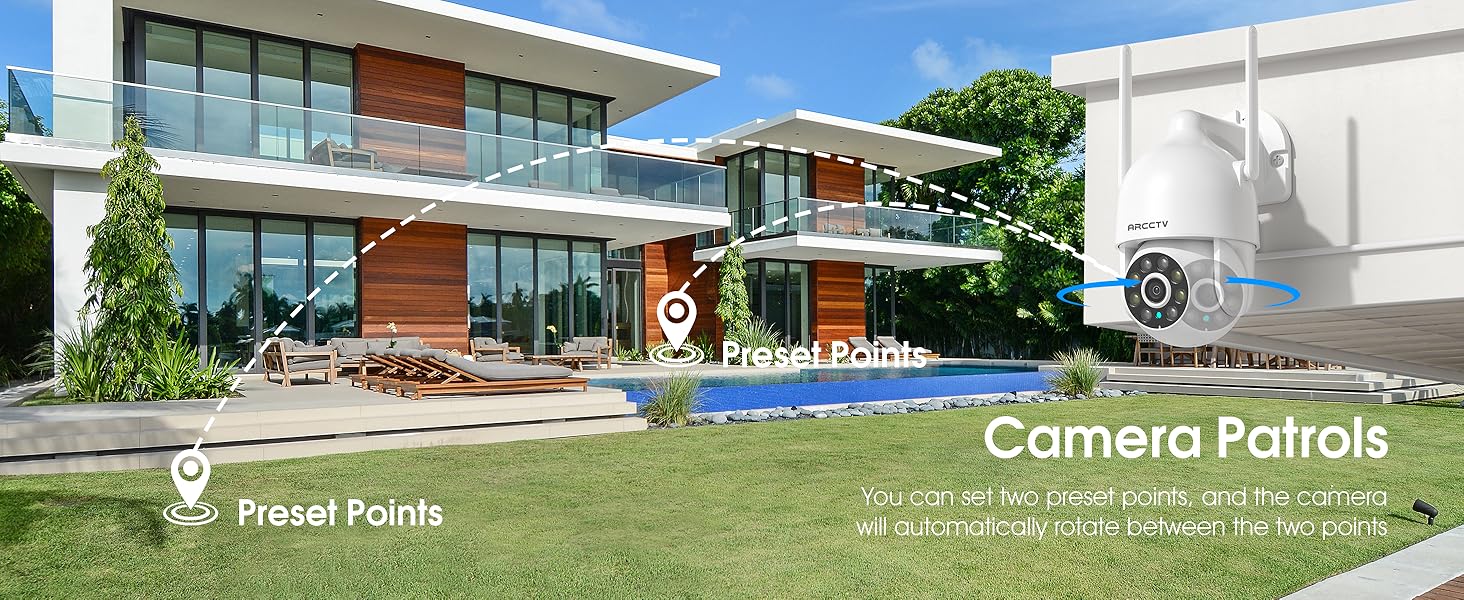
Open the ARCCTV/Eseecloud app and select your camera to access the live view. Use the on-screen joystick or swipe gestures to pan (355° horizontal) and tilt (90° vertical) the camera lens to adjust your viewing angle. You can also set preset points for quick navigation.
Эки тараптуу аудио
Түз эфирде view, камеранын динамиги аркылуу сүйлөө үчүн колдонмодогу микрофон сүрөтчөсүн таптаңыз. Камеранын айланасынан аудио угуу үчүн динамик сүрөтчөсүн таптаңыз.
Кыймылды аныктоо жана көзөмөлдөө
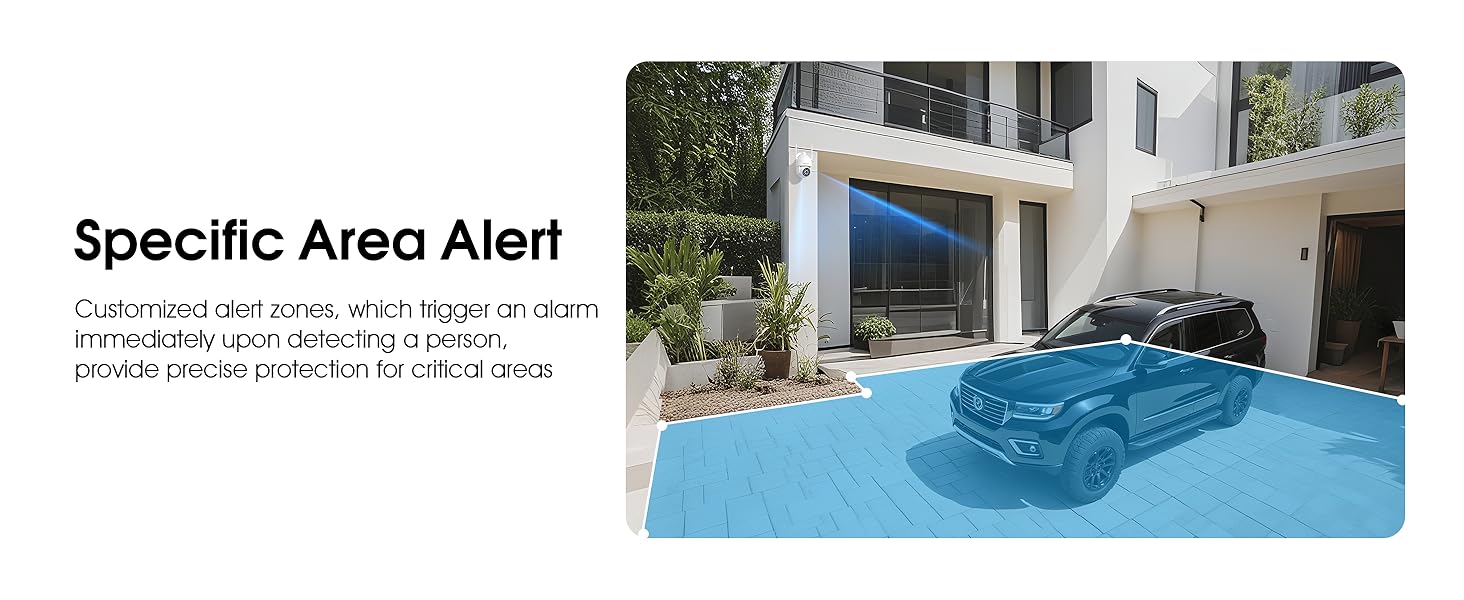
Enable motion detection in the app settings. The camera will automatically track detected movement and send real-time notifications to your phone. You can customize detection sensitivity and define specific alert zones to minimize false alarms.
Video: Demonstrates the ARCCTV 24/7 Security Camera's features, including motion detection, real-time notifications, two-way audio, and IP65 waterproof rating. This video highlights how the camera responds to detected movement with alerts and communication capabilities.
Түнкү көрүү режимдери
The camera automatically switches to night vision in low light. You can configure it for full-color night vision (using the built-in spotlight) or infrared night vision (black and white) via the app settings.
Жаздыруу жана ойнотуу
Recordings are stored on the inserted microSD card or in the cloud (if subscribed). Access recorded footagколдонмонун ойнотуу функциясы аркылуу. Сиз кайра жасай аласызview датасы жана убактысы боюнча иш-чаралар.
Siren Activation
In case of an emergency or to deter intruders, you can manually activate the camera's siren and spotlight through the app.
Үй-бүлөлүк бөлүшүү
The app supports multi-member sharing, allowing authorized family members to view the camera feed and receive alerts. This feature can be configured in the app's user management settings.
Image: An illustration showing multiple family members accessing the camera feed on their smartphones, highlighting the family sharing function.
Техникалык тейлөө
Тазалоо: Сүрөттүн сапатын так сактоо үчүн камеранын линзасын жумшак, кургак чүпүрөк менен үзгүлтүксүз сүртүп туруңуз. Күчтүү химиялык заттарды колдонбоңуз.
Программалык камсыздоонун жаңыртуулары: Check the app periodically for firmware updates to ensure optimal performance and security.
Кубат туташуу: Ensure the power cable is securely connected and free from damage.
Монтаждоо коопсуздугу: Periodically check the mounting screws to ensure the camera remains securely attached.
SD Card башкаруу: If using a microSD card, consider formatting it periodically through the app to maintain performance.
Check alert schedules and notification permissions on your phone.
Ensure no objects are obstructing the camera's view.
Эки тараптуу аудио иштебейт
Телефонуңуздагы колдонмо үчүн микрофондун жана динамиктин уруксаттарын текшериңиз.
Ensure volume levels are adequate.
Тармактын туруктуулугун текшериңиз.
Техникалык шарттар
Өзгөчөлүк
Деталь
Модель аты
P2
Видео тартуунун резолюциясы
2K (2304x1296p) / 1440p / 3 MP
Ички/тышкы колдонуу
Ички, сырткы
Байланыш технологиясы
Зымсыз (Wi-Fi)
Зымсыз байланыш технологиясы
Wi-Fi (2.4G/5G Dual-Band)
Power Source
5V1A электр менен жабдуу
Viewбурч
360 градус (355° панорама, 90° жантаюу)
Өзгөчөлүктөр
2-Way Audio, Auto Tracking, Spotlight, Siren, Full Color Night Vision
Суу өткөрбөйт рейтинги
IP66
Сактагыч параметрлери
Микро SD карта (128 ГБ чейин), Cloud Storage
Шайкеш түзмөктөр
Smartphone (iOS, Android), Alexa
Controller Type
ARCCTV App, Eseecloud App
Монтаж түрү
Дубалга орнотуу
Продукциянын өлчөмдөрү
7.8 x 6.6 x 5.3 дюйм
Элемент Салмагы
2.7 фунт
Кепилдик жана колдоо
For product support, technical assistance, or warranty inquiries, please contact ARCCTV customer service. While specific warranty details are not provided in this manual, general support can often be found through the manufacturer's official channels. For cloud service related inquiries, you may contact Support@arcctvlife.com.
Always refer to the official ARCCTV website or the app for the most up-to-date support information and resources.
Ask a question about this manual
Ask about setup, troubleshooting, compatibility, parts, safety, or missing instructions. Manuals+ will review the question and use this page’s manual context to help answer it.