
PGST PG-M18
PGST 2K Wireless Video Doorbell Camera (Model PG-M18) User Manual
Орнотуу, иштетүү жана тейлөө боюнча сиздин жол.
1. Киришүү
Thank you for choosing the PGST 2K Wireless Video Doorbell Camera. This device provides advanced home security with crystal-clear 2K video, AI motion detection, and convenient two-way audio communication. Designed for easy installation and reliable performance, it ensures you stay connected to your front door from anywhere.
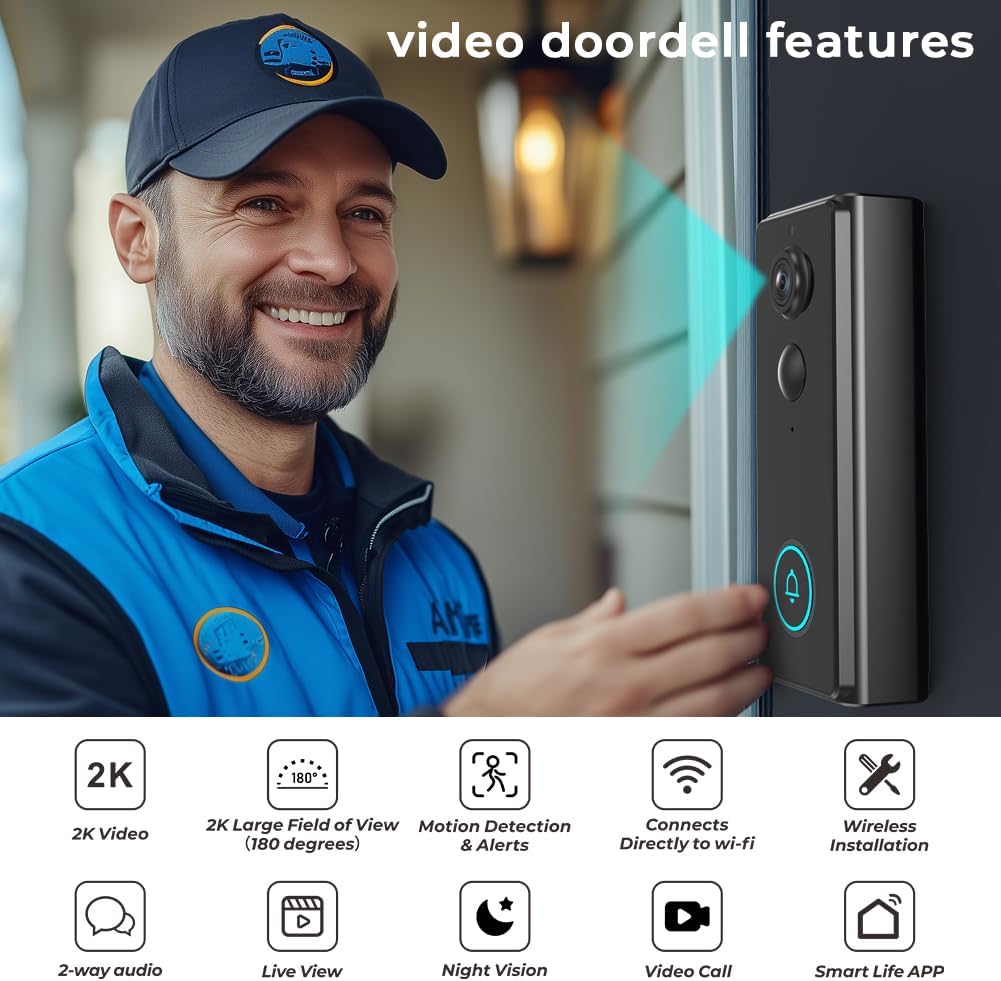
Сүрөт 1.1: The PGST 2K Wireless Video Doorbell Camera, showcasing its key features including 2K video, 180-degree field of view, motion detection, Wi-Fi connectivity, wireless installation, 2-way audio, live view, night vision, video call, and Smart Life App compatibility.
Негизги өзгөчөлүктөрү:
- 2K High Resolution Video: Capture clear details with 2K resolution and 2x digital zoom.
- Кыймылды аныктоо: Жасалма интеллект Receive instant alerts and snapshots when motion is detected.
- Башынан аягына чейин View & Night Vision: A wide 180-degree viewing angle and up to 32 feet of night vision for comprehensive coverage.
- Зымсыз орнотуу: Built-in 4000mAh battery for wire-free setup.
- Two-Way Audio & Live View: Communicate with visitors and monitor your doorstep in real-time via the app.
- IP65 аба ырайы: Ар кандай аба ырайынын шарттарында сыртта колдонуу үчүн бышык дизайн.
- Ай сайын төлөм жок: Local storage options available.
2. Пакеттин мазмуну
Сураныч, бардык буюмдар бар экенин жана жакшы абалда экендигин текшерүү үчүн пакетти кылдат текшериңиз.
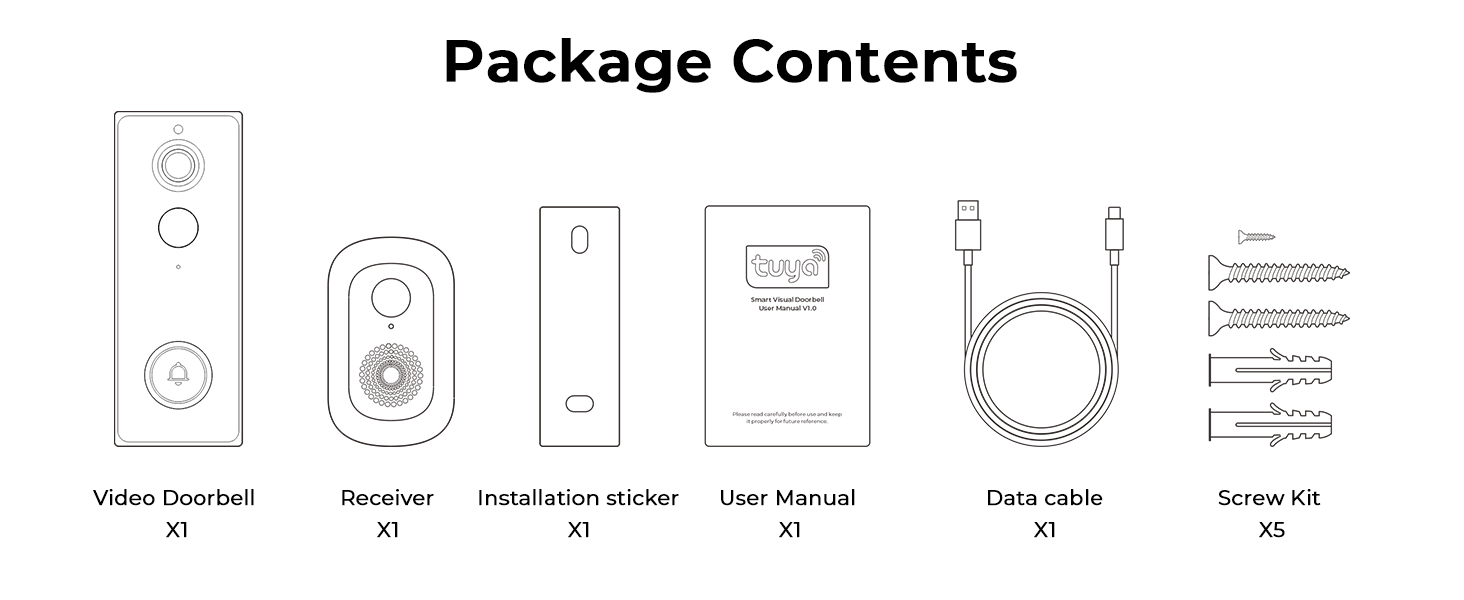
Сүрөт 2.1: Contents of the PGST Video Doorbell package, including the Video Doorbell, Receiver (Chime), Installation Sticker, User Manual, Data Cable (Type-C), and Screw Kit.
- Video Doorbell (x1)
- Chime (Receiver) (x1)
- Installation Hardware (Screws, Wall Anchors) (x1 set)
- Колдонуучунун колдонмосу (x1)
- Кубаттоочу кабель (С түрү) (x1)
3. Орнотуу жана орнотуу
3.1. Эшиктин коңгуроосун кубаттоо
Before installation, fully charge the doorbell using the provided Type-C charging cable. The built-in 4000mAh battery ensures long-lasting performance.
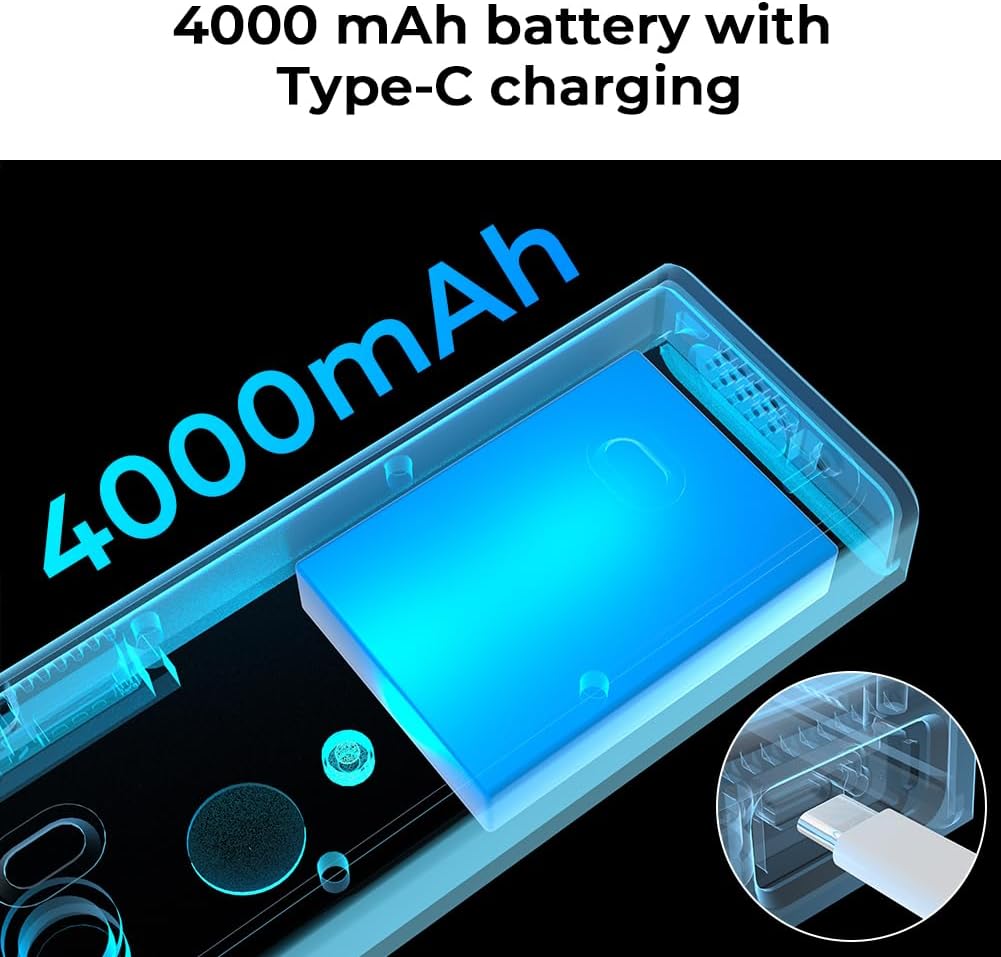
Сүрөт 3.1: Illustration of the doorbell's internal 4000mAh battery and its Type-C charging capability.
3.2. Колдонмону жүктөп алуу жана жупташтыруу
- жүктөп алыңыз Smart Life смартфонуңуздун колдонмолор дүкөнүнөн колдонмо (Android жана iOS түзмөктөрүндө жеткиликтүү).
- Smart Life аккаунтуңузга катталыңыз же кириңиз.
- Follow the in-app instructions to add your new PGST Video Doorbell. Ensure your phone is connected to a 2.4GHz Wi-Fi network during pairing.
3.3. Эшиктин коңгуроосун орнотуу
The doorbell offers two installation methods: screw mounting or self-adhesive mounting.
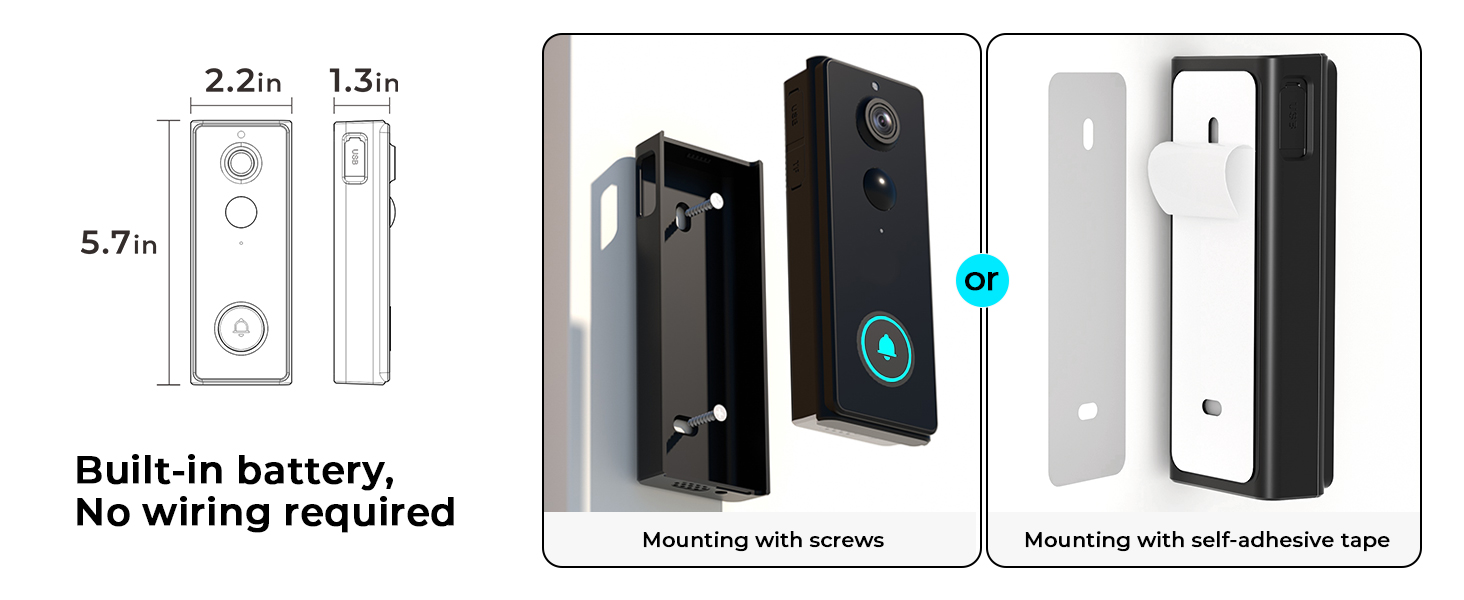
Сүрөт 3.2: Two mounting options for the doorbell: using screws for a permanent fixture or self-adhesive tape for easier installation.
- Бурама орнотуу: Use the provided installation hardware to securely attach the doorbell to your wall. This method is recommended for long-term stability.
- Өзү жабышчаак монтаждоо: For a less permanent solution, use the strong adhesive tape to attach the doorbell to a clean, flat surface.
3.4. Коңгуроо орнотуу
Plug the Chime into a standard wall outlet inside your home. It will automatically pair with your doorbell. The chime extends connectivity and provides an audible notification when the doorbell is pressed.

Сүрөт 3.3: The doorbell chime plugged into a wall socket, indicating its role in providing audible notifications.
4. Иштөө нускамалары
4.1. Түз эфир View жана эки тараптуу аудио
Access the live feed from your doorbell camera anytime through the Smart Life app. When a visitor presses the doorbell or motion is detected, you can initiate a two-way conversation directly from your smartphone.

Сүрөт 4.1: A user engaging in two-way audio communication with a visitor at their door using the smartphone app.
4.2. Кыймылды аныктоо жана эскертүүлөр
The doorbell features advanced AI motion detection. When movement is detected at your door, the camera captures a snapshot or video and sends an immediate alert to your Smart Life app, reducing false alarms.

Сүрөт 4.2: A smartphone screen showing a real-time motion detection alert with a live view эшиктин коңгуроосунун камерасынан.
4.3. 2K Video and Zoom
The doorbell records in 2K resolution, providing clear and detailed footage. You can use the 2x digital zoom feature within the app to get a closer look at specific areas.
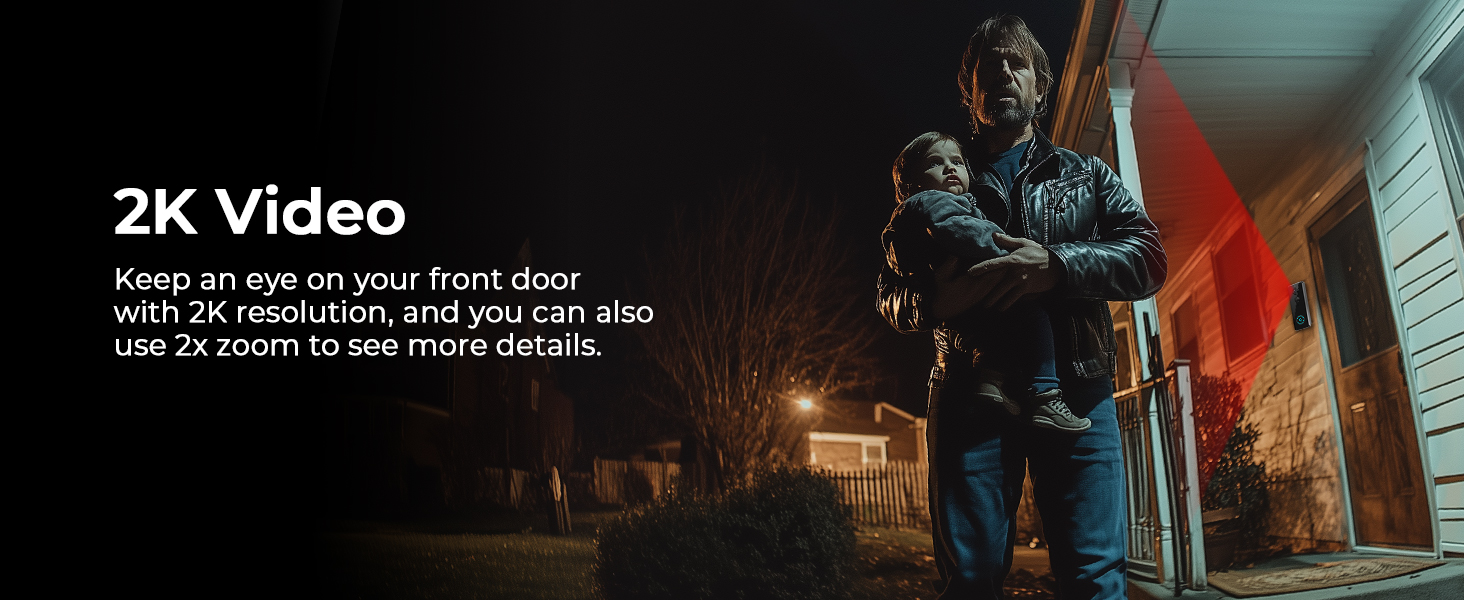
Сүрөт 4.3: Мурункуample of 2K video quality, showing a clear image of a person at the doorstep even in low light conditions.
4.4. Түнкү көрүнүш
Equipped with advanced night vision technology, the doorbell provides clear visibility up to 32 feet, even in complete darkness, ensuring your property is monitored 24/7.

Сүрөт 4.4: A clear night vision view of a visitor at the door, highlighting the doorbell's ability to capture images in low-light environments.
4.5. Voice Simulation
Utilize the voice simulation feature to protect your privacy or deter unwanted visitors by using pre-recorded messages or a modified voice during two-way communication.
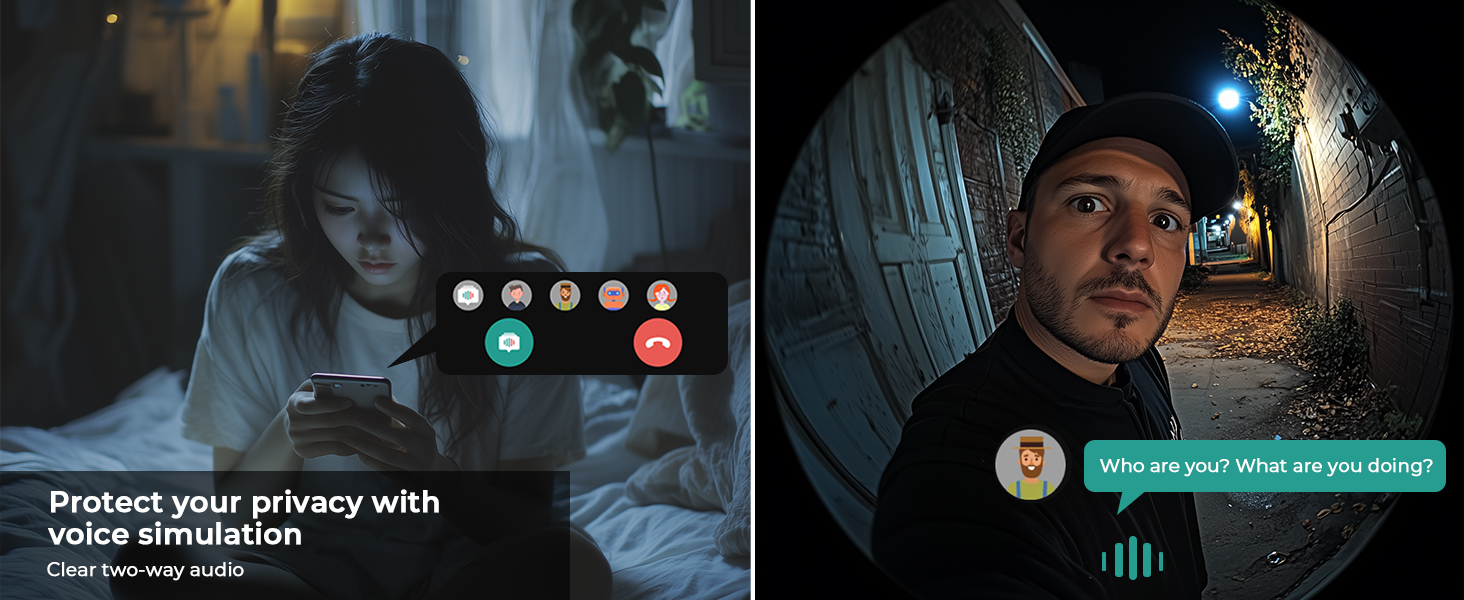
Сүрөт 4.5: A visual representation of the voice simulation feature, allowing users to communicate with visitors while maintaining privacy.
4.6. Visitor History
The Smart Life app stores a history of visitors and events, allowing you to review footage from the past 30 days at your convenience.

Сүрөт 4.6: Multiple smartphone views illustrating the visitor history log, showing different individuals captured by the doorbell over time.
4.7. Түзмөктү бөлүшүү
Share access to your doorbell camera with family members through the Smart Life app, allowing multiple users to monitor and interact with visitors.

Сүрөт 4.7: An illustration of the device sharing feature, enabling multiple family members to access and control the doorbell camera from different locations.
4.8. Сактоо параметрлери
The doorbell supports local storage for photos without a monthly fee. Cloud storage for video recordings is available separately.

Сүрөт 4.8: A visual representation emphasizing that local security features come with no monthly fees.
5. Техникалык тейлөө
5.1. Батареяга кам көрүү
- Recharge the doorbell's built-in 4000mAh battery using the provided Type-C cable when the battery level is low.
- Avoid exposing the doorbell to extreme temperatures for prolonged periods, as this can affect battery life.
5.2. Тазалоо
- Wipe the camera lens and doorbell surface with a soft, damp чаңды жана кирди тазалоо үчүн кездеме.
- Do not use harsh chemicals or abrasive cleaners, as they may damage the device.
5.3. Аба ырайынын таасиринен коргоо
The PGST Video Doorbell is rated IP65 weatherproof, meaning it is protected against dust and water jets. It is designed to withstand various outdoor conditions.

Сүрөт 5.1: The doorbell camera installed outdoors during rainfall, demonstrating its IP65 waterproof rating and resistance to various weather conditions.
6. Кыйынчылыктарды
If you encounter issues with your PGST Video Doorbell, please refer to the following common solutions:
| Көйгөй | Мүмкүн себеп | Чечим |
|---|---|---|
| Эшиктин коңгуроосу Wi-Fi'га туташпай жатат | Incorrect Wi-Fi password; 5GHz Wi-Fi network; too far from router. | Ensure correct 2.4GHz Wi-Fi password. Move doorbell closer to router. Restart router and doorbell. |
| Кыймылды аныктоо эскертүүлөрү жок | Motion detection disabled; app notifications off; low battery. | Check app settings for motion detection and notification preferences. Ensure doorbell battery is charged. |
| Видеонун сапаты начар | Dirty lens; weak Wi-Fi signal; network congestion. | Clean the camera lens. Improve Wi-Fi signal strength. Reduce network traffic. |
| Коңгуроо кагылбай жатат | Коңгуроо суурулган; жупташтырылган эмес; үнү өтө төмөн. | Ensure chime is plugged in. Re-pair chime if necessary (refer to chime manual). Adjust chime volume. |
| Колдонмо менин аймагымда жеткиликсиз | Regional restrictions for the Smart Life app. | Verify that the Smart Life app is available in your country's app store. Contact PGST support if issues persist. |
7. Техникалык шарттар
Detailed technical specifications for the PGST 2K Wireless Video Doorbell Camera (Model PG-M18).
| Өзгөчөлүк | Деталь |
|---|---|
| Модель номери | PG-M18 |
| Video Resolution | 2K (макс. 5MP) Webкамеранын сүрөтүнүн чечилиши) |
| Viewбурч | 180 градус |
| Түнкү көрүү диапазону | Up to 32 Feet (Night Color Technology) |
| Масштабды көбөйтүү | 2x Digital Zoom |
| Байланыш | 2.4 ГГц Wi-Fi |
| Power Source | Built-in 4000mAh Battery, Type-C Charging |
| Аба ырайына каршылык | IP65 Аба ырайы |
| Аудио | Two-Way Audio with Voice Simulation |
| Сактагыч | Local (Photos), Cloud (Videos - separate subscription) |
| Өлчөмдөрү (L x W x Y) | 1.25 x 2.8 x 5.5 дюйм |
| Салмагы | 11.2 унция |
| Камтылган компоненттер | Video Doorbell, Chime, Installation Hardware, User Manual, Charging Cable |
8. Кепилдик жана колдоо
8.1. Кепилдик маалыматы
Please refer to the warranty card included in your package or contact PGST customer service for detailed warranty terms and conditions. Keep your proof of purchase for warranty claims.
8.2. Кардарларды колдоо кызматы
For technical assistance, troubleshooting, or any questions regarding your PGST Video Doorbell, please contact PGST customer support through the contact information provided in your product packaging or on the official PGST website. You can also find helpful resources within the Smart Life app.
Ask a question about this manual
Ask about setup, troubleshooting, compatibility, parts, safety, or missing instructions. Manuals+ will review the question and use this page’s manual context to help answer it.