
KTC H27D9
KTC H27D9 27-inch QHD IPS Monitor User Manual
Model: H27D9
1. Продукт бүтүп калдыview
The KTC H27D9 is a 27-inch QHD (2560x1440) computer monitor designed for both home office and gaming use. It features an IPS panel for wide viewing angles and excellent color reproduction, a high refresh rate, and adaptive sync technology for a smooth visual experience. This manual provides detailed instructions for setup, operation, maintenance, and troubleshooting.

Сүрөт 1: Алдыңкы view of the KTC H27D9 monitor, showcasing its 27-inch QHD IPS display with 120Hz refresh rate, 1300:1 contrast, and HDR10 support.
2. Пакеттин мазмуну
Пакетиңизде бардык буюмдар бар экенин текшериңиз:
- 27" 2K QHD Monitor (x1)
- Монитор стенди (x1)
- HDMI кабели (x1)
- Кубат адаптери (x1)
- Тез баштоо боюнча колдонмо (QSG) (x1)
3. Орнотуу нускамалары
3.1 Монитордун стендди чогултуу
- Мониторду жана стенд компоненттерин таңгактан этияттык менен алып салыңыз.
- Берилген бурамалар аркылуу стенд негизин стенд мойнуна бекитиңиз.
- Align the assembled stand with the mounting slot on the back of the monitor and secure it firmly.
3.2 Мониторду туташтыруу
The KTC H27D9 monitor offers multiple connectivity options:
- HDMI: Connect one end of the provided HDMI cable to an HDMI 2.0 port on your computer or device, and the other end to one of the two HDMI 2.0 ports on the monitor.
- DisplayPort: Connect a DisplayPort 1.4 cable (not included) to the DisplayPort 1.4 port on your computer or device, and the other end to the DisplayPort 1.4 port on the monitor.
- Аудио чыгаруу: For external audio, connect headphones or external speakers to the 3.5mm earphone jack on the monitor.
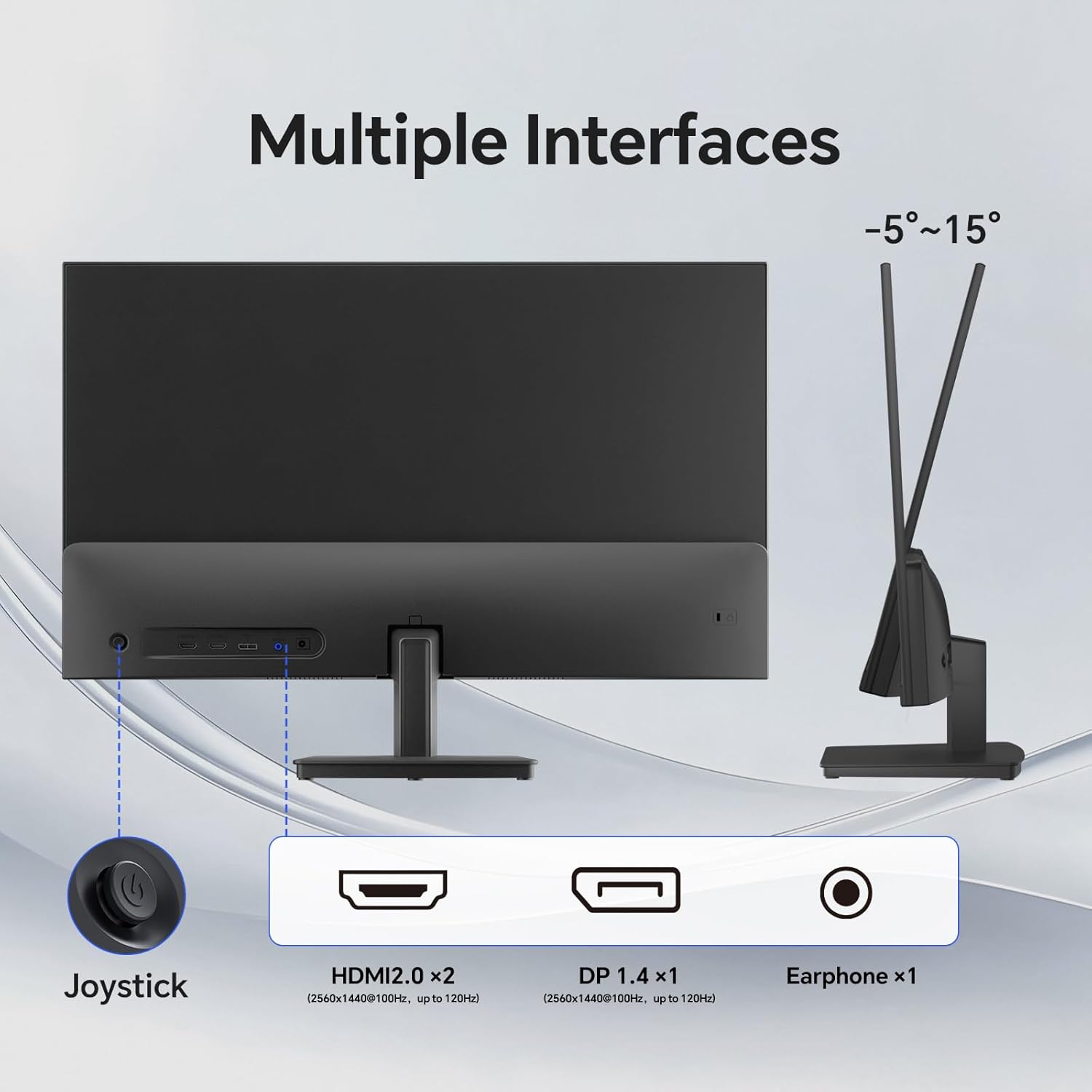
2-сүрөт: Арткы view of the KTC H27D9 monitor, illustrating the location of the HDMI 1, HDMI 2, DisplayPort 1.4, and Earphone ports, along with the joystick control.
3.3 Күйгүзүү
- Connect the power adapter to the monitor's DC input and then plug the adapter into a power outlet.
- Press the joystick button located on the back of the monitor to power it on.
4. Иштөө нускамалары
4.1 Экрандык менюнун навигациясы
The monitor's On-Screen Display (OSD) menu is controlled by a single joystick button located on the back of the monitor. This joystick allows for intuitive navigation and adjustment of settings.
- Пресс: Press the joystick inward to confirm a selection or enter a sub-menu.
- Өйдө/төмөн: Push the joystick up or down to navigate through menu options or adjust values.
- Сол оң: Push the joystick left or right to navigate through menu options or adjust values.
- Hold (3 seconds): Hold the joystick inward for approximately 3 seconds to power the monitor off.
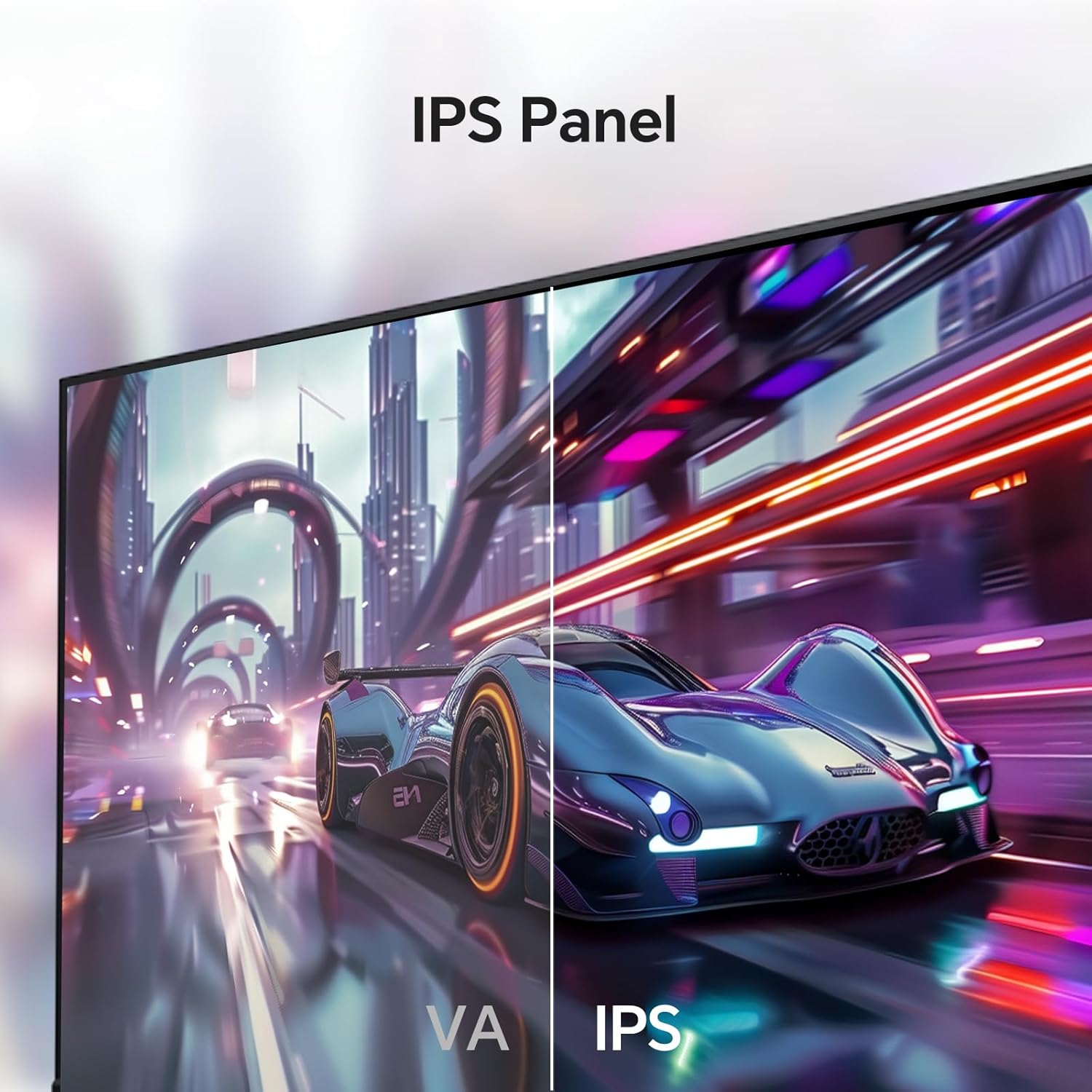
Figure 3: The OSD menu interface on the KTC monitor, showing options for Display, Color, Gaming Setup, Advanced Settings, Input, and System Set. The joystick control is used for navigation.
4.2 Дисплей орнотуулары
Adjust visual parameters for optimal viewing:
- Жарыктык: Экрандын жалпы жарыктыгын көзөмөлдөйт.
- Контраст: Adjusts the difference between the brightest and darkest areas.
- Black Equalize: Караңгы көрүнүштөрдө көрүнүүнү жакшыртат.
- Аспект катышы: Select between Full or Native display modes.
- Айкындыгы: Adjusts the clarity of image edges.
- Professional Modes: Pre-set display modes for various uses.
4.3 Түс орнотуулары
Fine-tune color accuracy and vibrancy:
- Түс температурасы: Adjusts the warmth or coolness of colors.
- гамма: Controls the tone response curve.
- Hue/Saturation: Adjusts specific color properties.
4.4 Оюн орнотуулары
Optimize your gaming experience:
- Adaptive-Sync: Enable/Disable FreeSync/G-Sync compatibility to eliminate screen tearing and stuttering.
- Overdrive: Adjusts pixel response time for reduced motion blur.
- Оюндун жардамчысы: Provides on-screen overlays like crosshairs.
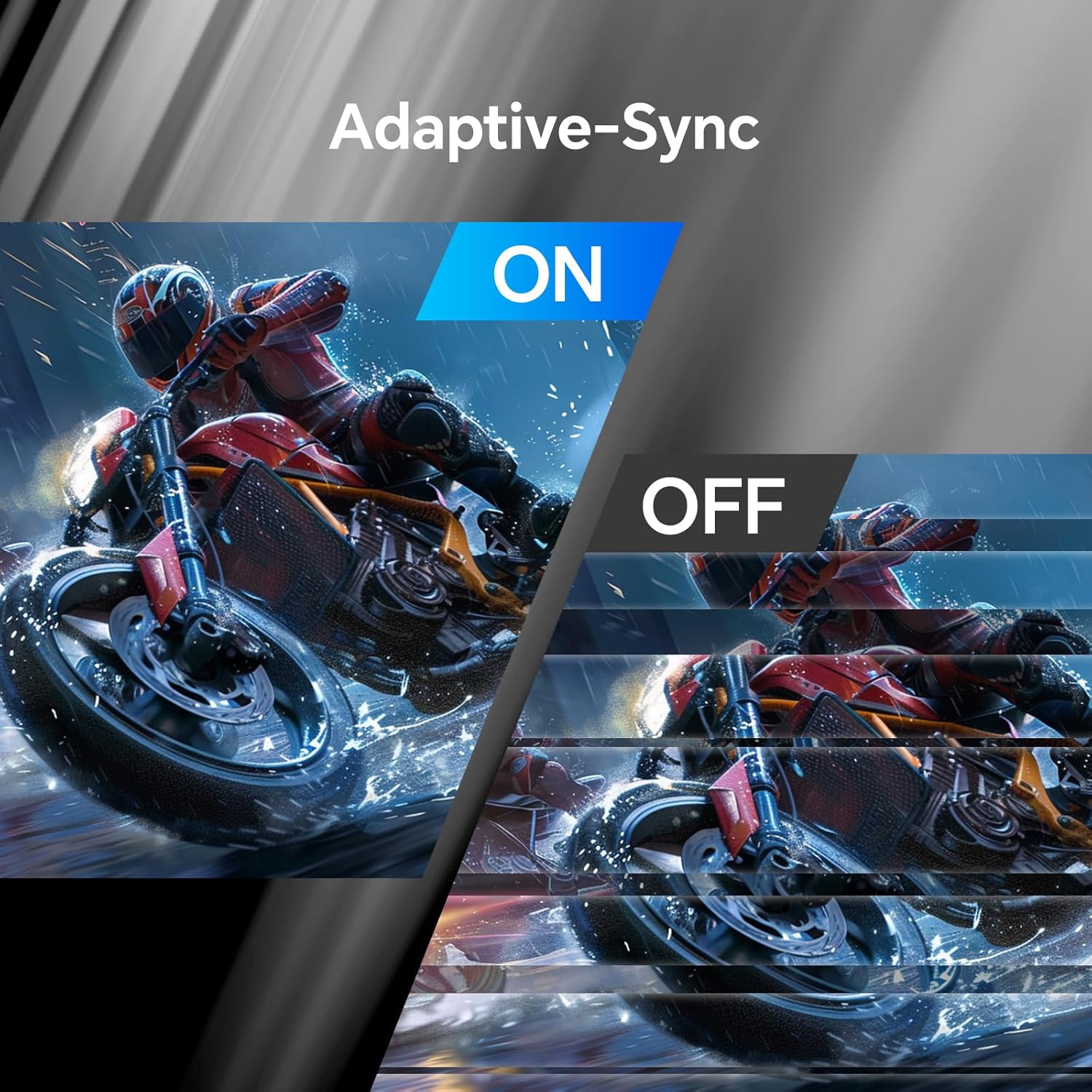
Figure 4: Visual representation of Adaptive-Sync technology, showing the difference between the feature being off (screen tearing) and on (smooth image).
4.5 Киргизүүнү тандоо
Manually select the active input source:
- Авто: Automatically detects the active input.
- DP: Select DisplayPort 1.4 input.
- HDMI1: Select HDMI 1 input.
- HDMI2: Select HDMI 2 input.
5. Техникалык тейлөө
To ensure the longevity and optimal performance of your KTC H27D9 monitor, follow these maintenance guidelines:
- Экранды тазалоо: Бир аз жумшак, түксүз кездемени колдонуңуз dampсуу же абразивдүү эмес экран тазалагыч менен иштетиңиз. Спирт же аммиак негизиндеги тазалагычтарды колдонуудан алыс болуңуз.
- Тазалоо Casing: Мониторду сүртүңүз casing жумшак, кургак чүпүрөк менен.
- Вентиляция: Ашыкча ысып кетүүнүн алдын алуу үчүн монитордогу желдетүү тешиктери жабылбаганын текшериңиз.
- Өчүрүү: Мониторду көпкө чейин колдонбогон учурда, аны ар дайым өчүрүп коюңуз.
6. Кыйынчылыктарды
Мониторуңузда көйгөйлөргө туш болсоңуз, төмөнкү жалпы көйгөйлөрдү жана чечимдерди караңыз:
| Көйгөй | Мүмкүн себеп | Чечим |
|---|---|---|
| Күч жок | Электр кабели туташкан эмес; розетка иштебей жатат. | Электр кабелинин бекем туташтырылганын текшериңиз. Розетканы башка түзмөк менен текшериңиз. |
| Сигнал жок | Киргизүү кабели туташкан эмес; Туура эмес киргизүү булагы тандалды. | Check HDMI/DisplayPort cable connections. Select the correct input source via the OSD menu. |
| Жаркылдаган экран | Flicker-Free technology not enabled; Cable issue. | Ensure Flicker-Free technology is enabled in OSD. Try a different HDMI/DisplayPort cable. |
| Сүрөттүн сапаты начар | Incorrect resolution; Brightness/Contrast settings. | Set display resolution to 2560x1440. Adjust Brightness and Contrast in OSD. |
| Screen Tearing | Adaptive-Sync not enabled. | Enable Adaptive-Sync in the Gaming Setup section of the OSD menu. |
7. Техникалык шарттар
| Өзгөчөлүк | Спецификация |
|---|---|
| Модель номери | H27D9 |
| Screen Size | 27 дюйм |
| Панел түрү | IPS |
| Резолюция | QHD (2560 x 1440 пиксел) |
| Аспект катышы | 16:9 |
| Жаңыртуу ылдамдыгы | 100Hz (Up to 120Hz Overclocked) |
| Жарыктык | 300 кд/м² |
| Контраст катышы | 1300:1 |
| Түс гаммасы | 99% sRGB |
| Түс колдоо | 16.7 млн Түстөр |
| HDR колдоо | HDR10 |
| Viewбурч | 178° (H/V) |
| Adaptive Sync | FreeSync and G-Sync Compatible |
| Байланыш | 2 x HDMI 2.0, 1 x DisplayPort 1.4, 1 x Earphone (3.5mm) |
| Эргономика | Tilt Adjustable (-5° to 15°) |
| VESA шайкештиги | 100 x 100 мм |
| Продукциянын өлчөмдөрү | 4 x 27 x 17 дюйм |
| Элемент Салмагы | 11.48 фунт |
8. Кепилдик жана колдоо
KTC monitors come with a үч жылдык кепилдик. For technical support, warranty claims, or any inquiries regarding your KTC H27D9 monitor, please contact KTC Customer Service through the official KTC website or your point of purchase. Ensure you have your model number (H27D9) and purchase details available when contacting support.

Figure 5: Steps to contact KTC customer support, typically involving visiting the product page or seller's store to ask a question.
Ask a question about this manual
Ask about setup, troubleshooting, compatibility, parts, safety, or missing instructions. Manuals+ will review the question and use this page’s manual context to help answer it.