
1. Продукт бүтүп калдыview
The wegear MW16-MS is a 2.4GHz wireless optical mouse designed for laptops, PCs, and Macs. It features 6 buttons, adjustable DPI settings, and an ergonomic design for comfortable use.
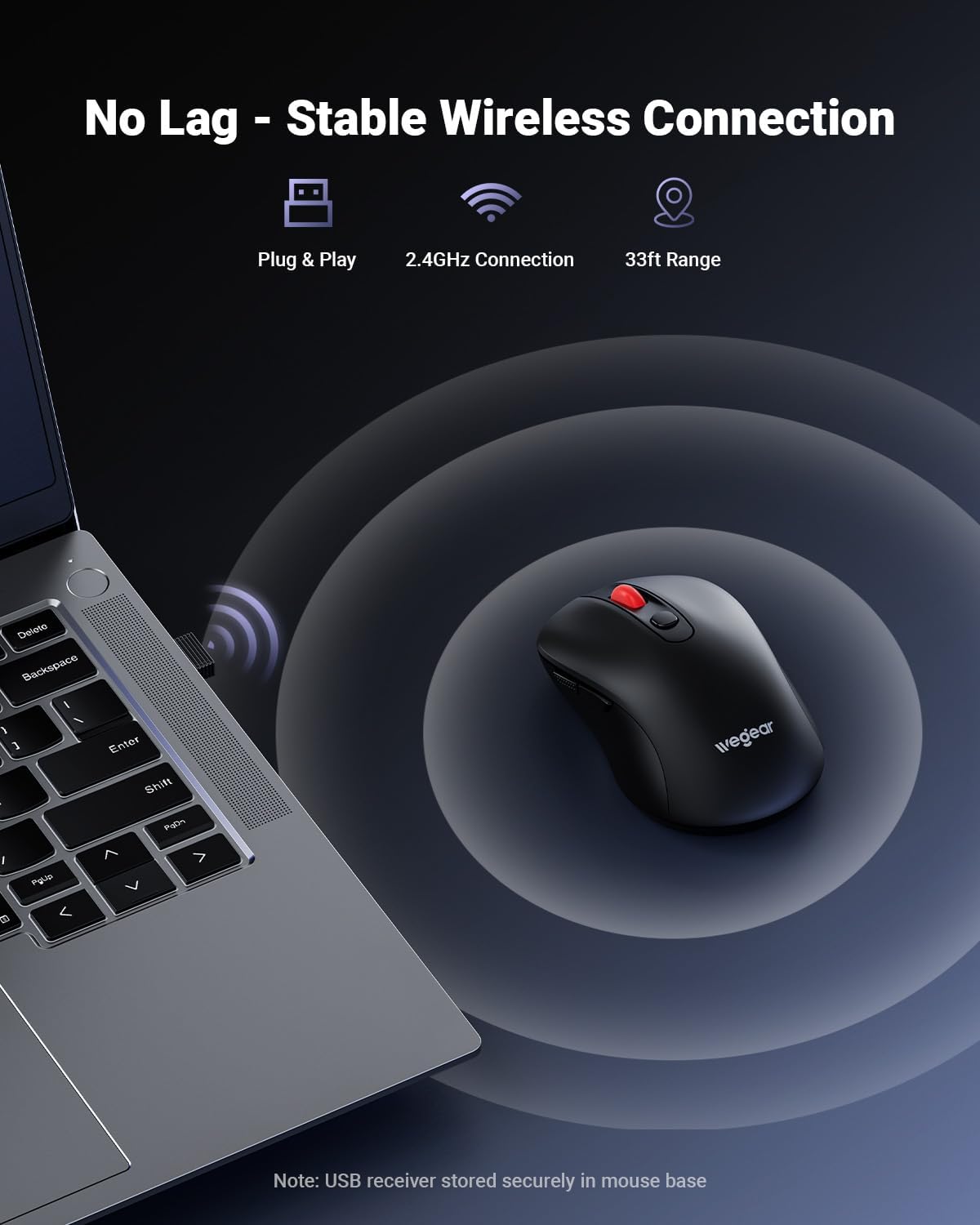
Image 1.1: The wegear MW16-MS wireless mouse shown with its USB receiver.
2. Пакеттин мазмуну
- wegear MW16-MS Wireless Mouse
- USB Receiver (stored at the bottom of the mouse)
- Instruction Manual
3. Орнотуу нускамалары
3.1. Батареяны орнотуу
- Чычкандын астыңкы жагындагы батарея бөлүкчөсүн табыңыз.
- Батарея уясынын капкагын ачыңыз.
- Бөлүмгө бир AA батарейкасын (кошулмага кирбейт) салып, туура полярдуулукту (+/-) камсыз кылыңыз.
- Батарея уясынын капкагын бекем жабыңыз.

Image 3.1: Illustration of the battery compartment and battery installation.
3.2. USB кабылдагычты туташтыруу
- Remove the USB receiver from its storage slot at the bottom of the mouse.
- Plug the USB receiver into an available USB-A port on your computer (laptop, PC, or Mac).
- The mouse will automatically connect to your computer. No drivers are required.
- For iPads or Macs without a USB-A port, a USB-C to USB-A adapter (not included) may be required.

Image 3.2: The USB receiver plugged into a laptop, establishing a wireless connection with the mouse.
4. Иштөө нускамалары
4.1. Электр энергиясын башкаруу
The mouse features an automatic sleep mode to conserve battery life. After 8 minutes of inactivity, the mouse will enter sleep mode. To reactivate, simply click any button.
4.2. DPI тууралоо
The mouse offers 5 adjustable DPI (Dots Per Inch) levels to control cursor speed and sensitivity. Press the DPI button located behind the scroll wheel to cycle through the settings: 800, 1200, 1600, 2400, and 4000 DPI.

Image 4.1: The DPI button on the mouse, used to adjust cursor sensitivity.
4.3. Баскыч функциялары
Чычкан өндүрүмдүүлүктү жогорулатуу үчүн 6 баскыч менен жабдылган:
- Сол баскыч: Стандарттык чыкылдатуу функциясы.
- Оң баскыч: Стандарттык оң баскычты чыкылдатуу функциясы.
- Жылдыруу дөңгөлөгү: Өйдө/ылдый жылдырып, ортоңку чыкылдатуу функциясын колдонуңуз.
- DPI баскычы: Adjusts cursor sensitivity (DPI levels).
- Алга баскычы: Алга карай жылдырат web браузерлер же file изилдөөчүлөр. (Note: Not recognized on Mac operating systems.)
- Артка баскычы: Артка карай багыт алат web браузерлер же file изилдөөчүлөр. (Note: Not recognized on Mac operating systems.)
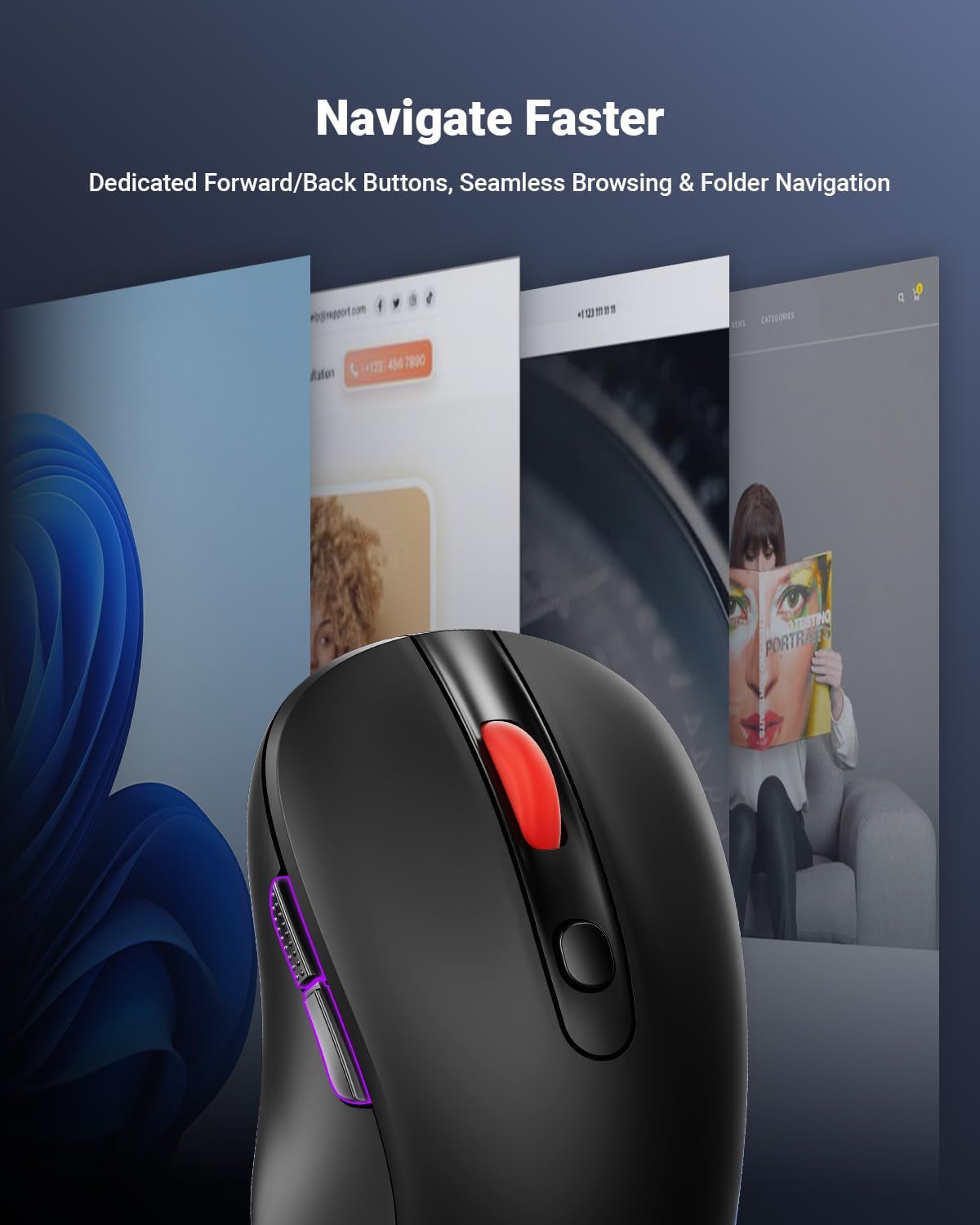
Image 4.2: The forward and back buttons located on the side of the mouse for quick navigation.
5. Техникалык тейлөө
5.1. Батареяны алмаштыруу
The mouse operates on a single AA battery, providing up to 24 months of battery life. A red LED indicator will alert you when the battery is low and requires replacement. Follow the steps in Section 3.1 to replace the battery.
5.2. Тазалоо
To clean the mouse, use a soft, dry cloth. Avoid using harsh chemicals or abrasive materials, as these may damage the surface or internal components.
6. Кыйынчылыктарды
- No Cursor Movement or Lag:
Ensure the USB receiver is securely plugged into a working USB port. Check the mouse battery level and replace if necessary. Ensure the mouse is within the 33ft (10m) operating range of the receiver. Avoid using the mouse on highly reflective or transparent surfaces. - Баскычтар жооп бербейт:
Check the battery level. Re-plug the USB receiver into a different USB port. - Cursor Movement is Too Fast or Too Slow:
Adjust the DPI setting using the DPI button on the mouse (refer to Section 4.2). - Forward/Back Buttons Not Working on Mac:
These buttons are not supported by macOS. This is expected behavior.
7. Техникалык шарттар
| Өзгөчөлүк | Деталь |
|---|---|
| Бренд | wegear |
| Модель номери | MW16-MS |
| Байланыш технологиясы | 2.4 ГГц зымсыз (USB кабыл алуучу) |
| Кыймылды аныктоо технологиясы | Оптикалык |
| DPI деңгээли | 800/1200/1600/2400/4000 (Adjustable) |
| баскычтардын саны | 6 (Сол, Оң, Айдоо дөңгөлөк, DPI, Алга, Артка) |
| Батарея түрү | 1 x AA Батарея (киргизилген эмес) |
| Батареянын иштөө мөөнөтү | 24 айга чейин |
| Зымсыз диапазон | 33 фут (10 метр) чейин |
| Шайкеш операциялык системалар | Windows 98SE/ME/2000/XP/Vista/7/10/11, macOS 10.x |
| Эргономикалык дизайн | Ооба |
| Туруктуу | 5,000,000 click testing |
8. Кепилдик жана колдоо
8.1. Кепилдик маалыматы
This wegear product comes with a 1-year warranty from the date of purchase. Please retain your proof of purchase for warranty claims. The warranty covers manufacturing defects but does not cover damage caused by misuse, accidents, or unauthorized modifications.
8.2. Кардарларды колдоо кызматы
For technical assistance, troubleshooting, or warranty inquiries, please contact wegear customer service through the official webсайт же сатуучуңуздун колдоо каналдары.
9. Продукт видеосу
Видео 9.1: Расмий видео көрсөтүүasing the wegear MW16 Series Mice, including various color options and features.