
Auusda T161N
Auusda 16-inch FHD Laptop User Manual
Model: T161N
Бренд: Auusda
Introduction
This manual provides essential information for the proper setup, operation, and maintenance of your Auusda 16-inch FHD Laptop, Model T161N. Please read this manual thoroughly before using your device to ensure optimal performance and longevity. Keep this manual for future reference.
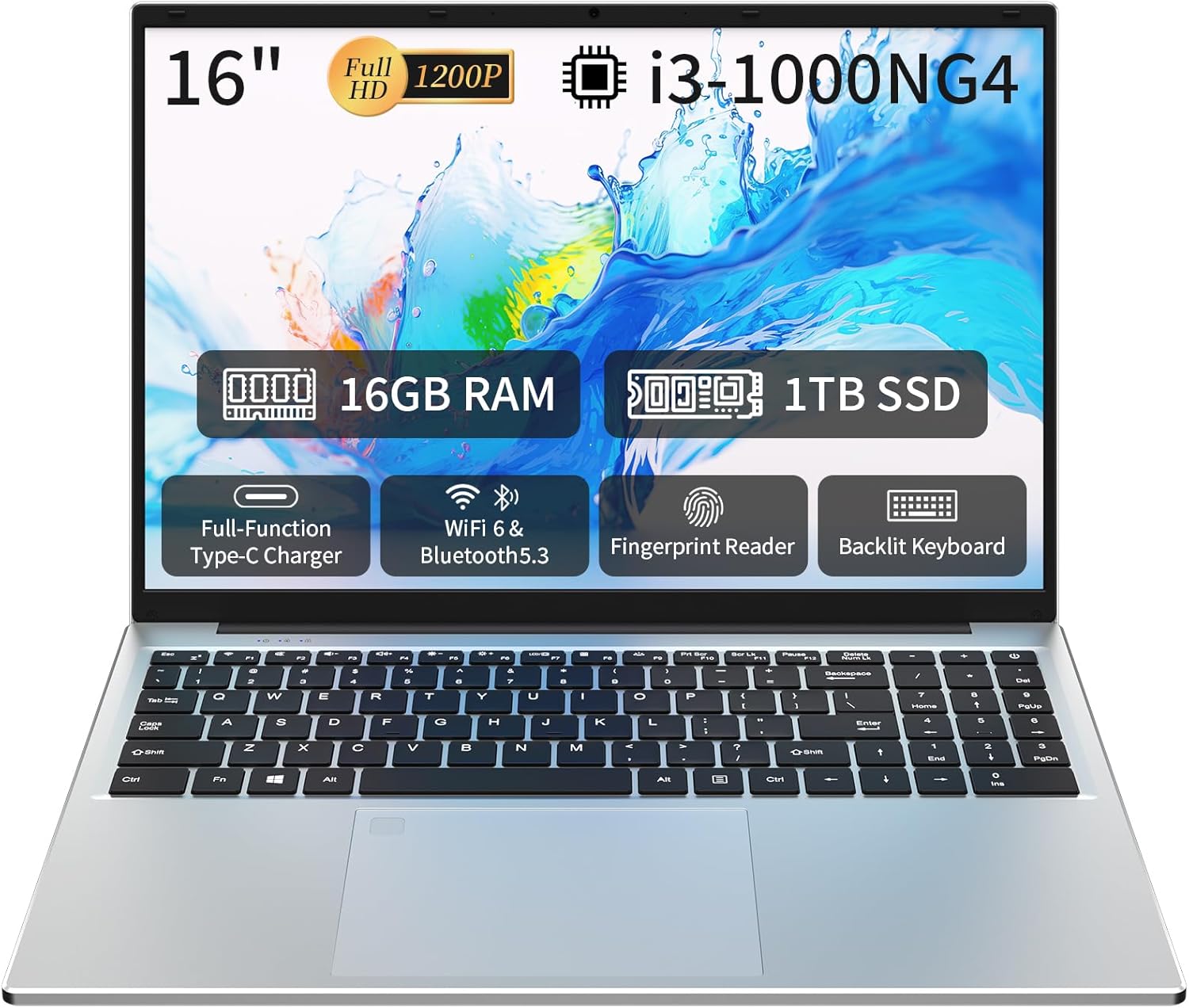
Image: The Auusda 16-inch FHD Laptop, showcasing its 16-inch Full HD display, 16GB RAM, 1TB SSD, i3-1000NG4 processor, Full-Function Type-C port, Wi-Fi 6 & Bluetooth 5.3, Fingerprint Reader, and Backlit Keyboard.
Кутуда эмне бар
Таңгакта бардык буюмдар бар экенин текшериңиз:
- 1 x Auusda 16-inch FHD Laptop
- 1 х заряддагыч
- 1 х клавиатура капкагы
- 1 x Instruction Manual

Image: A visual representation of the items included in the product packaging, alongside the laptop's physical dimensions (14.17 x 9.76 x 0.71 inches).
Продукт бүттүview
Негизги өзгөчөлүктөрү
- Процессор: Intel Core i3-1000NG4, up to 3.2 GHz
- Эстутум: 16 ГБ DDR4 RAM
- Сактагыч: 1TB SSD
- Дисплей: 16-inch Full HD (1920x1200) IPS display with 180° viewбурч
- Операция системасы: Windows 11 Pro
- Байланыш: Wi-Fi 6, Bluetooth 5.3
- Порттор: Full-Function Type-C (charging, data, 4K video), 2x USB 3.0, 1x USB 2.0, Mini HDMI, 3.5mm Standard Headphone Jack, DC 3.5 power input
- Коопсуздук: Манжа изин окугуч
- Баскычтоп: Backlit keyboard with numeric keypad
- Батарея: 5000 мАч литий батареясы (11.4V)
Процессор жана аткаруу
The laptop is equipped with an Intel Core i3-1000NG4 processor, providing efficient performance for multitasking and everyday computing tasks. The 16GB DDR4 RAM ensures smooth operation, while the 1TB SSD offers fast boot-up times and ampле сактоо сыйымдуулугу.
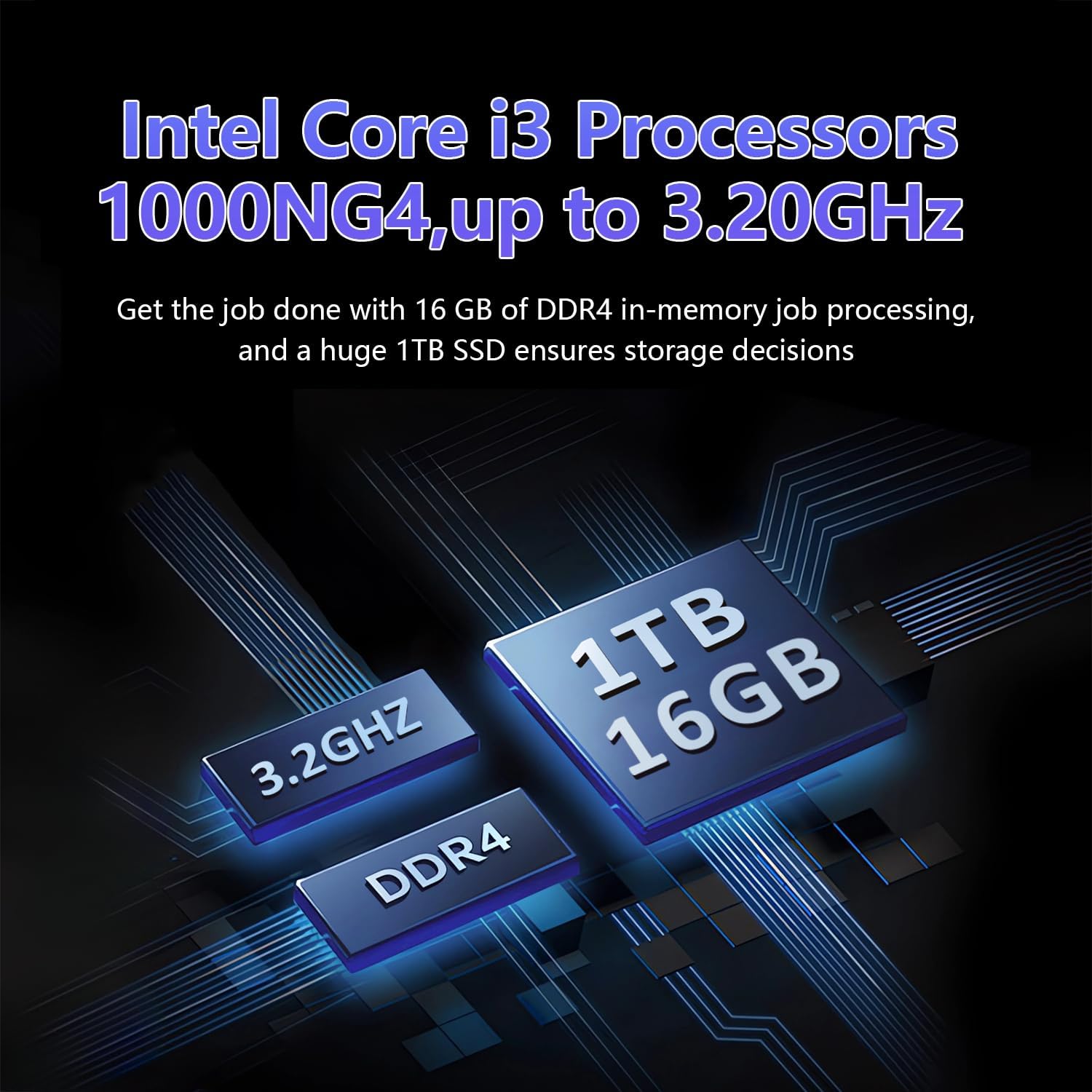
Image: A visual representation of the Intel Core i3-1000NG4 processor, 16GB DDR4 RAM, and 1TB SSD, highlighting their roles in the laptop's performance.
Дисплей
The 16-inch Full HD (1920x1200) IPS display offers clear and vibrant visuals. Its 180° viewing angle allows for flexible positioning and comfortable collaboration.
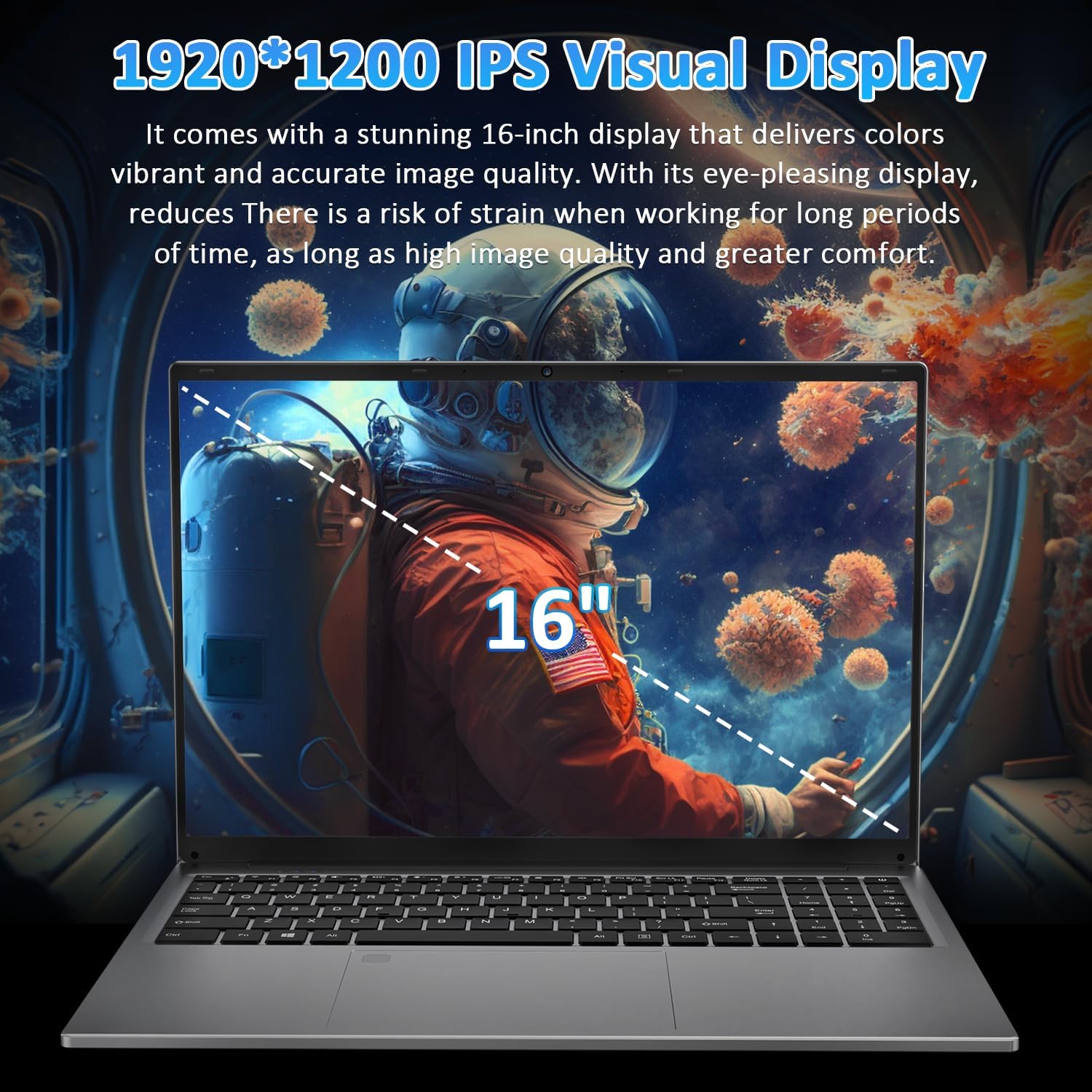
Image: The laptop's 16-inch 1920x1200 IPS display, illustrating its visual quality and size.
Порттор жана байланыш
The laptop features a variety of ports for versatile connectivity, including a Full-Function Type-C port for charging, data transfer, and 4K video output. Dual USB 3.0 ports, a USB 2.0 port, a Mini HDMI port, and a 3.5mm headphone jack are also available.
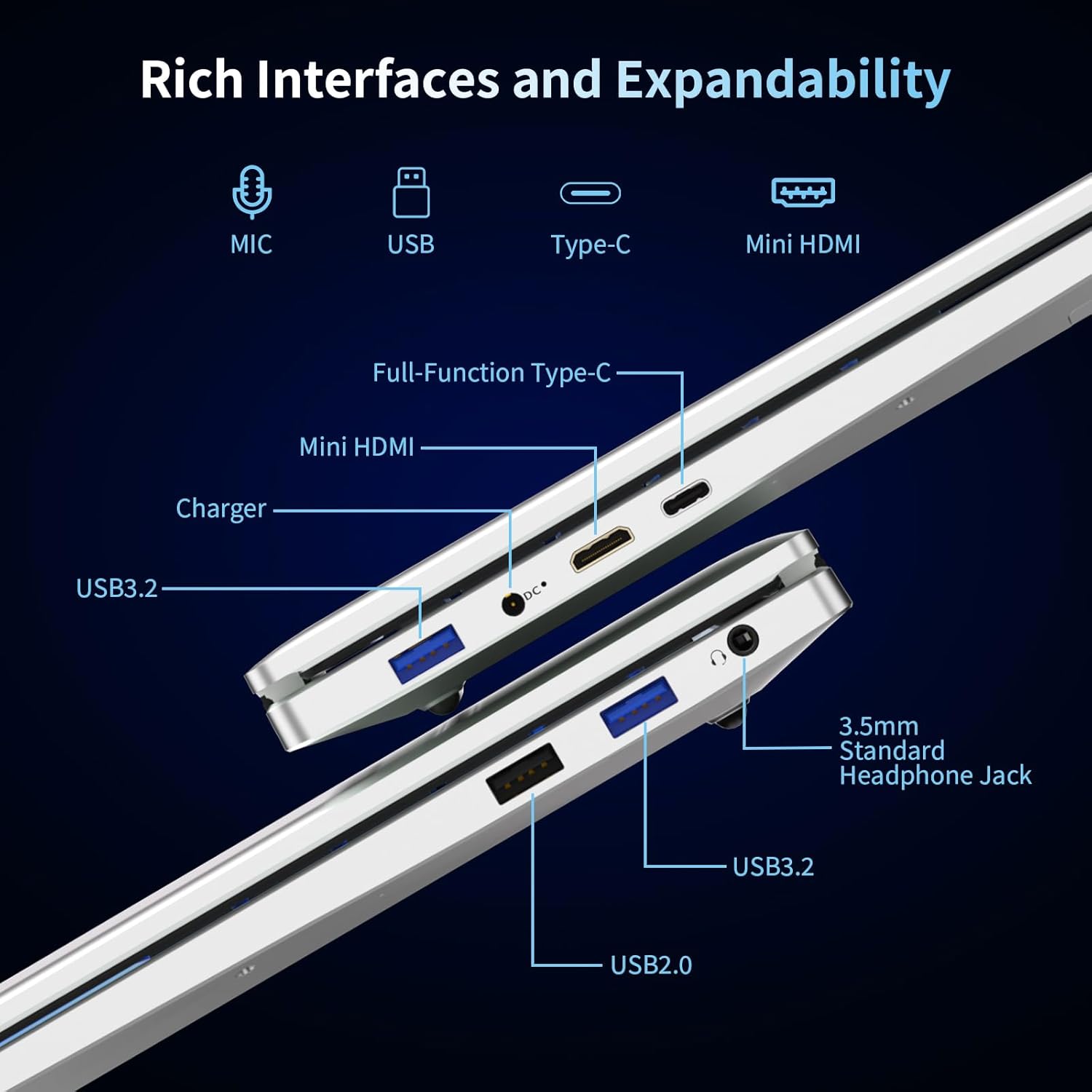
Сүрөт: деталдуу view of the laptop's left and right sides, showing the arrangement and types of available ports for external connections.
Keyboard and Security
The integrated backlit keyboard enhances typing in low-light conditions. A dedicated numeric keypad is included for data entry. For enhanced security, the laptop features a fingerprint reader for quick and secure access.

Image: The laptop's keyboard area, illustrating the backlit keys, integrated numeric keypad, and the fingerprint unlock sensor.
Батарея
The laptop is powered by a 5000mAh Lithium battery, designed to provide extended usage time.

Image: The laptop with an overlay indicating its 5000mAh battery capacity and 11.4V rating.
Жайгашуу
1. Баштапкы заряддоо
- Connect the provided charger to the laptop's DC 3.5 power input port.
- Заряддоо түзүлүштү розеткага сайыңыз.
- Allow the laptop to charge for at least 30 minutes before initial use, or until the battery indicator shows a sufficient charge.
2. Күйгүзүү
- Ноутбуктун капкагын ачыңыз.
- Баскычтопто жайгашкан кубат баскычын басыңыз.
- Follow the on-screen instructions to complete the Windows 11 Pro initial setup, including language selection, network connection, and user account creation.
Иштөө нускамалары
Windows 11 Pro колдонуу
Your laptop comes pre-installed with Windows 11 Pro. Familiarize yourself with the operating system's interface and features. Microsoft provides extensive online documentation and tutorials for Windows 11.
Wi-Fi'га туташууда
- Тапшырмалар тилкесиндеги Wi-Fi сөлөкөтүн чыкылдатыңыз.
- Тизмеден каалаган тармакты тандаңыз.
- Эгер суралса, тармак сырсөзүн киргизип, "Туташуу" баскычын чыкылдатыңыз.
Bluetooth түзмөктөрүн колдонуу
- "Орнотуулар" > "Bluetooth жана түзмөктөр" бөлүмүнө өтүңүз.
- Bluetooth күйгүзүлгөнүн текшериңиз.
- Select 'Add device' and follow the instructions to pair your Bluetooth device.
Манжа изин окугуч
To set up fingerprint login:
- Go to 'Settings' > 'Accounts' > 'Sign-in options'.
- "Windows Hello манжа изи" бөлүмүндө "Орнотуу" баскычын чыкылдатып, манжа изиңизди каттоо үчүн экрандагы көрсөтмөлөрдү аткарыңыз.
Арткы жарык клавиатура
The backlit keyboard can be toggled on or off, and its brightness adjusted, using specific function keys (refer to your keyboard layout for the exact key combination, often Fn + F key).
Тышкы дисплейлерди туташтыруу
Use the Mini HDMI port or the Full-Function Type-C port to connect an external monitor or projector. Press Windows баскычы + P to select display modes (Duplicate, Extend, Second screen only).

Сүрөт: Мисamples of the laptop's versatility in various usage scenarios, including office tasks, daily browsing, online education, and gaming.
Техникалык тейлөө
Тазалоо
- Экранды жана сырткы беттерди тазалоо үчүн жумшак, түксүз чүпүрөктү колдонуңуз.
- өжөр белгилери үчүн, бир аз гampчүпүрөккө суу же экран тазалоочу каражат. Катуу химиялык заттардан алыс болуңуз.
- Тазалоодон мурун ноутбуктун өчүрүлгөнүн жана розеткадан ажыратылганын текшериңиз.
Батареяга кам көрүү
- Батареяны бат-баттан толук кубаттап калуудан алыс болуңуз.
- Ноутбукту узак убакыт бою колдонбосоңуз, салкын, кургак жерде сактаңыз, анын батареясы болжол менен 50% заряддалган болушу керек.
- Берилген заряддагычты гана колдонуңуз.
Программалык камсыздоо жаңыртуулары
Системанын туруктуулугун, коопсуздугун жана иштешин камсыз кылуу үчүн Windows жаңыртууларын дайыма текшерип, орнотуп алыңыз.
Проблемаларды чечүү
Ноутбук күйбөйт
- Ensure the charger is securely connected to both the laptop and a working power outlet.
- Башка аспапка сайып, розетка иштеп жатканын текшериңиз.
- Allow the laptop to charge for some time before attempting to power it on again.
Wi-Fi туташуусу жок
- Windows жөндөөлөрүндө Wi-Fi иштетилгенин текшериңиз.
- Роутериңизди жана модемиңизди өчүрүп күйгүзүңүз.
- Туура тармакты тандап, туура сырсөздү киргизип жатканыңызды текшериңиз.
Экран бош же жымыңдап турат
- Ноутбукту кайра иштетиңиз.
- If an external display is connected, try disconnecting it.
- Update your display drivers through Windows Update or the manufacturer's webсайт.
Жай аткаруу
- Фондо иштеп жаткан керексиз тиркемелерди жабыңыз.
- Күтүүдөгү Windows жаңыртууларынын бардыгын текшерип, орнотуңуз.
- Дискти тазалоону жана дефрагментациялоону иштетиңиз (HDD үчүн, SSD үчүн зарыл эмес).
- Кесепеттүү программаларды же вирустарды издеңиз.
Техникалык шарттар
| Өзгөчөлүк | Спецификация |
|---|---|
| Модель аты | T161N |
| Процессор | Intel Core i3-1000NG4 (up to 3.2 GHz) |
| RAM | 16 ГБ DDR4 SDRAM |
| Катуу диск | 1TB SSD |
| Screen Size | 16 дюйм |
| Display Resolution | Full HD (1920x1200) IPS |
| Графикалык сопроцессор | Iris Plus Graphics G4 48EUs |
| Операция системасы | Windows 11 Pro |
| Зымсыз байланыш | Wi-Fi 6, Bluetooth 5.3 |
| Порттар | Full-Function Type-C, 2x USB 3.0, 1x USB 2.0, Mini HDMI, 3.5mm Headphone Jack, DC 3.5 |
| Батарея | 5000 мАч литий батареясы (11.4V) |
| Элемент Салмагы | 5.26 фунт |
| Продукциянын өлчөмдөрү | 14.17 x 9.76 x 0.71 дюйм |
| Түс | Silver |
Кепилдик жана колдоо
Өндүрүүчүнүн Кепилдиги
Your Auusda laptop comes with a 2 жылдык Өндүрүүчүнүн Кепилдиги. This warranty covers defects in materials and workmanship under normal use. Additionally, a 90-day hassle-free return policy сиздин тынчтыгыңыз үчүн каралган.
Кеңейтилген колдоо
ырахат алыңыз 3-month extended support and access to 24 саат кардарларды тейлөө кандайдыр бир суроолор же маселелер боюнча сизге жардам берүү үчүн.
Колдоо кызматы менен байланышыңыз
For support, please provide your order number and a video demonstrating the problem to the following email address:
Электрондук почта: Auusda.ltd@gmail.com
Alternatively, you can log in to your Amazon account, navigate to 'Your Orders', and select 'Ask questions' for assistance.
Ask a question about this manual
Ask about setup, troubleshooting, compatibility, parts, safety, or missing instructions. Manuals+ will review the question and use this page’s manual context to help answer it.