
1. Киришүү
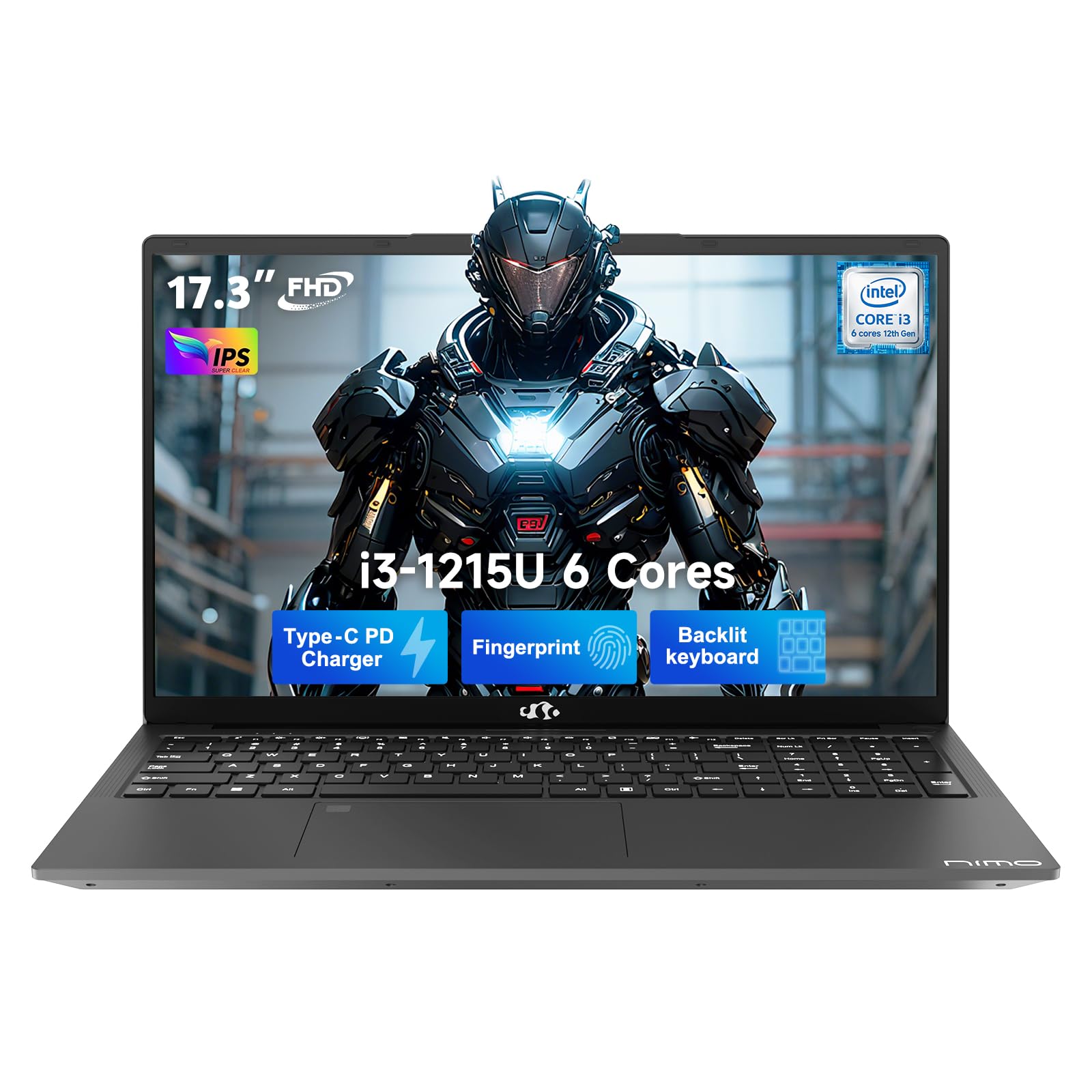
This manual provides essential information for setting up, operating, and maintaining your NIMO 17.3" FHD IPS Laptop. Please read this guide thoroughly before using your device to ensure proper function and longevity. This laptop features an Intel Core i3-1215U processor, 16GB RAM, and a 512GB SSD, designed for efficient everyday computing.
2. Кутуда эмне бар
- 1 x NIMO N171 Laptop
- 1 x Type-C 65W PD Fast Charger
- 1 х Колдонуучунун колдонмосу (бул документ)
- Windows 11 Home (pre-installed)
3. Орнотуу колдонмосу
3.1 Баштапкы күйгүзүү
- Ноутбукту таңгактан чыгаруу: Ноутбукту жана бардык аксессуарларды таңгактан этияттык менен алып салыңыз.
- Туташуу кубаты: Plug the Type-C 65W PD Fast Charger into the laptop's USB-C port and then into a power outlet.
- Күйгүзүү: Open the laptop lid and press the power button, usually located on the top right of the keyboard or side.
- Windows орнотуулары: Follow the on-screen instructions to complete the Windows 11 Home initial setup, including language, region, network connection, and user account creation.
3.2 Манжа изи сенсорун орнотуу
For enhanced security and quick access, set up the integrated fingerprint sensor:
- багыттоо Орнотуулар > Каттоо эсептери > Кирүү параметрлери in Windows 11.
- Locate the "Fingerprint recognition (Windows Hello)" option and click Жайгашуу.
- Follow the on-screen prompts to register your fingerprint.

4. Иштөө нускамалары
4.1 Баскычтоп жана сенсордук такта
- Арткы жарык клавиатура: The full-size keyboard includes a numeric keypad and backlighting for use in low-light conditions. The backlight can typically be toggled using a function key combination (e.g., Fn + F5 or similar, refer to keyboard icons).
- Сенсордук такта: Интегралдык сенсордук такта навигация үчүн көп тийүү жаңсоолорун колдойт.

4.2 WebКупуялык жапкыч менен камера
The laptop features a 2MP HD camera with a physical privacy shutter. To ensure privacy, slide the shutter to cover the camera lens when not in use. Slide it open to activate the camera for video calls or other applications.

5. Негизги өзгөчөлүктөрү
5.1 Аткаруу
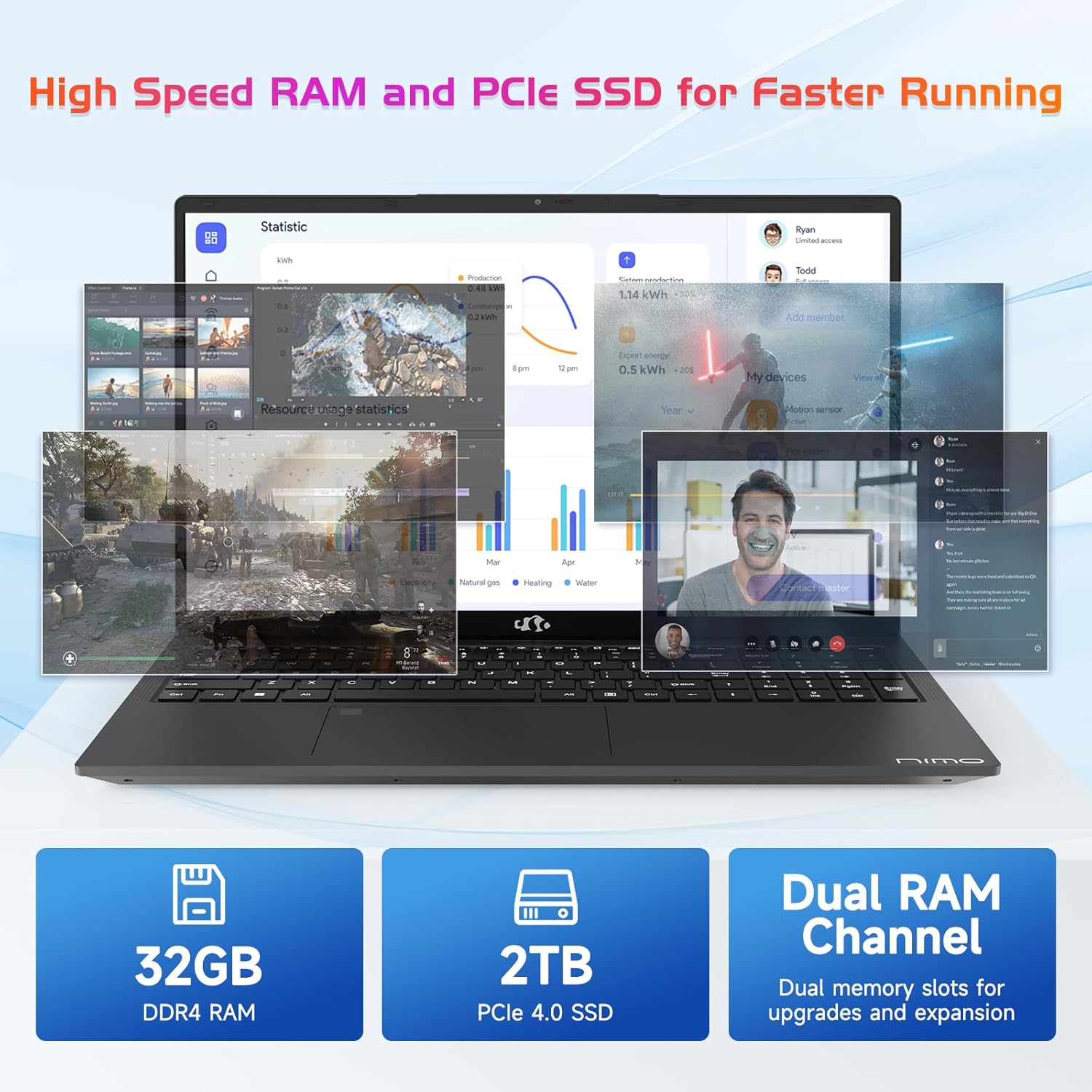
The NIMO N171 laptop is equipped with a 12th Gen Intel Core i3-1215U processor (6 Cores, up to 4.40 GHz), 16GB DDR4 RAM, and a 512GB SSD. This configuration provides responsive performance for multitasking, web browsing, and various applications.

5.2 Дисплей
The laptop features a 17.3-inch Full HD (1920x1080) IPS display, offering a wide viewing experience with clear visuals and reduced eye strain. The screen-to-body ratio is approximately 85%.

5.3 Байланыш
The NIMO N171 supports Wi-Fi 6 for fast and stable wireless internet connectivity and Bluetooth 5.2 for pairing with wireless peripherals.
The laptop includes multiple ports for versatile connectivity:
- USB 3.2 Gen1 ports (x2)
- USB 2.0 порту (x1)
- USB Type-C 3.2 Gen1 port (x1)
- USB Type-C Gen1 port (Charge Only) (x1)
- Standard HDMI 1.4 port (x1)
- Audio Jack (x1)
- Micro SD card slot (x1)
- Kensington lock slot (x1)

5.4 Батарея жана заряддоо
The laptop is powered by a 53.58Wh battery, providing up to 9 hours of average battery life. It supports 65W PD Fast Charge via USB-C, allowing for quick recharging.


6. Техникалык тейлөө
- Тазалоо: Экранды жана сыртты тазалоо үчүн жумшак, түксүз чүпүрөктү колдонуңуз. Катуу химиялык заттардан алыс болуңуз.
- Батареяга кам көрүү: To prolong battery life, avoid fully discharging the battery frequently. Store the laptop in a cool, dry place.
- Программалык камсыздоо жаңыртуулары: Оптималдуу иштөө жана коопсуздукту камсыз кылуу үчүн Windows операциялык тутумуңузду жана драйверлериңизди үзгүлтүксүз жаңыртып туруңуз.
- Сактагыч: Keep the SSD from becoming completely full to maintain performance. Utilize the Micro SD card slot for additional storage if needed.
7. Кыйынчылыктарды
| Маселе | Мүмкүн себеп | Чечим |
|---|---|---|
| Ноутбук күйбөйт | Low battery or power adapter issue | Ensure the charger is properly connected and the power outlet is functional. Allow the laptop to charge for at least 30 minutes before attempting to power on again. |
| Экран бош же кара | Display settings, external monitor connection, or system crash | Басыңыз Fn + F7 (or the key with a display icon) to cycle through display modes. Disconnect any external monitors. Perform a hard reset by holding the power button for 10-15 seconds. |
| Wi-Fi туташуу маселелери | Wi-Fi adapter disabled, incorrect password, or router problem | Check if Wi-Fi is enabled in Windows settings. Verify the Wi-Fi password. Restart your router and modem. |
| Манжа изинин сенсору иштебей жатат | Unregistered fingerprint, dirty sensor, or software glitch | Ensure your fingerprint is registered correctly. Clean the sensor with a soft cloth. Restart the laptop. |
8. Техникалык шарттар
| Өзгөчөлүк | Деталь |
|---|---|
| Бренд | NIMO |
| Модель аты | NIMO N171 |
| Screen Size | 17.3 дюйм |
| Screen Resolution | 1920 x 1080 пиксел (FHD) |
| Процессор | Intel Core i3-1215U (6 ядро, 4.4 ГГц чейин) |
| RAM | 16 ГБ DDR4 (3200 МГц) |
| Катуу диск | 512 ГБ SSD (Катуу абалдагы) |
| Графикалык сопроцессор | Интеграцияланган графика (Intel) |
| Операция системасы | Windows 11 Home |
| Зымсыз түрү | Wi-Fi 6 (802.11a/b/g/n/ac) |
| Bluetooth | Bluetooth 5.2 |
| USB 2.0 порттору | 1 |
| USB 3.0 порттору | 3 (includes USB 3.2 Gen1) |
| USB Type-C порттору | 2 (1x 3.2 Gen1, 1x Gen1 Charge Only) |
| HDMI порту | 1 (Standard HDMI 1.4) |
| Аудио Jack | 1 (Combo Jack) |
| Микро SD карта уячасы | Ооба |
| Арткы Webcam Resolution | 2 депутат |
| Батареянын иштөө мөөнөтү (орточо) | 9 саат |
| Батарея сыйымдуулугу | 53.58 Wh |
| Power Source | Battery Powered (65W PD Fast Charger) |
| Элемент Салмагы | 4.6 фунт |
| Продукциянын өлчөмдөрү (LxWxH) | 15.61 x 9.84 x 0.76 дюйм |
| Өзгөчөлүктөр | Fingerprint Reader, HD Audio, Memory Card Slot, Numeric Keypad, Backlit Keyboard, Privacy Shutter |
9. Кепилдик жана колдоо
NIMO provides a 2 жылдык кепилдик бул продукт үчүн. Мындан тышкары, 90-day hassle-free return policy is offered. For technical assistance, warranty claims, or product-related inquiries, please contact NIMO customer support.
- Кепилдик мөөнөтү: 2 жыл
- Кайтаруу саясаты: 90 Days (hassle-free)
- Байланыш: Refer to the official NIMO website or product page for current contact information.


10. Продукт видеосу бүттүview
Бул видео визуалдык көрүнүштү камсыз кылатview of the NIMO 17.3" FHD Intel i3-1215U Laptop, showcasing its design, features, and various usage scenarios.