
1. Киришүү
This manual provides essential information for the safe and efficient use of your Doro Leva E20 4G Flip Phone. Designed with seniors in mind, this phone features a large 2.8-inch display, contrasting keys, loud and clear sound, HD voice, a camera, and a dedicated assistance button. Please read these instructions carefully before using your new phone.

Image 1: Doro Leva E20 highlighting key features such as 4G connectivity, large display, clear sound, and hearing aid compatibility.
2. Орнотуу
2.1. SIM картаны жана батареяны салуу
Before using your phone, you must insert a SIM card (provided by your mobile network operator) and the battery.
- Open the phone: Gently open the flip phone to access the battery compartment.
- Батареянын капкагын алып салыңыз: Locate the notch on the back cover and carefully lift it off.
- SIM картаны салыңыз: Slide the SIM card into the designated slot with the gold contacts facing down and the cut corner aligned as shown in the diagram (refer to your quick start guide for a visual).
- Батарея салыңыз: Place the battery into its compartment, ensuring the contacts align with those in the phone.
- Капкакты алмаштыруу: Snap the battery cover back into place until it clicks.
2.2. Телефонду заряддоо
Your phone's battery may not be fully charged upon purchase. It is recommended to fully charge the battery before first use.
- Заряддагычты туташтырыңыз: Plug the USB Type-C cable into the charging port on the phone.
- Кубатка туташуу: Кубаттоочу түзүлүштүн экинчи учун розеткага сайыңыз.
- Заряддоо көрсөткүчү: The charging indicator on the screen will show the charging status. The phone is fully charged when the indicator shows a full battery icon.
2.3. Күйгүзүү / Өчүрүү
- Күйгүзүү үчүн: Кызылды басып, кармап туруңуз Чакырууну аяктоо/Кубат берүү button until the Doro logo appears.
- Өчүрүү үчүн: Кызылды басып, кармап туруңуз Чакырууну аяктоо/Кубат берүү button, then select 'Power off' from the options on the screen.
3. Иштөө нускамалары
3.1. Негизги функциялар
- Чакыруу:
- Ариптакта аркылуу телефон номерин киргизиңиз.
- Жашыл баскычты басыңыз Чалуу чалууну баштоо үчүн баскычты басыңыз.
- Чалууга жооп берүү: Simply open the flip phone to answer an incoming call. Alternatively, press the green Чалуу баскычы.
- Чалууну аяктоо: Close the flip phone or press the red Чакырууну аяктоо баскычы.
- Үндү тууралоо: Use the volume buttons located on the side of the phone during a call or when playing media.
3.2. Билдирүүлөрдү (SMS) жөнөтүү жана алуу
- Негизги менюдан, төмөнкүгө өтүңүз Кабарлар.
- Тандоо Жаңы билдирүү.
- Алуучунун телефон номерин киргизиңиз же байланыштарыңыздан тандаңыз.
- Ариптакта аркылуу билдирүүңүздү териңиз.
- Басыңыз Жөнөтүү.
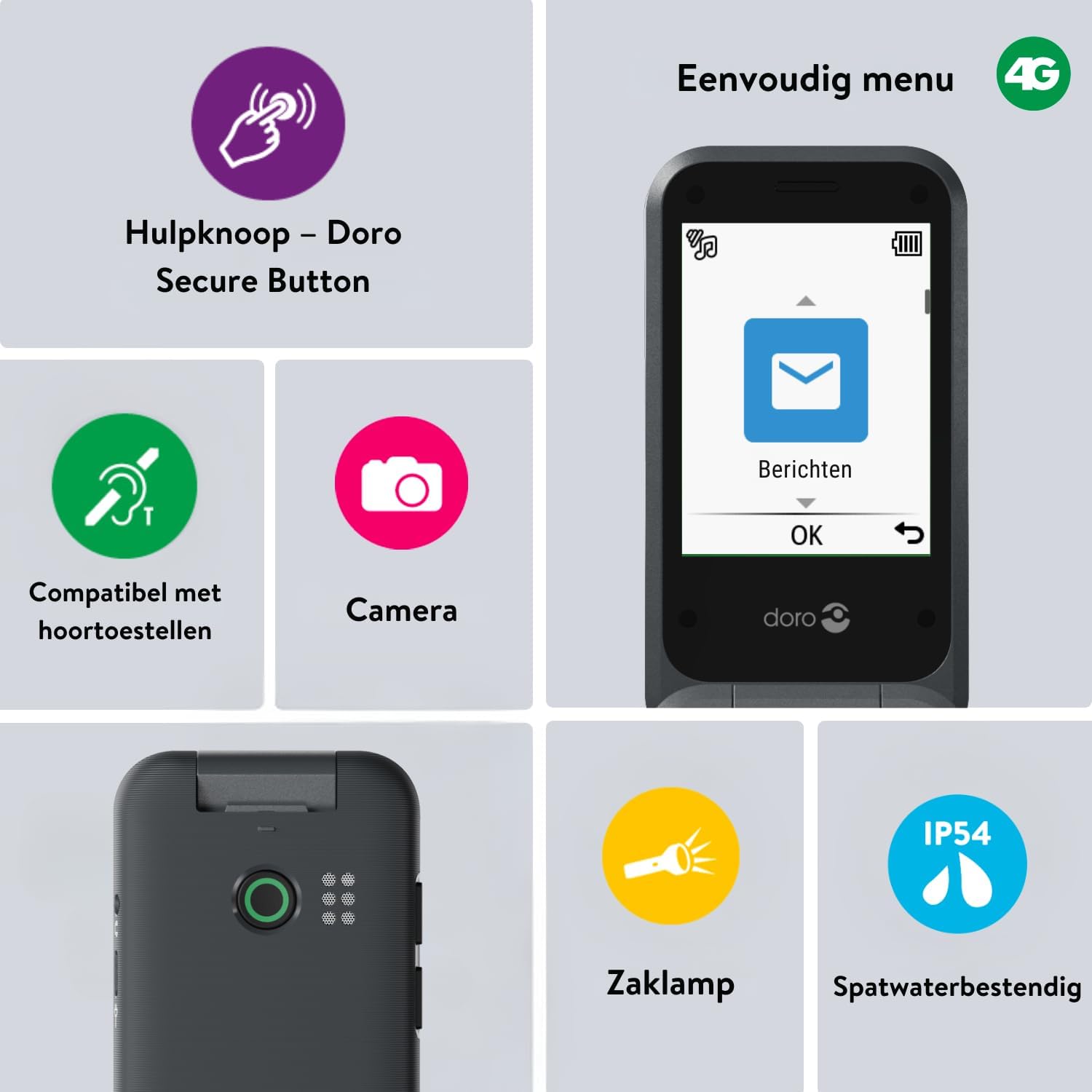
Image 2: The Doro Leva E20's simple menu interface, showing the 'Messages' icon, along with other features like the assistance button, camera, flashlight, and IP54 splash resistance.
3.3. Камера
The Doro Leva E20 includes a basic camera for capturing photos.
- Негизги менюдан тандаңыз Камера.
- Кадрыңызды экран катары колдонуп кадрга тартыңыз viewтапкыч.
- басыңыз OK сүрөткө тартуу үчүн баскыч.
3.4. Assistance Button (Doro Secure Button)
The dedicated assistance button is a key safety feature, allowing you to quickly contact pre-set emergency numbers.
- Жөндөө: Refer to the phone's settings menu under 'Assistance' to program emergency contacts.
- Иштетүү: Press and hold the assistance button (located on the back of the phone) for a few seconds. The phone will automatically call and send an SMS to your pre-programmed emergency contacts.

Image 3: The Doro Leva E20's Doro Secure Button, designed for quick access to emergency contacts.
3.5. Фонар
To activate the built-in flashlight:
- Locate the flashlight icon or dedicated button (if available) on the phone or in the quick settings menu.
- Press the corresponding key or navigate to the option to turn the flashlight on/off.
3.6. Quick Access Buttons
The Doro Leva E20 features quick access buttons for frequently used functions.
- Сүйүктүү байланыштар: Assign frequently called numbers to speed dial keys.
- Камера: A dedicated button or menu option for quick camera access.
- Кабарлар: A dedicated button or menu option for quick message access.

Image 4: The Doro Leva E20 in hand, showcasing the keypad with quick access buttons for favorite contacts, camera, and messages.
4. Техникалык тейлөө
4.1. Аспапты тазалоо
Телефонуңузду оптималдуу абалда кармоо үчүн:
- Use a soft, dry, lint-free cloth to clean the screen and body of the phone.
- Катуу химиялык заттарды, тазалоочу эриткичтерди же күчтүү жуучу каражаттарды колдонуудан алыс болуңуз.
- Телефонду ашыкча нымдуулукка дуушар кылбаңыз.
4.2. Батареяга кам көрүү
The Doro Leva E20 is powered by a rechargeable battery. To maximize battery life and performance:
- Charge the phone regularly. Avoid letting the battery drain completely before recharging.
- Батареяны экстремалдуу температурага калтырбаңыз.
- Эгер телефон көпкө колдонулбаса, сактоодон мурун аны болжол менен 50% га чейин кубаттаңыз.
4.3. Сууга туруктуулук
The Doro Leva E20 has an IP54 rating, meaning it is protected against dust ingress and splashing water from any direction. It is not designed to be submerged in water.
5. Кыйынчылыктарды
Эгерде сиз Doro Leva E20 менен көйгөйлөргө туш болсоңуз, төмөнкү чечимдерди колдонуп көрүңүз:
| Көйгөй | Мүмкүн чечим |
|---|---|
| Телефон күйбөйт | Батареянын заряддалганын текшериңиз. Кубаттоочу түзүлүштү туташтырып, кайра аракет кылыңыз. Батарея туура салынганын текшериңиз. |
| Чалууларды кабыл алуу же жасоо мүмкүн эмес | Check if the SIM card is correctly inserted. Ensure you have network coverage. Contact your service provider if the issue persists. |
| Үн сапаты начар | Adjust the volume. Ensure the speaker/microphone is not blocked. If using a hearing aid, ensure compatibility settings are correct. |
| Батарея бат эле түгөнөт | Reduce screen brightness. Close unused applications. Limit background data usage. Ensure the phone is not in an area with poor network signal, which can increase battery consumption. |
If these steps do not resolve the issue, please contact Doro customer support.
6. Техникалык шарттар
- Модель аты: Лева E20
- Операция системасы: Mocor OS
- CPU модели: Кортекс A7
- Экрандын өлчөмү: 2.8 дюйм
- Чечим: 320 x 240
- Уюлдук технология: 4G
- Байланыш: USB түрү C
- Эстутум сактоо сыйымдуулугу: 17 ГБ
- Түсү: Кара
- Суу каршылык: IP54 (Чачыроого туруктуу)
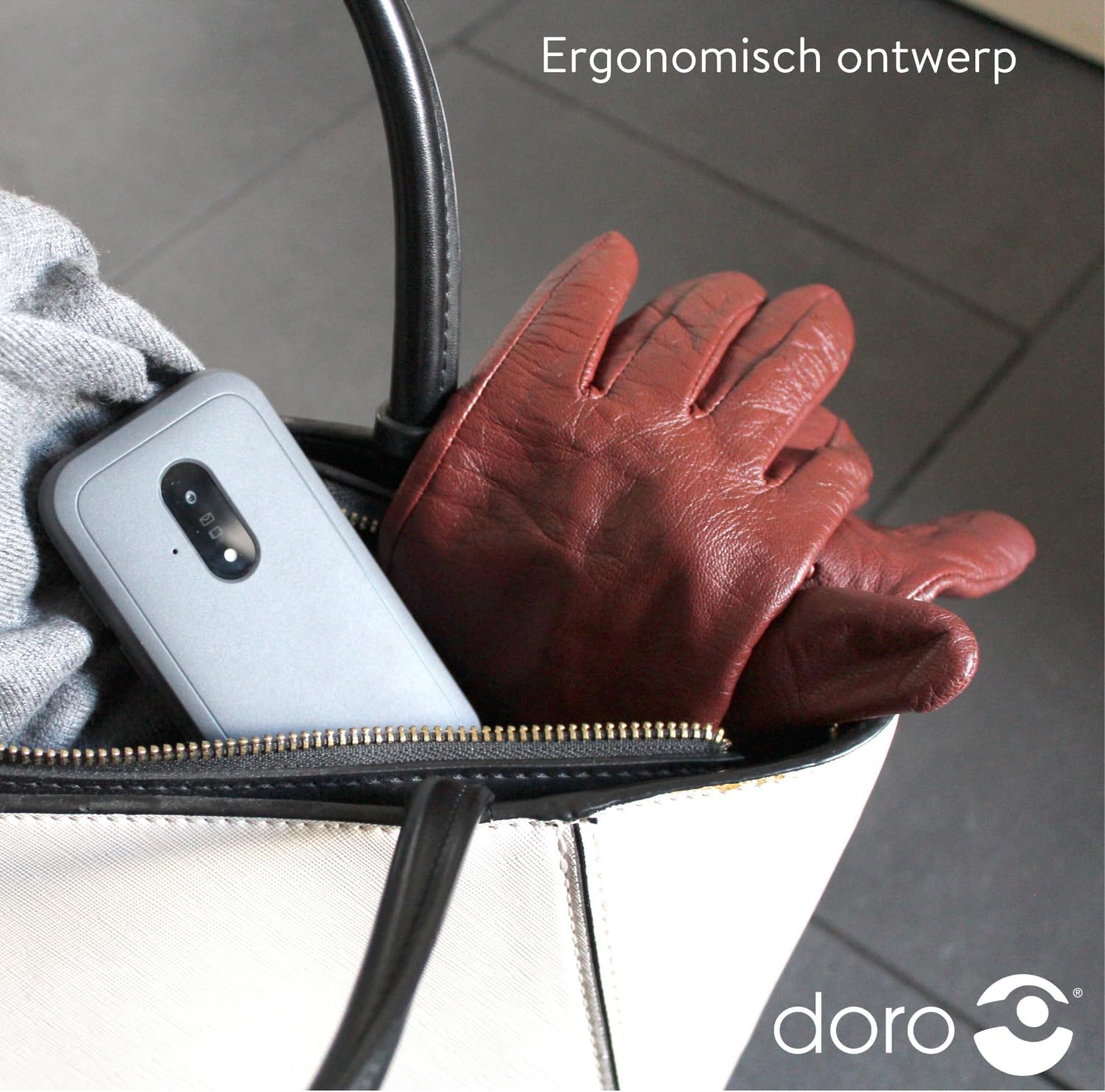
Image 5: The Doro Leva E20's ergonomic design allows for easy portability, fitting comfortably in a bag.
7. Кепилдик жана колдоо
Your Doro Leva E20 is manufactured by Doro. For specific warranty information, including terms and conditions, please refer to the warranty card included with your product or visit the official Doro website. For technical support, troubleshooting assistance beyond this manual, or service inquiries, please contact Doro customer support directly.
Өндүрүүчү: Доро
Webсайт: www.doro.com (Please check your regional Doro website for local support contact details.)