
Introduction
Welcome to the user manual for your new DORO Leva E30 4G Flip Phone. This guide provides essential information on how to set up, operate, maintain, and troubleshoot your device. The DORO Leva E30 is designed for ease of use, featuring a large 2.8-inch main screen, an external display, high-contrast keys, clear sound, and a dedicated Doro Secure button for emergencies. Please read this manual carefully to ensure optimal performance and safety.

Image: The DORO Leva E30 4G Flip Phone highlighting its simple, user-friendly design, dual screen, Doro Secure button, clear sound, hearing aid compatibility, large keys with voice feedback, and three speed dial keys.
Коопсуздук маалыматы
- Always follow local regulations for mobile phone use, especially in hospitals, aircraft, or near medical devices.
- Айдоо учурунда телефонду колдонбоңуз.
- Телефонду экстремалдык температурадан, тике күн нурунан жана нымдуулуктан алыс кармаңыз.
- Use only Doro-approved batteries, chargers, and accessories.
- Avoid exposing the phone to strong magnetic fields.
- Телефонду өз алдынча бөлүктөргө бөлүүгө же оңдоого аракет кылбаңыз. Квалификациялуу тейлөө кызматкерлерине кайрылыңыз.
Пакеттин мазмуну
Your DORO Leva E30 package typically includes:
- DORO Leva E30 4G Flip Phone
- Батарея
- Заряддоо бешиги
- Quick Start Guide
- Note: A USB-C charging cable and power adapter may not be included and might need to be purchased separately.
Жайгашуу
1. SIM картаны жана батареяны салуу
- Телефондун арткы капкагын кылдаттык менен алып салыңыз.
- Insert your Nano SIM card into the designated slot, ensuring the gold contacts face downwards and the cut corner is correctly aligned.
- Insert the battery, aligning the contacts with those in the phone.
- Арткы капкакты чыкылдатмайынча ордуна коюңуз.
2. Телефонду заряддоо
- Connect the USB-C cable (if included or purchased separately) to the charging cradle and then to a power adapter.
- Place the phone in the charging cradle. Ensure it is seated correctly and the charging indicator appears on the screen.
- Allow the phone to charge fully before its first use.
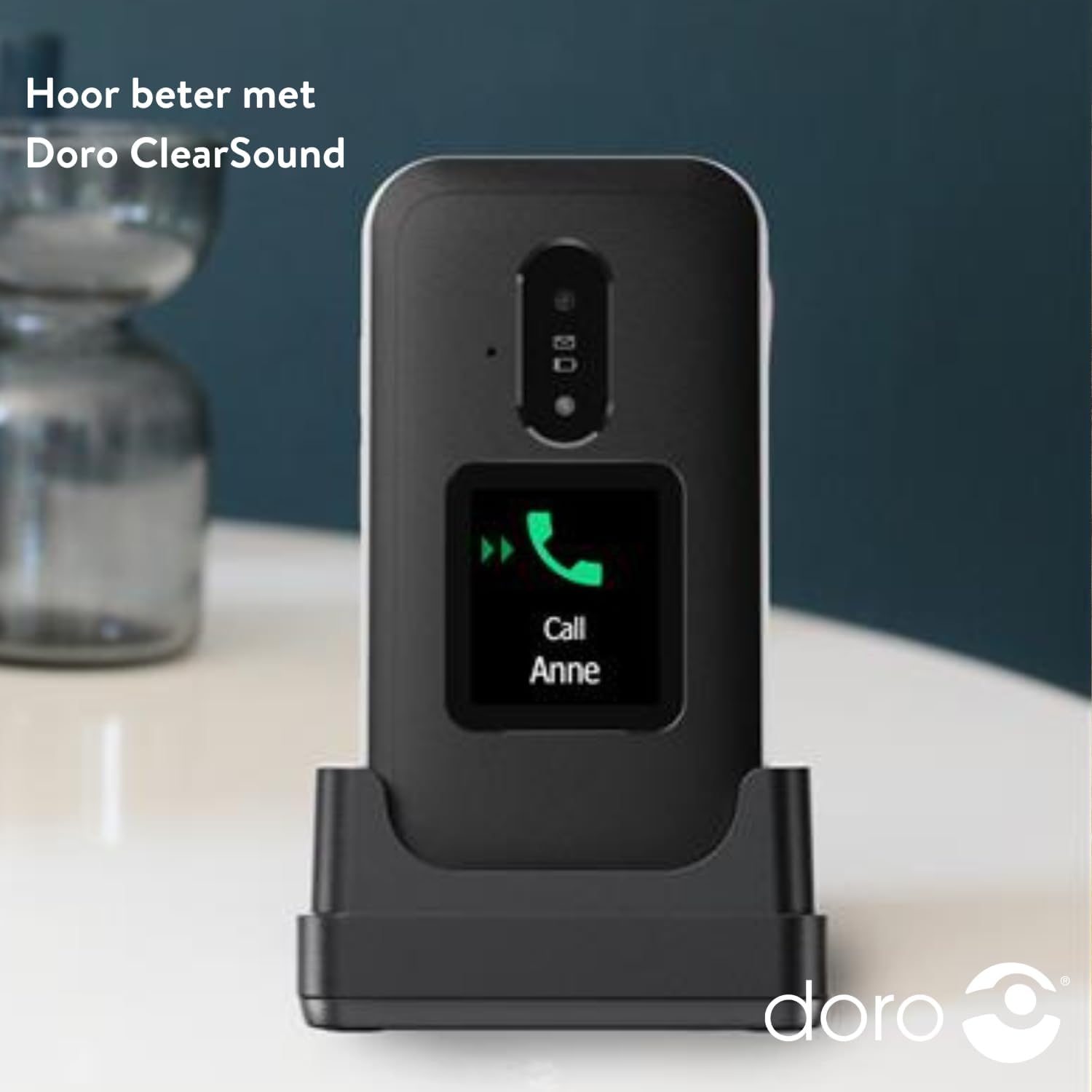
Image: The DORO Leva E30 phone resting in its charging cradle, demonstrating how to charge the device. The image also mentions "Hear better with Doro ClearSound".
3. Күйгүзүү / Өчүрүү
- To power on, press and hold the red End Call/Power button until the Doro logo appears.
- To power off, press and hold the red End Call/Power button, then select 'Power off' from the options.
Иштөө нускамалары
Негизги чалуу функциялары
- Чакыруу: Баскычтопту колдонуп телефон номерин терип, жашыл "Чакыруу" баскычын басыңыз.
- Чалууга жооп берүү: When the phone rings, open the flip to answer, or press the green Call button. The external screen will display caller ID.
- Чалууну аяктоо: Чалууну бүтүрүү үчүн кулпуну жабыңыз же кызыл "Чалууну аяктоо" баскычын басыңыз.
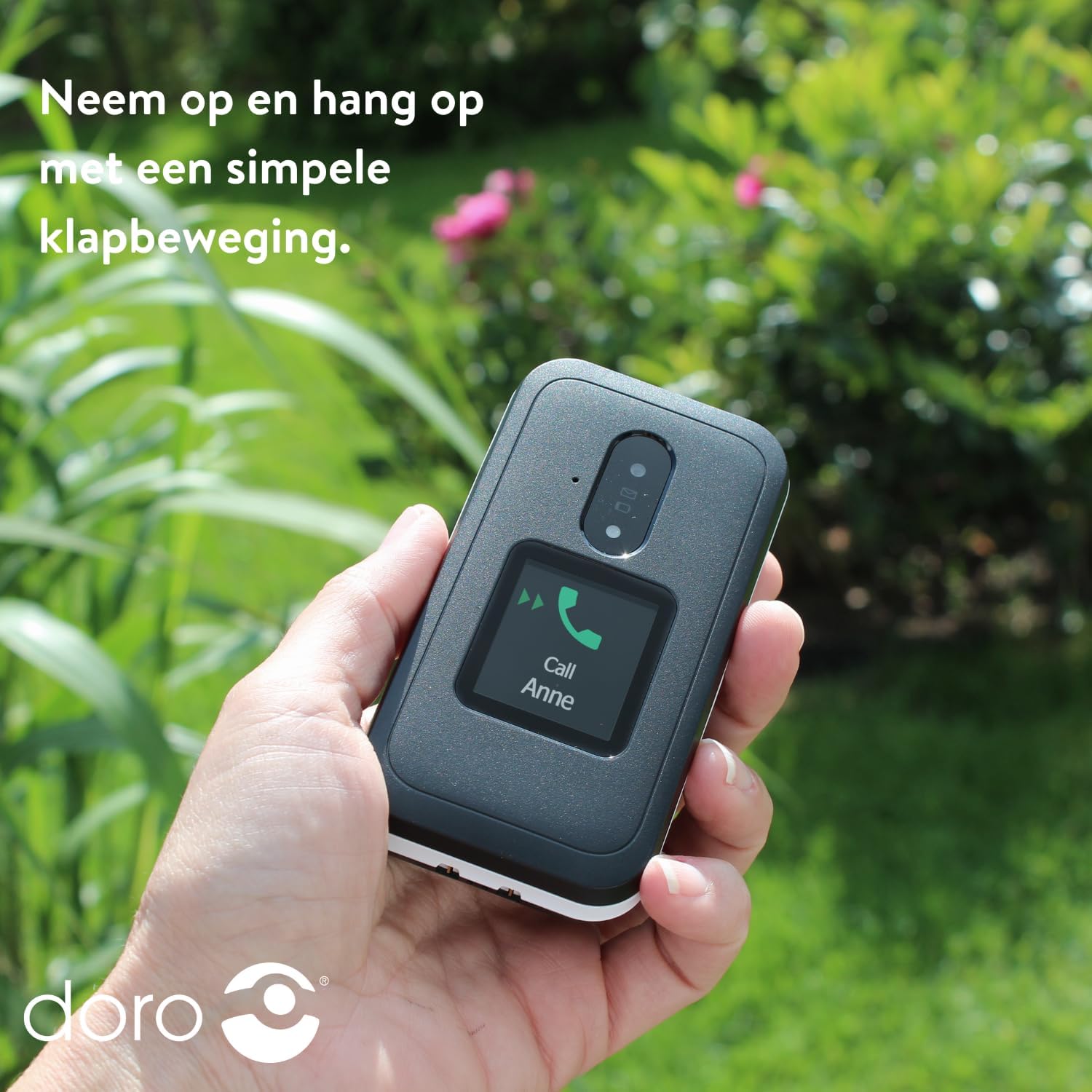
Image: A hand holding the DORO Leva E30, illustrating how to answer and end calls with a simple flip motion. The external screen shows an incoming call from "Anne".
Кабарлашуу
To send and receive text messages, navigate to the 'Messages' menu using the navigation keys and the 'OK' button. The large, high-contrast keys make typing easier.

Image: The DORO Leva E30 displaying its simple menu interface, with the 'Messages' icon prominently visible. Other icons for Doro Secure, Camera, Flashlight, and Splash-proof (IP54) are also shown.
Камераны колдонуу
The phone includes a camera for taking photos. Access the camera from the main menu. Point the camera at your subject and press the designated button to capture an image.
Doro Secure Button
The Doro Secure button (often located on the back of the phone) is a key safety feature. When pressed and held, it can automatically call and send an SMS alert to pre-set emergency contacts. Ensure your emergency contacts are configured correctly in the phone settings.

Image: The DORO Leva E30, emphasizing its ergonomic design and the prominent Doro Secure button. The image also illustrates how the phone's well-spaced, high-contrast keys and large screen facilitate easy calling, texting, and photo-taking, and mentions the included charging station.
Тышкы дисплей
The external display shows important information such as time, date, battery status, and caller ID for incoming calls without needing to open the phone.
Үндү көзөмөлдөө
Adjust the call volume using the dedicated volume buttons located on the side of the phone. Be mindful that these buttons can sometimes be accidentally pressed, so ensure the volume is set to your preferred level before and during calls.
Угуу аппаратынын шайкештиги
The DORO Leva E30 is designed to be compatible with hearing aids, providing a clearer audio experience for users with hearing impairments.
Кол чырак
Activate the built-in flashlight feature from the phone's menu for convenient illumination when needed.
Splash Resistance (IP54)
The phone has an IP54 rating, meaning it is protected against dust ingress and splashing water from any direction. This does not mean it is waterproof; avoid submerging the phone in water.
Техникалык тейлөө
- Тазалоо: Телефондун бетин тазалоо үчүн жумшак, кургак чүпүрөктү колдонуңуз. Катуу химиялык заттарды же абразивдүү материалдарды колдонуудан алыс болуңуз.
- Батареяга кам көрүү: To prolong battery life, avoid fully discharging the battery frequently. Charge the phone regularly, preferably using the provided charging cradle.
- Сактагыч: Телефонду узак убакытка колдонбогондо салкын, кургак жерде сактаңыз.
Проблемаларды чечүү
| Көйгөй | Чечим |
|---|---|
| Телефон күйбөйт. | Батарея туура салынганын жана толук заряддалганын текшериңиз. Телефонду жок дегенде 30 мүнөт кубаттап көрүңүз. |
| Чалууларды кабыл алуу же жасоо мүмкүн эмес. | SIM карта туура салынганын текшериңиз. Тармактын камтуусу бар экенине ынаныңыз. Эгер көйгөй чечилбесе, кызмат тейлөөчүңүзгө кайрылыңыз. |
| Чалуу сапаты начар. | Move to an area with better network reception. Adjust the call volume. Ensure the speaker/microphone is not obstructed. |
| Батарея бат эле түгөнөт. | Reduce screen brightness. Close unused applications. Limit background data usage. Ensure the phone is not in an area with poor signal, which can increase battery consumption. |
| Телефон жооп бербей жатат. | Жумшак баштапкы абалга келтирүү үчүн батареяны чыгарып, бир нече секунд күтүп, кайра салыңыз. |
Техникалык шарттар
| Өзгөчөлүк | Деталь |
|---|---|
| Бренд | Доро |
| Модель аты | Лева E30 |
| Операция системасы | Mocor OS |
| Screen Size | 2.8 Inches (Main Display) |
| Резолюция | 320 x 240 пиксель |
| Байланыш | 4G |
| Эстутум сактоо сыйымдуулугу | 17 GB (Internal, likely including OS) |
| Түс | Кара/Ак |
| Суу каршылык | IP54 (чачууга каршы) |
Кепилдик жана колдоо
For detailed warranty information and customer support, please refer to the documentation included with your purchase or visit the official Doro webсайт. Кепилдиктин шарттары аймакка жана сатуучуга жараша өзгөрүшү мүмкүн.
You can often find additional support, FAQs, and contact information on the manufacturer's webсайт: www.doro.com