
1. Киришүү
This manual provides essential instructions for the safe and efficient operation of your artfone CF241A GSM Flip Phone. Please read this manual thoroughly before using the device and keep it for future reference.
The artfone CF241A is designed with user-friendliness in mind, featuring large buttons, a clear display, and essential functions for reliable communication.

1.1-сүрөт: The artfone CF241A Flip Phone, showcasing its design with large buttons and a clear display, suitable for easy use.
2. Продукт бүтүп калдыview
The artfone CF241A is a compact and robust flip phone, specifically designed for ease of use. Key features include:
- Колдонуучуга ыңгайлуу дизайн: Features a 2.4-inch color screen, extra-large backlit keys, and clear menu icons for enhanced visibility and intuitive operation.
- SOS өзгөчө кырдаал баскычы: A dedicated button allows for quick dialing of up to 5 pre-set emergency contacts and sending predefined SMS messages.
- Узак мөөнөттүү батарея: Equipped with a 1300 mAh Lithium-ion battery, providing extended talk time and standby duration.
- Essential Daily Functions: Includes a flashlight, FM radio, basic camera, Bluetooth connectivity, alarm clock, and calculator.
- Кош SIM колдоо: Бир эле учурда эки SIM-картаны колдонууга мүмкүндүк берет.
- Voice Number Broadcast: Announces dialed numbers to prevent errors, beneficial for users with visual impairments.
- Катуу сүйлөгүч: Ensures clear conversations even in noisy environments.

2.1-сүрөт: Detail of the large, easy-to-read buttons and clear display of the artfone CF241A.

2.2-сүрөт: Бүттүview of the artfone CF241A's features, including battery, flashlight, and user-centric design.
3. Орнотуу
3.1. SIM карта жана MicroSD карта орнотуу
The phone supports Dual SIM cards and a MicroSD card for expanded storage (up to 32GB).
- Телефондун арткы капкагын ачыңыз.
- Батареяны алып салыңыз.
- Carefully insert your SIM card(s) into the designated slot(s). Ensure the gold contacts face downwards.
- If using a MicroSD card, insert it into its dedicated slot.
- Replace the battery and then the back cover.

3.1-сүрөт: Illustration of SIM and MicroSD card insertion points.
3.2. Батареяны орнотуу жана заряддоо
- Ensure the battery is correctly placed in its compartment with the contacts aligned.
- Connect the charger cable to the USB Type C port on the phone.
- Plug the charger into a power outlet. The phone will indicate charging status.
- Телефонду биринчи жолу колдонуудан мурун толук заряддоого мүмкүнчүлүк бериңиз.
3.3. Баштапкы күйгүзүү
Press and hold the Power/End Call button (red button) until the screen lights up. Follow any on-screen prompts for initial setup, such as language selection.
4. Иштөө нускамалары
4.1. Негизги функциялар
- Чакыруу: Баскычтопту колдонуп телефон номерин терип, жашыл чалуу баскычын басыңыз.
- Чалуу кабыл алуу: Press the Green Call button to answer an incoming call.
- Чалууну аяктоо: Press the Red End Call button.
- SMS жөнөтүү: Navigate to the 'Messages' menu, select 'Write message', enter your text, and choose a recipient from your contacts or enter a number.
4.2. SOS өзгөчө кырдаал функциясы
The SOS button is located on the back of the phone. To activate:
- Go to 'Settings' > 'SOS Settings' to program up to 5 emergency contact numbers.
- In an emergency, press and hold the SOS button for 3 seconds.
- The phone will automatically call the programmed numbers in sequence until one is answered. It will also send a predefined emergency SMS to these contacts.

4.1-сүрөт: Using the one-button SOS emergency call feature.
4.3. Телефон китепчеси
You can store up to 250 contacts. To add a contact:
- Go to 'Menu' > 'Phonebook' > 'Add New Contact'.
- Атын жана телефон номерин киргизиңиз.
- Байланышты сактаңыз.
Тез терүү: Assign frequently called numbers to M1, M2, and keys 2-9 for quick dialing. Access this feature via 'Menu' > 'Settings' > 'Speed Dial'.

4.2-сүрөт: Features like Speed Dial, Backlit Keyboard, and Voice Dialing for ease of use.
4.4. Мультимедиа функциялары
- Камера: Access the camera from the main menu to take photos. Photos are saved to the phone's memory or MicroSD card.
- FM радиосу: Plug in headphones (acting as an antenna) and select 'FM Radio' from the menu.
- Кол чырак: Activate the flashlight via a dedicated side button or through the menu.

4.3-сүрөт: The integrated flashlight feature in use.
4.5. Орнотуулар
- Тил: Change the phone's language (German, English, French, Spanish, Italian are supported).
- Убактысы жана датасы: Adjust these settings manually or set to automatic update.
- Көлөмү: Adjust ringtone, call, and media volumes.
- Арткы жарык: Adjust screen brightness and keypad backlight duration.
- Үн берүү: Enable or disable the feature that announces dialed numbers.
- Учак режими: Deactivates all wireless functions.

4.4-сүрөт: The voice number broadcast feature in action.
5. Техникалык тейлөө
5.1. Батареяга кам көрүү
- Батареянын иштөө мөөнөтүн кыскартышы мүмкүн болгон өтө жогорку температурадан алыс болуңуз.
- Батареяны сууга же отко тийгизбеңиз.
- Түпнуска же бекитилген кубаттагычты гана колдонуңуз.
- If the phone will not be used for an extended period, charge it to about 50% and store it in a cool, dry place.
5.2. Тазалоо
- Wipe the phone with a soft, dry cloth.
- Катуу химиялык заттарды же абразивдүү тазалоочу каражаттарды колдонбоңуз.
5.3. Сактоо жана утилдештирүү
- Store the phone in a dry place away from direct sunlight.
- Dispose of the phone and battery according to local regulations for electronic waste. Do not dispose of in household waste.

5.1-сүрөт: Recycling information for the product and its components.
6. Кыйынчылыктарды
If you encounter issues with your artfone CF241A, please refer to the following common problems and solutions:
| Көйгөй | Мүмкүн себеп | Чечим |
|---|---|---|
| Телефон күйбөйт | Аз батарея; Батарея туура орнотулган эмес | Charge the battery; Reinstall the battery ensuring correct alignment. |
| Чалууларды кабыл алуу же жасоо мүмкүн эмес | No SIM card; SIM card not installed correctly; No network signal | Install SIM card; Reinstall SIM card; Move to an area with better network coverage. |
| Чалуу сапаты начар | Weak network signal; Obstructions | Move to an open area; Ensure no physical obstructions are blocking the signal. |
| Батарея бат эле түгөнөт | Frequent use; Background applications; Old battery | Reduce screen brightness; Close unused applications; Consider replacing the battery if it's old. |
| SOS баскычы иштебей жатат | Emergency numbers not set; Button not pressed long enough | Program emergency numbers in settings; Press and hold the SOS button for 3 seconds. |
Эгер көйгөй чечилбесе, кардарларды колдоо менен байланышыңыз.
7. Техникалык шарттар
Detailed technical specifications for the artfone CF241A:
| Өзгөчөлүк | Деталь |
|---|---|
| Бренд | artfone |
| Модель аты | CF241A |
| Продукт түрү | Flip Phone |
| Операция системасы | artfone OS |
| Screen Size | 2.4 дюйм |
| Байланыштар | Bluetooth, 3.5 mm Jack, USB Type C |
| Effective Fixed Resolution (Camera) | 1.0 депутат |
| Өзгөчөлүктөр | Dual SIM, Basic Phone, SOS Button, Large Keys, Backlit Keyboard, Voice Dialing, FM Radio, Flashlight |
| Батареянын курамы | Литий-ион (1300 мАч) |
| RAM өлчөмү | 32 MB |
| CPU модели | Cortex A13 1.2 GHz Processor |
| CPU ылдамдыгы | 1000 МГц |
| Эстутум сактоо сыйымдуулугу | 128 MB (expandable up to 32GB with MicroSD) |
| Уюлдук технология | 2G (850/900/1800/1900 MHz) |

7.1-сүрөт: Physical dimensions of the artfone CF241A.
8. Кепилдик маалыматы
Кепилдиктин конкреттүү чоо-жайы адатта сиздин сатып алуу документтериңизде же өндүрүүчүнүн расмий өкүлүндө берилет webсайт. Сураныч, эң так жана заманбап кепилдик шарттарын жана шарттарын алуу үчүн бул ресурстарды караңыз.
9. Колдоо жана байланыш маалыматы
For further assistance, technical support, or inquiries, please refer to the contact information provided with your product packaging or visit the official artfone webсайт.
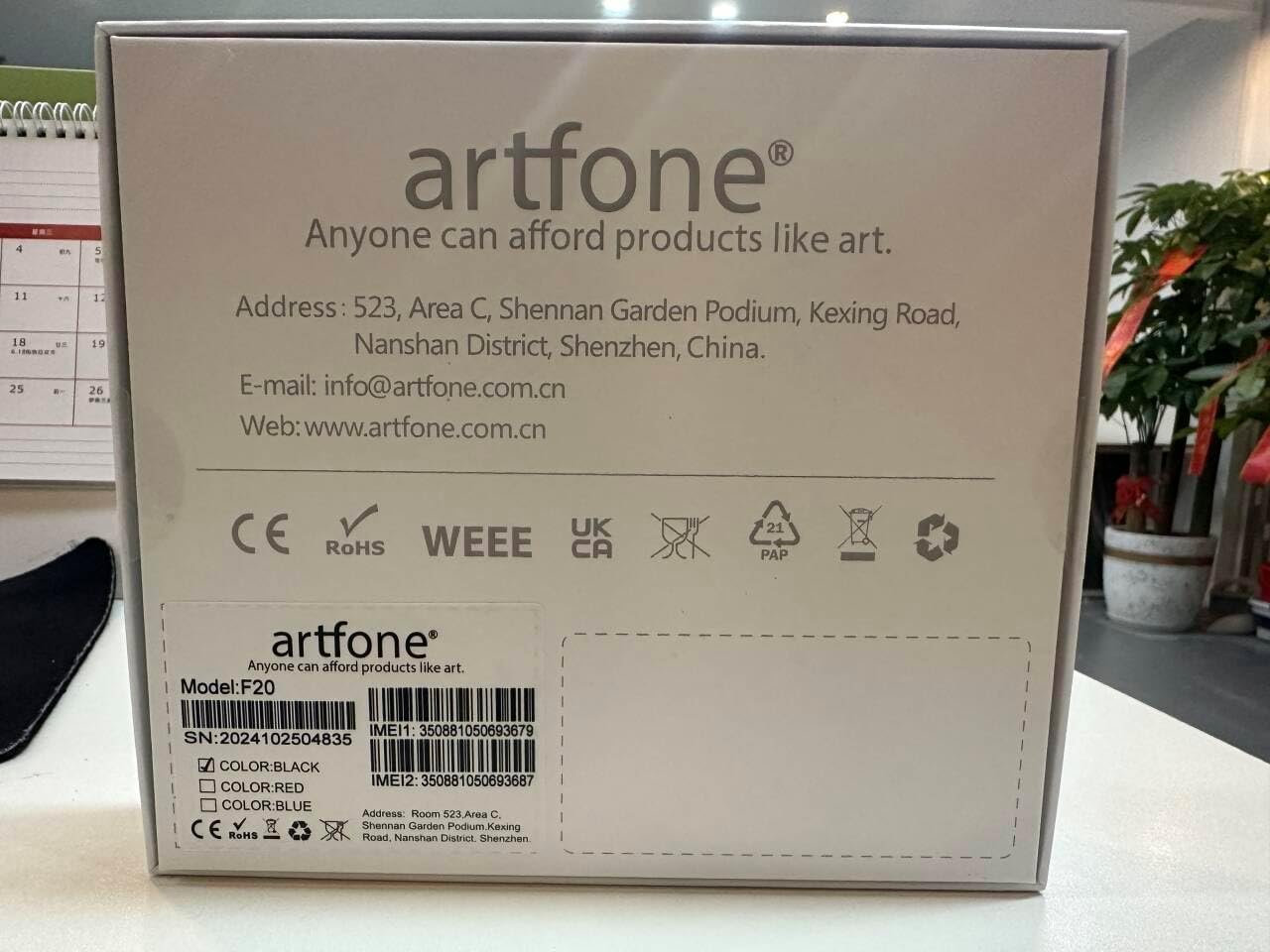
9.1-сүрөт: Manufacturer contact details from product packaging.
Өндүрүүчү: artfone
Webсайт: www.artfone.com.cn
Электрондук почта: info@artfone.com.cn