
Introduction
This manual provides detailed instructions for the installation, operation, and maintenance of your GNCC W5PRO 2K Solar Security Camera. Please read this manual thoroughly before using the product to ensure proper function and safety.

Image: GNCC W5PRO 2K Solar Security Camera, showing the camera unit, solar panel, and a smartphone displaying live footage.
Продукт өзгөчөлүктөрү
- 2K HD токтому: Так жана деталдуу видео foo камсыз кылатtage.
- Solar Powered & Rechargeable Battery: Equipped with a solar panel for continuous charging and a built-in rechargeable battery.
- Эки диапазондуу Wi-Fi байланышы: Туруктуу байланыш үчүн 2.4 ГГц жана 5 ГГц Wi-Fi тармактарын колдойт.
- Түнкү көрүнүш: Жарык аз шарттарда жакшыртылган көрүнүш.
- PIR кыймылды аныктоо: Detects human, animal, and vehicle movement with real-time notifications.
- Эки тараптуу аудио: Камера аркылуу байланышууга мүмкүндүк берет.
- IP65 аба ырайы: Designed for outdoor use, resistant to dust and water.
- Smart Spotlight & Alert: Activates a spotlight and alarm upon motion detection.
- Сактоо параметрлери: Supports cloud storage and local SD card storage (up to 128GB).

Сүрөт: бүттүview of key features including Dual Band Wifi, Solar Charging, IP65 Waterproof, Colour Night Vision, Two-Way Audio, and PIR Motion Detection.
Орнотуу колдонмосу
1. Батареяны баштапкы заряддоо
Before installation, fully charge the camera's built-in battery using the provided charging cable and power adapter. This ensures optimal performance from the start.
2. Колдонмону орнотуу жана каттоо эсебин түзүү
- Download the official GNCC application from your smartphone's app store (iOS or Android).
- Колдонмону ачып, жаңы каттоо эсебин түзүү үчүн экрандагы нускамаларды аткарыңыз же сизде мурунтан эле бар болсо кириңиз.
3. Түзмөктү жупташтыруу
- In the GNCC app, select "Add Device" and choose your camera model.
- Follow the in-app prompts to connect the camera to your 2.4GHz or 5GHz Wi-Fi network. Ensure your camera is within range of your Wi-Fi router.
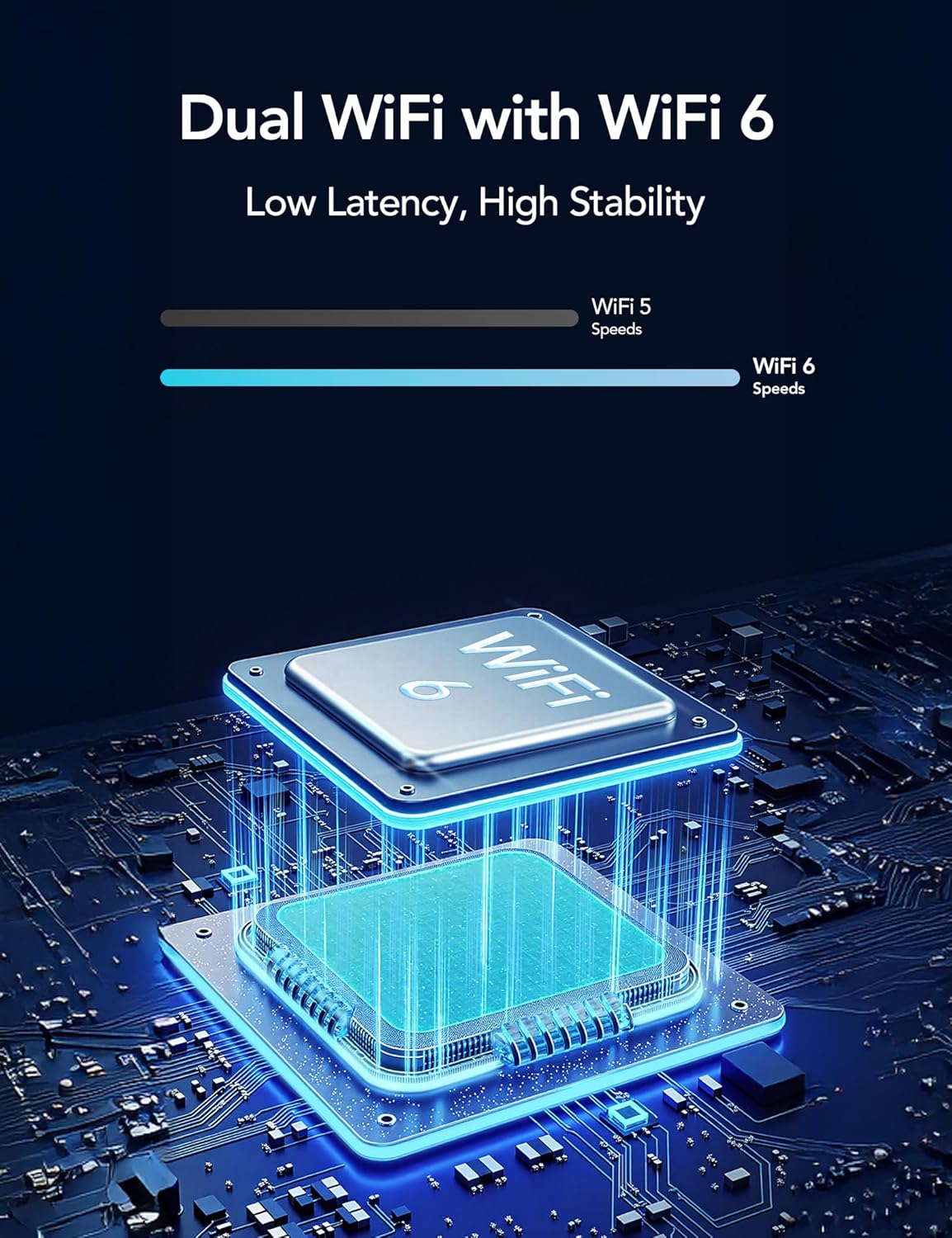
Image: Illustration of Dual WiFi with WiFi 6 technology, indicating low latency and high stability for network connection.
4. Физикалык орнотуу
- Choose a suitable outdoor location for the camera and solar panel. The solar panel requires direct sunlight exposure for efficient charging.
- Mount the camera securely using the provided mounting screws and stand.
- Connect the solar panel to the camera using the 2-meter solar cable.

Image: A person installing the GNCC W5PRO camera on an exterior wall using a ladder, demonstrating easy installation.

Image: Details on solar panel charging, highlighting 2X solar speed, 10 minutes of charge for 24 hours of power, and a 2M solar cable. Note: Solar panel effectiveness depends on direct sunlight exposure.
Иштөө нускамалары
Live View жана Жаздыруу
Access the GNCC app to view жаша фооtage from your camera. You can manually record video or capture screenshots directly from the live view интерфейс.
Кыймылды аныктоо жана эскертүүлөр
The camera utilizes PIR (Passive Infrared) motion detection to identify movement from people, animals, and vehicles. When motion is detected, you will receive real-time notifications on your smartphone via the app.

Image: Illustration of PIR Smart Detection, showing the camera detecting a person, animal, and vehicle, with corresponding app notifications.
Эки тараптуу аудио
Use the two-way audio feature in the app to speak through the camera's speaker and listen to audio from the camera's microphone.
Smart Spotlight and Alert System
Configure the camera to activate its built-in spotlight and sound an alert upon detecting motion. This can be set for specific times or triggered by motion activation.

Image: The GNCC W5PRO camera activating its smart spotlight and alert system, illuminating an area and deterring potential intruders.
Сактагычты башкаруу
The camera supports both cloud storage and local storage via a Micro SD card (not included).
- Булуттагы сактагыч: Offers 1-day event loop recording.
- SD карта сактагычы: Supports up to 128GB Micro SD card for local recording.

Image: Illustration showing cloud storage for 1-day event loop recording and SD card storage up to 128GB. Micro SD card is not included.
Техникалык тейлөө
- Күн панелин тазалоо: Periodically clean the surface of the solar panel to ensure maximum sunlight absorption and charging efficiency.
- Батареянын ден соолугу: While solar-powered, ensure the camera receives adequate sunlight. If the camera is in a shaded area for extended periods, occasional manual charging may be required.
- Программалык камсыздоонун жаңыртуулары: Check the GNCC app regularly for firmware updates to ensure your camera has the latest features and security enhancements.
- Курчап турган чөйрөнү коргоо: The camera is IP65 weatherproof, but avoid submerging it in water or exposing it to extreme temperatures beyond its operating range.
Проблемаларды чечүү
- Камера Wi-Fiга туташпай жатат:
- Ensure your Wi-Fi network is 2.4GHz or 5GHz and the camera is within range.
- Колдонмого киргизилген Wi-Fi сырсөзү туура экенин текшериңиз.
- Wi-Fi роутериңизди жана камераңызды өчүрүп күйгүзүңүз.
- Видеонун сапаты начар:
- Wi-Fi сигналыңыздын күчүн текшериңиз. Алсыз сигнал видео агымынын сапатына таасирин тийгизиши мүмкүн.
- Камера объективинин таза жана тоскоолдуктар жок экенин текшериңиз.
- Кыймылды аныктоо иштебей жатат:
- Колдонмонун жөндөөлөрүндө кыймылды аныктоо иштетилгенин текшериңиз.
- Кыймылды аныктоо сезгичтигинин жөндөөлөрүн тууралаңыз.
- Камеранын иштешине эч кандай физикалык тоскоолдуктар жок экенин текшериңиз view.
- Battery Not Charging via Solar Panel:
- Ensure the solar panel is positioned in direct sunlight for several hours daily.
- Clean the solar panel surface to remove any dirt or debris.
- Күн батареясы менен камеранын ортосундагы туташтыруучу кабелди текшериңиз.
Техникалык шарттар
| Өзгөчөлүк | Деталь |
|---|---|
| Модель аты | W5 Pro |
| Видео тартуунун резолюциясы | 2K |
| Байланыш технологиясы | Зымсыз (Wi-Fi) |
| Connectivity Protocol | Wi-Fi (2.4 ГГц жана 5 ГГц) |
| Ички/тышкы колдонуу | Сыртта |
| Өзгөчөлүктөр | 2 Way Audio, HD Resolution, Motion Sensor, Night Vision, Weather Proof |
| Монтаж түрү | Дубалга орнотуу |
| Power Source | Кайра заряддалуучу батарея, күн панели |
| Батарея түрү | Камтылган кайра заряддалуучу литий-ион |
| Продукциянын өлчөмдөрү | 6 x 8.5 x 6 см; 210 г |
| Камтылган компоненттер | Charging Cable, Instruction Manual, Mounting Screw, Power Adapter, Stand |
| Аба ырайына каршылык | IP65 |
Кепилдик жана колдоо
For warranty information and technical support, please refer to the official GNCC website or contact their customer service directly. Details are typically provided on the product packaging or within the GNCC application.