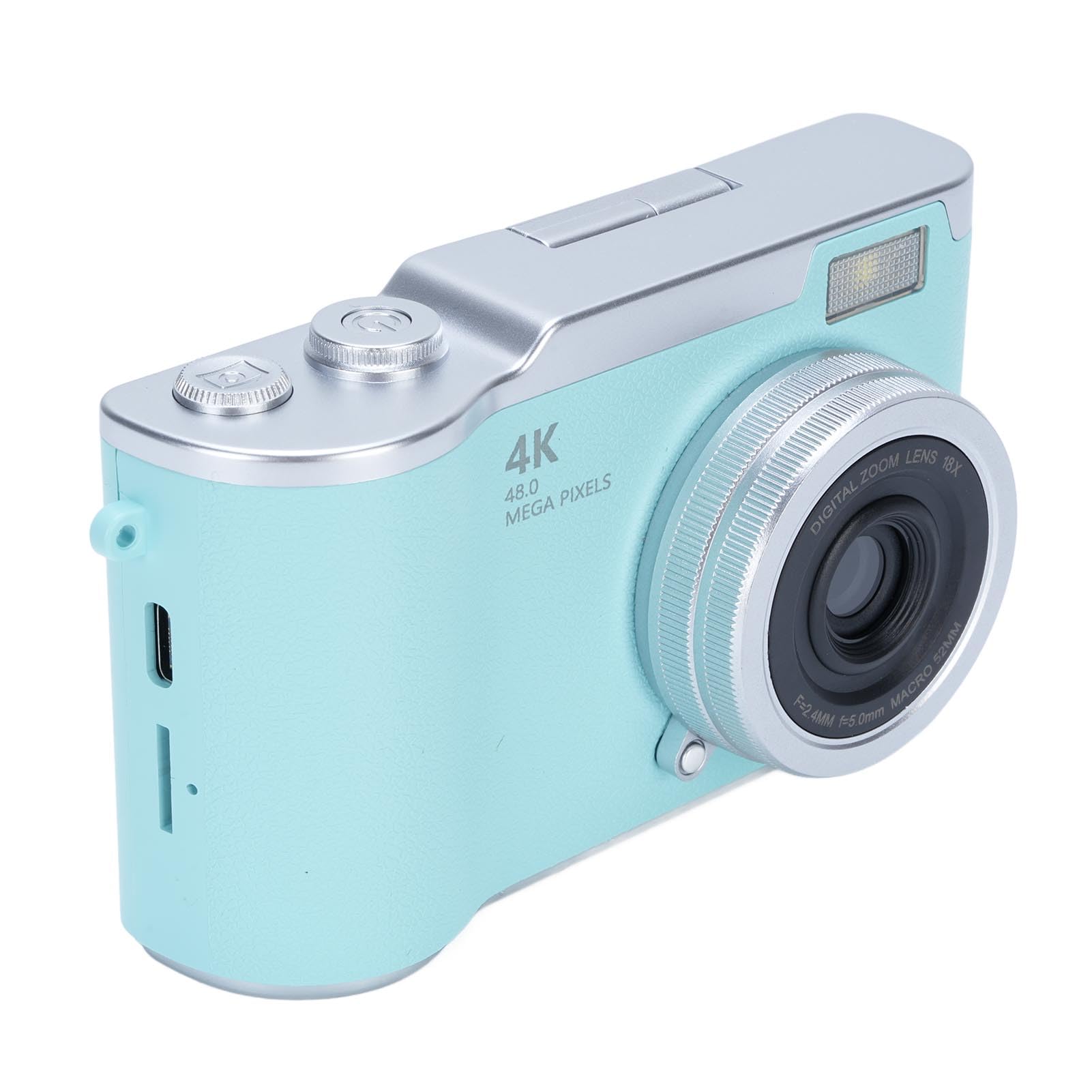
YUEHISY 48MP FHD 1080P Vlogging Camera Instruction Manual
Model: 48MP FHD 1080P Vlogging Camera
1. Продукт бүтүп калдыview
This manual provides instructions for the YUEHISY 48MP FHD 1080P Vlogging Camera. This compact digital camera is designed for capturing high-resolution photos and videos, featuring an 18X digital zoom, a 2.4-inch flip screen, and various creative functions.
Фронт view of the YUEHISY 48MP FHD 1080P Vlogging Camera, showcasing the lens, flash, and compact design.
2. Пакеттин мазмуну
Пакетте бардык буюмдар бар экенин текшериңиз:
YUEHISY Digital Camera
Билек боо
Заряддоо кабели (USB)
User Manual
The camera shown with its wrist strap and USB charging cable, which are included in the package.
3. Орнотуу
3.1. Батареяны орнотуу жана заряддоо
Камерадагы батарея бөлүкчөсүн табыңыз.
Insert the provided Li-ion battery (800mAh) according to the polarity indicators.
Батарея отсегин бекем жабыңыз.
Connect the camera to a power source using the supplied USB charging cable. The charging indicator will illuminate.
Allow the battery to fully charge before first use. A full charge provides approximately 4 hours of continuous recording.
3.2. Эстутум картасын орнотуу
This camera requires a memory card (not included) to store photos and videos. It supports up to 128GB memory cards.
Эстутум картасынын уячасын, адатта, батарея бөлүмүнүн жанына жайгаштырыңыз.
Insert a compatible memory card (e.g., microSD with adapter) into the slot until it clicks into place. Ensure the card is inserted in the correct orientation.
Алып салуу үчүн, картаны ал чыгып кеткенче акырын басыңыз.
3.3. Баштапкы күйгүзүү
After installing the battery and memory card, press and hold the Power On Key to turn on the camera. Follow any on-screen prompts for initial setup, such as setting the date and time.
4. Иштөө нускамалары
4.1. Camera Controls
An annotated diagram showing the location and function of the camera's main control buttons on the top and back.
Power On Key: Камераны күйгүзүү же өчүрүү үчүн басып кармап туруңуз.
Take Picture Button: Press to capture a photo or start/stop video recording.
T (Zoom In): Magnifies the view or playback image.
W (Zoom Out): Reduces the view or playback image.
Flip Up Screen: The 2.4-inch HD screen can be flipped up for selfies or easy viewing.
Navigation Buttons (Left, Right, Up, Down): Менюларда багыттоо жана параметрлерди тандоо үчүн колдонулат.
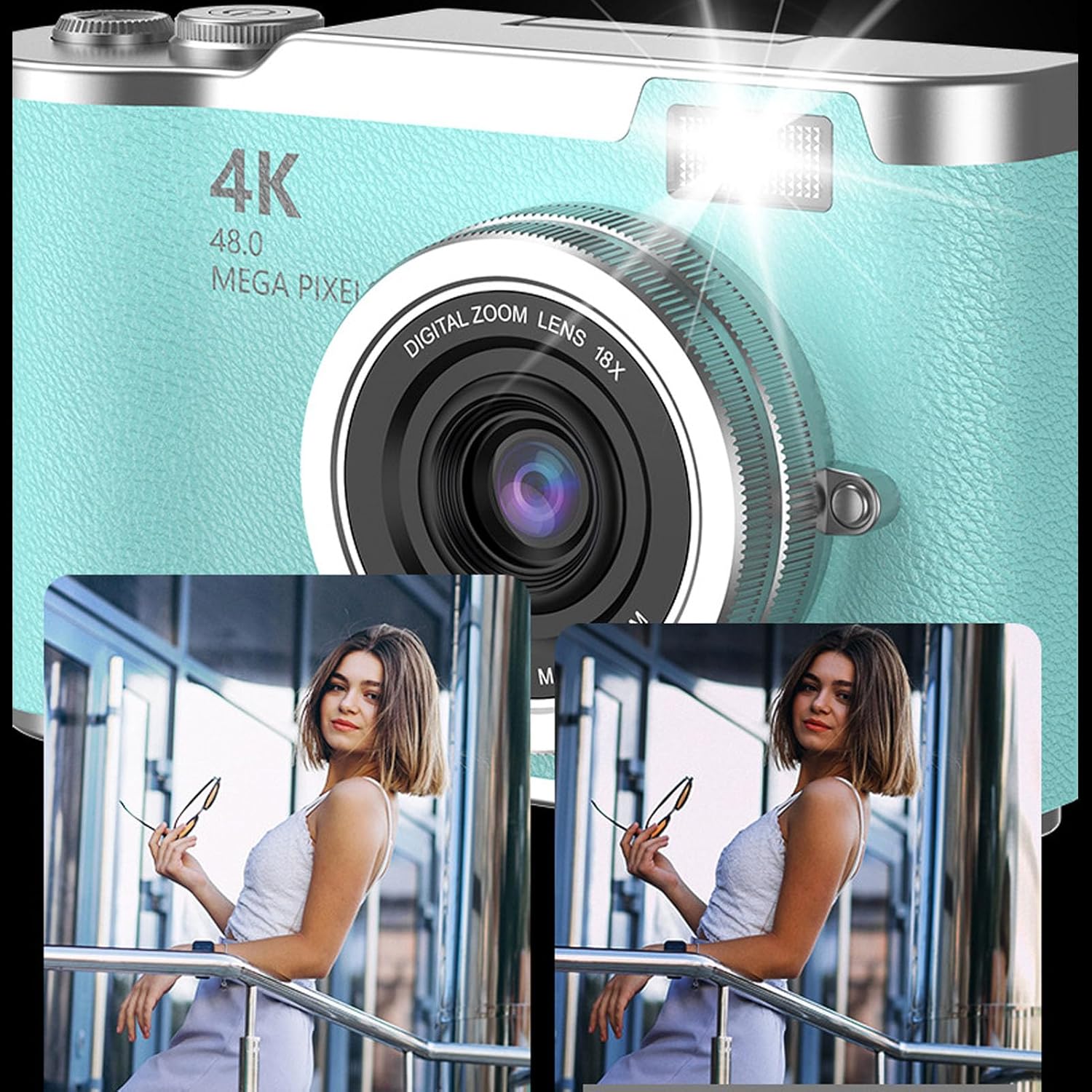
Ensure the camera is in photo mode. Frame your shot using the 2.4-inch flip screen. Press the Take Picture Button to capture a 48MP image. The camera features high-speed autofocus for clear and vivid shots. An LED fill light assists in low-light conditions.
This image illustrates the effect of the built-in flash fill light, showing a clearer and brighter photo when the flash is used.
4.3. Видеолорду жаздыруу
Switch the camera to video mode. Press the Take Picture Button to start recording 1080P video. Press it again to stop recording. The camera supports loop recording, which can be enabled in the settings menu.
4.4. Using the Flip Screen
The 2.4-inch HD screen can be flipped upwards, allowing for easy self-portraits (selfies) or convenient viewing from various angles. This feature helps in composing shots accurately.
The camera with its screen flipped up, ideal for vlogging or taking selfies, showing a vibrant image on the display.
4.5. Digital Zoom
Utilize the T (Zoom In) and W (Zoom Out) buttons to adjust the 18X digital zoom. This allows you to capture distant subjects with enhanced detail.
This image shows the camera's 18X digital zoom in action, comparing a wide shot to a magnified view of a distant subject.
4.6. Multifunctional Features
The camera includes various functions to enhance your photography and entertainment:
Self-Timers: Сүрөткө тартуунун алдында 2, 5 же 10 секунддук кечигүү опциялары.
Timestamping: Add date and time to your photos and videos.
Фильтр эффекттери: Apply different visual filters to your images.
Games and Music: Access built-in games and a music function for entertainment.
5. Техникалык тейлөө
5.1. Камераны тазалоо
Камеранын корпусун тазалоо үчүн жумшак, кургак чүпүрөктү колдонуңуз.
Линзаны жана экранды чийип калбаш үчүн атайын линзаны тазалоочу чүпүрөктү жана эритмени колдонуңуз.
Катуу химиялык заттарды же абразивдүү материалдарды колдонбоңуз.
5.2. Батареяга кам көрүү
Charge the battery regularly, even if the camera is not in frequent use, to maintain battery health.
Эгер камераны көпкө сактасаңыз, батарейкасын алып салыңыз.
5.3. Memory Card Handling
Always format new memory cards in the camera before first use.
Safely eject the memory card from the camera or computer to prevent data corruption.
Keep memory cards away from strong magnetic fields.
6. Кыйынчылыктарды
Көйгөй
Мүмкүн себеп
Чечим
Камера күйбөйт.
Батарея түгөнүп калган же туура эмес орнотулган.
Charge the battery fully. Reinstall the battery correctly.
Сүрөткө тартуу/видео жаздыруу мүмкүн эмес.
Эстутум картасы толгон, салынбаган же бузулган.
Эстутум картасын салыңыз. Керексиз жок кылуу files. Format the memory card (this will erase all data).
Сүрөттөр бүдөмүк.
Lens is dirty. Insufficient light. Camera shake.
Clean the lens. Use the LED fill light or shoot in brighter conditions. Hold the camera steady.
Камера катып калат же жооп бербей калат.
Программанын катасы.
Камераны баштапкы абалга келтирүү үчүн батареяны чыгарып, кайра салыңыз.
7. Техникалык шарттар
Өзгөчөлүк
Деталь
Сүрөттүн сапаты
48 мегапикселге чейин
Video Resolution
1080P Full HD (Maximum)
Digital Zoom
18X
Экран
2.4-inch HD Flip Screen
Батарея түрү
Li-ion Батарея
Батарея сыйымдуулугу
800mAh
Батареянын иштөө мөөнөтү (Видео)
Up to 4 hours continuous recording
Сактоо колдоо
Up to 128GB memory card (not included)
Flash
Built-in LED Fill Light
File Форматтар
JPEG (Сүрөттөр), MP4 (Видеолор)
Сенсор түрү
CMOS
Өлчөмдөрү (болжол менен)
117 мм x 64 мм x 29 мм (4.61 дюйм x 2.52 дюйм x 1.14 дюйм)
Visual representation of the camera's approximate dimensions.
8. Кепилдик маалыматы
This product comes with a manufacturer warranty for 90 days from the date of purchase. Please retain your proof of purchase for warranty claims. The warranty covers manufacturing defects but does not cover damage caused by misuse, accidents, or unauthorized modifications.
9. Колдоо
For technical assistance, troubleshooting beyond this manual, or warranty inquiries, please contact the seller or manufacturer directly. Refer to your purchase documentation for specific contact details.
Ask a question about this manual
Ask about setup, troubleshooting, compatibility, parts, safety, or missing instructions. Manuals+ will review the question and use this page’s manual context to help answer it.