
1. Киришүү
This manual provides essential instructions for the safe operation, setup, and maintenance of your Generic GT3 Mini Drone. Please read this manual thoroughly before operating the drone to ensure proper usage and to prevent damage or injury.
The GT3 Mini Drone is a compact, foldable quadcopter equipped with dual 4K cameras and an 180° adjustable lens, designed for aerial photography and recreational flight. It features optical flow hover for stable flight and intelligent obstacle avoidance for enhanced safety.
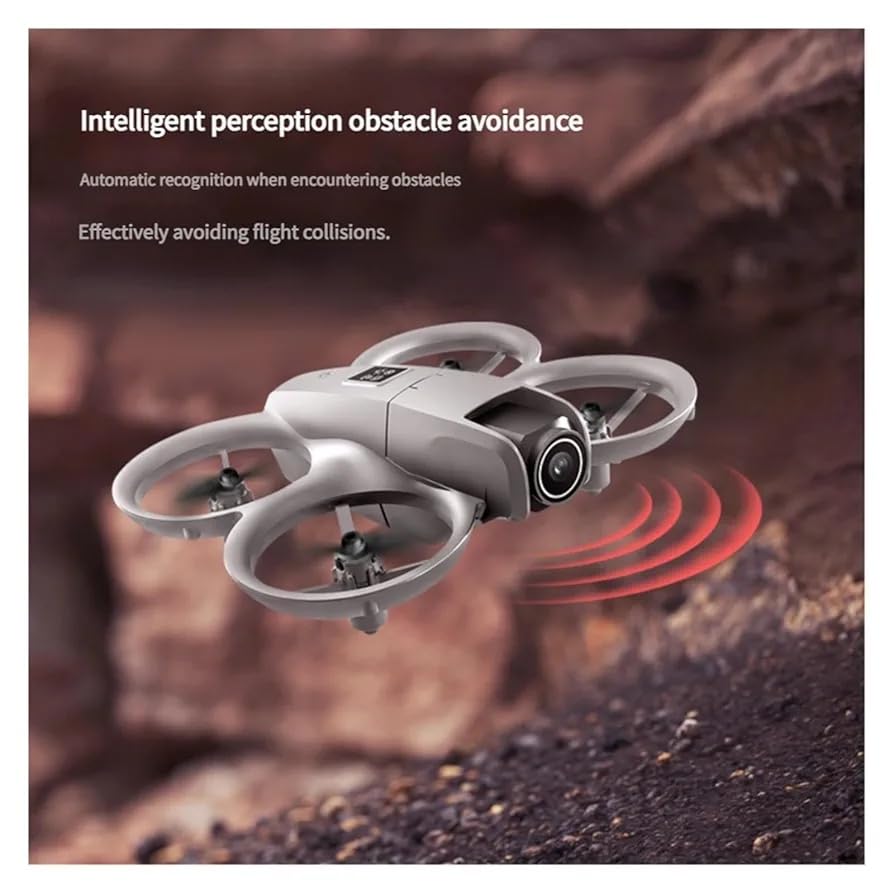
Figure 1: GT3 Mini Drone with included accessories (remote control, smartphone holder, packaging).
2. Коопсуздук боюнча көрсөтмөлөр
Adhering to these safety guidelines is crucial for preventing accidents, injuries, and damage to the drone or property.
- Учуу алдында текшерүү: Always inspect the drone, propellers, and battery for any damage before each flight.
- Экологиялык шарттар: Fly in open areas, away from people, animals, buildings, and power lines. Avoid flying in strong winds, rain, or snow.
- Батареянын коопсуздугу: Use only the provided charger and battery. Do not overcharge or puncture the battery. Discontinue use if the battery is damaged or swollen.
- Пропеллердин коопсуздугу: Keep fingers, hair, and loose clothing away from rotating propellers. The drone features propeller guards for added safety.
- Көрүү сызыгы: Учуу учурунда дрондун көрүү сызыгын дайыма сактаңыз.
- Жашы боюнча сунуш: This drone is suitable for beginners and kids. Adult supervision is recommended for younger users.
- Тоскоолдуктан качуу: While the drone has obstacle avoidance, it is not foolproof. Always be aware of your surroundings.
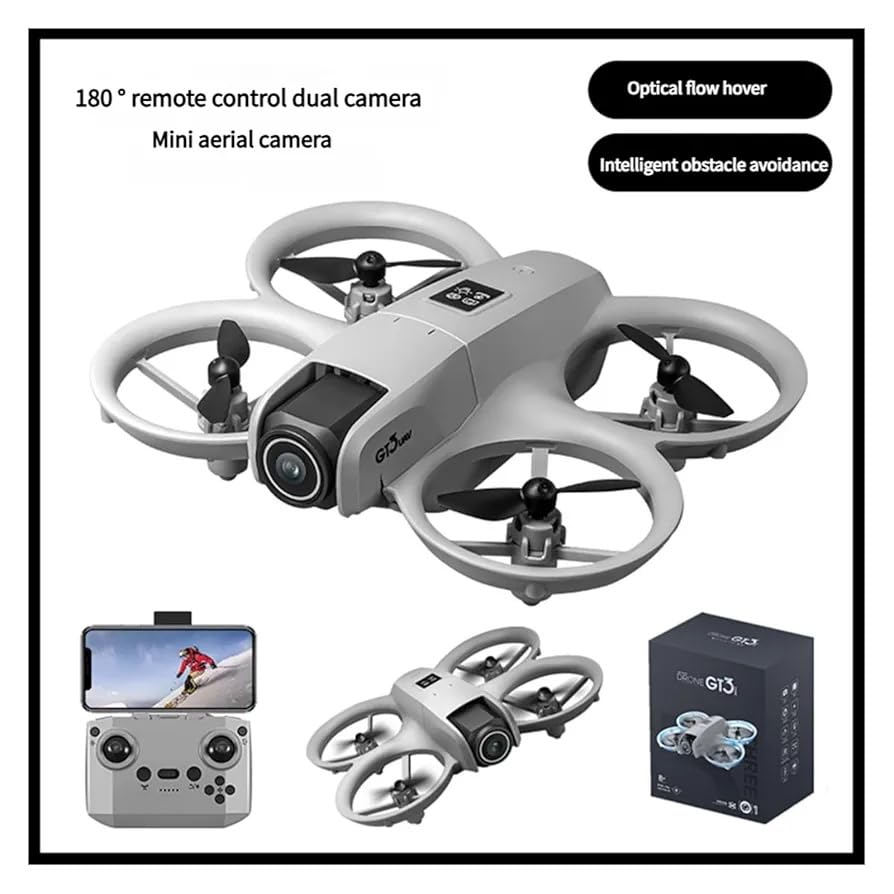
Figure 2: The GT3 Mini Drone features full surround protection for its propellers, enhancing safety during operation.
3. Пакеттин мазмуну
Пакетте бардык буюмдар бар экенин текшериңиз:
- GT3 Mini Drone (1)
- Алыстан башкаруу (1)
- Propellers (Set of spares)
- Колдонуучунун колдонмосу (1)
- Заряддоо кабели (1)
- Бурағыш (1)
4. Орнотуу колдонмосу
4.1. Дрондун батареясын кубаттоо
- Locate the drone battery and the charging cable.
- Connect the charging cable to the drone's charging port.
- Plug the other end of the charging cable into a USB power adapter (not included).
- The indicator light on the charging cable will show the charging status. Refer to the light's behavior for full charge indication.
- Батареяны заряддоону кароосуз калтырбаңыз.
4.2. Алыстан башкаруунун батареяларын орнотуу
- Пульттун артындагы батарея бөлүкчөсүн ачыңыз.
- Insert the required batteries (e.g., 3x AAA, not included) according to the polarity markings.
- Батарея отсегин бекем жабыңыз.
4.3. Дронду ачуу
Gently unfold the drone's arms until they click into place. Ensure all arms are fully extended before flight.
4.4. Колдонмону орнотуу жана туташуу
- Scan the QR code in the manual or on the packaging to download the official control app.
- Колдонмону смартфонуңузга орнотуңуз.
- Дронду жана смартфонуңуздун Wi-Fi'ын күйгүзүңүз.
- Connect your smartphone to the drone's Wi-Fi network (usually named "GT3-XXXXXX").
- Дрон менен байланыш түзүү үчүн колдонмону ачыңыз.
4.5. Pairing Drone with Remote Control
- Дронду тегиз, тегиз жерге орнотуңуз.
- Press and hold the power button on the drone until the indicator lights flash.
- Алыстан башкарууну күйгүзүңүз.
- Push the left joystick up and then pull it down. The drone's indicator lights will become solid, indicating successful pairing.
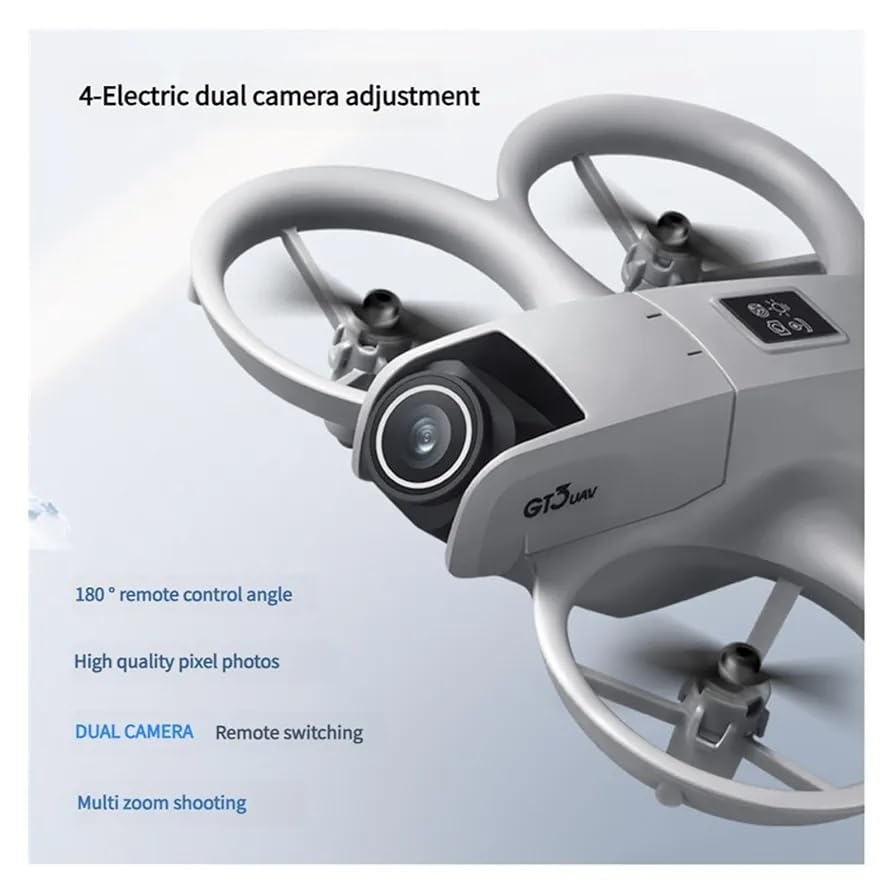
Figure 3: Simplified setup process: 1. Power on the drone. 2. Connect the remote control. 3. Perform handheld takeoff for easy control.
5. Иштөө нускамалары
5.1. Учууну башкаруунун негизги каражаттары
Familiarize yourself with the remote control or app interface before your first flight.
- Учуу/конуу: Use the one-key takeoff/landing button or manually control with the left joystick (throttle).
- Бийиктикти көзөмөлдөө: Left joystick (throttle) controls ascent and descent.
- Багыттык көзөмөл: Right joystick controls forward, backward, left, and right movement.
- Айлануу: Left joystick (yaw) controls left and right rotation.
5.2. Optical Flow Hover
The GT3 Mini Drone is equipped with optical flow hover technology, which helps maintain a stable position in the air, especially indoors or in areas with good ground texture. This feature assists in easier control for beginners.
5.3. Тоскоолдуктардан качуу
The drone features intelligent obstacle avoidance sensors. When an obstacle is detected, the drone may automatically adjust its flight path or stop to prevent collision. Always exercise caution and do not rely solely on this feature.
5.4. Camera Operation (Dual 4K Cameras, 180° Adjustable Lens)
The drone features dual 4K cameras and a 180° adjustable lens for versatile aerial photography and video recording.
- Adjusting Lens Angle: The 180° adjustable lens can be controlled via the remote or the app to capture different perspectives.
- Камераларды алмаштыруу: Use the dedicated button on the remote or the app interface to switch between the dual cameras.
- Сүрөт/Видео тартуу: Press the photo button to take still images or the video button to start/stop recording. Media will be saved to your connected smartphone or the drone's internal storage/SD card (if applicable).
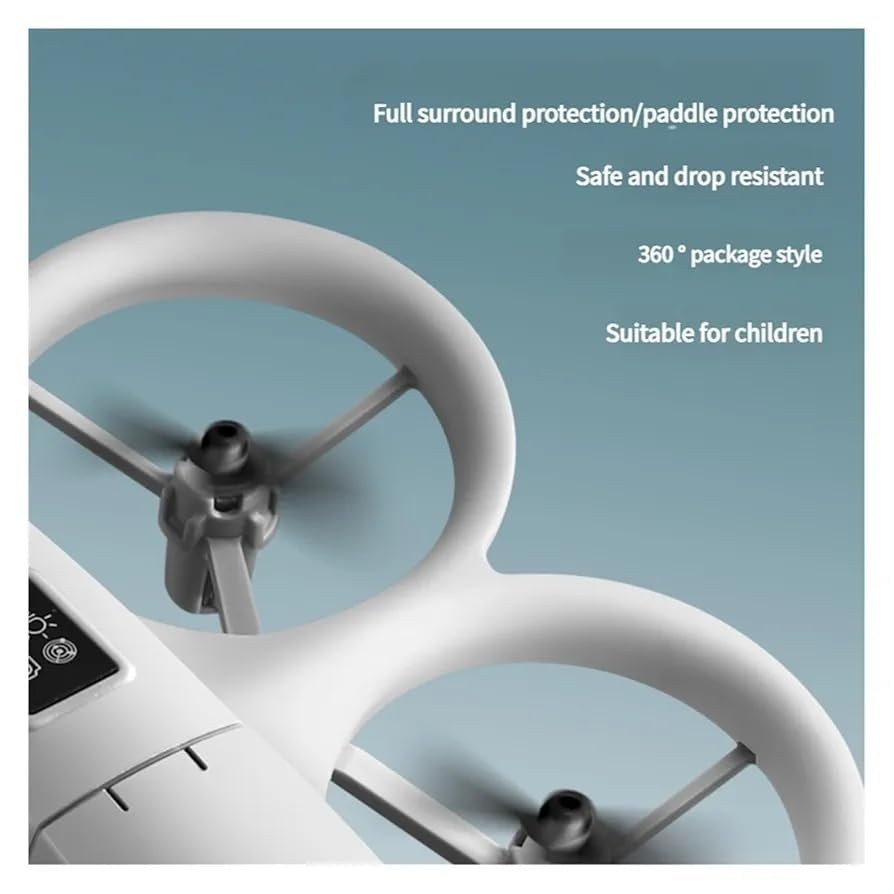
Figure 4: The drone's camera system allows for 180° remote control angle adjustment and remote switching between dual cameras for high-quality photos.
6. Техникалык тейлөө
- Тазалоо: Дрондун корпусун жана камеранын линзасын тазалоо үчүн жумшак, кургак чүпүрөктү колдонуңуз. Күчтүү химиялык заттарды же эриткичтерди колдонбоңуз.
- Пропеллер текшерүү: Regularly check propellers for cracks, bends, or damage. Replace damaged propellers immediately using the provided spares and screwdriver.
- Батареяга кам көрүү: Store batteries in a cool, dry place. Do not store fully charged or fully depleted batteries for extended periods. Charge the battery to about 50-60% for long-term storage.
- Сактагыч: When not in use, fold the drone and store it in a safe, dry place away from direct sunlight and extreme temperatures.
7. Кыйынчылыктарды
| Көйгөй | Мүмкүн себеп | Чечим |
|---|---|---|
| Дрон күйбөйт. | Батарея түгөнүп калган же туура эмес салынган. | Charge the drone battery. Ensure the battery is correctly inserted. |
| Алыстан башкаруу пульту туташпай жатат. | Remote control batteries are low or pairing failed. | Replace remote control batteries. Repeat the pairing process (Section 4.5). |
| Drone is unstable during flight. | Not calibrated correctly, damaged propellers, or strong wind. | Perform gyroscope calibration (refer to app instructions). Check and replace damaged propellers. Fly in calm conditions. |
| App does not connect to drone. | Incorrect Wi-Fi connection or app issue. | Ensure your phone is connected to the drone's Wi-Fi network. Restart the app and drone. |
| Camera not recording/taking photos. | App not connected, storage full, or incorrect mode. | Ensure app is connected. Check phone storage. Verify camera mode in the app. |
8. Техникалык шарттар
| Өзгөчөлүк | Деталь |
|---|---|
| Модель аты | GT3 |
| Бренд | Жалпы |
| Видео тартуунун резолюциясы | 3840x2160 (4K) |
| Натыйжалуу дагы эле чечим | 4000 депутат |
| Өзгөчөлүктөр | 180° Adjustable Lens, Dual Cameras, Foldable Design, Obstacle Avoidance, Optical Flow Hover |
| Байланыш технологиясы | Bluetooth, WiFi |
| Башкаруу түрү | Колдонмо башкаруу |
| Skill Level | Beginner |
| Батареянын курамы | Литий ион |
| Элемент Салмагы | 250 грамм |
| Элементтин өлчөмдөрү (L x W x Y) | 15L x 15W x 5H Centimeters (Folded/Unfolded dimensions not specified, assuming compact) |
| Материалдын түрү | Металл, пластик |
| Жаш аралыгы (сүрөттөө) | Бала |
9. Кепилдик жана колдоо
Кепилдик маалыматы жана техникалык колдоо үчүн, сатып алууңуз менен бирге берилген документтерди караңыз же сатуучу/өндүрүүчү менен түз байланышыңыз. Кепилдик дооматтар үчүн сатып алганыңыздын далилин сактаңыз.


