
1. Продукт бүтүп калдыview
The Bewinner Tablet Pen is a passive stylus designed for precision input on capacitive touchscreen devices. It offers a smooth and responsive experience for writing, drawing, and navigating without requiring batteries or Bluetooth connectivity.
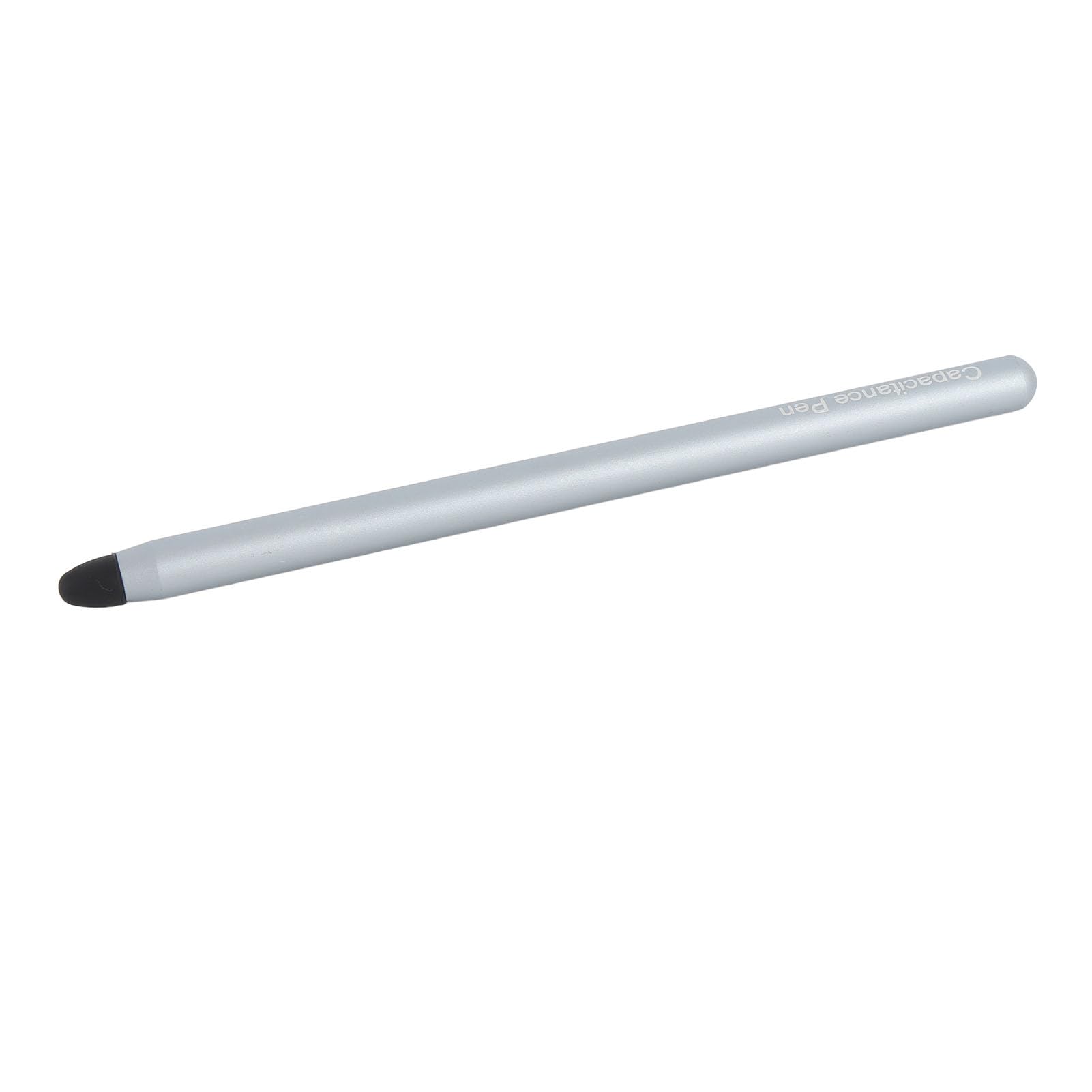
Image 1: The Bewinner Tablet Pen, a sleek blue stylus with a black silicone tip.
Пакеттин мазмуну:
- 1 x Bewinner Tablet Pen
- 1 x Replacement Silicone Pen Nib
2. Шайкештик
This tablet pen is compatible with a wide range of capacitive touchscreen devices. Verified compatible models include:
- For Fire Maximum 11
- For Fire HD 10, Fire 10 Kids, Fire HD 10 Kids Pro, HD 10 Plus
- For Fire HD 8, HD 8 Plus, HD 8 Kids, HD 8 Kids Pro
- For Fire 7, Fire 7 Kids
- For Tab A9, Tab A8, Tab A7, Tab A7 Lite
- And other devices with capacitive touchscreens.
3. Орнотуу
The Bewinner Tablet Pen requires no complex setup. It is ready for immediate use upon removal from its packaging.
- Unpack the Pen: Carefully remove the tablet pen and any accessories from the packaging.
- Inspect the Tip: Ensure the silicone pen nib is securely attached to the stylus.
- Колдонууну баштоо: The pen is now ready to interact with your compatible touchscreen device.
4. Иштөө нускамалары
The Bewinner Tablet Pen functions like an extension of your finger, providing enhanced precision and control for various tasks.
- Holding the Pen: Hold the stylus comfortably as you would a traditional pen or pencil.
- Interacting with the Screen: Gently touch the silicone tip to your device's screen to perform actions such as:
- Tapping to select items.
- Swiping to scroll or navigate.
- Drawing or writing in compatible applications.
- Editing documents or images with greater accuracy.
- Басым сезгичтиги: As a passive stylus, it does not feature active pressure sensitivity. Input is registered based on contact with the screen.
5. Техникалык тейлөө
Proper care will ensure the longevity and optimal performance of your Bewinner Tablet Pen.
Тазалоо:
- Калемдин корпусун жумшак, кургак чүпүрөк менен сүртүңүз.
- If the silicone tip becomes dirty, gently clean it with a slightly damp чүпүрөк менен жууп, колдонуудан мурун аны толугу менен кургатуу керек.
Replacing the Pen Nib:
If the silicone tip wears out or becomes damaged, it can be easily replaced.
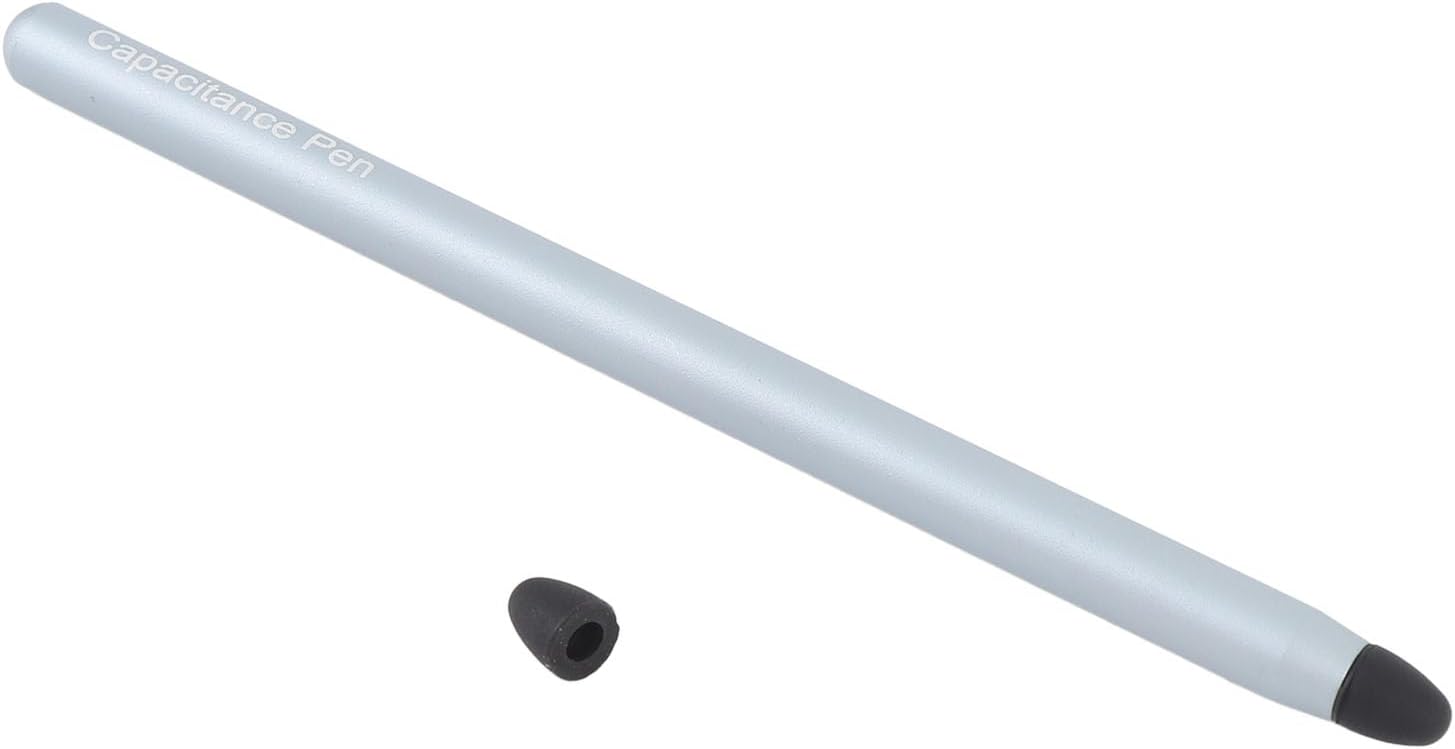
Image 2: The Bewinner Tablet Pen with its silicone tip detached, showing how it can be replaced.
- Remove Old Nib: Gently pull the existing silicone nib straight off the pen. Do not twist forcefully.
- Attach New Nib: Align the new silicone nib with the pen's tip and push it firmly into place until it is secure.
Сактагыч:
- Store the pen in a safe place to prevent damage to the tip.
- Avoid exposing the pen to extreme temperatures or direct sunlight for prolonged periods.
6. Кыйынчылыктарды
If you encounter issues with your tablet pen, consider the following:
- Калем жооп бербейт:
- Ensure your device's screen is clean and free of debris.
- Check if the silicone tip is securely attached and not damaged. Replace if necessary.
- Verify that your device has a capacitive touchscreen. This pen is not compatible with resistive touchscreens.
- Restart your tablet or smartphone.
- Туура эмес киргизүү:
- Clean the screen and the pen tip.
- Ensure you are holding the pen at a comfortable angle and making firm, but not excessive, contact with the screen.
7. Техникалык шарттар
| Өзгөчөлүк | Деталь |
|---|---|
| Элемент түрү | Планшет калеми |
| Материал | Алюминий эритмеси |
| Түс | Көк |
| Элемент Салмагы | 0.705 унция (болжол менен 20 г) |
| Пакеттин өлчөмдөрү | 6.69 x 2.36 x 0.39 дюйм |
| Батареялар талап кылынат | Жок |
| Bluetooth байланышы | Жок |
8. Кепилдик жана колдоо
Кайтаруу саясаты:
This product is subject to a 30-day return policy for refund or replacement, as per the retailer's terms and conditions.
Кардарларды колдоо:
For further assistance or inquiries, please visit the official Bewinner store or contact your retailer.
Bewinner Store: Visit Bewinner Store on Amazon