
1. Киришүү
Thank you for choosing the 4DRC 4DF8 GPS Drone. This manual provides essential information for the safe operation, setup, and maintenance of your drone. Please read it thoroughly before your first flight to ensure optimal performance and to prevent damage or injury. The 4DF8 is equipped with a 4K HD camera, 5GHz FPV transmission, and intelligent flight features designed for both beginners and experienced pilots.

Image: The 4DRC 4DF8 GPS Drone in flight, with the remote controller visible. This image illustrates the drone's design and its operational context.
2. Кутуда эмне бар
Сиздин пакетте бардык компоненттер бар экенин текшериңиз:
- 4DRC 4DF8 GPS Drone
- Remote Control with 4.5" LCD Screen
- Flight Batteries (Quantity: 2)
- Spare Propellers (Quantity: 4)
- USB заряддоо кабели
- Screwdriver (Quantity: 2)
- 32 ГБ эстутум картасы
- Card Reader
- Ташуу сумкасы
- User Manual

Сүрөт: толук бүттүview of the 4DRC 4DF8 GPS Drone package contents, neatly arranged. It shows the drone, remote controller, two batteries, four spare propellers, a USB cable, two screwdrivers, a memory card, a card reader, and a carrying bag.
3. Орнотуу
3.1 Батареяны заряддоо жана орнотуу
Before first use, fully charge the drone's flight batteries and the remote controller's internal battery. Use the provided USB charging cable.
- Connect the USB charging cable to the drone battery/controller and a suitable USB power adapter (not included).
- Кубаттоо индикаторлору заряддоонун абалын көрсөтөт. Толук заряддалгандан кийин, кабелди сууруп алыңыз.
- Insert the charged flight battery into the drone until it clicks securely into place.
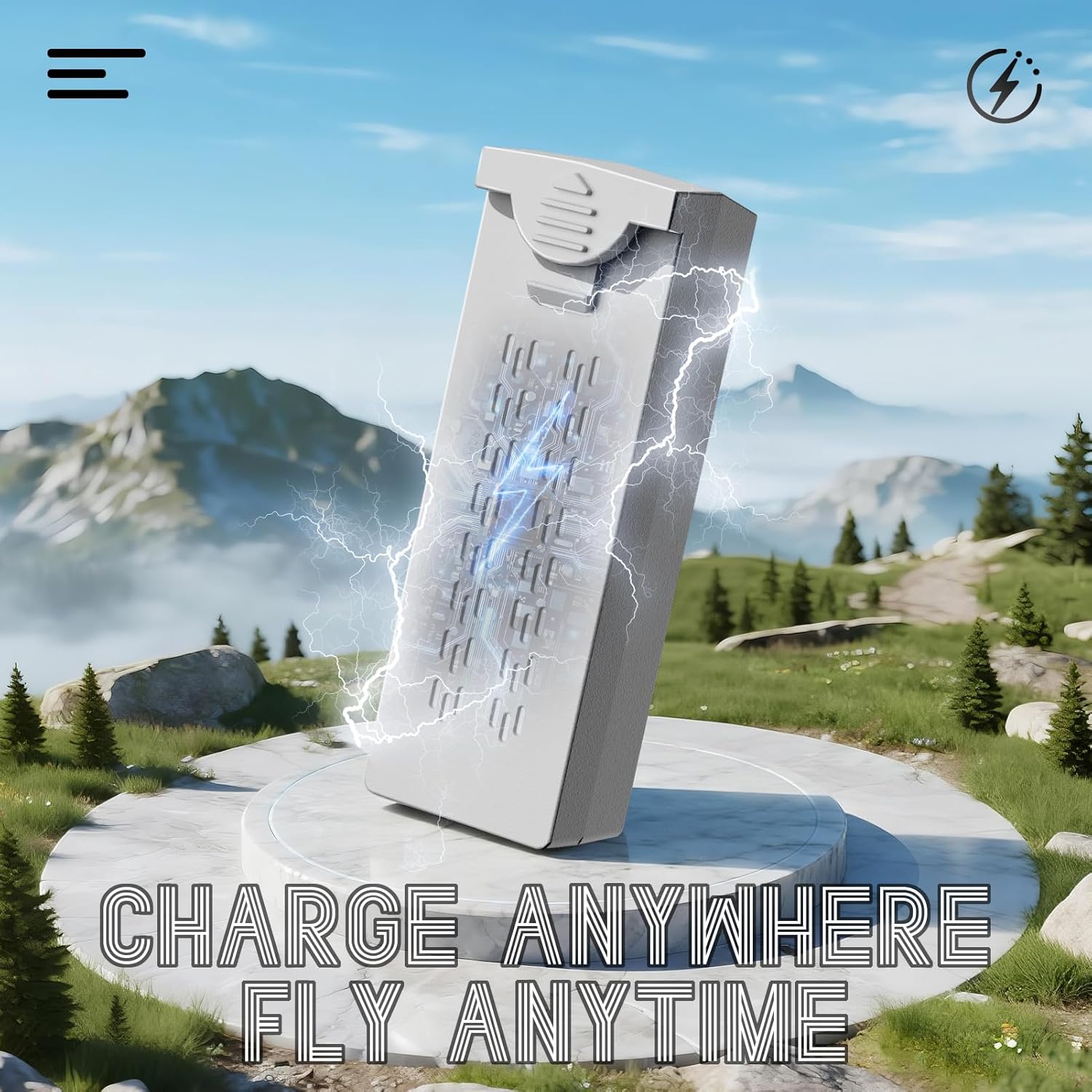
Image: A visual representation of the drone battery being charged, emphasizing the 'Charge Anywhere, Fly Anytime' concept. This highlights the convenience of charging the drone's power source.
3.2 Пропеллерди орнотуу
Ensure propellers are correctly installed before each flight. Match the propeller type (A or B) to the corresponding motor arm.
- «А» жана «В» менен белгиленген пропеллерлерди аныктагыла.
- Attach 'A' propellers to motor shafts marked 'A', and 'B' propellers to motor shafts marked 'B'.
- Secure each propeller with the provided screws using the screwdriver. Do not overtighten.
3.3 Алыстан башкаруу пультун даярдоо
Ensure the remote controller is fully charged. Power on the controller by pressing and holding the power button.
3.4 Учуу алдындагы текшерүү тизмеси
- Ensure drone and controller batteries are fully charged.
- Пропеллерлердин бекем орнотулганын жана бузулбаганын текшериңиз.
- Verify the flight environment is clear of obstacles and suitable for drone operation.
- Ensure GPS signal is strong before takeoff for optimal performance of intelligent flight modes.
4. Иштөө нускамалары
4.1 Күйгүзүү/өчүрүү
- Күйгүзүү: Press the power button on the drone and then on the remote controller. Wait for the drone to connect to the controller and acquire GPS signal.
- Өчүрүү: Press and hold the power button on the drone, then on the remote controller.
4.2 Учуу жана конуу
- Бир ачкычтуу учуу: After GPS lock, press the one-key takeoff button on the controller. The drone will automatically ascend to a safe altitude.
- Кол менен учуп кетүү: Push both joysticks down and outwards to start the motors. Slowly push the left joystick up to ascend.
- Бир ачкыч конуу: Бир баскычтуу конуу баскычын басыңыз. Дрон ылдый түшүп, автоматтык түрдө конот.
- Кол менен конуу: Slowly pull the left joystick down to descend. Once landed, push both joysticks down and inwards to stop the motors.

Image: An illustration highlighting the AI Takeoff/Landing and Safer Flight features, including strong motors, one-key takeoff/landing, headless mode, and 3-speed modes, ensuring effortless and precise control.
4.3 Учууну башкаруу
Алыстан башкаруучу стандарттык режим 2 конфигурациясын колдонот:
- Сол джойстик: Бийиктикке (өйдө/төмөн) жана бурулууну (солго/оңго айлантуу) көзөмөлдөйт.
- Оң Джойстик: Алдыга/артка кыймылды жана солго/оңго сокку урууну башкарат.
- Refer to the controller's LCD screen for real-time flight data and status.
4.4 Учуунун интеллектуалдык режимдери
The 4DF8 drone features advanced GPS-enabled flight modes:
- GPS жайгаштыруу: Provides stable hovering and precise flight control. Ensure a strong GPS signal before activating.
- Үйгө кайтуу (RTH): Automatically brings the drone back to its takeoff point. Activated manually or automatically upon low battery/signal loss.
- Мени ээрчүү режими: The drone will follow the remote controller, maintaining a set distance and altitude.
- Учуу пункту: Set a custom flight path in the app for precise, repeatable aerial routes.
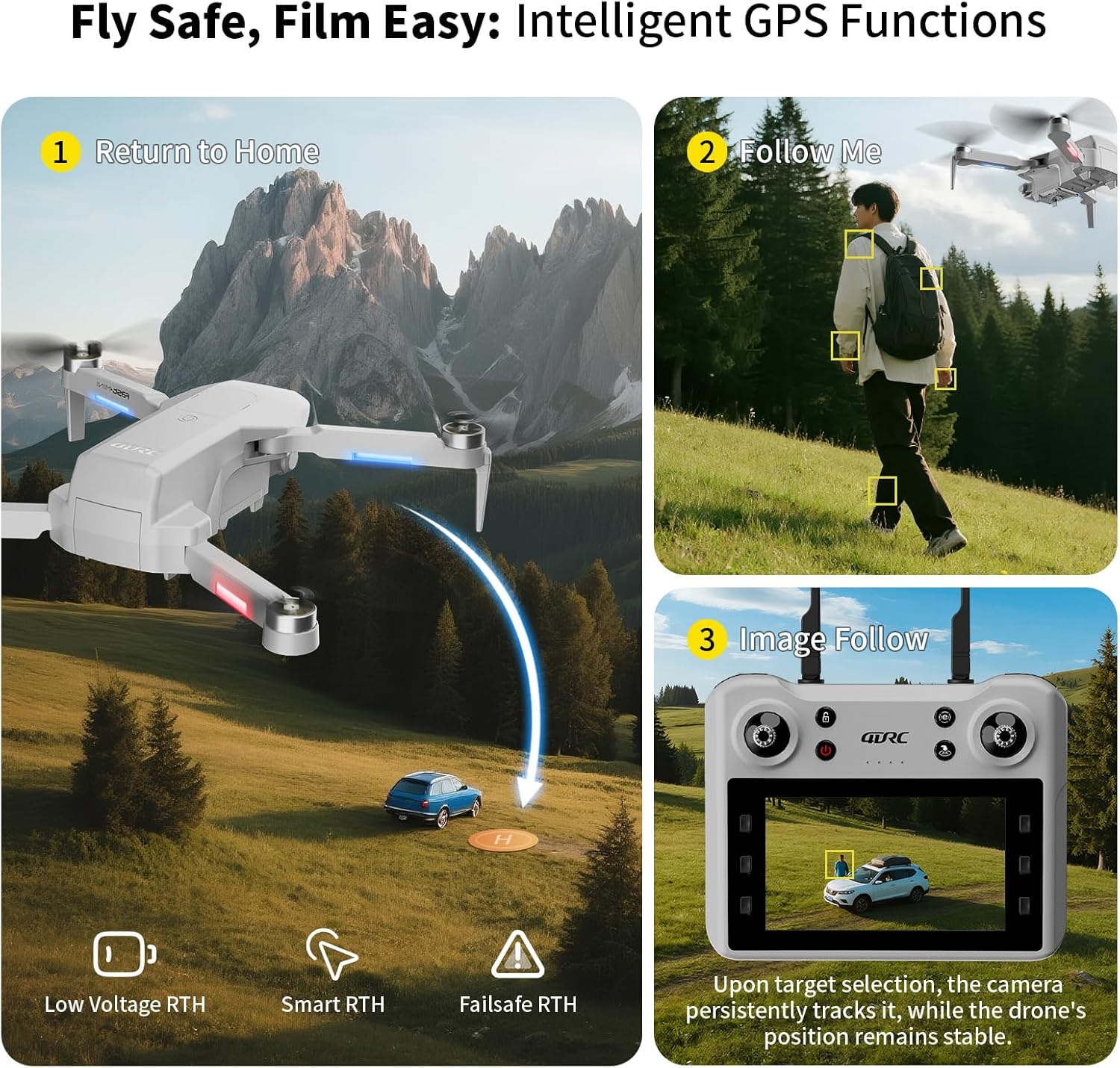
Image: A graphic illustrating the intelligent GPS functions of the drone, including Return to Home (Low Voltage RTH, Smart RTH, Failsafe RTH), Follow Me mode, and Image Follow, where the camera tracks a selected target.

Image: A visual depicting the Waypoint Flight feature, where the drone follows a custom-set path on a map, enabling precise and repeatable aerial routes.
4.5 Камеранын иштеши
The 4DF8 drone is equipped with a 4K HD camera.
- Фото/Видео: Use the dedicated buttons on the remote controller to capture photos or start/stop video recording.
- Жөнгө салынуучу бурч: The camera angle can be adjusted remotely via the controller.
- FPV берүү: View жаша фооtage from the drone's camera on the controller's 4.5-inch LCD screen.
- Captured media is saved to the inserted 32GB memory card.

Сүрөт: жакын план view of the 4K HD camera on the 4DRC 4DF8 drone, demonstrating its capability with a visual comparison between 4K and 1080P image quality.
5. Техникалык тейлөө
5.1 Тазалоо
Regularly clean your drone to ensure optimal performance.
- Use a soft, dry cloth to wipe the drone's body and camera lens.
- Remove any dust or debris from motors and propellers.
- Суюк тазалагычтарды же эриткичтерди колдонбоңуз.
5.2 Пропеллерди алмаштыруу
Inspect propellers for cracks or damage before each flight. Replace damaged propellers immediately using the spare parts and screwdriver provided.
5.3 Батареяга кам көрүү жана сактоо
- Батареяларды ашыкча заряддабаңыз же ашыкча разрядтабаңыз.
- Батареяларды салкын, кургак жерде, күндүн нуру жана ысык тийбеген жерде сактаңыз.
- Узак мөөнөткө сактоо үчүн, батарейкаларды болжол менен 50-60% сыйымдуулукка чейин заряддаңыз.
6. Кыйынчылыктарды
| Көйгөй | Мүмкүн себеп | Чечим |
|---|---|---|
| Дрон күйбөйт | Аз батарея; Батарея туура орнотулган эмес | Charge battery; Reinstall battery securely |
| Drone cannot connect to controller | Controller not powered on; Pairing failed; Interference | Ensure controller is on; Re-pair drone and controller; Move to an area with less interference |
| Туруксуз учуу/Дрифтинг | No GPS signal; Calibration needed; Damaged propellers | Fly in open area with strong GPS; Perform gyroscope calibration; Replace damaged propellers |
| Камера сүрөткө тартпайт/жазбайт | Memory card full/missing; Memory card error | Insert/replace memory card; Format memory card (backup data first) |
| Кыска учуу убактысы | Батарея толук заряддалган эмес; Эски батарея; Агрессивдүү учуу | Батареяны толугу менен заряддаңыз; Эски батареяларды алмаштырууну карап көрүңүз; Учууну этияттык менен жасаңыз |
7. Техникалык шарттар
- Модель аты: F8
- Бренд: 4DRC
- Түсү: Боз
- Материал: Пластик
- Элемент Салмагы: 1 фунт
- Элементтин өлчөмдөрү (L x W x Y): 8.7"L x 3.15"W x 13.8"H
- Видео тартуу токтому: 4K
- Видео тартуу форматы: MP4
- Байланыш технологиясы: Wi-Fi, RF (5GHz FPV Transmission)
- Башкаруу түрү: Алыстан башкаруу
- Батарея клеткасынын курамы: Литий ион
- Учуу убактысы: Up to 50 minutes (with included batteries)
- Өзгөчөлүктөр: Auto Follow, Brushless Motor, First Person View (FPV), Gesture Control, Integrated GPS, Low Battery Return, Signal Loss Return
- Чеберчилик деңгээли: Beginner
8. Кепилдик жана колдоо
For warranty information and customer support, please refer to the documentation included with your purchase or contact the retailer. Keep your proof of purchase for warranty claims.
If you encounter any issues not covered in this manual, please reach out to 4DRC customer service through their official channels or the platform where the product was purchased.