
1. Киришүү
Welcome to the user manual for your new TABWEE T60 12.2-inch Android 16 Tablet. This guide provides essential information to help you set up, operate, maintain, and troubleshoot your device. The TABWEE T60 is designed for high-resolution viewing, efficient multitasking, and extended use, featuring a 2.5K UHD display, an Octa-Core processor, 48GB RAM, 256GB internal storage expandable up to 2TB, and a 10000mAh battery. It runs on Android 16 with integrated Gemini AI for enhanced performance and user experience.
Please read this manual thoroughly to ensure proper use and to maximize the potential of your tablet.
2. Кутуда эмне бар
Upon opening your TABWEE T60 package, verify that all the following items are included:
- 1x TABWEE T60 12.2-inch Android 16 Tablet
- 1x Detachable Keyboard
- 1x чычкан
- 1x Стилус калеми
- 1x коргоочу кап
- 1x Charger & Cable (USB-C)
- 1x Колдонуучунун колдонмосу (бул документ)

Image: Contents of the TABWEE T60 package, showing the tablet, detachable keyboard, mouse, stylus pen, protective case, charger, and USB-C cable.
3. Орнотуу
3.1 Планшетти заряддоо
Before first use, fully charge your tablet. Connect the provided USB-C cable to the tablet's charging port and the other end to the included 18W power adapter. Plug the adapter into a wall outlet. The battery indicator on the screen will show charging status.
3.2 Күйгүзүү/өчүрүү
- Күйгүзүү үчүн: Планшеттин капталында жайгашкан Кубат баскычын экранда TABWEE логотиби пайда болгонго чейин басып туруңуз.
- Өчүрүү үчүн: Кубат параметрлери менюсу чыкканга чейин Кубат баскычын басып, кармап туруңуз. "Өчүрүү" дегенди тандап, ырастаңыз.
- Кайра баштоо үчүн: Кубат параметрлери менюсунан "Кайра баштоону" тандап, ырастаңыз.
3.3 Баштапкы орнотуу
Планшетиңизди биринчи жолу күйгүзгөнүңүздө, сиз баштапкы орнотуу процесси боюнча көрсөтмөлөрдү аласыз:
- Тил тандоо: Өзүңүзгө жаккан тилди тандаңыз.
- Wi-Fi туташуусу: Connect to a Wi-Fi network to enable internet access. This is necessary for software updates and Google account setup.
- Google аккаунту: Sign in with your existing Google account or create a new one. This allows access to the Google Play Store, Gmail, and other Google services.
- Дата жана убакыт: Туура күн менен убакытты коюңуз же тармакка аны автоматтык түрдө коюуга уруксат бериңиз.
- Коопсуздук: Set up a screen lock method (PIN, pattern, password, or face unlock).
3.4 Аксессуарларды туташтыруу
The TABWEE T60 comes with a detachable keyboard, mouse, and stylus for enhanced productivity.
- Алынуучу клавиатура: Align the magnetic connectors on the keyboard with the corresponding ports on the tablet. The keyboard will snap into place and connect automatically via Bluetooth.
- Bluetooth Mouse/Stylus: To connect the mouse or stylus, ensure they are powered on and in pairing mode. On your tablet, go to Орнотуулар > Туташкан түзмөктөр > Bluetooth, then select the device from the list of available devices to pair.
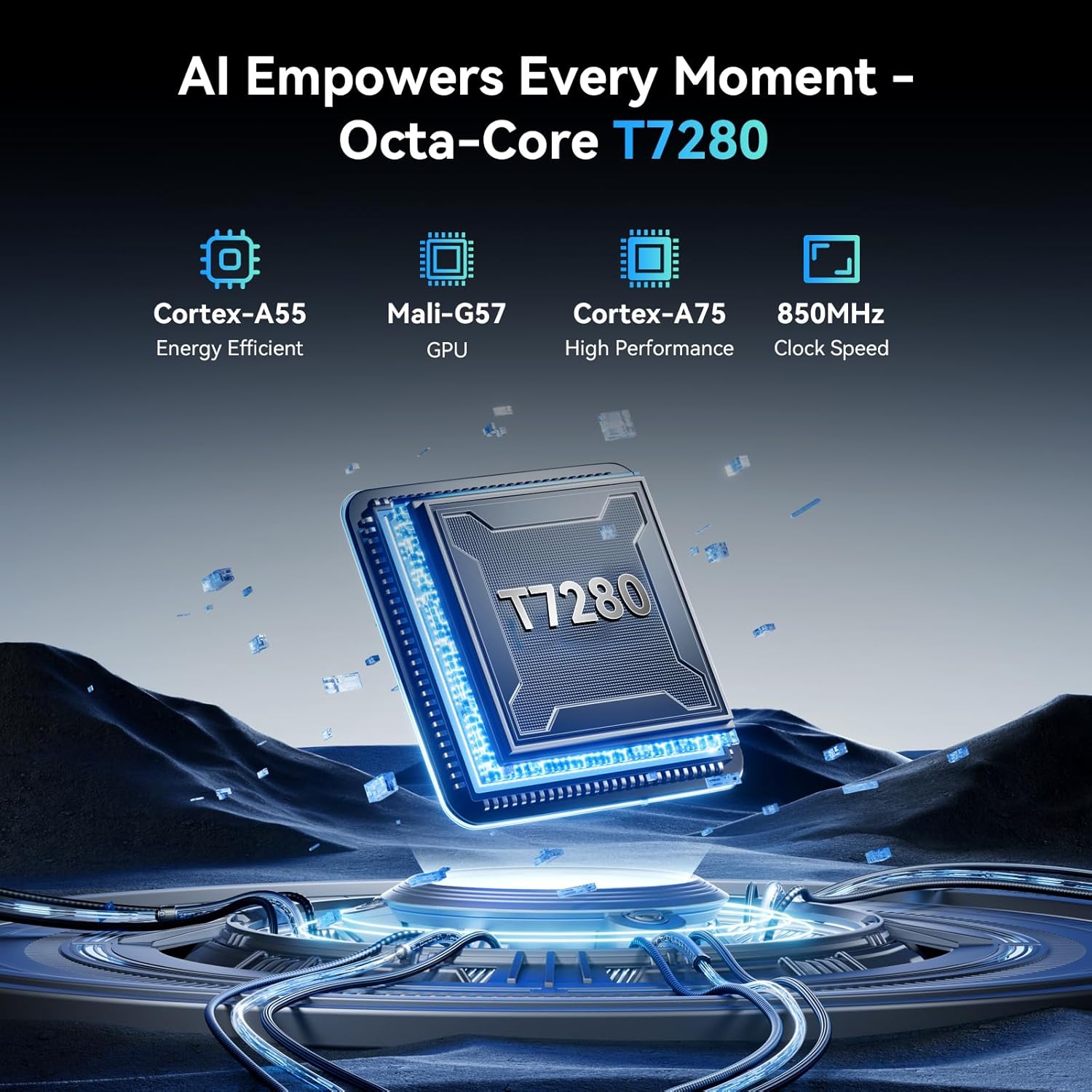
Image: The TABWEE T60 tablet shown with its detachable keyboard, wireless mouse, and stylus pen, illustrating its mobile office capabilities.
4. Планшетиңизди иштетүү
4.1 Дисплей
The TABWEE T60 features a 12.2-inch CSOT 2.5K UHD display (2400 x 1600 pixels) with a 90Hz refresh rate for smooth visuals. It supports 99% sRGB color gamut and includes anti-glare technology for comfortable viewing in various lighting conditions. Widevine L1 certification ensures high-quality streaming from supported services.

Image: A visual comparison demonstrating the larger 12.2-inch 2.5K FHD display with 90Hz refresh rate, emphasizing its clarity and smoothness.
4.2 Аткаруу жана сактоо
Powered by an Octa-Core Unisoc T7280/UMS9230S processor clocked at 2.2 GHz, the T60 delivers efficient performance. It is equipped with 48GB RAM (12GB physical + 36GB virtual expansion) for seamless multitasking and 256GB of internal storage. The storage can be expanded up to 2TB using a TF (microSD) card, providing ample space for applications, media, and documents.

Image: An infographic detailing the tablet's memory specifications: 48GB RAM (12GB physical + 36GB expansion), 256GB ROM, and support for up to 2TB TF card storage.
4.3 Батареянын иштөө мөөнөтү
The TABWEE T60 is equipped with a large 10000mAh battery, providing extended usage times. Expect approximately 20 hours of music playback, 17 hours of video playback, or 12 hours of gaming on a single charge. The tablet supports 18W fast charging via its USB-C port.

Image: A visual representation of the tablet's 10000mAh battery, highlighting its long-lasting power for various activities like navigation, entertainment, and work/study.
4.4 Камералар
The tablet features a 16MP rear camera with autofocus and an 8MP front camera. These cameras are suitable for video calls, document scanning, and capturing everyday moments. Integrated AI features enhance image quality and offer modes like 'Beauty Mode' and 'Night Shot'.

Image: A depiction of the tablet's 16MP rear and 8MP front cameras, showcasing their capabilities for various photography scenarios.
4.5 Байланыш
The TABWEE T60 supports 5G Wi-Fi (802.11ac) for fast internet speeds and Bluetooth 5.0 for connecting wireless peripherals. It also includes a 4-in-1 GPS system (GPS, GLONASS, Galileo, Beidou) for accurate navigation.

Image: A visual representation of the tablet's 5G WiFi and Bluetooth 5.0 capabilities, showing connections to various devices.

Image: The tablet displaying a navigation map in a car, emphasizing its integrated 4-in-1 GPS system for precise positioning.
4.6 Software (Android 16 & Gemini AI)
The TABWEE T60 runs on the latest Android 16 operating system, offering enhanced security, privacy features, and a smoother user experience. It integrates Gemini AI, which acts as an intelligent assistant for tasks such as summarizing articles, translating text, and optimizing workflow efficiency.

Сүрөт: An overview of the Android 16 operating system, highlighting its key features such as enhanced security, smart core, and dynamic themes.

Image: A detailed graphic explaining the various functions of Gemini AI, including intelligent planning, personal assistance, and data analysis.
5. Техникалык тейлөө
5.1 Жалпы кам көрүү
- Планшетті өтө жогорку температурага, түз күн нуруна же жогорку нымдуулукка дуушар кылбаңыз.
- Планшетті түшүрүп албаңыз же катуу соккуга дуушар кылбаңыз.
- Планшетті суюктуктардан жана чаңдан алыс кармаңыз.
- Use the provided protective case to safeguard your device from scratches and minor bumps.
5.2 Тазалоо
- Планшеттин экранын жана корпусун тазалоо үчүн жумшак, түксүз чүпүрөктү колдонуңуз.
- өжөр тактар үчүн, бир аз гampкездемени суу же экранды тазалоочу эритме менен сүртүңүз. Суюктуктарды планшетке түз чачпаңыз.
- Катуу химиялык заттарды, абразивдүү тазалагычтарды же эриткичтерди колдонуудан алыс болуңуз.
5.3 Программалык камсыздоо жаңыртуулары
Regularly check for and install software updates to ensure your tablet has the latest features, security patches, and performance improvements. You can check for updates by going to Орнотуулар > Система > Системаны жаңыртуу.
6. Кыйынчылыктарды
If you encounter issues with your TABWEE T60, refer to the following common troubleshooting steps:
6.1 Планшет күйбөй жатат
- Ensure the tablet is sufficiently charged. Connect it to the charger and wait for at least 15 minutes before attempting to power it on again.
- Мажбурлап өчүрүп күйгүзүү үчүн кубат баскычын 10-15 секунд басып туруңуз.
6.2 Wi-Fi туташуу маселелери
- Wi-Fi роутериңизди жана планшетиңизди өчүрүп күйгүзүңүз.
- барыңыз Орнотуулар > Тармак жана интернет > Wi-Fi, forget the network, and then reconnect.
- Wi-Fi сигналынын чегинде экениңизди текшериңиз.
6.3 Жай аткаруу
- Керексиз фон колдонмолорун жабуу.
- Көбүнчө колдонулган колдонмолор үчүн кэш дайындарын тазалоо (Орнотуулар > Колдонмолор > [Колдонмонун аты] > Сактагыч жана кэш > Кэшти тазалоо).
- Ensure you have sufficient free storage space. Delete unused apps or large files.
- Планшетті мезгил-мезгили менен өчүрүп-күйгүзүңүз.
6.4 Экран жооп бербейт
- Perform a forced restart (press and hold the Power button for 10-15 seconds).
- Экрандын таза жана нымдуу же таштандысыз экенине ынаныңыз.
6.5 Кошумча жабдуулар туташпай жатат
- For the detachable keyboard, ensure it is correctly aligned and firmly connected to the tablet's magnetic ports.
- For Bluetooth devices (mouse, stylus), ensure they are charged, powered on, and in pairing mode. Re-pair them via Орнотуулар > Туташкан түзмөктөр > Bluetooth.
7. Техникалык шарттар
Below are the key technical specifications for the TABWEE T60 tablet:
| Өзгөчөлүк | Спецификация |
|---|---|
| Бренд | ТАБВИ |
| Модель аты | T60 |
| Операция системасы | Android 16 |
| Screen Size | 12.2 дюйм |
| Screen Resolution | 2400 x 1600 пиксель (2.5K UHD) |
| Процессор | Unisoc T7280/UMS9230S Octa-Core (2.2 GHz) |
| RAM | 48 ГБ (12 ГБ физикалык + 36 ГБ виртуалдык) |
| Ички сактагыч | 256 ГБ |
| Кеңейтүүчү сактагыч | TF картасы аркылуу 2 ТБ чейин |
| Графикалык сопроцессор | Integrated Ai Graphics Mali-G57 |
| Арткы Webcam Resolution | 16 депутат |
| Фронт Webcam Resolution | 8 депутат |
| Зымсыз түрү | 802.11ac (5G WiFi), 802.11b, 802.11g, 802.11n |
| Bluetooth | Bluetooth 5.0 |
| Батарея сыйымдуулугу | 10000 мАч |
| Батареянын орточо иштөө мөөнөтү | 10000 Hours (standby, actual usage varies) |
| Заряддоо порту | USB-C (18 Вт тез кубаттоо) |
| GPS | 4-in-1 System (GPS, GLONASS, Galileo, Beidou) |
| Элемент Салмагы | 1.41 фунт |
| Продукциянын өлчөмдөрү | 25 x 20 x 5 дюйм |
| Түс | Space Gray |
8. Кепилдик жана колдоо
The TABWEE T60 tablet comes with an industry-leading 4 жылдык кепилдик, demonstrating our commitment to quality and customer satisfaction. This warranty covers manufacturing defects and ensures long-term support for your device.
8.1 Кепилдик дооматтары
For warranty claims or technical assistance, please contact TABWEE Customer Support. You will need your proof of purchase and the tablet's serial number (usually found on the back of the device or in Settings > About tablet).
8.2 Кардарларды колдоо
Our dedicated customer support team is available 24/7 to assist you with any questions or issues you may have. Please refer to the contact information provided on the TABWEE official webакыркы колдоо каналдары үчүн сайт же сатып алуу документтери.