
Introduction
Thank you for choosing the boAt Rockerz Prime 255Z Bluetooth Neckband Earphones. This manual provides essential information for setting up, operating, and maintaining your device to ensure optimal performance and longevity. Please read these instructions carefully before use.
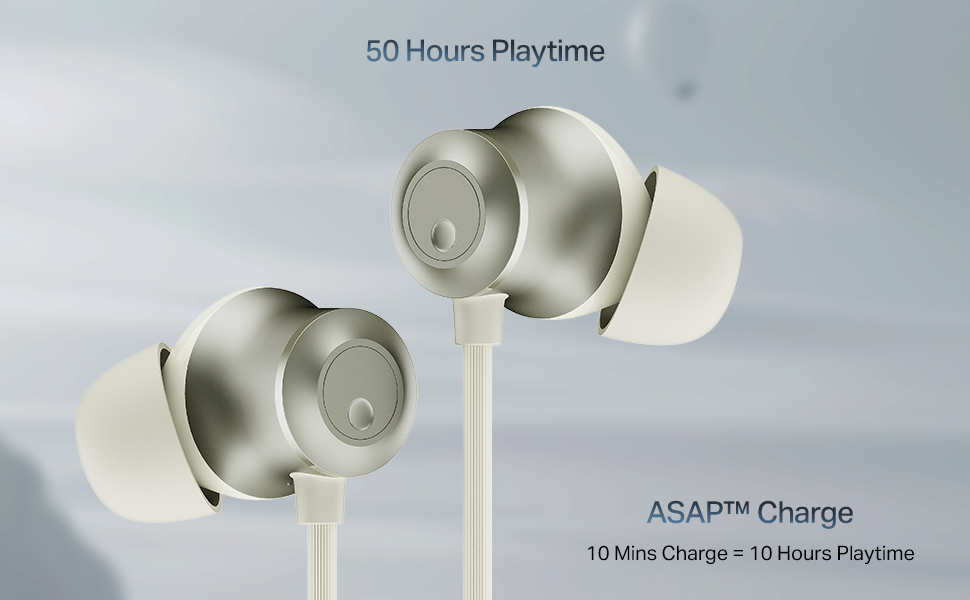
Image: The boAt Rockerz Prime 255Z neckband earphones, showcasing алардын жарашыктуу дизайны.
Кутуда эмне бар
Төмөнкү нерселердин баары пакетиңизге камтылганын текшериңиз:
- boAt Rockerz Prime 255Z Bluetooth Neckband
- Additional Earbuds (various sizes)
- Заряддоо кабели
- User Manual
Жайгашуу
1. Наушниктерди заряддоо
Before first use, fully charge your Rockerz Prime 255Z. Connect the provided charging cable to the charging port on the neckband and a compatible USB power source. The LED indicator will show charging status.
Тез арада төлөм: A quick 10-minute charge provides approximately 10 hours of playtime. A full charge offers up to 50 hours of playback.
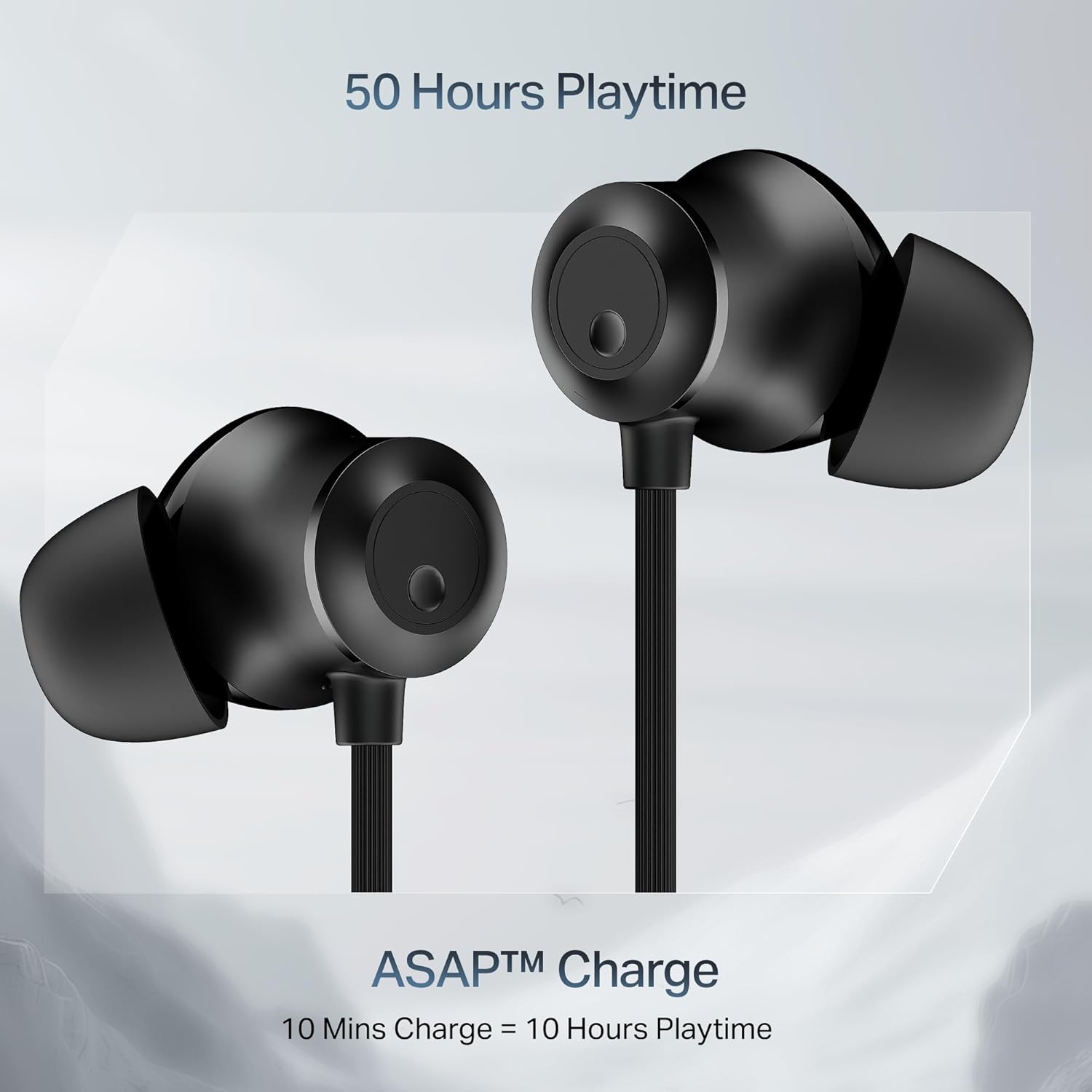
Image: Close-up of the earbuds with text highlighting '50 Hours Playtime' and 'ASAP Charge: 10 Mins Charge = 10 Hours Playtime'.
2. Күйгүзүү/өчүрүү
- Күйгүзүү: Separate the magnetic earbuds to automatically power on the device.
- Өчүрүү: Attach the magnetic earbuds together to automatically power off the device. Alternatively, press and hold the multi-function button for a few seconds.
3. Bluetooth Жупташтыруу
Баштапкы жупташтыруу:
- Ensure the neckband is charged and powered on (separate magnetic earbuds).
- The LED indicator will flash blue and red, indicating it is in pairing mode.
- Түзмөгүңүздө (смартфон, планшет, ноутбук) Bluetooth иштетиңиз жана жеткиликтүү түзмөктөрдү издеңиз.
- Select "boAt Rockerz Prime 255Z" from the list.
- Туташтырылгандан кийин, LED индикатору мезгил-мезгили менен көк түстө күйүп-өчөт.
Dual Pairing (Connect 2 Devices at once):
The Rockerz Prime 255Z supports dual pairing, allowing connection to two devices simultaneously.
- Pair the neckband with the first device as described above.
- Disable Bluetooth on the first device. The neckband will re-enter pairing mode.
- Pair the neckband with the second device.
- Enable Bluetooth on the first device. The neckband will automatically connect to both devices.
You can now switch between audio sources on the two connected devices.

Image: The boAt Rockerz Prime 255Z neckband connected to both a smartphone and a tablet, illustrating the dual pairing feature.
4. Google Fast Pair
For Android devices, Google Fast Pair enables quick and seamless connection. Simply power on your Rockerz Prime 255Z near your Android device, and a pop-up notification will appear for instant pairing.
Operating the Earphones
Controls
The neckband features integrated controls for easy management of music and calls.
- Ойнотуу/тындыруу: Көп функциялуу баскычты бир жолу басуу.
- Көлөмү: '+' баскычын кыска басыңыз.
- Үнүн азайтуу: '-' баскычын кыска басыңыз.
- Кийинки трек: '+' баскычын көпкө басыңыз.
- Мурунку трек: '-' баскычын көпкө басыңыз.
- Чалууга жооп берүү/аяктоо: Көп функциялуу баскычты бир жолу басуу.
- Чакырууну четке кагуу: Көп функциялуу баскычты көпкө басыңыз.
- Үн Жардамчысын жандыруу: Көп функциялуу баскычты эки жолу басыңыз.
boAt Spatial Audio
Experience immersive surround sound with boAt Spatial Audio. This feature enhances the audio experience, making sound feel like it's coming from all directions, providing a more engaging listening experience.

Image: The boAt Rockerz Prime 255Z earbuds with a visual representation of immersive sound waves, labeled 'boAt Spatial Audio'.
AI-ENx Technology
The AI-ENx Technology provides enhanced voice clarity during calls by effectively canceling out background noise. This ensures your voice is heard clearly, even in noisy environments.

Image: A close-up of an earbud with a visual representation of sound waves, indicating 'AI-ENx Technology for Enhanced Voice Clarity on Calls'.
BEAST режими
Activate BEAST Mode for a low-latency gaming experience. With latency as low as 65ms, this mode minimizes audio lag, providing a more synchronized and realistic gaming session.
boAt Hearables App Compatibility
Enhance your audio experience by connecting your Rockerz Prime 255Z to the boAt Hearables App. The app allows you to monitor battery levels, check Bluetooth connectivity, change EQ modes, and troubleshoot with Smart Diagnostics mode.

Image: A smartphone screen showing the boAt Hearables App with a QR code to scan and explore. Click the image to download the app.
Техникалык тейлөө
IPX4 чачыратуудан коргоо
The Rockerz Prime 255Z features an IPX4 rating, making it resistant to sweat and light splashes of water. This protection allows for use during workouts or in light rain. However, it is not designed for submersion in water.
Жалпы кам көрүү
- Clean the earbuds and neckband regularly with a soft, dry cloth.
- Avoid exposing the device to extreme temperatures, direct sunlight, or corrosive liquids.
- Наушниктерди колдонбогондо салкын, кургак жерде сактаңыз.
- Аппаратты ажыратууга же өзгөртүүгө аракет кылбаңыз, анткени бул кепилдикти жокко чыгарат.
Проблемаларды чечүү
If you encounter issues with your Rockerz Prime 255Z, refer to the following common solutions:
- Кубат жок: Түзмөктүн толук заряддалганын текшериңиз. Кубат булагына туташтырып, заряддоо индикаторун текшериңиз.
- Жупташуу мүмкүн эмес: Ensure Bluetooth is enabled on your device and the neckband is in pairing mode (LED flashing blue and red). Move the neckband closer to your device.
- Үн жок: Check the volume levels on both the neckband and your connected device. Ensure the neckband is correctly paired and selected as the audio output.
- Чалуу сапаты начар: Ensure the microphone is not obstructed. If using AI-ENx, ensure it is active. Try moving to a quieter environment.
- Үзгүлтүксүз туташуу: Ensure there are no obstructions between the neckband and your device. Avoid strong electromagnetic interference.
For further assistance, refer to the boAt Hearables App's Smart Diagnostics mode or contact customer support.
Техникалык шарттар
| Бренд | кайык |
| Модель аты | Rockerz Prime 255Z |
| Модель номери | PP0023 |
| Кулак жайгаштыруу | Кулакта |
| Форма фактору | Кулакта |
| Байланыш технологиясы | Bluetooth |
| Батареянын орточо иштөө мөөнөтү | 50 саат |
| Батареяны заряддоо убактысы | 10 Minutes (for 10 hours playtime) |
| Сууга туруктуулук деңгээли | IPX4 (терге жана чачыратууга туруктуу) |
| Өзгөчөлүктөр | boAt Spatial Audio, AI-ENx Noise Cancellation, ASAP Charge, BEAST Mode, Google Fast Pair |
| Башкаруу ыкмасы | Колдонмо, баскычтар |
| Элемент Салмагы | 50 грамм |
Кепилдик жана колдоо
Your boAt Rockerz Prime 255Z comes with a 1 жылдык кепилдик сатып алынган күндөн тартып. Бул кепилдик өндүрүш кемчиликтерин камтыйт.
For warranty claims, technical support, or any other inquiries, please contact boAt customer service:
- Өндүрүүчү: Imagine Marketing Ltd
- Электрондук почта: info@imaginemarketingindia.com
- Сураныч, расмий boAt сайтына кириңиз webэң акыркы колдоо маалыматы жана байланыш маалыматтары үчүн сайт.