
Introduction
Thank you for choosing the ILIFE V5s Plus Robot Vacuum and Mop. This device is designed to provide efficient cleaning for your home, combining both vacuuming and mopping functions. It features smart navigation, app control, and automatic self-charging for convenience. Please read this manual thoroughly before use to ensure proper operation and maintenance.
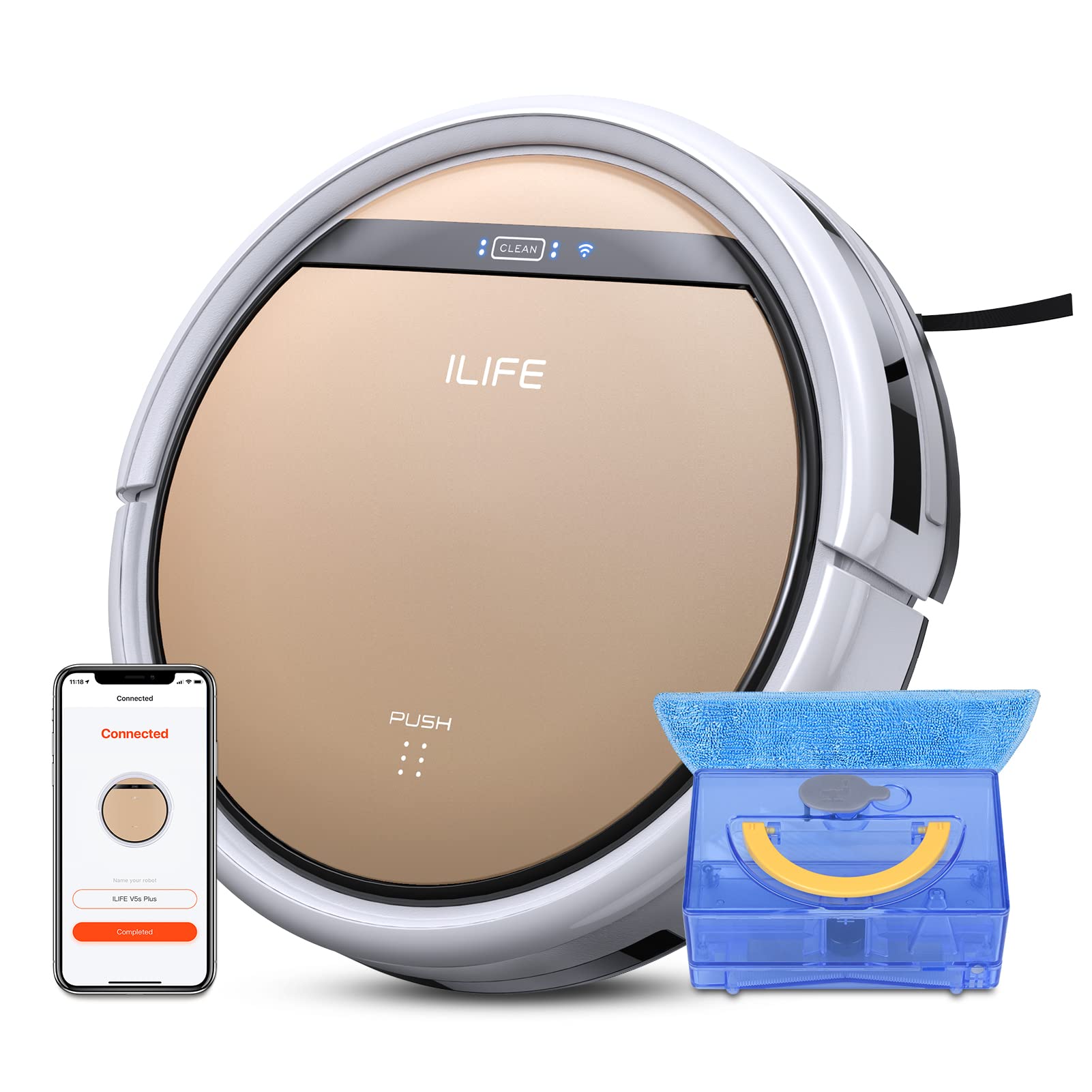
The ILIFE V5s Plus Robot Vacuum and Mop, ready for use.
Коопсуздук нускамалары
Before operating the ILIFE V5s Plus, please observe the following safety precautions:
- Шайманды колдонуудан мурун бардык нускамаларды кылдат окуп чыгыңыз.
- Keep the robot and its accessories out of reach of children.
- Роботту нымдуу чөйрөдө же суунун жанында иштетпеңиз.
- Кубаттоочу док дубалга такап, тегиз жерге коюлганын жана анын айланасында бош орун калтырганын текшериңиз.
- Чатылып калбашы же бузулбашы үчүн тазалоо жолунан бошоп калган кабелдерди, майда буюмдарды же морт буюмдарды алып салыңыз.
- Do not use the robot to pick up large debris, sharp objects, or liquids other than water for mopping.
- Only use the original power adapter and charging dock provided with the robot.
Кутуда эмне бар
Пакетте бардык компоненттер бар экенин текшериңиз:
- Негизги корпус (батарея камтылган)
- Заряддоо док
- Алыстан башкаруу (батарея камтылган эмес)
- AC адаптер
- Тазалоо куралы
- Моп чүпүрөк
- Суу резервуары
- Колдонуучунун колдонмосу
- Жогорку натыйжалуу фильтр
- Кошумча каптал щеткалар
Жайгашуу
1. Баштапкы заряддоо
Place the charging dock against a wall in an open area. Connect the AC adapter to the charging dock and plug it into a power outlet. Place the robot onto the charging dock, ensuring the charging pins align. The robot will begin charging automatically. Allow for a full charge before first use (approximately 3-5 hours).
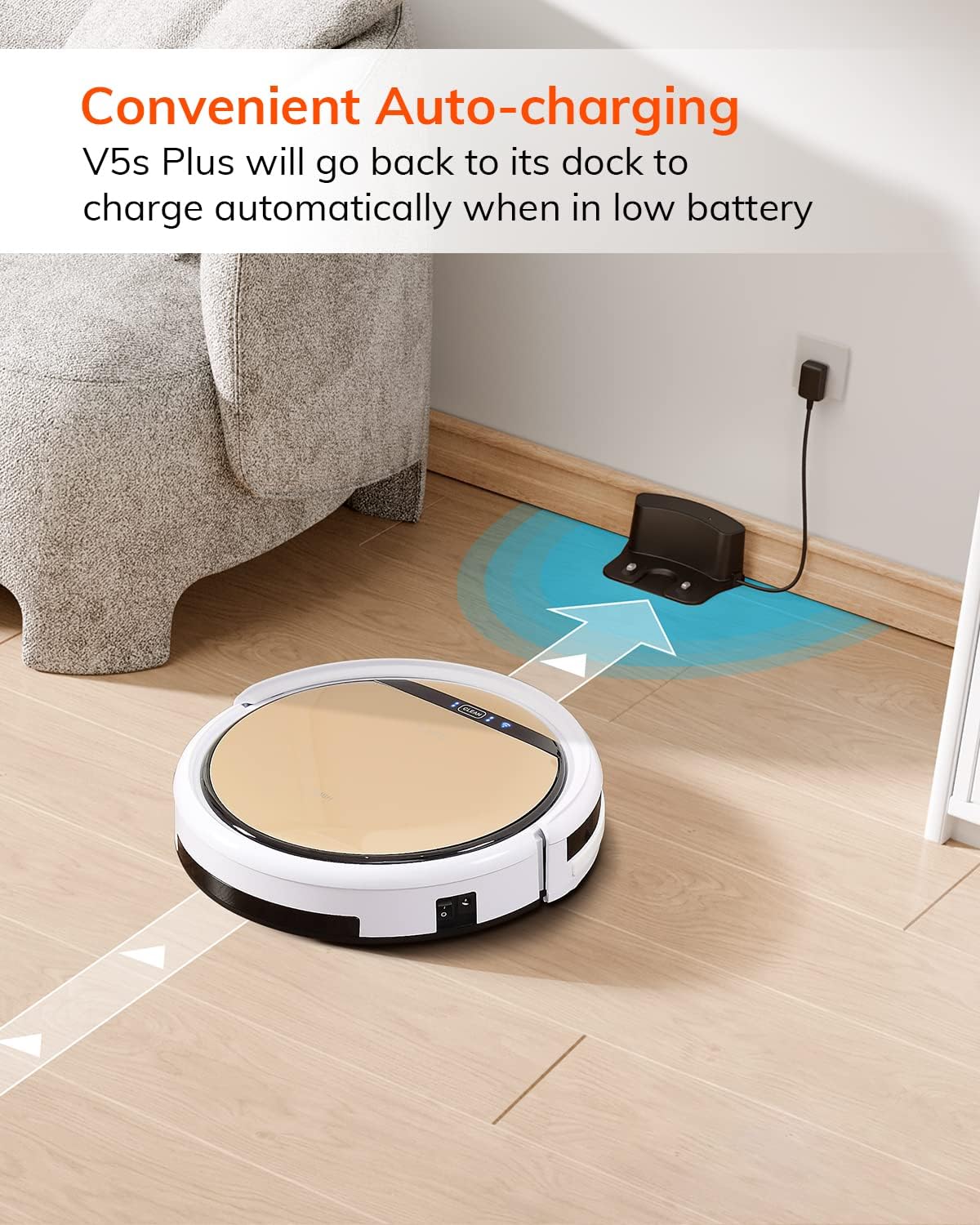
Батареясы азайганда робот автоматтык түрдө кубаттоочу докко кайтып келет.
2. App Download and WiFi Connection
Download the 'ILIFEHOME' app from your smartphone's app store. Follow the in-app instructions to connect your robot to your home WiFi network. Ensure your WiFi is 2.4GHz, as the app does not support 5G WiFi.

Control the robot and schedule cleaning via the ILIFEHOME app.
3. Тазалоо аянтын даярдоо
Before each cleaning cycle, clear the floor of any obstacles such as cables, toys, or small rugs that could entangle the robot. For mopping, ensure the water tank is filled and the mop cloth is attached.
Иштөө нускамалары
1. Күйгүзүү/өчүрүү
To power on the robot, press the 'CLEAN' button on the robot or use the remote control/app. To power off, press and hold the 'CLEAN' button until the indicator lights turn off, or use the app.
2. Тазалоо режимдери
The ILIFE V5s Plus offers multiple cleaning modes:
- Авто режим: The robot automatically cleans the area, adjusting its path as needed.
- Spot режими: Спираль схемасында тазалоо менен, белгилүү бир кир аймакка көңүл бурат.
- Edge режими: Дубалдарды жана эмеректердин четтерин тазалайт.
- Макс режими: Тереңирээк тазалоо үчүн сордуруу күчүн жогорулатат.
- Scheduling Cleaning Mode: Set a cleaning schedule via the app for automated cleaning.

The robot utilizes various cleaning modes to suit different needs.
3. Чаң соргуч менен тазалоо жана кир жуу
The V5s Plus functions as both a vacuum and a mop. For vacuuming, ensure the dustbin is installed. For mopping, replace the dustbin with the water tank and attach a clean mop cloth. The intelligent control water tank offers three-level water outlet: gentle, standard, and strong, which can be controlled by the App.

The ILIFE V5s Plus offers both vacuuming and mopping capabilities.
4. Үн менен башкаруу
The ILIFE V5s Plus is compatible with Amazon Alexa and Google Assistant. Connect your robot to your smart home system to start or stop cleaning tasks using voice commands.

Control your robot with voice commands through Alexa or Google Assistant.
5. Автоматтык заряддоо
When the battery is low or a cleaning cycle is complete, the robot will automatically return to its charging dock. Ensure the charging dock is accessible and free from obstructions.

The robot automatically returns to its charging base when power is low.
Техникалык тейлөө
Regular maintenance ensures optimal performance and extends the lifespan of your ILIFE V5s Plus.
1. Таштанды челекти бошотуу жана тазалоо
Open the top cover of the robot and remove the dustbin. Empty the dustbin into a trash receptacle. Clean the dustbin and filter with the provided cleaning tool or a soft brush. Rinse the dustbin with water if necessary, ensuring it is completely dry before reinstallation.
2. Filling and Cleaning the Water Tank
Remove the water tank from the robot. Open the water tank cap and fill it with clean water. Securely close the cap and reinsert the water tank into the robot. After mopping, empty any remaining water and rinse the tank. Allow it to air dry.

The water tank for the mopping function.
3. Тазалоочу каптал щеткалары
Regularly check the side brushes for tangled hair or debris. Remove any obstructions using the cleaning tool or scissors. Replace worn-out side brushes with new ones.
4. Сенсорлорду тазалоо
Wipe the anti-drop sensors and anti-collision sensors on the robot's underside and front bumper with a clean, dry cloth to ensure proper navigation.
Проблемаларды чечүү
If you encounter issues with your ILIFE V5s Plus, refer to the following common problems and solutions:
- Робот күйбөйт: Ensure the battery is charged. Check if the power switch on the side of the robot is turned on.
- Робот заряддалбайт: Verify the charging dock is powered and the robot is correctly aligned with the charging pins. Clean the charging contacts on both the robot and the dock.
- Робот бат-баттан тыгылып калат: Clear the cleaning area of obstacles. Check for tangled hair in the side brushes or wheels.
- Начар тазалоо көрсөткүчтөрү: Empty the dustbin and clean the filter. Clean the side brushes. Ensure the water tank is properly filled for mopping.
- Unable to connect to App:
- Make sure to select the correct Wi-Fi and login with the correct Wi-Fi password.
- The ILIFE Robot does not support 5G Wi-Fi. Make sure to use a 2.4G Wi-Fi connection.
- Make sure the Wi-Fi signal is covered and strong.
- Allow the ILIFEHOME APP to have access to your location services and wireless data.
Техникалык шарттар
| Өзгөчөлүк | Деталь |
|---|---|
| Бренд | ILIFE |
| Модель аты | V5s Plus |
| Surface Recommendation | Hard Floor |
| Соруу күчү | 2 кпа |
| Колдонуу убактысы | 110 мүнөткө чейин |
| Суу резервуарынын сыйымдуулугу | 300 мл |
| Чаң кутучасынын сыйымдуулугу | 300 мл |
| Dust Box Filter Type | High efficiency filter + nylon mesh |
| Тазалоо режимдери | Auto/Spot/Edge/Max |
| Башкаруу түрү | Remote Control/ App Control/ Alexa/ Google Assistant |
| Продукциянын өлчөмдөрү | 30L x 30W x 8.1H Сантиметр |
| Батарея түрү | Литий ион |
| Тtage | 110 вольт |
Кепилдик
The ILIFE V5s Plus Robot Vacuum and Mop comes with a 1 жылдык өндүрүүчүнүн кепилдиги. Please retain your proof of purchase for warranty claims. The warranty covers defects in materials and workmanship under normal use. It does not cover damage caused by misuse, accidents, unauthorized modifications, or normal wear and tear.
Колдоо
For further assistance, technical support, or warranty inquiries, please contact ILIFE customer service:
- Электрондук почта: service_us_ca@iliferobot.com
Продукт бүттүview Video
Бул видеону генерал үчүн көрүңүзview of the ILIFE V5s Plus features and operation.
Расмий продукт бүттүview of the ILIFE V5s Plus Robot Vacuum and Mop.