
Aninerel ANJ-HHS-11000W-48V-WIFI
Aninerel 11000W 48V Hybrid Solar Inverter User Manual
Model: ANJ-HHS-11000W-48V-WIFI
1. Киришүү
This manual provides essential information for the safe and efficient operation of your Aninerel 11000W 48V Hybrid Solar Inverter. This device is designed to convert 48V DC power from solar panels or batteries into 220V/230V AC power, suitable for various household and office applications. It features a built-in 160A MPPT solar controller and supports grid-tie functionality, allowing power to be fed into the mains. Please read this manual thoroughly before installation and use.

1-сүрөт: Aninerel 11000W 48V Hybrid Solar Inverter with WiFi module.
2. Коопсуздук нускамалары
Always observe the following safety precautions to reduce the risk of injury or damage to the inverter:
- Орнотуу квалификациялуу кызматкерлер тарабынан аткарылышы керек.
- Бардык зымдар туура өлчөмдө жана туура туташтырылганын текшериңиз.
- Инверторду ажыратпаңыз. Ичинде колдонуучу тейлей турган тетиктер жок.
- Инверторду күйүүчү материалдардан, нымдуулуктан жана түз күн нурунан алыс кармаңыз.
- Ашыкча ысып кетүүнүн алдын алуу үчүн инвертордун айланасында жетиштүү желдетүүнү камсыз кылыңыз.
- Always disconnect all power sources (PV, battery, AC grid) before performing any maintenance or wiring.
3. Продукт бүтүп калдыview
3.1 Негизги өзгөчөлүктөрү
- Жогорку кубаттуулугу: 11000W hybrid solar inverter, 48V DC to 220V/230V AC.
- Dual MPPT Controllers: Built-in 2 MPPT trackers (160A total charging current) for connecting two independent PV systems, each up to 5500W.
- Battery-Optional Operation: Can operate with or without batteries, powering loads directly from PV or AC grid.
- Таза синус толкунунун чыгышы: Сезимтал электроника үчүн ылайыктуу жогорку сапаттагы AC кубаты менен камсыз кылат.
- Grid-Tie Capability: Can feed excess solar power into the mains grid.
- Integrated BMS Communication: Supports communication with compatible 48V 200AH/100AH batteries for optimized battery management.
- Комплекстүү коргоо: Includes short circuit, over-current, over-voltage, undervolvoltage, overload, charging, and over-temperature protection.
- реалдуу убакыт мониторинг: LCD display and 3 LED indicators for system status, plus built-in WiFi for mobile app monitoring.
- Flexible Charging & Output Modes: Multiple configurable modes for power priority (PV, grid, battery).

2-сүрөт: Key specifications including 11000W rated power, 230Vac output, 50/60Hz frequency, 5500W*2 Max. PV array power, 60-500Vdc PV array MPPT voltage range, and 160A Max. charge current.
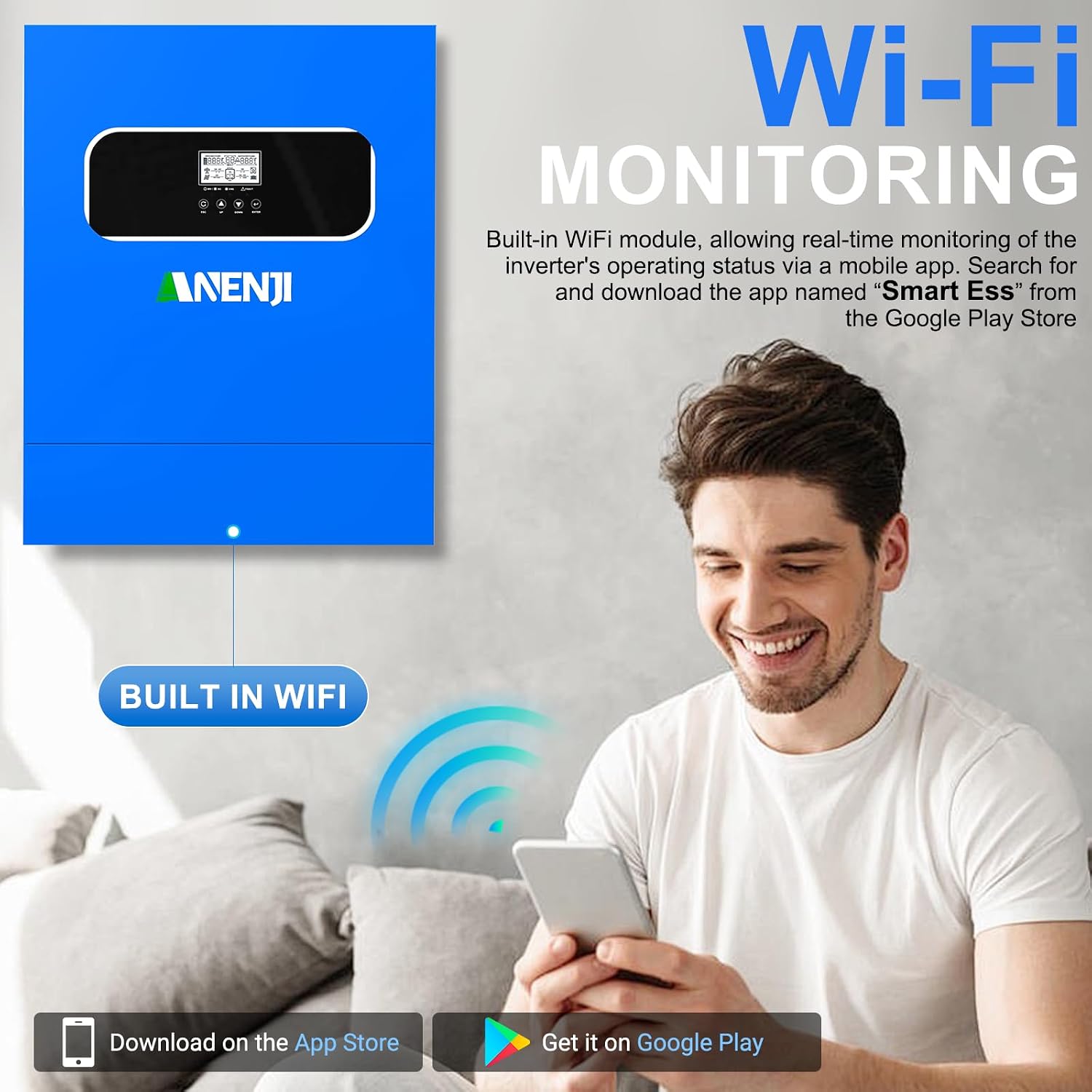
3-сүрөт: The inverter features built-in WiFi for real-time monitoring via a mobile application, available on Google Play and App Store.

4-сүрөт: The inverter provides a pure sine wave output, ensuring high-quality AC power for sensitive devices like computers, refrigerators, TVs, and water heaters.
3.2 Components and Indicators
Familiarize yourself with the inverter's external components, display, and indicators for proper operation.

5-сүрөт: Front panel features an LCD display, status indicator, charging indicator, fault indicator, and function buttons (ESC, UP, DOWN, ENTER). The rear panel includes PV1 input, PV2 input, AC input, Main out, Second out, RS485 port, WiFi antenna port, dry contact port, grounding terminal, battery negative/positive outlet holes, and a power on/off switch.
- LCD дисплей: Shows real-time system data and operating status.
- Статус көрсөткүчү: Indicates the inverter's operational status.
- Заряддоо көрсөткүчү: Батареянын заряддоо абалын көрсөтөт.
- Ката индикатору: Illuminates when an error occurs, often accompanied by an error code on the LCD.
- Функция баскычтары: Used for navigating menus and configuring settings.
- PV Inputs (PV1, PV2): Connections for solar panel arrays.
- AC киргизүү: Connection for grid power.
- Main Out / Second Out: AC output connections for loads.
- Батарея терминалдары: 48V батарея банкы үчүн туташуулар.
- WiFi Antenna Port: For wireless monitoring.
- RS485 порт: For communication with external devices, including BMS.
- Кургак байланыш порту: For external control signals.
4. Орнотуу жана орнотуу
Proper installation is crucial for the inverter's performance and safety. Consult a qualified electrician for installation.
4.1 Монтаждалуучу жер
- Mount the inverter vertically on a solid surface.
- Ensure sufficient clearance (at least 20 cm) around the inverter for proper airflow.
- Түз тийген күн нурунан, жогорку нымдуулуктан жана жогорку температурадан алыс болуңуз.
- The installation environment should be free from corrosive gases and dust.
4.2 Зымдарды туташтыруу
Follow the wiring diagram carefully. All connections must be secure and correctly polarized.

6-сүрөт: Detailed wiring diagram showing connections for solar panels (PV array), utility grid, generator, 48V battery, 230V household load, and 220V household appliances. Note the maximum AC input voltage, AC output power, and maximum PV array power specifications.
- Фотоэлектрдик массивдин туташуусу: Connect solar panels to PV1 and PV2 inputs. Ensure the PV array voltage is within the 60-500V DC MPPT range and the open circuit voltage 500V DC ашпайт.
- Батарея туташуу: Connect the 48V battery bank to the battery terminals. The inverter is compatible with various battery types including AGM, GEL, FLD, LI, SLD, and USER-defined settings.
- AC киргизүү туташуу: Connect the utility grid or a generator to the AC input.
- AC чыгаруу туташуусу: Connect your household loads to the Main Out and Second Out terminals.
- Негиздөө: Инвертор туура жерге туташтырылганын текшериңиз.

7-сүрөт: The inverter is compatible with multiple battery types, including AGM, GEL, FLD, LI (Lithium), SLD, and user-defined settings, with a maximum battery charging current of 100A (AC + DC).
5. Иштөө режимдери
The Aninerel hybrid inverter offers flexible configuration options for charging and load priority.
5.1 Charging Priority Modes
These settings control how the battery bank is charged from different power sources.
- Күн энергиясынын артыкчылыгы: The inverter prioritizes solar power for charging. AC input will only charge the battery bank when solar power is no longer available.
- Solar and AC Input: The inverter will charge the battery bank from both solar and AC power simultaneously.
- Күн гана: The inverter will only charge the battery bank from available solar power.
5.2 Load Priority Modes
These settings determine how your appliances receive power.
- PV Output Priority: The inverter will prioritize solar power to supply the loads first. If solar input is not enough, it will compensate from the AC input.
- National Network Output Priority (AC Priority): The inverter will redirect the AC input to power all loads and will only use DC inputs (battery/PV) when AC input power is not available.
- Battery Output Priority (DC Priority): The inverter will prioritize inverting from solar first. If solar is not enough, it will invert from battery power. Only when battery power is low will it switch to AC input.
8-сүрөт: Visual representation of charging priority (Solar Priority, Solar and AC input, Solar Only) and load priority (Solar Priority, AC Priority, DC Priority) settings, which can be configured via the inverter's display.
6. Техникалык тейлөө
Үзгүлтүксүз тейлөө сиздин инверторуңуздун узак иштөөсүн жана оптималдуу иштешин камсыздайт.
- Тазалоо: Инвертордун сыртын мезгил-мезгили менен кургак чүпүрөк менен тазалап туруңуз. Желдетүүчү тешиктердин чаң жана таштандылардан тазаланганын текшериңиз.
- Байланыштары: Жыл сайын бардык электр туташууларынын бекемдигин жана дат басуу белгилерин текшерип туруңуз.
- Курчап турган чөйрө: Иштөө чөйрөсү белгиленген температуранын жана нымдуулуктун чегинде болушун камсыз кылыңыз.
- Батареянын ден соолугу: Эгер батареяларды колдонуп жатсаңыз, алардын абалын көзөмөлдөп, өндүрүүчүнүн көрсөтмөлөрүнө ылайык туура тейленгенин текшериңиз.
7. Кыйынчылыктарды
The inverter's LCD display will show error codes if a fault occurs. Refer to the specific error code in the full product manual (if available) for detailed troubleshooting steps. General troubleshooting tips include:
- Кубат жок: Check all power connections (PV, battery, AC input). Ensure the power switch is ON.
- Ашыкча жүктөө: Reduce the connected load. The inverter has overload protection and may shut down.
- Ашыкча ысып кетүү: Ensure adequate ventilation. Clean any dust from vents.
- Батарея маселелери: Батареянын көлөмүн текшериңизtage and connections. Ensure battery type settings are correct.
- PV Input Issues: Verify solar panel connections and ensure sufficient sunlight. Check PV array voltage.
If the problem persists after basic troubleshooting, contact Aninerel customer support or a qualified technician.
8. Техникалык шарттар
| Өзгөчөлүк | Спецификация |
|---|---|
| Модель аты | ANJ-HHS-11000W-48V-WIFI |
| Чыгуу күчү | 11000 Ватт |
| Киргизүү көлөмүtage (DC) | 48 V |
| Output Voltage (AC) | 220 В / 230 В |
| Макс. PV киргизүү күчү | 11000 Вт |
| Макс. PV Array күчү | 5500 В x 2 |
| PV Array MPPT Voltage Диапазон | 60 ~ 500 В DC |
| Макс. Open Circuit Voltage (PV) | 500 В DC |
| Max. Заряддоо тогу | 160 А |
| Макс. Күн киргизүү ток | 18 A x 2 |
| Продукциянын өлчөмдөрү | 52L x 41.5W x 12.2H сантиметр |
| Элемент Салмагы | 17 килограмм |
| Дисплей түрү | LCD |
| Сунушталган Колдонуулар | Үй, кеңсе, унаа |
9. Кепилдик жана колдоо
For warranty information, technical support, or service inquiries, please contact your retailer or the manufacturer, Aninerel. Keep your purchase receipt and product model number (ANJ-HHS-11000W-48V-WIFI) readily available when seeking support.
Ask a question about this manual
Ask about setup, troubleshooting, compatibility, parts, safety, or missing instructions. Manuals+ will review the question and use this page’s manual context to help answer it.