
1. Киришүү
Welcome to the user manual for your JLab Go Pods ANC True Wireless Earbuds. These earbuds are designed to provide a high-quality audio experience with features like Hybrid Active Noise Canceling, Be Aware mode for safe listening, and clear calls. This manual will guide you through the setup, operation, and maintenance of your new earbuds.
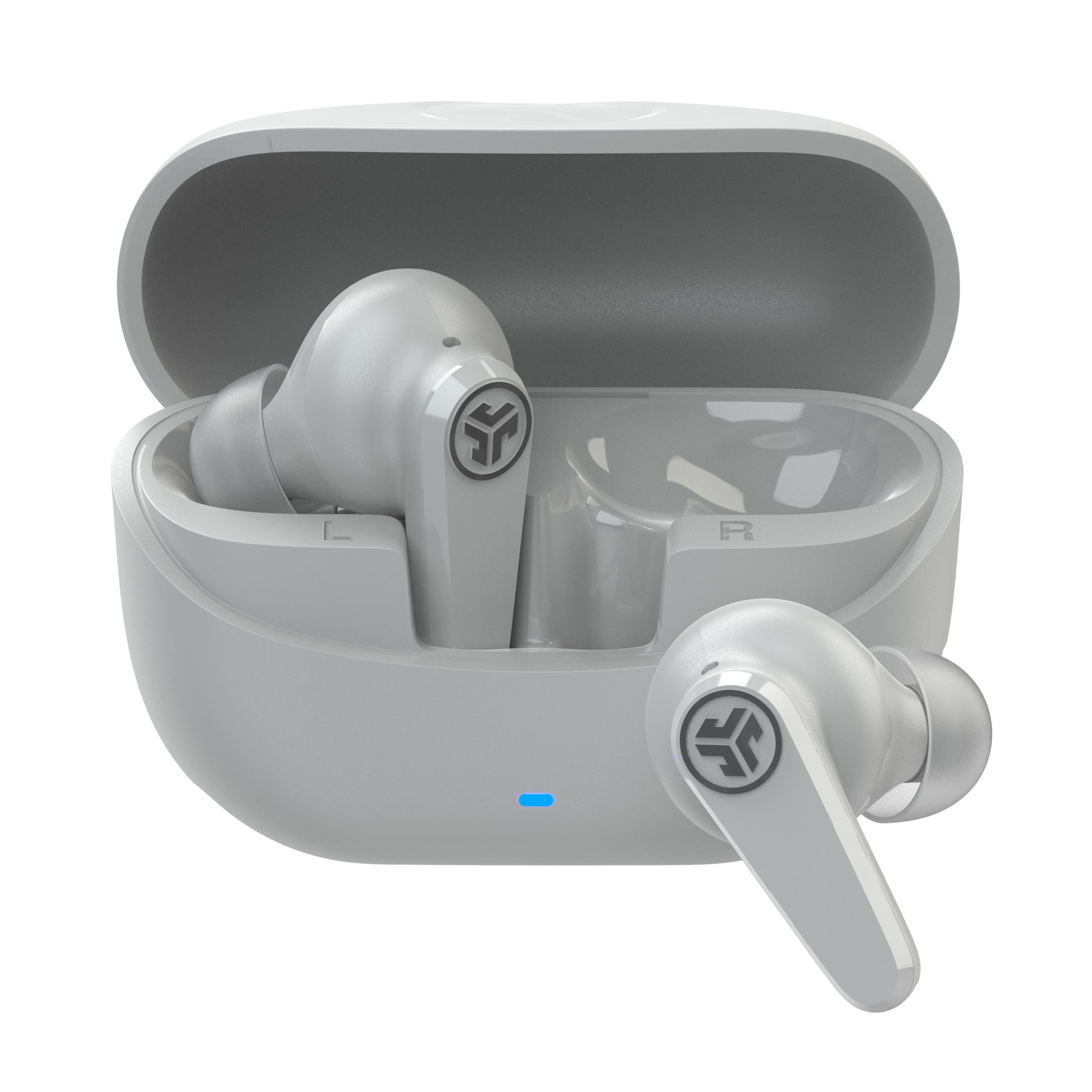
Image: JLab Go Pods ANC True Wireless Earbuds in Cloud White, showcasing алардын жарашыктуу дизайны.
2. Кутуда эмне бар
Your JLab Go Pods ANC package includes the following items:
- Go Pods ANC Earbuds
- Charging Case with Integrated USB-C Cable
- 3 sets of Gel Eartips (various sizes for optimal fit)
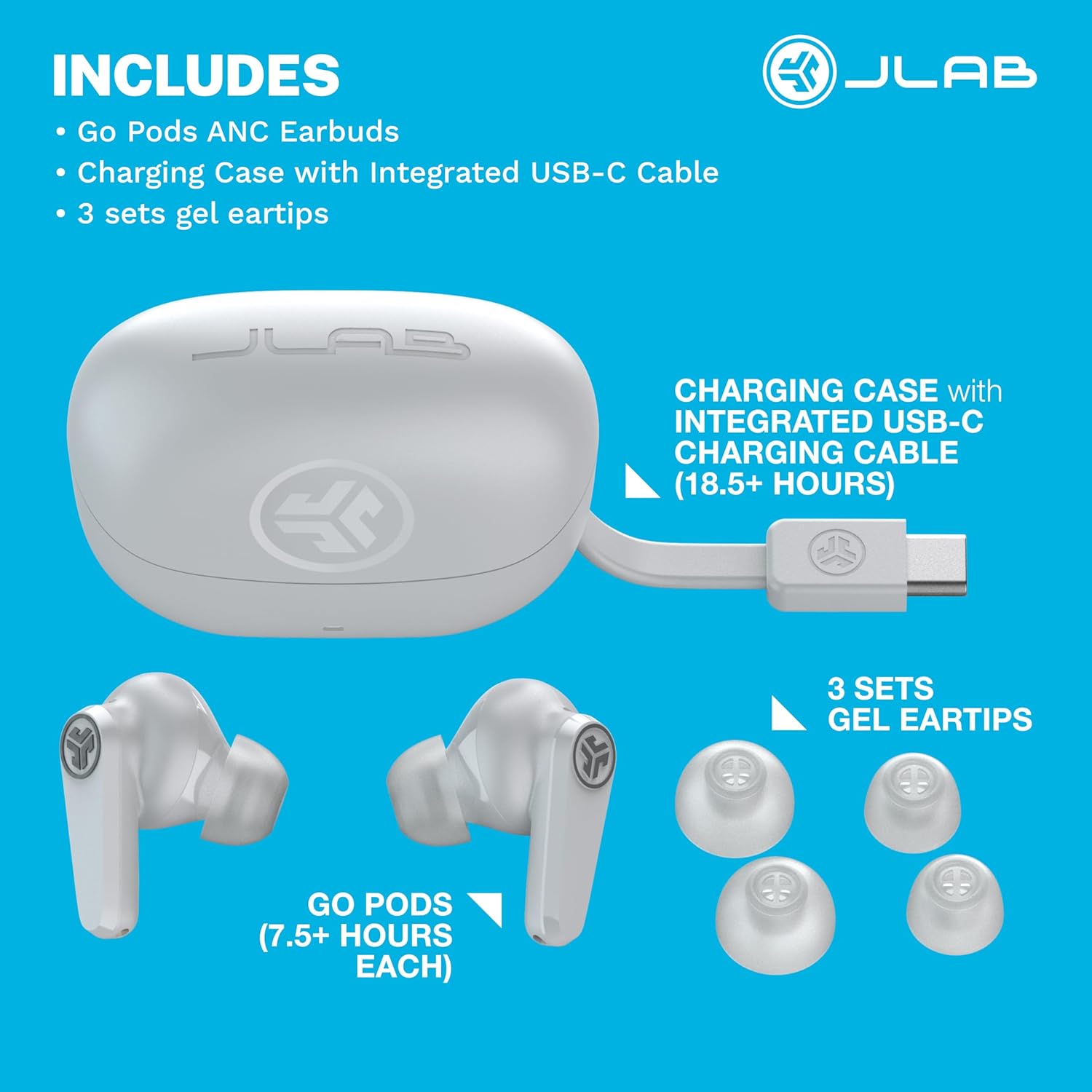
Image: A visual representation of the JLab Go Pods ANC package contents, showing the earbuds, charging case with its integrated USB-C cable, and multiple sizes of gel eartips.
3. Орнотуу
3.1. Кулакчындарды жана кутуну кубаттоо
Before first use, ensure your JLab Go Pods ANC earbuds and charging case are fully charged.
- The earbuds provide up to 7.5+ hours of playtime on a single charge.
- The charging case offers an additional 18.5+ hours, totaling over 26 hours of playtime.
- The case features an integrated USB-C charging cable for convenience.
- A quick 10-minute charge provides 1 hour of playtime.
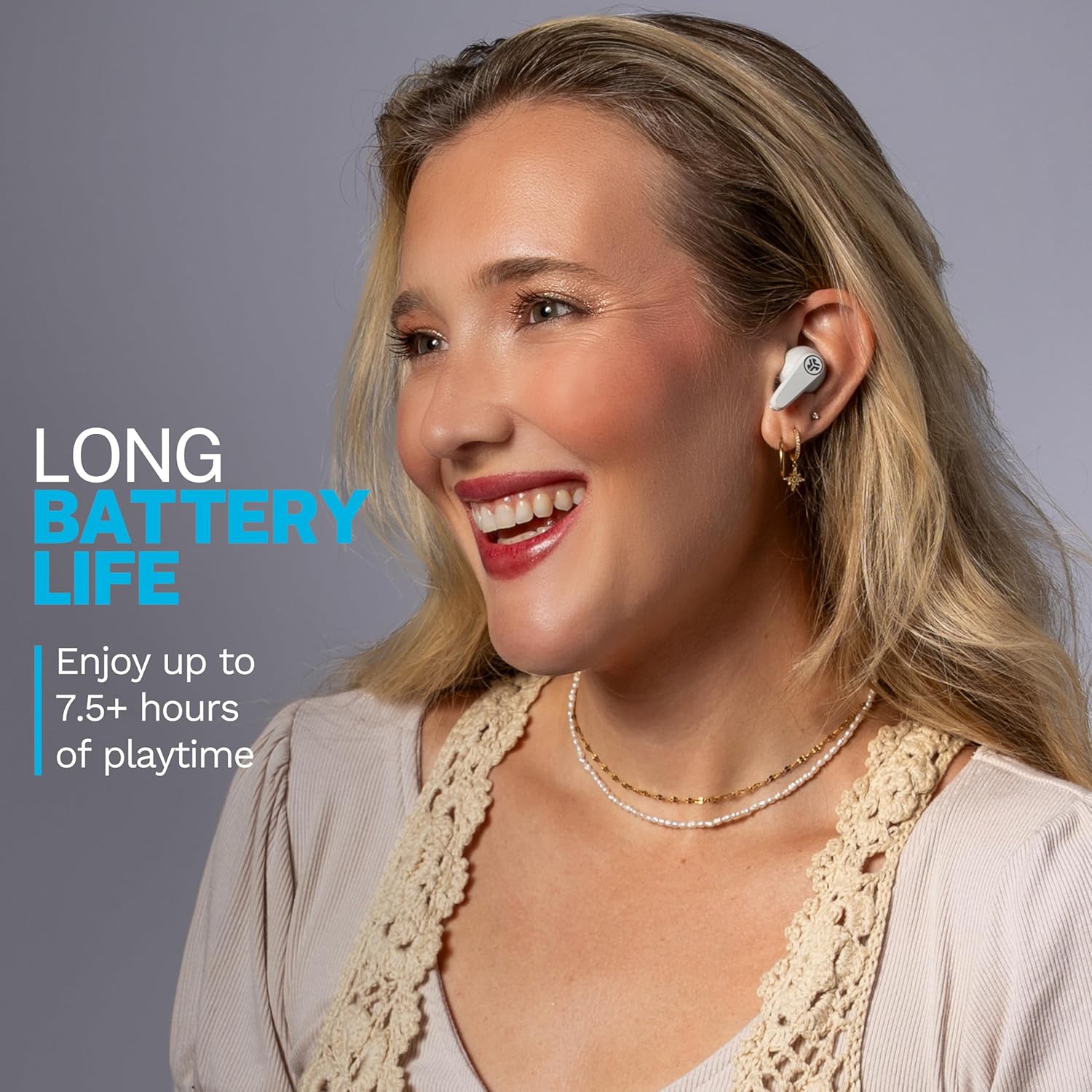
Image: A woman wearing the JLab Go Pods ANC earbuds, illustrating the long battery life feature.
3.2. Баштапкы Bluetooth жупташуусу
Кулакчындарды түзмөккө туташтыруу үчүн:
- Кулакчындарды заряддоо кутусунан алып салыңыз. Алар автоматтык түрдө жупташтыруу режимине кирет.
- Түзмөгүңүздө (смартфон, планшет, ноутбук) Bluetooth жөндөөлөрүнө өтүңүз.
- Select "JLab GO Pods ANC" from the list of available devices.
- For Android devices, Google Fast Pair offers effortless connection.
The JLab App allows for further customization and software updates. It is available on the App Store and Google Play Store.
Video: An official JLab video demonstrating the JLab Go Pods ANC earbuds, including a close-up of the integrated charging cable and the earbuds in their case.
4. Кулакчындарды иштетүү
4.1. Ызы-чууну башкаруу режимдери
The JLab Go Pods ANC offer three noise control modes:
- ANC күйүк: Engages hybrid active noise canceling to reduce ambient sounds.
- ANC өчүк: Disables active noise canceling.
- Билиңиз: Allows ambient noise to pass through for safe listening and awareness of your surroundings.
You can switch between these modes using the JLab App or the touch controls on the earbuds.
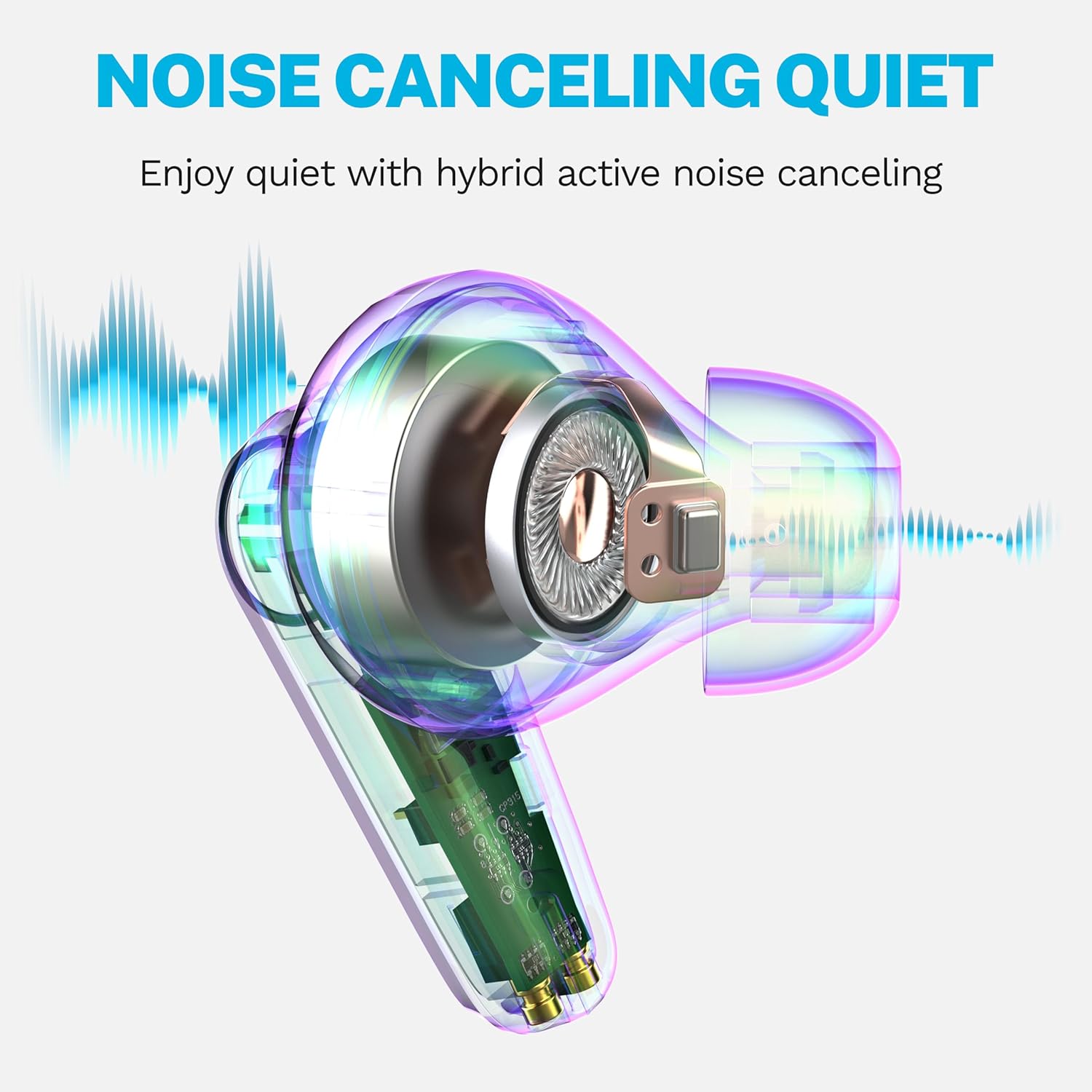
Image: A diagram illustrating how the hybrid active noise canceling feature of the JLab Go Pods ANC earbuds works to create a quiet listening experience.
4.2. Customizing Sound and Controls
The JLab App provides extensive customization options:
- Adjust ANC/Be Aware settings.
- Сенсордук башкаруу элементтерин жекелештирүү.
- Select sound presets (JLab Signature, Balance, Bass Boost) or create custom equalizer settings.
- Enable a safe hearing option with volume limits to protect your ears.
- Receive software updates for your product.
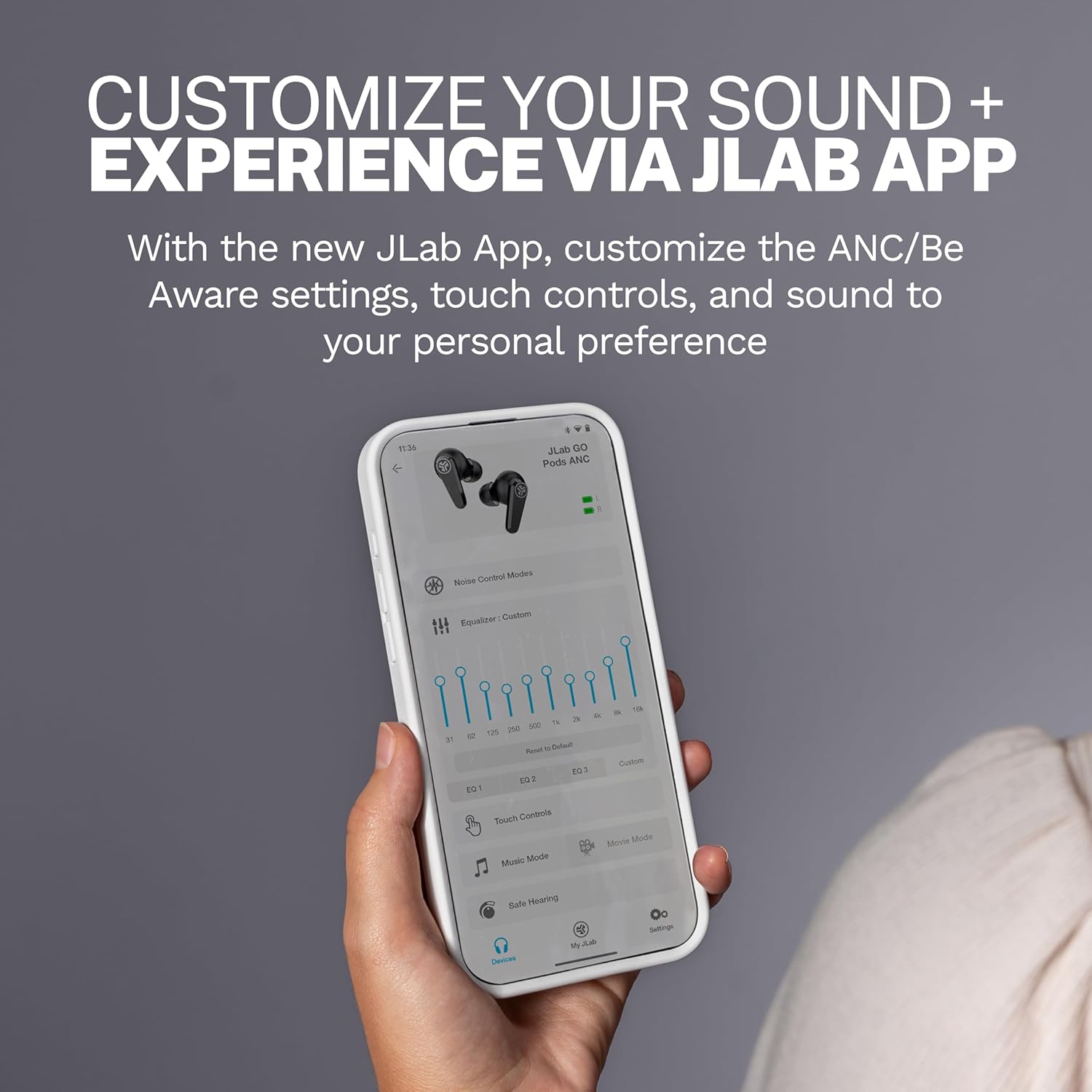
Image: A close-up of the JLab App on a smartphone, demonstrating the various customization options available for the earbuds.
4.3. Чалууларды тазалоо
The Go Pods ANC earbuds are equipped with two environmental noise-canceling microphones on each earbud. These MEMS mics help eliminate background noise, ensuring your voice is heard clearly during calls, even in noisy environments.

Image: A woman using the JLab Go Pods ANC earbuds for a clear call, highlighting the microphone technology.
4.4. Connect to Multiple Devices (Bluetooth Multipoint)
With Bluetooth Multipoint, you can seamlessly transition between two connected devices simultaneously. For example, you can listen to a podcast on your laptop and instantly switch to answer a call on your mobile phone without re-pairing.

Image: A woman wearing JLab Go Pods ANC earbuds, illustrating the convenience of connecting to multiple devices simultaneously.
5. Техникалык тейлөө
5.1. Узактыгы жана сууга туруктуулугу
The JLab Go Pods ANC earbuds have an IP55 rating, making them sweat and splashproof. This ensures durability for active lifestyles and protection against light moisture.

Image: A woman wearing JLab Go Pods ANC earbuds, demonstrating their suitability for active use due to their IP55 sweat and splashproof rating.
5.2. Ear Tip Care
To maintain optimal sound quality and comfort, regularly clean the gel eartips. Use a soft, dry cloth to gently wipe away any earwax or debris. Ensure the eartips are securely attached before use.
6. Кыйынчылыктарды
If you encounter issues with your JLab Go Pods ANC, try the following:
- Үн жок/ Үн сапаты начар: Ensure earbuds are charged and properly paired. Check the volume levels on both the earbuds and your connected device.
- Жупташтыруу маселелери: Turn off Bluetooth on your device, then turn it back on. Forget the device in your Bluetooth settings and attempt to re-pair. Ensure earbuds are out of the case when attempting to pair.
- Кулакчындар кубатталбай жатат: Verify the charging cable is securely connected to both the case and a power source. Check for any debris in the charging ports.
- Ыңгайсыз ылайыктуу: Experiment with the three sets of gel eartips included in the package to find the size that provides the most secure and comfortable fit for your ears.
- Колдонмого туташуу маселелери: Ensure the JLab App is updated to the latest version. Restart the app and try connecting again.
7. Техникалык шарттар
| Өзгөчөлүк | Деталь |
|---|---|
| Модель аты | Go Pods |
| Элемент моделинин номери | EBGOPODSWHT50WEB |
| Байланыш технологиясы | Зымсыз (Bluetooth 5.3) |
| Noise Control | Гибриддик активдүү ызы-чууну жокко чыгаруу |
| Батареянын иштөө мөөнөтү (наушник) | 7.5 саатка чейин |
| Жалпы ойноо убактысы (Кеп менен) | 26+ саат |
| Заряддоо убактысы (тез кубаттоо) | 1 саат ойноо үчүн 10 мүнөт |
| Сууга туруктуулук деңгээли | IP55 (Sweat and Splashproof) |
| Башкаруу ыкмасы | Тийүү, Үндү башкаруу |
| Шайкеш түзмөктөр | Ноутбуктар, Үстөл компьютерлери, Планшеттер, Телефондор, Акылдуу динамиктер, Телевизор, Уюлдук телефондор |
| Камтылган компоненттер | Заряддоо кутусу |
| Элемент Салмагы | 36 грамм (1.27 унция) |
| UPC | 810119074942 |
8. Кепилдик жана колдоо
Your JLab Go Pods ANC earbuds come with a 2-Year Protection from Manufacturer Defects. Additionally, your purchase is covered by Amazon's 30-day return protection.
For further assistance, please visit the official JLab support website or contact their customer service. You can also find more information and FAQs on the Amazon'догу JLab дүкөнү.

Image: JLab Go Pods ANC earbuds highlighting the 2-year manufacturer defect protection and Amazon's 30-day return policy.