
1. Киришүү
This manual provides essential information for the installation, operation, and maintenance of your Hikvision IDS-7208HQHI-M1/XT 8-Channel 5MP Turbo HD DVR. Please read this manual thoroughly before using the product to ensure correct and safe operation. Keep this manual for future reference.
The Hikvision IDS-7208HQHI-M1/XT is an advanced 8-channel Digital Video Recorder designed for high-definition surveillance systems. It supports various video input formats, including Turbo HD, AHD, CVI, CVBS, and IP cameras, offering versatile compatibility. Key features include 5MP recording capability, H.265+ video compression for efficient storage, AcuSense technology for intelligent motion detection, and remote access via the Hik-Connect app.
2. Пакеттин мазмуну
Таңгактан чыгарганда бардык буюмдардын бар экенин жана жакшы абалда экенин текшериңиз. Эгерде кандайдыр бир буюмдар жок болсо же бузулуп калса, дароо жеткирүүчүңүзгө кайрылыңыз.
- DVR main unit
- Кубаттуу адаптер
- USB чычкан
3. Продукциянын өзгөчөлүктөрү
The Hikvision IDS-7208HQHI-M1/XT DVR offers a range of features designed for effective surveillance:
- 8-Channel DVR with 5MP HD Support: Supports multiple analog HD camera formats and up to 8 channels of real-time video monitoring and recording.
- Two-Way Audio Support: Enables audio communication through compatible cameras.
- Built-In AcuSense Technology: Smart analysis minimizes false alarms by focusing on human and vehicle-based motion detection.
- Remote Access via Hik-Connect App: View live video, playback recordings, and receive alerts anytime on your smartphone.
- Efficient Storage with H.265+ Compression: Saves bandwidth and hard disk space while maintaining clear video quality.
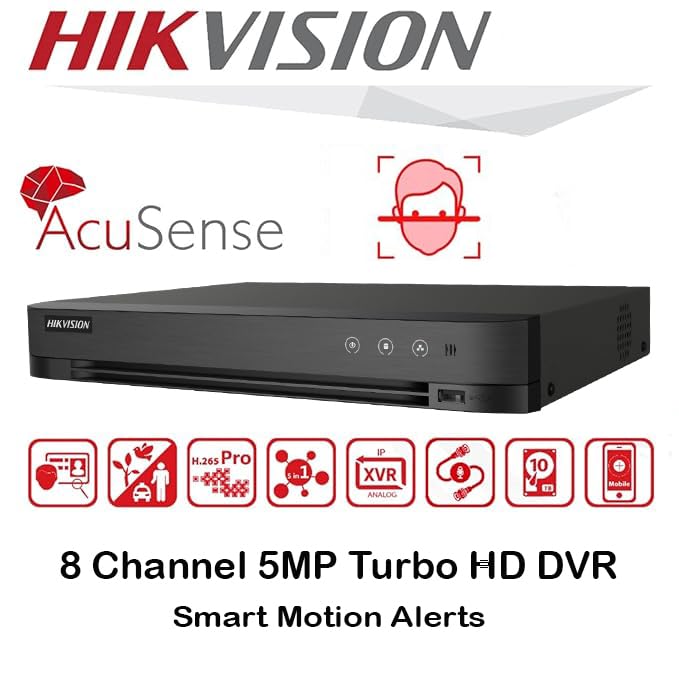
Сүрөт: бүттүview of key features including AcuSense, H.265+ compression, and 5MP resolution support.
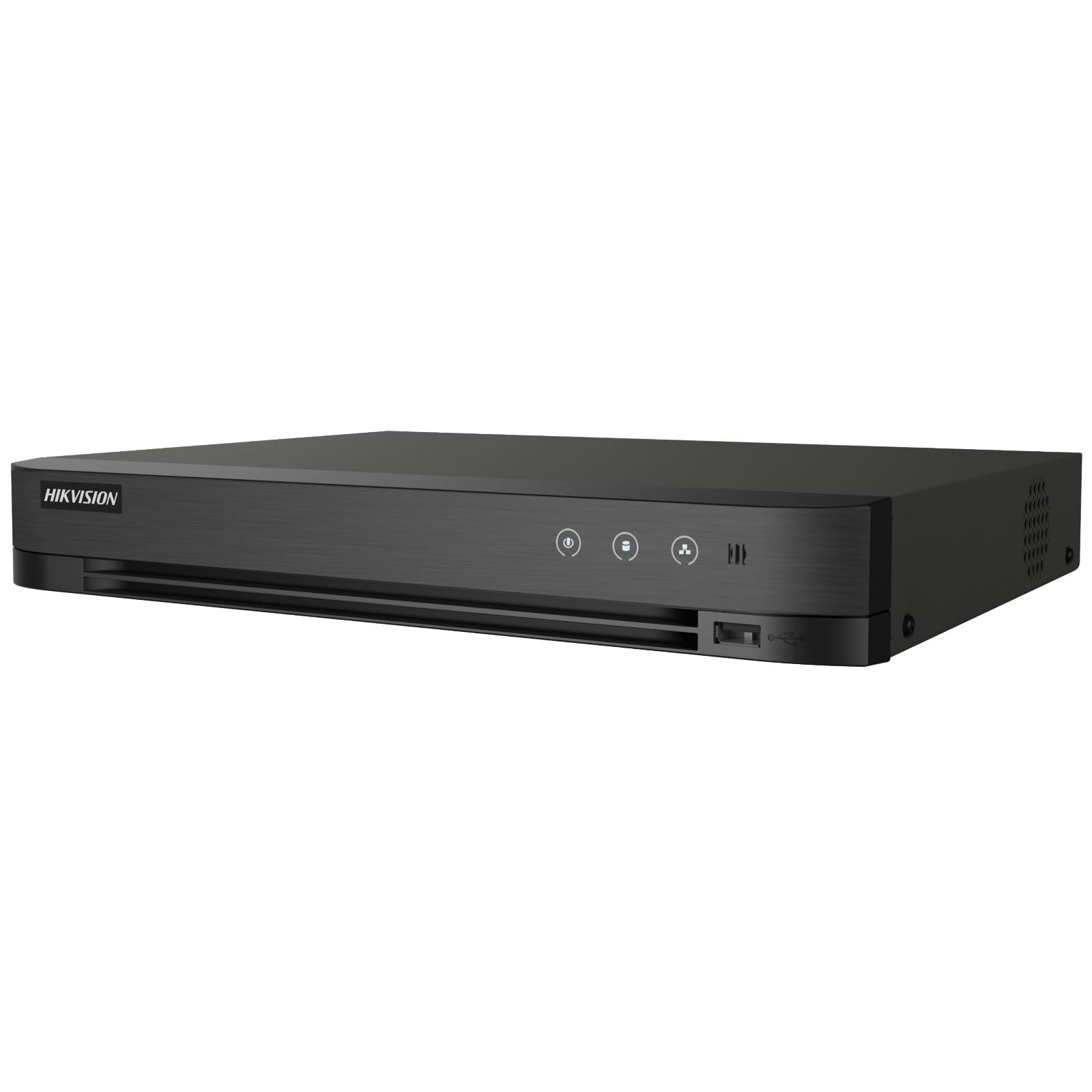
Image: The Hikvision Turbo HD DVR highlighting its support for two-way audio cameras, enabling interactive communication.
4. Физикалык интерфейс
Familiarize yourself with the ports and indicators on the DVR unit. The following diagram illustrates the rear panel of the Hikvision IDS-7208HQHI-M1/XT DVR:

Image: Rear panel connections of the DVR, showing video inputs, audio ports, network, and power.
- Видео кирүү (BNC): Connect analog HD cameras (Turbo HD, AHD, CVI, CVBS).
- Video Out (BNC): Connect to a monitor for local display.
- Аудио киргизүү (RCA): Connect external audio input devices.
- HDMI чыгышы: Connect to an HDMI-compatible monitor or TV for high-definition video output.
- VGA чыгаруу: Connect to a VGA-compatible monitor.
- Аудио чыгышы (RCA): Connect to external audio output devices.
- USB порттору: Connect a USB mouse, USB flash drive for backup, or external storage.
- LAN порту (RJ45): Connect to your network for remote access and IP camera integration.
- RS-485: For PTZ camera control (if supported).
- 12V DC кубат киргизүү: Камтылган кубат адаптерин туташтырыңыз.
- Жер терминалы: Түзмөктү жерге туташтыруу үчүн.
5. Орнотуу
Follow these steps for initial setup of your DVR system:
5.1 Hard Drive Installation (if not pre-installed)
- DVRдин үстүнкү капкагын бурап алып салыңыз.
- SATA маалымат кабелин жана электр кабелин катуу дискке туташтырыңыз.
- Берилген бурамаларды колдонуп, катуу дискти DVR корпусуна бекитиңиз.
- Үстүнкү капкакты ордуна коюп, бурама менен бекитиңиз.
5.2 Перифериялык түзүлүштөрдү туташтыруу
- Connect your cameras to the Video In (BNC) ports.
- Connect a monitor to the HDMI or VGA чыгаруу порту.
- Connect the USB mouse to a USB порт.
- Connect the DVR to your network router using an Ethernet cable plugged into the LAN порту.
- Кубат адаптерин 12V DC Power Input and then plug it into a power outlet.
5.3 Баштапкы конфигурация
- Биринчи жолу жүктөлгөндө, DVR сизге орнотуу чебери аркылуу жол көрсөтөт.
- Set a strong password for the administrator account.
- Тармак жөндөөлөрүн конфигурациялаңыз (DHCP көпчүлүк үй тармактары үчүн жетиштүү).
- Initialize the hard drive if prompted. This will format the drive for recording.
- Adjust date, time, and other system preferences as needed.
6. Иштөө
Once the DVR is set up, you can begin monitoring and recording.
6.1 Live View
Киргенден кийин, DVR түз эфирди көрсөтөт view монитордогу туташкан камералардан. Сиз бир камералуу камералардын ортосунда которула аласыз view жана көп камералуу тор view экрандагы башкаруу элементтерин же чычканды колдонуу менен.
6.2 Жазуу
The DVR is typically configured to record continuously or based on motion detection. You can adjust recording schedules and settings through the DVR's menu system (Configuration > Record > Schedule).
6.3 Ойнотуу
Кайраview foo жазылганtage, багыт алуу Ойнотуу menu. Select the date, time, and camera channel to view жаздыруулар. Функцияларды башкаруу үчүн ойнотуу башкаруу элементтерин (ойнотуу, тындыруу, алдыга тез түрүү, артка түрүү) колдонуңузtage.
6.4 Remote Access (Hik-Connect App)
The Hik-Connect app allows you to access your DVR remotely from a smartphone or tablet.
- Hik-Connect колдонмосун түзмөгүңүздүн колдонмолор дүкөнүнөн жүктөп алыңыз.
- Create a Hik-Connect account and log in.
- Add your DVR by scanning the QR code on the DVR's label or by manually entering its serial number.
- Follow the in-app instructions to complete the device addition.
- Кошулгандан кийин, сиз төмөнкүлөрдү жасай аласыз view live feeds, play back recordings, and receive push notifications for events.

Image: Illustration of the Hik-Connect mobile application interface, demonstrating remote access to live video and recordings.
7. Техникалык тейлөө
Үзгүлтүксүз техникалык тейлөө DVR системаңыздын оптималдуу иштешин жана узак мөөнөттүү иштешин камсыз кылат.
- Clean the DVR: Periodically clean the exterior of the DVR with a soft, dry cloth. Ensure ventilation openings are free from dust to prevent overheating.
- Программалык камсыздоонун жаңыртуулары: Расмий Hikvision сайтынан текшериңиз website for firmware updates. Updating firmware can improve performance, add features, and fix bugs. Follow update instructions carefully.
- Катуу дисктин ден соолугу: Monitor the health of your hard drive through the DVR's system menu (HDD башкаруу). Replace the hard drive if it shows signs of failure.
- Камдык маанилүү Footage: Regularly back up critical video footagтышкы USB дискке же тармактык сактагычка.
- Сырсөз коопсуздугу: Change your DVR and Hik-Connect passwords periodically to maintain security.
8. Кыйынчылыктарды
Бул бөлүм сиз кабылышы мүмкүн болгон жалпы көйгөйлөрдү карайт.
8.1 Монитордо видео чыгышы жок
- Check if the monitor is powered on and correctly connected to the DVR's HDMI or VGA port.
- Мониторуңузда туура киргизүү булагы тандалганын текшериңиз.
- Try connecting to a different monitor or using a different cable.
8.2 Камералар көрсөтүлбөйт
- Verify that cameras are powered on and properly connected to the DVR's BNC inputs.
- Check camera power supplies.
- Ensure the camera type (TVI, AHD, CVI, CVBS) is compatible with the DVR and configured correctly in the DVR settings.
8.3 Алыстан кирүү иштебей жатат
- Ensure the DVR is connected to the internet via the LAN port.
- Check network settings on the DVR (Configuration > Network).
- Verify that the Hik-Connect service is enabled on the DVR.
- Смартфонуңузда активдүү интернет байланышы бар экенин текшериңиз.
- Re-add the device to the Hik-Connect app if necessary.
8.4 No Recording
- Check if a hard drive is installed and properly initialized (Configuration > HDD).
- Verify recording schedules are set correctly (Configuration > Record > Schedule).
- Ensure there is sufficient free space on the hard drive.
9. Техникалык шарттар
Detailed technical specifications for the Hikvision IDS-7208HQHI-M1/XT DVR:
| Өзгөчөлүк | Спецификация |
|---|---|
| Модель номери | IDS-7208HQHI-M1/XT |
| Видео киргизүү | 8-Channel (Turbo HD/AHD/CVI/CVBS/IP) |
| Видеону кысуу | H.265 + / H.265 / H.264 + / H.264 |
| Resolution Recording | 5 МП чейин |
| Video Output | HDMI, VGA, BNC |
| Аудио киргизүү/чыгаруу | 2-Way Audio Support |
| Тармак интерфейси | 1 RJ45 10M/100M Ethernet Interface |
| USB интерфейси | 2 x USB 2.0 |
| HDD колдоосу | 1 SATA interface (up to 10 TB capacity per HDD) |
| Электр камсыздоо | 12V DC |
| Өлчөмдөрү (L x W x Y) | 19.7 x 19.2 x 4.1 см |
| Салмагы | 1.5 кг |
| Өндүрүүчү | HIKVISION, Prama Hikvision India Pvt. Ltd. |
10. Кепилдик жана колдоо
Кепилдик жөнүндө маалымат жана техникалык колдоо алуу үчүн, өнүмүңүз менен кошо берилген кепилдик картасын караңыз же расмий Hikvision веб-сайтына кириңиз. webсайт. Сатып алуу квитанциясын кепилдик дооматтары үчүн сатып алуунун далили катары сактаңыз.
For further assistance, contact Hikvision customer support or your authorized dealer.