
1. Продукт бүтүп калдыview
The SUNITEC BC920C Bluetooth Car Hands-Free Kit is designed to provide clear, hands-free communication and audio streaming in your vehicle. It features automatic power on/off, CVC8.0 noise cancellation technology for crystal-clear calls and high-volume music, and supports connection with two phones simultaneously. This device is compatible with cars, SUVs, trucks, vans, minivans, pickups, and buses, especially older vehicles without built-in hands-free phone capabilities.
Негизги өзгөчөлүктөрү:
- Clear Hands-Free Calling with CVC8.0 Noise Cancellation
- Автоматтык түрдө күйгүзүү / өчүрүү
- Dual Phone Connection Support
- High-Quality Stereo Speaker for Calls and Music
- Voice Assistant Support (Siri/Google Assistant)
2. Коопсуздук маалыматы
Please read and understand all safety information before using this product. Failure to follow these instructions may result in injury or damage.
- Avoid using the device in a manner that distracts you from driving. Always prioritize road safety.
- Keep the device away from heat sources, direct sunlight, and extreme temperatures.
- Аппаратты сууга же ашыкча нымдуулукка дуушар кылбаңыз.
- Батареяларды жергиликтүү эрежелерге ылайык таштаңыз.
- Түзмөктү өз алдынча бөлүктөргө бөлүүгө, оңдоого же өзгөртүүгө аракет кылбаңыз. Жардам алуу үчүн квалификациялуу тейлөө кызматкерлерине кайрылыңыз.
3. Пакеттин мазмуну
Пакетиңизде бардык буюмдар бар экенин текшериңиз:
- SUNITEC BC920C Bluetooth Car Hands-Free Kit
- USB-C заряддоо кабели
- Унаа заряддоочу адаптер
- User Manual

4. Орнотуу жана орнотуу
Follow these steps to set up your BC920C device:
- Аппаратты заряддоо: Before first use, fully charge the BC920C using the provided USB-C cable and car charger adapter or a computer USB port. The charging indicator light will show the charging status.
- Монтаждоо: Clip the device onto your car's sun visor using the integrated clip. Ensure it is securely attached and does not obstruct your view.
- Күйгүзүү: The device features automatic power on. Once paired and connected, it will automatically power on and reconnect to your phone when you open the car door or start the engine.
- Телефонуңуз менен жупташуу:
- Turn on the BC920C. It will automatically enter pairing mode (indicated by a flashing LED).
- Смартфонуңуздан Bluetooth жөндөөлөрүнө өтүп, Bluetooth'ду иштетиңиз.
- Издөө available devices and select "BC920C" from the list.
- Туташтырылгандан кийин, LED индикатору өчүп-өчүүнү токтотуп, туруктуу бойдон калат.
- Кош байланыш: The BC920C supports connecting two phones simultaneously. After pairing the first phone, repeat the pairing process for the second phone. The device will manage calls from both phones.


5. Иштөө нускамалары
Learn how to use your BC920C for calls, music, and voice commands.
5.1 Чалууларды кабыл алуу жана кабыл алуу
- Чалууга жооп берүү: When a call comes in, press the green phone button once to answer.
- Чалууну аяктоо: Press the green phone button once during a call to end it.
- Чалуудан баш тартуу: Press and hold the green phone button for 2 seconds to reject an incoming call.
- Кайра терүү: Double-press the green phone button to redial the last number.
5.2 Volume Control and Music Playback
- Үндү тууралоо: Use the '+' and '-' buttons on the device to increase or decrease the volume during calls or music playback.
- Музыка агымы: Once connected, audio from your smartphone, including music and GPS navigation instructions, will stream through the BC920C's speaker.

5.3 Voice Assistant (Siri/Google Assistant)
Activate your phone's voice assistant for hands-free control:
- Press the dedicated voice command button (often marked with a microphone icon) to activate Siri or Google Assistant on your connected smartphone.
- You can then use voice commands for navigation, making calls, sending messages, and more.
6. Аппаратты заряддоо
The BC920C is powered by a rechargeable Lithium-ion battery. To charge:
- Берилген USB-C кабелин түзмөктөгү кубаттоо портуна туташтырыңыз.
- Plug the other end of the USB-C cable into the car charger adapter or a standard USB port (e.g., on a computer).
- Заряддоо индикатору кубаттоо учурунда күйөт жана толук заряддалганда өчөт.
- Толук кубаттоо, адатта, болжол менен 2 саатты талап кылат.
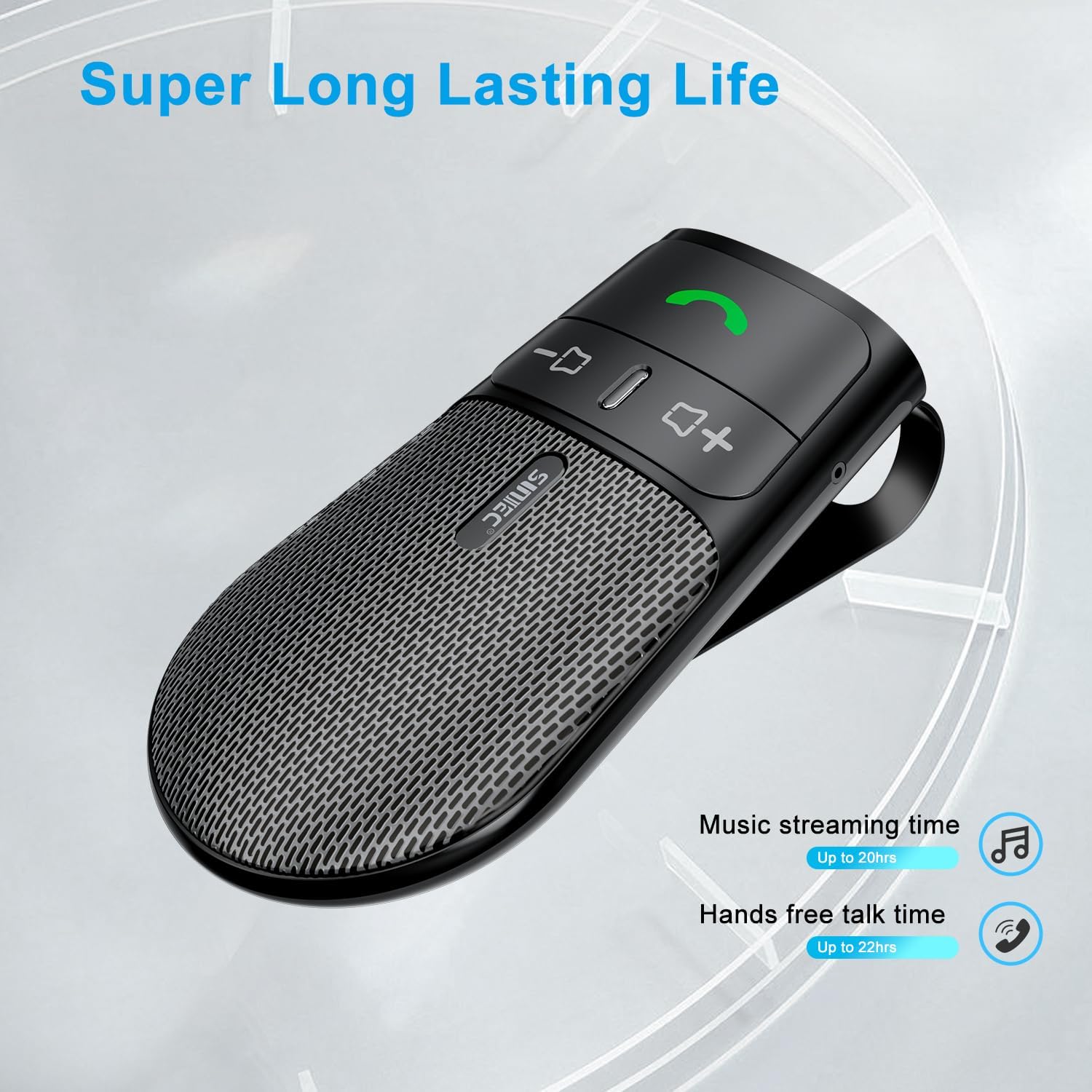
The device offers a long-lasting battery life, with up to 20 hours of music streaming time and up to 22 hours of hands-free talk time.
7. Техникалык шарттар
| Бренд | SUNITEC |
| Модел | BC920C |
| Байланыш технологиясы | Bluetooth |
| Аппараттык интерфейс | USB-C |
| Шайкеш түзмөктөр | Car stereo, Smartphones |
| Өзгөчөлүктөр | Automatic Power On/Off, Noise Cancellation (CVC8.0), Hands-Free Calling |
| Аудио чыгаруу режими | Стерео |
| Power Source | Батарея менен иштейт (литий-ион) |
| Элемент Салмагы | 95 грамм |
| Продукциянын өлчөмдөрү | 15 x 11.6 x 5 см |
8. Кыйынчылыктарды
If you encounter issues with your SUNITEC BC920C, try the following solutions:
- Түзмөк күйбөй жатат: Түзмөктүн толук заряддалганын текшериңиз. Аны кубат булагына туташтырып, кубаттоо индикаторун текшериңиз.
- Телефон менен жупташтыруу мүмкүн эмес: Make sure Bluetooth is enabled on your phone and the BC920C is in pairing mode (flashing LED). Try restarting both the device and your phone.
- Poor audio quality/echo: Ensure the device is positioned correctly on the sun visor and not obstructed. Adjust the volume on both the device and your phone. Move closer to the device if possible.
- Automatic connection not working: Verify that the device was successfully paired previously. Check your phone's Bluetooth settings to ensure it's set to automatically connect to known devices.
- Үн буйруктары жооп бербейт: Ensure your phone's voice assistant (Siri/Google Assistant) is enabled and configured correctly. Make sure the device is connected and the voice command button is pressed correctly.
9. Техникалык тейлөө
To ensure the longevity and optimal performance of your BC920C:
- Clean the device regularly with a soft, dry cloth. Do not use harsh chemicals or abrasive cleaners.
- Аппаратты колдонбогондо салкын, кургак жерде сактаңыз.
- Аппаратты жерге түшүрүүдөн же катуу таасирлерден сактаныңыз.
10. Кепилдик жана колдоо
SUNITEC products are warranted to be free from defects in materials or workmanship for 12-24 months from the date of purchase. Please retain your proof of purchase for warranty claims.
For technical support or warranty inquiries, please contact SUNITEC customer service. Contact information can typically be found on the product packaging or the official SUNITEC webсайт.
Sold by: Sunitec