
Introduction
This manual provides comprehensive instructions for the setup, operation, and maintenance of your EvoFox Katana X2 TKL Wireless Mechanical Gaming Keyboard. Designed for versatility and performance, this keyboard offers tri-mode connectivity, silent red mechanical switches, and dynamic backlighting. Please read this manual thoroughly to ensure optimal use and longevity of your device.
Продукт бүттүview жана өзгөчөлүктөрү
The EvoFox Katana X2 TKL is a high-performance tenkeyless mechanical keyboard engineered for both gaming and productivity. Key features include:
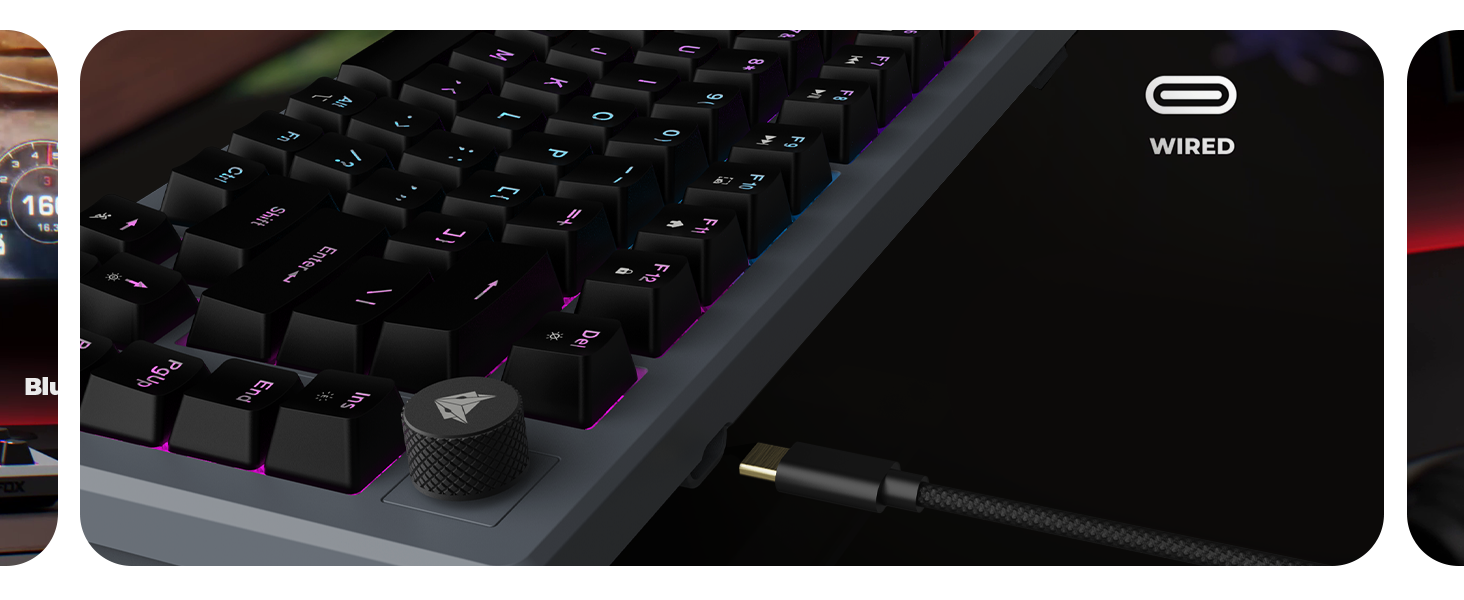
- Tri-Mode Wireless Versatility: Connect seamlessly via Bluetooth (up to 3 devices), 2.4GHz wireless, or a wired USB-C connection.
- Silent Red Mechanical Switches: Pre-lubed and dustproof switches provide a smooth, quiet, and responsive typing experience.
- 1000Гц добуш берүү ылдамдыгы: Ensures instantaneous response times in both wired and 2.4GHz wireless modes for competitive performance.
- Vivid Dynamic Backlighting: Choose from 18 onboard lighting effects to customize your setup without software.
- 4000mAh кайра заряддалуучу батарея: Offers extended usage and supports Type-C fast charging.
- Multifunction Volume Knob: Provides convenient control over audio levels.
- Ачкычсыз (TKL) дизайн: Compact 82-key layout maximizes desk space and portability.
- Туруктуу курулуш: Features non-erasable double injection keycaps and a robust build.

Figure 1: The EvoFox Katana X2 TKL Wireless Mechanical Gaming Keyboard, showcasinанын компакттуу дизайны жана RGB арткы жарыгы.
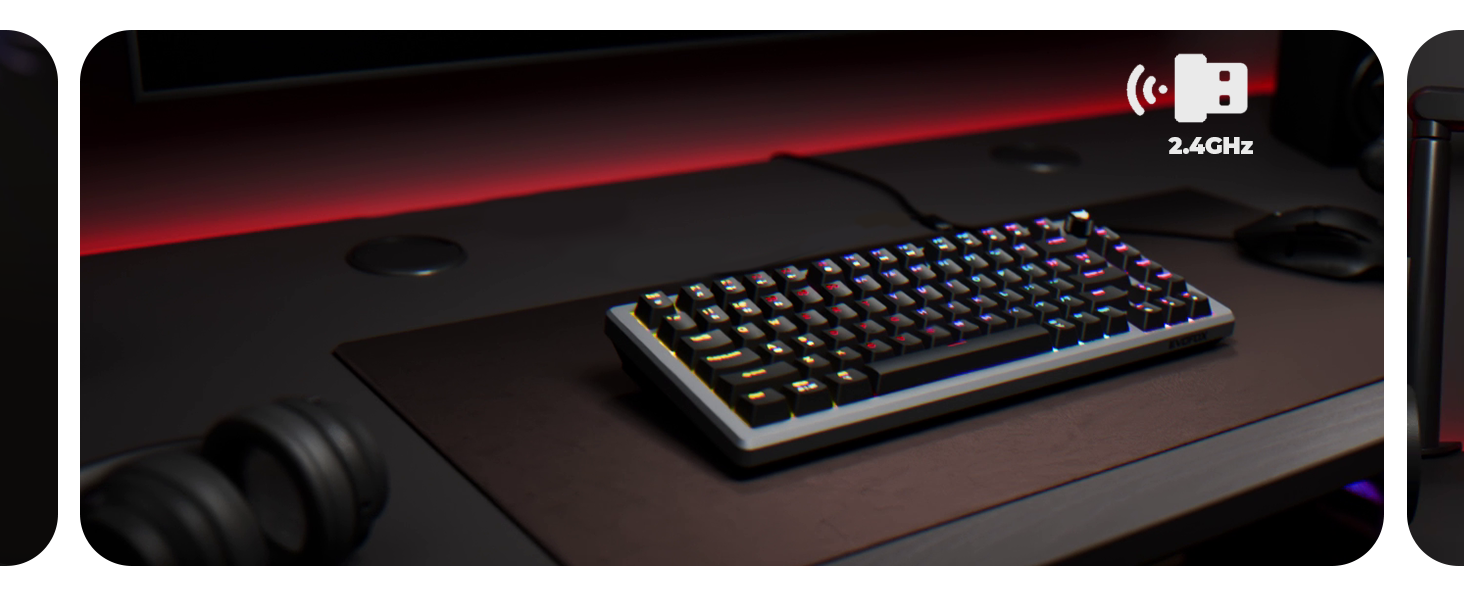
Figure 2: Illustration of the keyboard's triple mode connectivity options: Bluetooth, 2.4GHz wireless, and wired USB-C, connecting to multiple devices.
Сүрөт 3: Жакын пландан view of the 3-pin replaceable, pre-lubed, dustproof Silent Red mechanical switches, highlighting their design and durability.
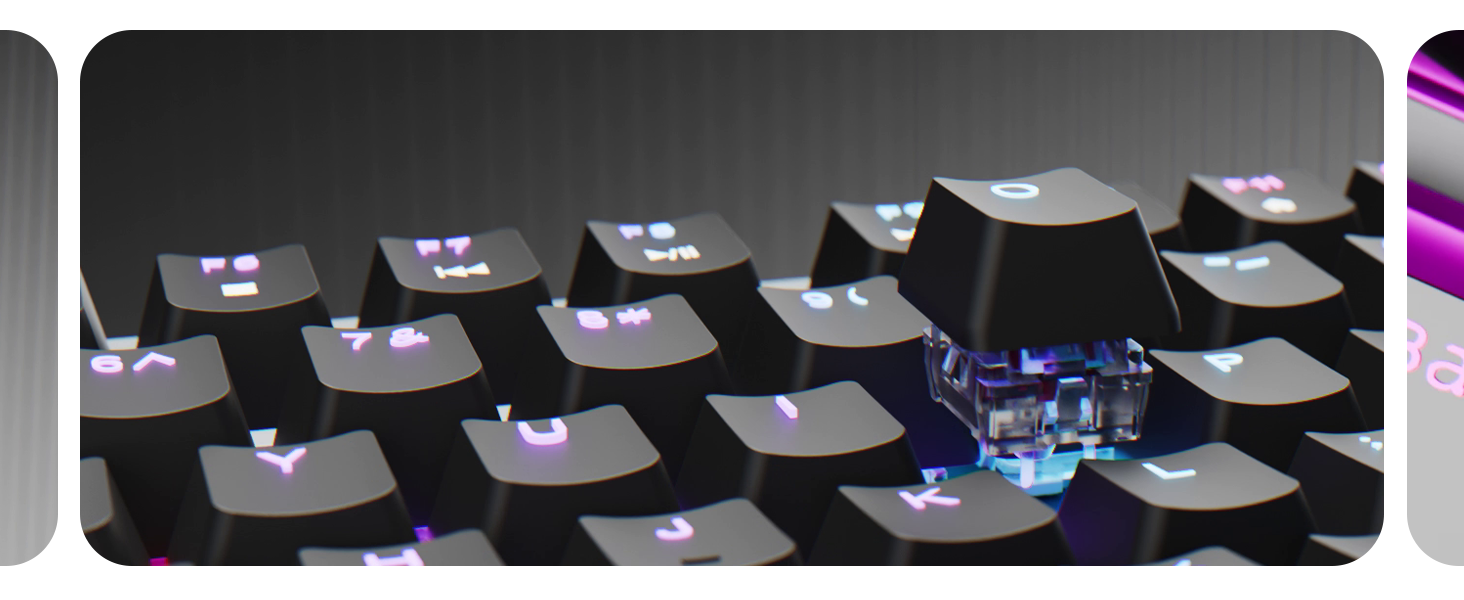
Figure 4: Diagram illustrating the multimedia functions accessible via the F-keys, including volume, playback, screenshot, and lock controls.
Жайгашуу
1. Баштапкы заряддоо
Before first use, connect the keyboard to a USB power source using the provided USB-C cable. The charging indicator will show the charging status. A full charge is recommended for optimal wireless performance.
2. Зымдуу туташуу
- Кабелдин USB-C учун клавиатуранын USB-C портуна туташтырыңыз.
- Кабелдин USB-A учунун компьютериңиздеги жеткиликтүү USB портуна туташтырыңыз.
- Баскычтоп автоматтык түрдө зымдуу режимге өтөт жана колдонууга даяр болот.
3. 2.4 ГГц зымсыз туташуу
- Адатта клавиатурадагы бөлүмдө сакталган 2.4 ГГц USB кабыл алгычын табыңыз.
- USB ресиверди компьютериңиздеги жеткиликтүү USB портуна сайыңыз.
- Switch the keyboard's mode selector to 2.4G mode. The keyboard should connect automatically.
4. Bluetooth байланышы (3 түзмөккө чейин)
- Баскычтоптун режим тандагычын Bluetooth режимине которуңуз.
- Басып кармап туруңуз Fn + Q, Fn + W, же Fn + E тиешелүү баскыч (Q, W же E) тез күйгөнгө чейин 3-5 секунд басып туруңуз. Бул жупташтыруу режимин билдирет.
- On your device (computer, tablet, phone), go to Bluetooth settings and search for "EvoFox Katana X2 TKL".
- Select the keyboard to pair. The flashing light will become solid once connected.
- Repeat for up to two additional devices using the other Fn + key combinations.
Иштөө нускамалары
1. Байланыш режимдерин которуу
Use the physical switch located on the keyboard to toggle between Wired, 2.4G, and Bluetooth modes.
2. Арткы жарыкты башкаруу
The keyboard features 18 pre-programmed RGB lighting effects. Use the following key combinations to control the backlighting:
- Fn + Ins: Ар кандай жарык эффекттери аркылуу айланыңыз.
- Fn + Del: Change backlight colors (for static modes).
- Fn + ↑ / ↓: Арткы жарыктын жарыктыгын тууралаңыз.
- Fn + ← / →: Adjust lighting effect speed (for dynamic modes).
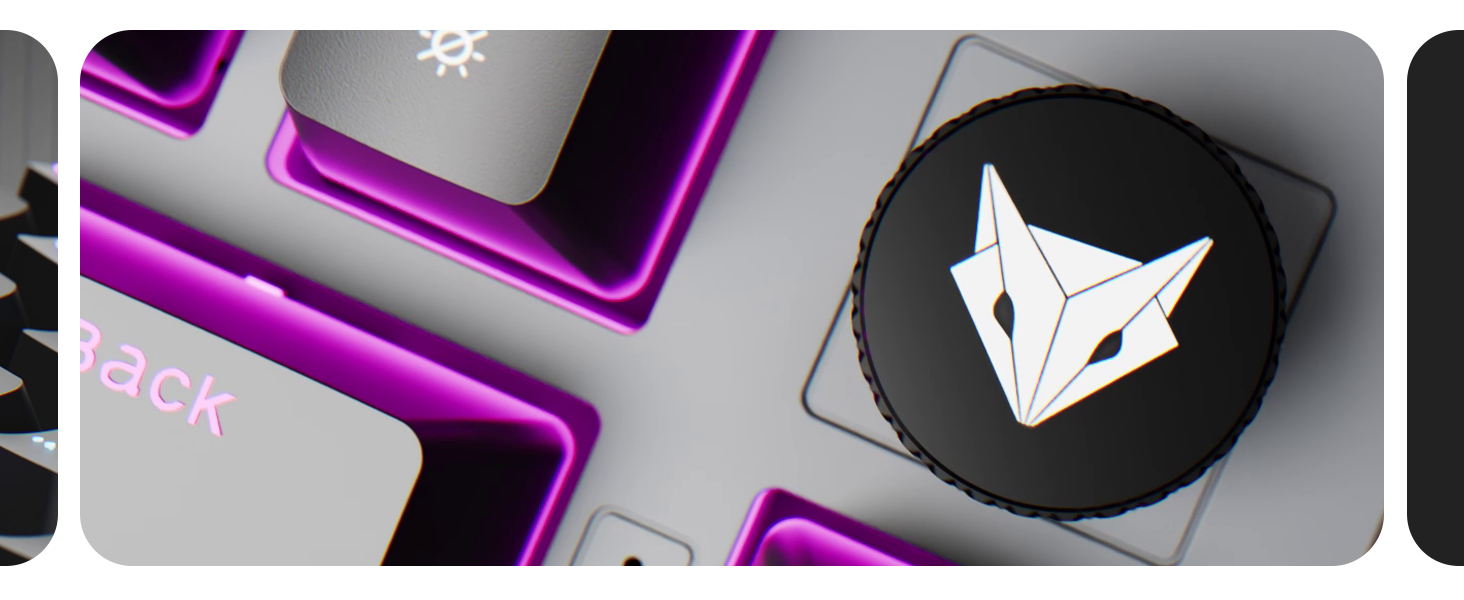
Figure 5: The keyboard displaying its vibrant rainbow backlighting, illustrating one of the 18 available lighting effects.
3. Multimedia Functions and Volume Knob
The dedicated volume knob allows for quick audio adjustments. Rotate clockwise to increase volume, counter-clockwise to decrease. Press the knob to mute/unmute audio.
Additional multimedia functions are accessible via the Fn key combined with the F-keys (F1-F12). Refer to Figure 4 for a visual guide.
- Fn+F1: Музыка ойноткуч
- Fn+F2: Үндү төмөндөтүү
- Fn+F3: Үндү көтөрүү
- Fn+F4: Үнсүз
- Fn+F5: Токто
- Fn+F6: Мурунку трек
- Fn+F7: Ойнотуу/Тыныгуу
- Fn+F8: Кийинки трек
- Fn+F9: Скриншот
- Fn+F10: Copilot (Windows specific)
- Fn+F11: Үй
- Fn+F12: Кулпу
4. Windows Lock Key
Басыңыз Fn+Win оюн учурунда кокусунан басылып калуудан сактануу үчүн Windows баскычын кулпулоо же ачуу.
Техникалык тейлөө
Туура тейлөө клавиатураңыздын узак иштөөсүн жана иштешин камсыз кылат.
- Тазалоо: Use a soft, dry cloth to wipe the keyboard surface. For deeper cleaning, remove keycaps using a keycap puller and use compressed air to clear debris from between switches.
- Клавиатураны жана которгучту алмаштыруу: The EvoFox Katana X2 TKL features hot-swappable switches. Use the provided switch puller to carefully remove switches if replacement is needed. Ensure replacement switches are compatible 3-pin mechanical switches.
- Сактагыч: Клавиатураны күн нурунан жана экстремалдык температурадан алыс, салкын, кургак жерде сактаңыз.
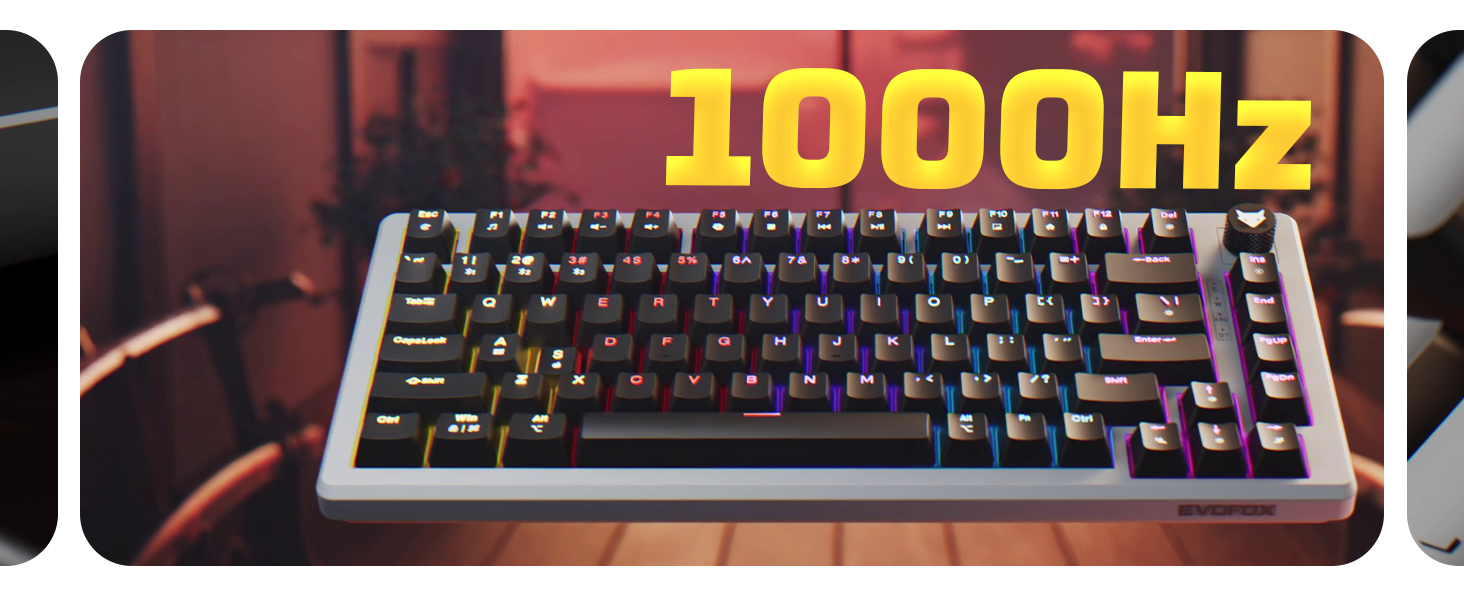
Figure 6: Details on the keyboard's durable features, including non-erasable double injection keycaps and the robust 1.8M braided USB-C cable with EMI ring.
Проблемаларды чечүү
| Көйгөй | Мүмкүн себеп | Чечим |
|---|---|---|
| Баскычтоп жооп бербей жатат (Зымдуу) | Кабелдин байланышы бошоп калган; USB порту бузук. | Ensure USB-C cable is securely connected. Try a different USB port on your computer. |
| Баскычтоп жооп бербей жатат (2.4 ГГц зымсыз) | Receiver not plugged in; keyboard in wrong mode; low battery. | Ensure 2.4GHz receiver is plugged in. Switch keyboard to 2.4G mode. Charge the keyboard. |
| Клавиатура жооп бербей жатат (Bluetooth) | Not paired; keyboard in wrong mode; low battery; device Bluetooth off. | Ensure keyboard is in Bluetooth mode and paired (Fn+Q/W/E). Check device Bluetooth settings. Charge the keyboard. |
| Арткы жарык иштебей жатат же туура эмес | Backlight turned off; low battery; incorrect settings. | Press Fn+Ins to cycle modes. Adjust brightness with Fn+↑/↓. Charge the keyboard. |
| Ачкычтар катталбайт же эки жолу терилбейт | Dust/debris under keycap; faulty switch. | Remove keycap and clean. If issue persists, consider replacing the switch (hot-swappable feature). |
Техникалык шарттар
| Модель аты | Katana X2 TKL |
| Байланыш | Үч режим (Bluetooth, 2.4 ГГц зымсыз, зымдуу USB-C) |
| Которгучтар | Silent Red Mechanical (3-pin, hot-swappable) |
| Добуш берүү көрсөткүчү | 1000Hz (Wired/2.4G modes) |
| Батарея сыйымдуулугу | 4000mAh (Lithium Metal, included) |
| Арткы жарыктандыруу | Vivid Dynamic RGB (18 effects) |
| Ачкычтын жайгашуусу | Ачкычсыз (TKL), 82 ачкыч |
| Баскыч капкактары | Non-Erasable Double Injection |
| Кабелдин узундугу | 1.8M Braided USB-C with EMI Ring |
| Продукциянын өлчөмдөрү | 38.5 x 19.5 x 4.2 см |
| Элемент Салмагы | 766 г |
| Камтылган компоненттер | 4 x кошумча Jixian кызыл которгучтары |
| Келип чыккан өлкө | Кытай |
Расмий продукт Video
Видео 1: Продукциянын расмий көргөзмөсүasing the EvoFox Katana X2 TKL keyboard's features, including its tri-mode connectivity, silent red switches, 1000Hz polling rate, dynamic backlighting, and multifunction knob. This video provides a visual overview of the keyboard's capabilities and design.
Кепилдик жана колдоо
For warranty information and technical support, please refer to the warranty card included with your product or visit the official EvoFox webсайт. Кепилдик дооматтары үчүн сатып алуу дүмүрчөгүңүздү сактаңыз.
Manufacturer: Allied Electronics & Magnetics Private Limited
Address: C-64/4, Okhla Phase - 2, New Delhi - 110020