
Introduction
The JBL Grip is a compact, portable Bluetooth speaker designed to deliver bold JBL Pro Sound with ambient lighting. It features a durable, waterproof, dustproof, and drop-proof design, making it suitable for various environments. This manual provides essential information for setting up, operating, and maintaining your JBL Grip speaker.
Кутуда эмне бар
Upon unboxing your JBL Grip, ensure all the following items are present:
- 1 x JBL Grip Portable Bluetooth Speaker
- 1 x Тез баштоо боюнча колдонмо (QSG)
- 1 x Коопсуздук баракчасы
- 1 x Кепилдик картасы
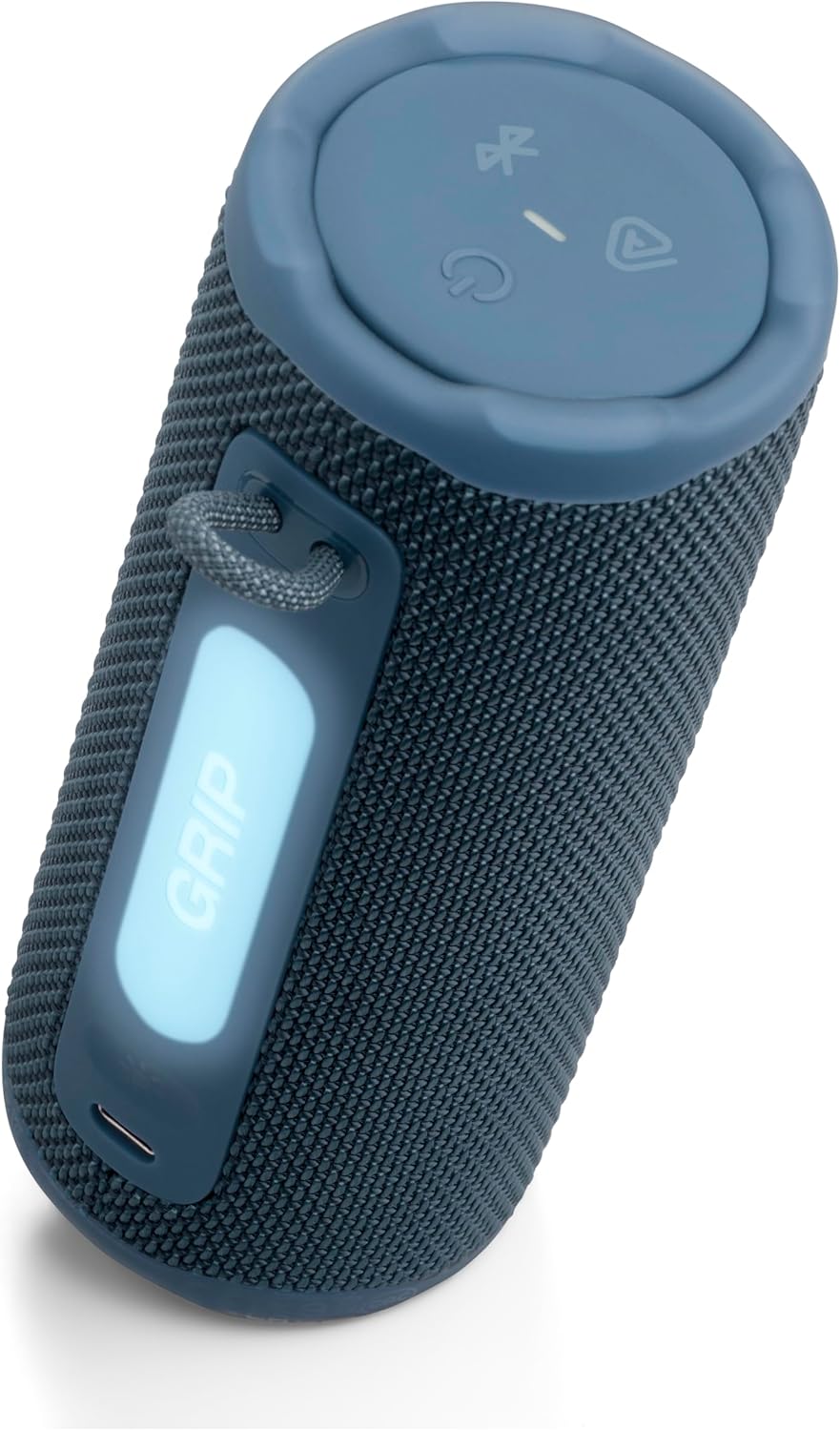
Image: JBL Grip speaker and its Quick Start Guide, as found in the product packaging.
Жайгашуу
Күйгүзүү/өчүрүү
JBL Gripти күйгүзүү үчүн, жогорку панелде жайгашкан күйгүзүү баскычын индикатор жарыгы күйгөнгө чейин басып туруңуз. Өчүрүү үчүн, жарык өчкөнгө чейин күйгүзүү баскычын кайра басып туруңуз.
Bluetooth туташуу
When powering on the JBL Grip for the first time, it will automatically enter Bluetooth pairing mode. The Bluetooth indicator light will flash. On your device (smartphone, tablet, etc.), enable Bluetooth and select 'JBL Grip' from the list of available devices to connect. For subsequent connections or to pair with a new device, press the Bluetooth button on the top panel to enter pairing mode.
JBL Portable App
Enhance your experience by downloading the JBL Portable app. The app allows for advanced control over ambient light settings, equalizer adjustments, and multi-speaker connections. Scan the QR code in the Quick Start Guide or search for 'JBL Portable' in your device's app store.
Video: This official JBL 'How To' video demonstrates the unboxing, initial Bluetooth setup, and app connection process for the JBL Grip speaker.
Иштеп жатат
Controls
- Үндү көзөмөлдөө: Use the '+' and '-' buttons on the speaker's top panel to adjust the volume.
- Ойнотуу/тындыруу: Press the play button (triangle icon) once to play or pause audio.
- Өткөрүп жиберүү: Press the play button twice to skip to the next track.
- Мурунку трек: Press the play button three times to go back to the previous track.

Image: The top panel of the JBL Grip, illustrating the control buttons for power, Bluetooth, Auracast, volume, and media playback.
Ambient Light
The JBL Grip features a built-in ambient light on its back panel. Press the light show button (sun icon) to cycle through various light themes and color options. Further customization, including brightness and additional light shows, is available through the JBL Portable app.

Image: The JBL Grip speaker showcasing its ambient light feature, glowing blue in an evening urban environment.
Auracast™ менен көп динамиктүү байланыш
The JBL Grip supports Auracast™ for multi-speaker connections. To stereo pair two JBL Grip speakers, use the JBL Portable app. To connect multiple JBL Auracast™-enabled speakers for a larger sound experience, press the Auracast™ button (triangle with waves icon) on all desired speakers. Ensure the primary speaker is connected to your device first.

Image: Multiple JBL Grip speakers demonstrating multi-speaker connection with Auracast, shown partially submerged in water.
Өзгөчөлүктөрү
- Жасалма интеллект менен күчөтүлгөн Bold JBL Pro Sound: Delivers powerful audio with punchy bass and clear highs. AI Sound Boost analyzes music in real-time to optimize output and minimize distortion.
- 14 саатка чейин ойноо убактысы: Enjoy up to 12 hours of continuous playback, with an additional 2 hours available via Playtime Boost.
- Ambient Light Customization: Features an integrated ambient light on the back panel with various themes and color options, customizable through the JBL Portable app.
- Суу өткөрбөйт, чаң өткөрбөйт жана кулап түшпөйт (IP68): Built to withstand harsh conditions with an IP68 rating, protecting against water and dust. Its robust design allows it to survive drops of up to 1 meter onto concrete.
- Auracast™ Multi-Speaker Connectivity: Easily stereo pair two Grip speakers or connect multiple JBL Auracast™-enabled speakers for an expanded soundstage.

Image: The JBL Grip speaker positioned on a picnic table, emphasizing its 'Bold JBL Pro Sound' feature in an outdoor setting.
Заряддоо
The JBL Grip is charged via a USB-C port located on the back panel. Connect a USB-C cable (not included) to the speaker and a compatible power source. The light indicator on the top panel will turn red during charging. The speaker is equipped with USB-C charging protection, which will activate a warning sound if you attempt to charge it while water, salt, or other foreign substances are present in the connector.
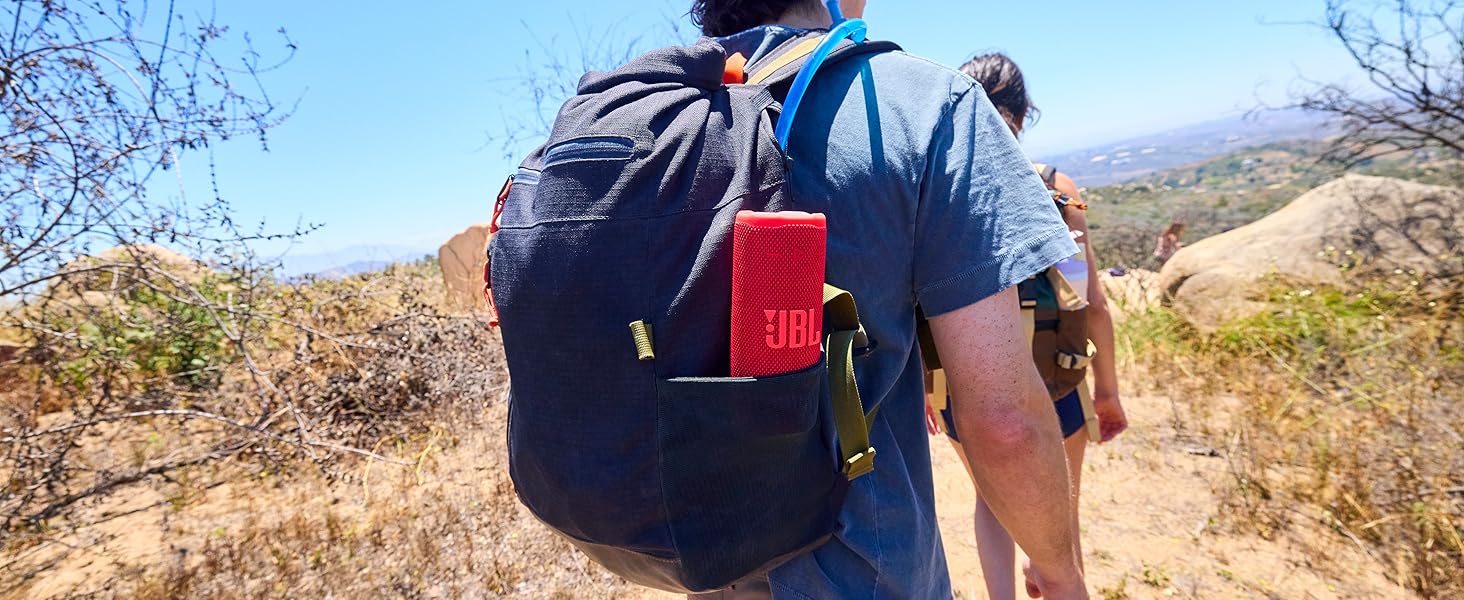
Image: The JBL Grip speaker connected to a USB-C charging cable, showing the charging indicator light.
Техникалык тейлөө
To ensure the longevity and optimal performance of your JBL Grip speaker, follow these maintenance guidelines:
- Тазалоо: жумшак колдонуу, damp Динамиктин сыртын тазалоо үчүн чүпүрөк колдонуңуз. Катуу химиялык заттарды же абразивдүү материалдарды колдонуудан алыс болуңуз.
- Суу таасири: After exposure to water, ensure the USB-C port is completely dry before charging to prevent damage.
- Сактагыч: Динамикти узак убакыт бою колдонбогондо, түз күн тийбеген, кургак, салкын жерде сактаңыз.
- Батареяга кам көрүү: For optimal battery life, avoid fully discharging the battery frequently. Charge the speaker regularly.
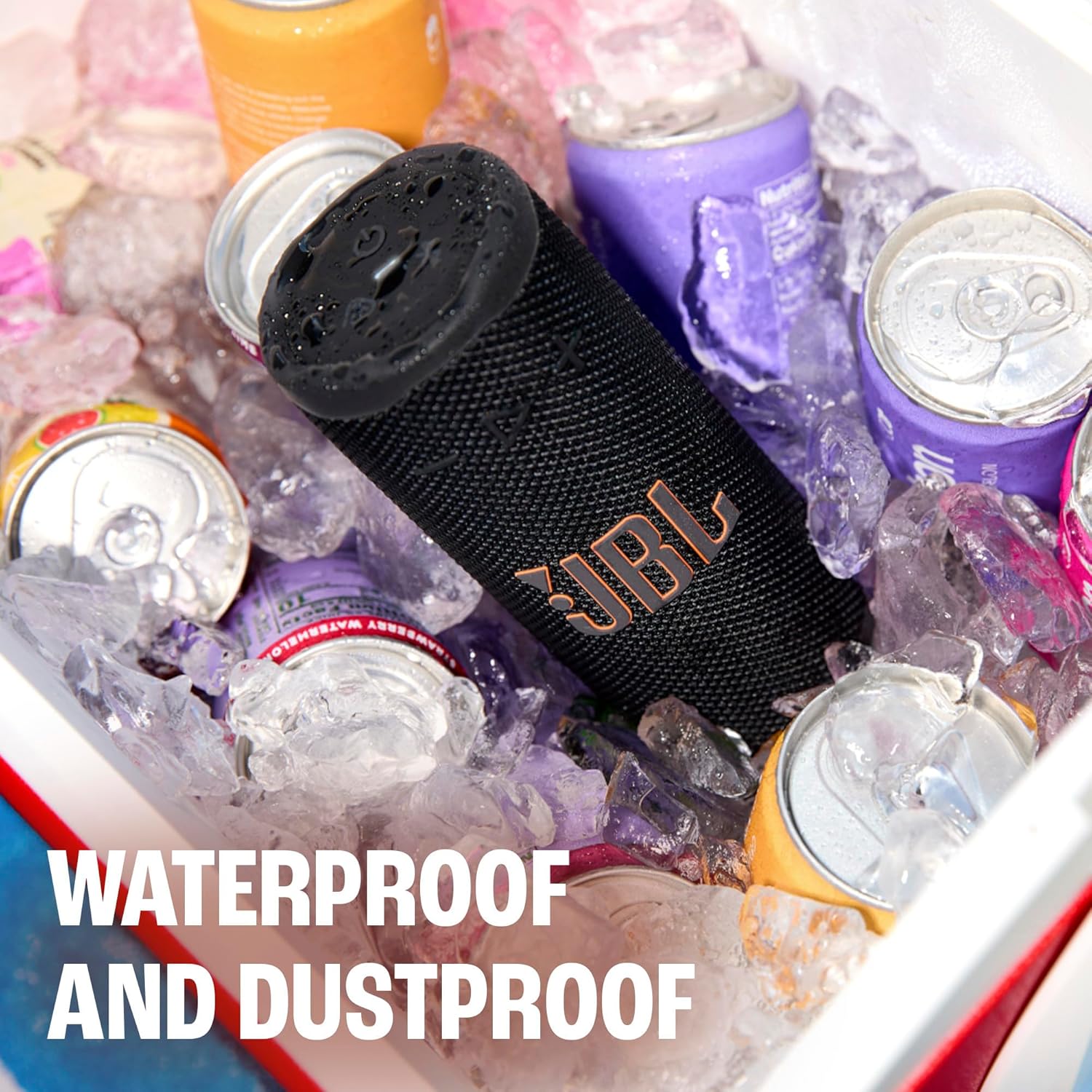
Image: The JBL Grip speaker in a cooler filled with ice and water, illustrating its waterproof and dustproof capabilities.
Проблемаларды чечүү
If you encounter issues with your JBL Grip, refer to the following common troubleshooting steps:
- Кубат жок: Ensure the battery is charged. Connect the speaker to a power source using a USB-C cable.
- Bluetooth жупташтыруу маселелери: Make sure the speaker is in pairing mode (flashing Bluetooth indicator). Turn off and on Bluetooth on your device, then try reconnecting. If issues persist, try forgetting the device on your phone and re-pairing.
- Үн жок: Динамиктин жана туташкан түзмөгүңүздүн үн деңгээлин текшериңиз. Динамик Bluetooth аркылуу туура жупташтырылганын текшериңиз.
- Заряддоо эскертүүсү: If a warning sound occurs during charging, disconnect the cable and ensure the USB-C port is completely dry and free of debris before attempting to charge again.
- Колдонмо туташуусу: Ensure your speaker's firmware is up to date via the JBL Portable app.
Техникалык шарттар
| Өзгөчөлүк | Спецификация |
|---|---|
| Модель аты | JBL Grip |
| Элемент моделинин номери | JBLGRIPBLUAM |
| Бренд | JBL |
| Динамик түрү | Көчмө спикер |
| Байланыш технологиясы | Bluetooth 5.4 |
| Динамиктин максималдуу чыгаруу күчү | 16 Ватт |
| Оюн убактысы | Up to 14 hours (12 hours + 2 hours with Playtime Boost) |
| Сууга туруктуулук деңгээли | IP68 (Суу өткөрбөйт жана чаң өткөрбөйт) |
| Тамчылатып түшүрбөө | Up to 1 meter onto concrete |
| Башкаруу ыкмасы | Колдонмо, баскычтар |
| Продукциянын өлчөмдөрү | 2.56"D x 2.52"W x 6"H |
| Элемент Салмагы | 13.6 унция |
| Материал | Пластик, силикон |
| Power Source | Батарея менен иштейт (1 литий-полимер батарейкасы керек) |

Image: A visual representation of the JBL Grip speaker's dimensions, including height, width, and depth.
Кепилдик жана колдоо
The JBL Grip comes with a limited warranty. Please refer to the included Warranty Card for detailed information regarding coverage, terms, and conditions. For technical support, product registration, or additional assistance, visit the official JBL website or contact customer service as indicated in your product documentation.