
Jectse Jectse8og49p7mre
Jectse 4G LTE Mobile WiFi Hotspot Router User Manual
Model: Jectse8og49p7mre
1. Киришүү
This manual provides essential instructions for the safe and efficient operation of your Jectse 4G LTE Mobile WiFi Hotspot Router. Please read this manual thoroughly before using the device and retain it for future reference.
The Jectse 4G LTE Mobile WiFi Hotspot Router is designed to provide portable internet access, supporting 4G and 3G networks. It features an integrated 8000mAh lithium-ion battery, allowing for extended use and the ability to charge other devices. The device supports connection for up to 10 devices simultaneously and offers secure internet access with WPA/WPA2 encryption.

1.1-сүрөт: The Jectse router in an outdoor setting, demonstrating its portability for business and travel.
2. Пакеттин мазмуну
Пакетте бардык буюмдар бар экенин текшериңиз:
- 1 x Jectse 4G LTE Mobile WiFi Hotspot Router
- 1 x USB кабели
- 1 x User Manual
3. Продукт бүтүп калдыview
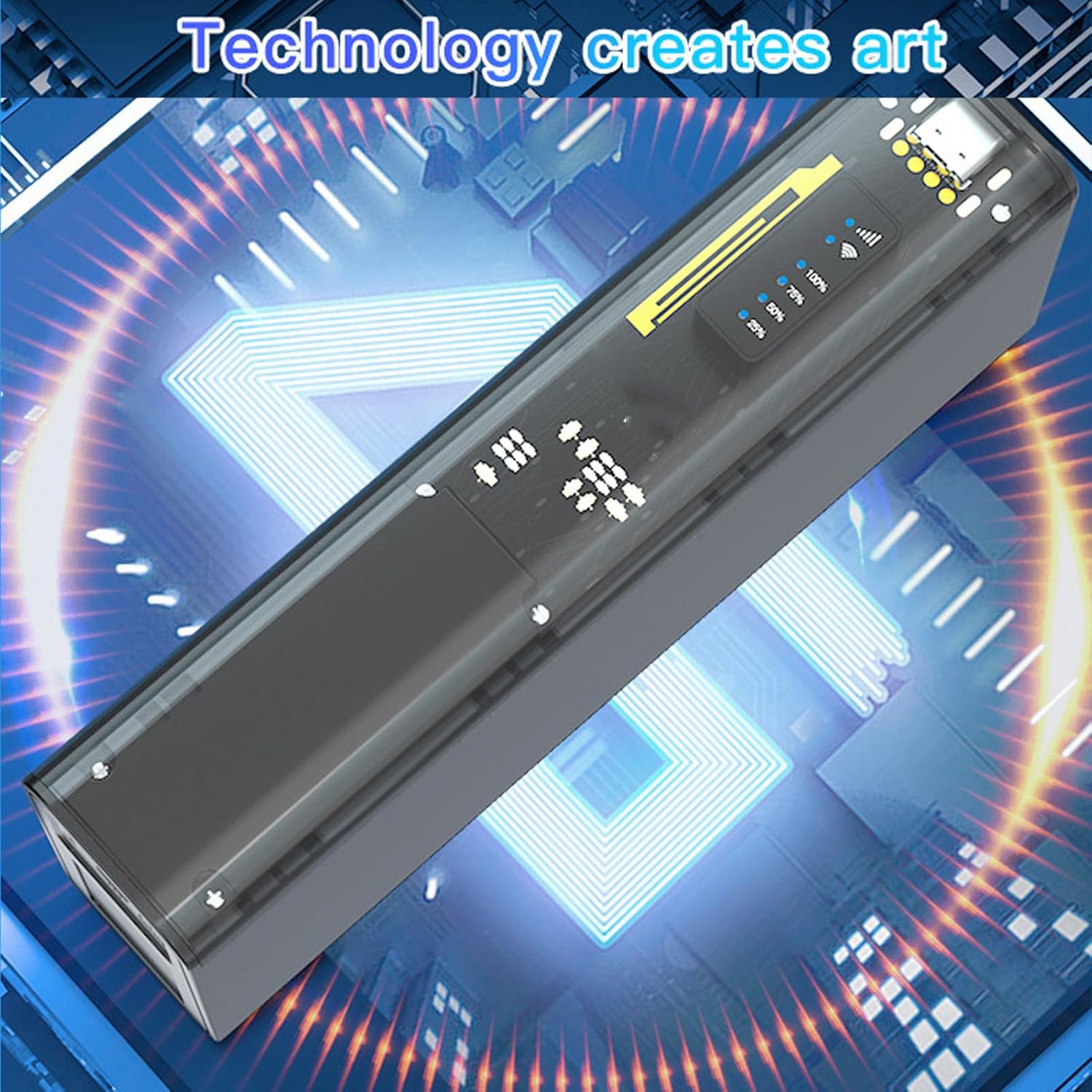
The Jectse 4G LTE Mobile WiFi Hotspot Router is a compact and versatile device. It features an LED display for status indication, a micro SIM card slot, and USB ports for charging and data transfer. Its design emphasizes both functionality and security.

3.1-сүрөт: Фронт view of the Jectse 4G LTE Mobile WiFi Hotspot Router, showing its sleek design and transparent side panel with battery indicators.
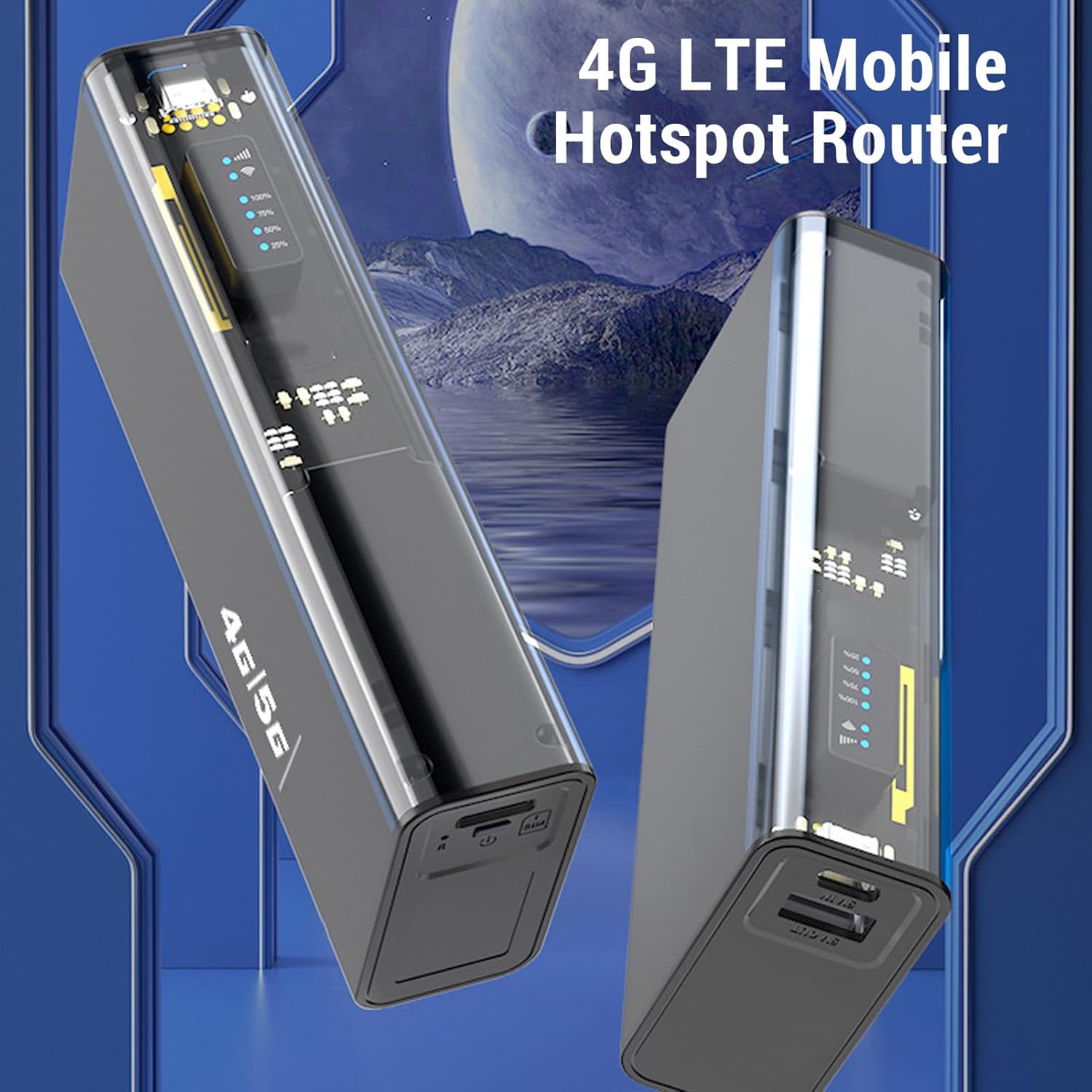
3.2-сүрөт: Бурчтуу view of the Jectse 4G LTE Mobile WiFi Hotspot Router, highlighting its compact form factor.
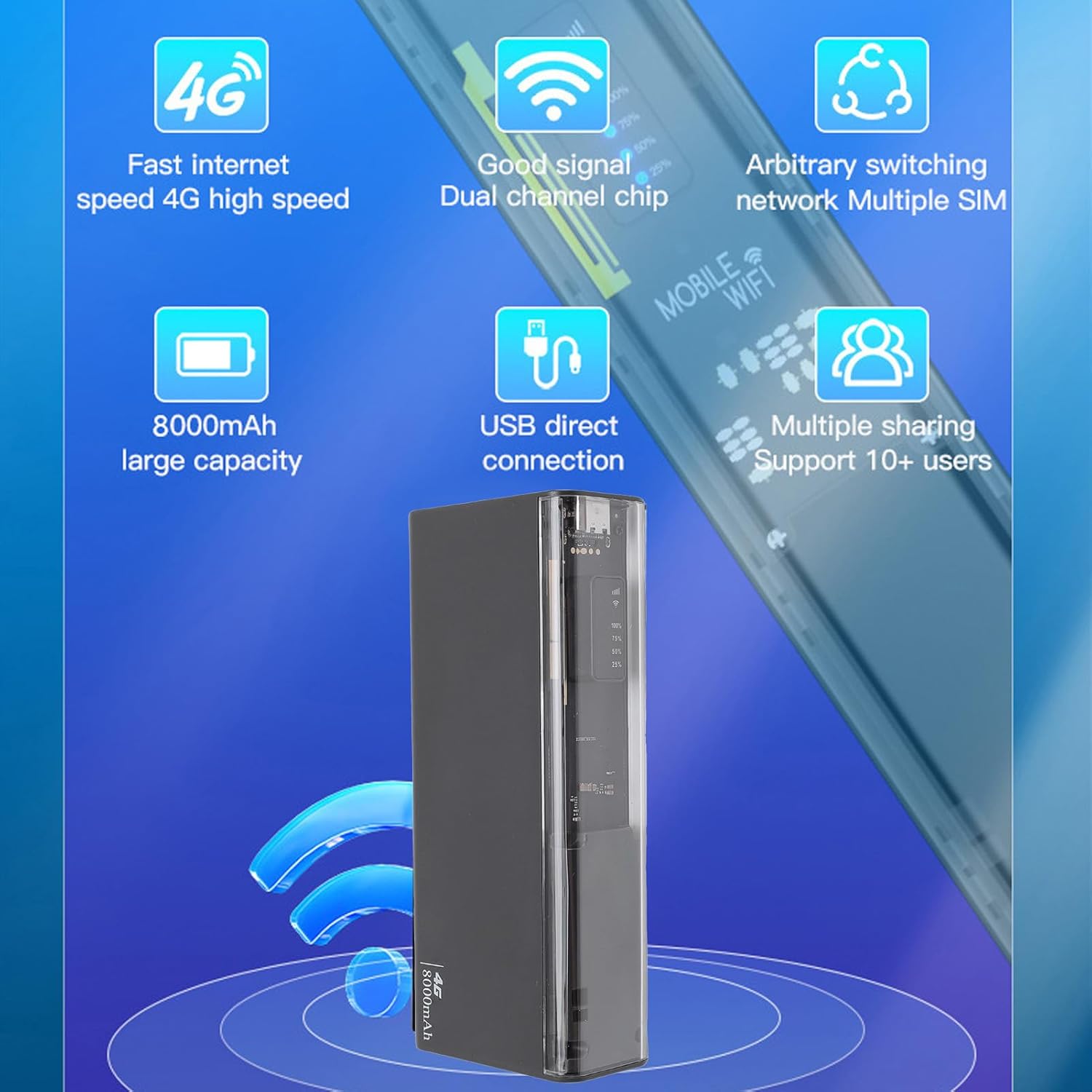
3.3-сүрөт: The router displaying key features such as 4G high speed, good signal, multiple SIM support, 8000mAh capacity, USB direct connection, and support for 10+ users.

3.4-сүрөт: The router depicted with a security shield, emphasizing its secure internet access features like WPA/WPA2 encryption.
4. Орнотуу
Follow these steps to set up your Jectse 4G LTE Mobile WiFi Hotspot Router:
- Insert Micro SIM Card: Locate the micro SIM card slot on the device. Carefully insert your activated micro SIM card into the slot until it clicks into place. Ensure the card is inserted in the correct orientation as indicated on the device.
- Күйгүзүү: Press and hold the power button (usually located near the SIM slot) for a few seconds until the device powers on and the LED indicators light up.
- Баштапкы конфигурация (кошумча): For advanced settings or to change the default WiFi name (SSID) and password, connect to the device's WiFi network using a computer or smartphone. Open a web browser and navigate to the router's administration page (usually 192.168.0.1 or 192.168.1.1). Refer to the device's label for default login credentials.

4.1-сүрөт: Illustration of inserting a micro SIM card into the designated slot on the router.
Эскертүү: This device is a European version and supports networks in Europe, Africa, Southeast Asia, the Middle East, and Central Asia (FDD B1 3 5 7 8 20, TDD B38 40 41, WCDMA B1 5 8).
5. Иштөө нускамалары
5.1. Connecting to the WiFi Network
- Ensure the hotspot is powered on.
- On your device (smartphone, laptop, tablet), search for available WiFi networks.
- Select the network name (SSID) corresponding to your Jectse Hotspot. The default SSID and password are typically found on a sticker inside the battery compartment or on the device itself.
- Суралганда WiFi сырсөзүн киргизиңиз.
- Once connected, you can access the internet. The hotspot supports up to 10 connected devices simultaneously.

5.1-сүрөт: The router actively providing a WiFi signal to a nearby laptop, illustrating its function as a mobile hotspot.
5.2. Power Bank катары колдонуу
With its 8000mAh battery, the Jectse Hotspot can also function as a power bank to charge other devices.
- Connect your smartphone or other USB-powered device to the "5V OUT" USB port on the hotspot using a compatible USB cable.
- The hotspot will begin charging your device.

5.2-сүрөт: The router connected via USB to a smartphone, demonstrating its capability to charge external devices.
5.3. Direct USB Connection (Tethering)
You can connect the hotspot directly to a computer via USB for internet access, functioning as a USB modem.
- Connect the hotspot to your computer using the provided USB cable.
- The computer should automatically detect the device and install necessary drivers.
- Once recognized, the computer will use the hotspot's internet connection.
5.3-сүрөт: The router connected to a desktop computer, illustrating its direct USB connection capability for internet access.
6. Техникалык шарттар
| Өзгөчөлүк | Спецификация |
|---|---|
| Модель номери | Jectse8og49p7mre |
| Network Frequency Bands | FDD B1 3 5 7 8 20, TDD B38 40 41, WCDMA B1 5 8 |
| Supported Network Type | 4G, 3G |
| Өтүү ылдамдыгы | 300 Мбит/сек чейин |
| Колдоого алынган протокол | 802.11ac |
| Зымсыз тармак жыштыгы | 2.4 ГГц, 5.8 ГГц |
| Камтылган Firewall | Ооба |
| Батарея | 8000 мАч литий-иондук батарейка |
| SIM карта уячасы | Micro SIM (not included) |
| Материал | ABS |
| Колдоого алынган аймактар | Europe, Africa, Southeast Asia, Middle East, Central Asia |
7. Техникалык тейлөө
To ensure the longevity and optimal performance of your Jectse 4G LTE Mobile WiFi Hotspot Router, follow these maintenance guidelines:
- Тазалоо: Аппаратты тазалоо үчүн жумшак, кургак чүпүрөктү колдонуңуз. Суюк тазалагычтарды же абразивдүү материалдарды колдонуудан алыс болуңуз.
- Сактагыч: Аппаратты түз күн нурунан жана экстремалдык температурадан алыс салкын, кургак жерде сактаңыз.
- Батареяга кам көрүү: For optimal battery life, avoid fully discharging the battery frequently. If storing for an extended period, charge the battery to about 50% before storage.
- Таасирлерден качуу: Аппаратты ички тетиктерге зыян келтирүүчү тамчылардан жана соккулардан коргоңуз.
- Вентиляция: Иштеп жатканда, ысып кетүүнүн алдын алуу үчүн, түзмөктүн жетиштүү желдетилишин камсыз кылыңыз.
8. Кыйынчылыктарды
If you encounter issues with your Jectse 4G LTE Mobile WiFi Hotspot Router, refer to the following common problems and solutions:
| Көйгөй | Мүмкүн болгон себеп / Чечим |
|---|---|
| Интернет байланышы жок |
|
| Жай Интернет ылдамдыгы |
|
| WiFi'га туташуу мүмкүн эмес |
|
| Түзмөк заряддалбай жатат |
|
9. Кепилдик жана колдоо
Your Jectse 4G LTE Mobile WiFi Hotspot Router comes with a manufacturer's warranty.
- Өндүрүүчүнүн Кепилдиги: 2 жыл.
- Запастык бөлүктөрдүн болушу: Маалымат жеткиликсиз.
- Программалык камсыздоо жаңыртуулары: Маалымат жеткиликсиз.
For technical support or warranty claims, please contact your retailer or the manufacturer directly. Keep your purchase receipt as proof of purchase.
Ask a question about this manual
Ask about setup, troubleshooting, compatibility, parts, safety, or missing instructions. Manuals+ will review the question and use this page’s manual context to help answer it.