
1. Киришүү
The PHOINIKAS Q5S Wireless Gaming Headset provides a versatile audio solution for gamers across multiple platforms. Featuring 2.4GHz wireless connectivity for low-latency performance and a 3.5mm wired mode, this headset is designed for immersive gaming experiences. It includes a detachable noise-canceling microphone and 7.1 stereo sound capabilities.

Image 1.1: PHOINIKAS Q5S Wireless Gaming Headset, showing the headset, USB dongle, and 3.5mm audio cable.
2. Кутуда эмне бар
Сураныч, кутудан чыгарууда бардык компоненттер бар экенин текшериңиз:
- PHOINIKAS Q5S зымсыз оюн гарнитурасы
- 2.4GHz USB Transmitter Dongle
- Detachable Omnidirectional Microphone
- USB заряддоо кабели (Type-C)
- 3.5 мм аудио кабель
- Колдонуучунун Колдонмосу (бул документ)
3. Продукт бүтүп калдыview
Familiarize yourself with the headset's controls and interfaces:

Сүрөт 3.1: Бүттүview of headset controls and ports.
- Power / Pairing Mode Button: Press and hold to power on/off. Short press to toggle 7.1 sound. Double press to turn lights on/off.
- Микрофонду күйгүзүү/өчүрүү баскычы: Микрофонду үнсүз кылуу/күйгүзүү функциясын өчүрөт.
- Үндү жөндөө дөңгөлөгү: Rotates to increase or decrease audio volume.
- 3.5mm Wired Interface: For connecting the 3.5mm audio cable.
- External Microphone Interface: Port for attaching the detachable microphone.
- Type-C заряддоо порту: USB заряддоо кабелин туташтыруу үчүн.
4. Орнотуу
4.1 Алгачкы заряддоо
Before first use, fully charge the headset. Connect the USB charging cable to the headset's Type-C port and a compatible USB power source. A full charge takes approximately 2.5-3 hours and provides up to 40 hours of use (battery life varies with lighting and volume settings).

Image 4.1: Headset charging via USB-C, highlighting battery life.
4.2 Wireless Connection (2.4GHz USB Dongle)
For wireless operation, ensure the 3.5mm audio cable and charging cable are disconnected, and the headset is fully charged.
- Insert the 2.4GHz USB transmitter dongle into an available USB port on your PC, PS4, PS5, or Switch dock.
- Гарнитураны күйгүзүү үчүн, "Күчүп-өчүрүү" баскычын басып, кармап туруңуз.
- The headset will automatically pair with the USB dongle. An indicator light on the headset will confirm a successful connection.

Image 4.2: The 2.4GHz USB dongle, illustrating its low-latency connection.
4.3 Зымдуу туташуу (3.5 мм аудио кабель)
For wired use, connect the 3.5mm audio cable to the headset's 3.5mm interface and to the audio jack of your device (e.g., Xbox controller, PC, mobile phone). In wired mode, certain functions like lights and mute may be inactive.
5. Иштөө нускамалары
5.1 Күйгүзүү/өчүрүү
- Күйгүзүү үчүн: Күйгүзүү баскычын индикатор жарыгы күйгөнгө чейин басып туруңуз.
- Өчүрүү үчүн: Индикатор жарыгы өчкөнгө чейин Кубат баскычын басып, кармап туруңуз.
5.2 Микрофонду колдонуу
Attach the detachable microphone to the External Microphone Interface on the headset. The microphone features noise-canceling technology for clear communication.
- To mute/unmute: Press the Microphone On/Off button.
- Adjust the flexible microphone boom for optimal voice pickup.

Image 5.1: Detachable microphone for clear voice capture.
5.3 7.1 Stereo Sound
The headset supports 7.1 stereo sound for an immersive audio experience.
- To activate/deactivate 7.1 sound: Short press the Power button.
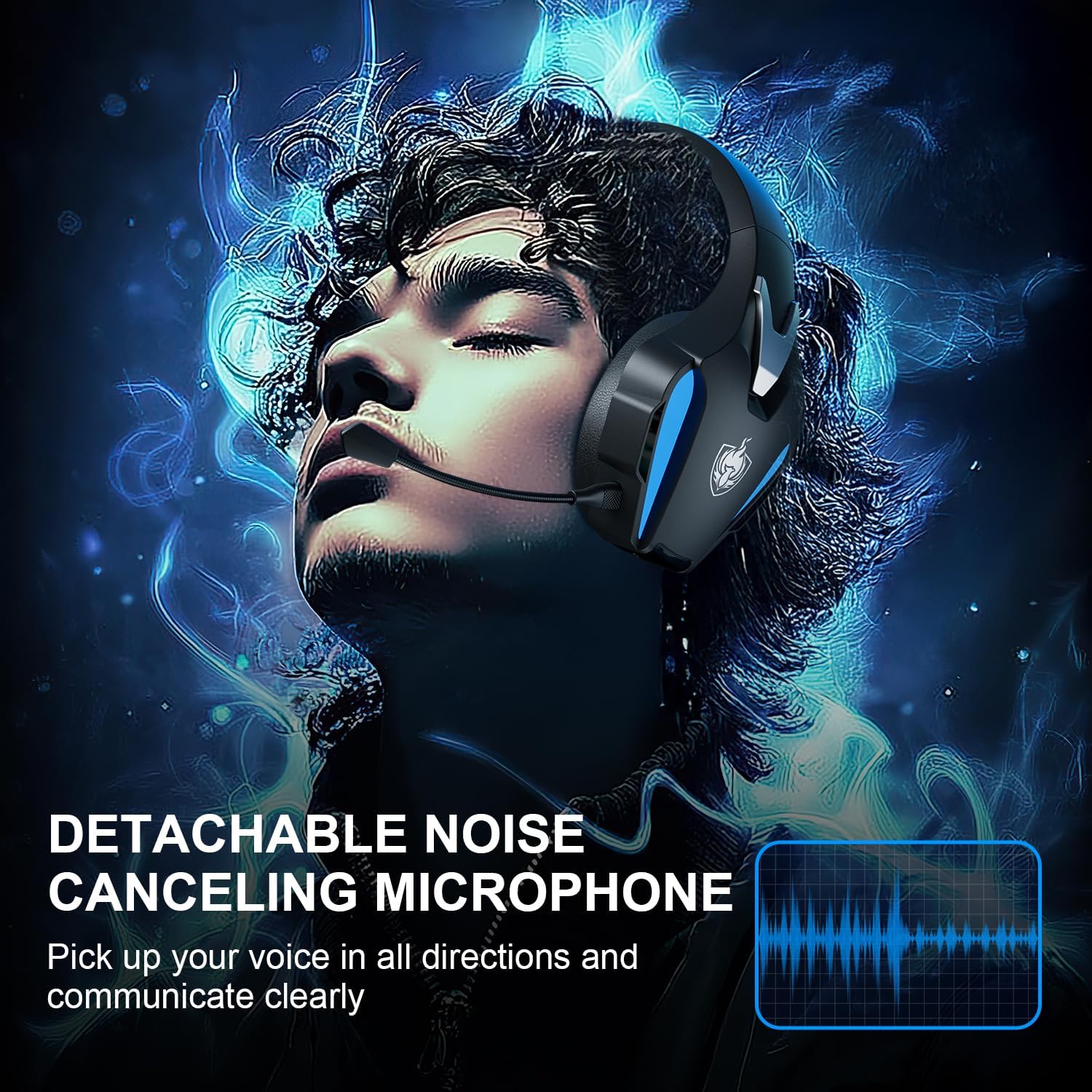
Image 5.2: Visual representation of 7.1 stereo sound capabilities.
5.4 Үндү тууралоо
Rotate the Volume Adjustment Wheel to control the audio output level.
6. Шайкештик
The PHOINIKAS Q5S headset offers broad compatibility:

Image 6.1: Multi-platform compatibility overview.
6.1 2.4 ГГц зымсыз режим
- Compatible with: PC, PS4, PS5, Laptops, Nintendo Switch (audio only).
- Эскертүү: The microphone does not function when used wirelessly with Nintendo Switch.
- Not compatible with Xbox Series consoles in wireless mode.
6.2 3.5mm Wired Mode
- Compatible with: Devices featuring a 3.5mm audio interface, including Xbox controllers, PC, PS4/PS5 controllers, Nintendo Switch, laptops, tablets, and mobile phones.
- In wired mode, headset lights and mute functions may be inactive.
7. Техникалык тейлөө
7.1 Тазалоо
- Гарнитуранын беттерин жумшак, кургак чүпүрөк менен сүртүңүз.
- For earcups, use a slightly damp зарыл болсо, жумшак самын менен сүртүп, андан кийин дароо кургатып сүртүңүз.
- Катуу химиялык заттарды же абразивдүү тазалоочу каражаттарды колдонбоңуз.

Image 7.1: Detail of the comfortable earcup design.
7.2 Сактоо
- Гарнитураны күн нурунан жана экстремалдык температурадан алыс салкын, кургак жерде сактаңыз.
- Гарнитуранын үстүнө оор буюмдарды коюудан алыс болуңуз.
7.3 Батареяга кам көрүү
- Батареянын иштөө мөөнөтүн узартуу үчүн, гарнитураны бат-баттан толук зарядсыздандырбаңыз.
- Гарнитураны тез-тез колдонбосо дагы, дайыма заряддаңыз.
8. Кыйынчылыктарды
| Көйгөй | Мүмкүн себеп | Чечим |
|---|---|---|
| Гарнитура күйбөйт. | Low battery; 3.5mm cable or charging cable connected in wireless mode. | Charge the headset fully. Ensure all cables are removed for wireless mode. |
| Зымсыз режимде үн жок. | USB transmitter not properly connected; headset not paired; volume too low. | Ensure USB transmitter is firmly inserted. Power cycle headset and transmitter. Check device audio settings. Increase headset volume. |
| Микрофон иштебей жатат. | Microphone muted; not properly attached; compatibility issue (e.g., Switch wireless). | Press the Mic On/Off button to unmute. Ensure microphone is securely attached. Note that the microphone does not work with Nintendo Switch in wireless mode. Check device privacy settings for microphone access. |
| Үн сапаты начар же бурмаланган. | Weak wireless signal; incorrect audio settings; low battery. | Move closer to the USB transmitter. Check device audio output settings. Charge the headset. |
| Headset not compatible with Xbox. | The headset's 2.4GHz wireless mode is not designed for Xbox consoles. | Use the 3.5mm audio cable to connect to an Xbox controller for wired audio and microphone functionality. |
9. Техникалык шарттар
| Өзгөчөлүк | Деталь |
|---|---|
| Модель аты | Q5S |
| Байланыш технологиясы | 2.4GHz Wireless, 3.5mm Wired |
| Зымсыз кечигүү | 25 мс кем |
| Аудио драйверинин өлчөмү | 40мм |
| Үн өзгөчөлүктөрү | 7.1 Stereo Sound, Surround Sound |
| Микрофон | Ажыратылуучу, көп багыттуу, ызы-чууну жокко чыгаруучу |
| Noise Control | Активдүү ызы-чууну жокко чыгаруу, үн изоляциясы |
| Батарея сыйымдуулугу | 1200mAh |
| Батареянын иштөө мөөнөтү | 40 саатка чейин (колдонууга жараша өзгөрөт) |
| Заряддоо убактысы | Approx. 2.5-3 hours (via USB-C) |
| Наушник уясы | 3.5 мм Джек |
| Материал | Пластик |
| Элемент Салмагы | 12.3 унция |
10. Кепилдик жана колдоо
PHOINIKAS products are designed for reliability and performance. For specific warranty information, please refer to the warranty card included with your product or visit the official PHOINIKAS website. If you encounter any issues or require technical assistance, please contact PHOINIKAS customer support through their official channels or the retailer from whom you purchased the product.
Кошумча жардам алуу үчүн, сиз иш сапары менен болот PHOINIKAS Store on Amazon.