This manual provides essential information for setting up, operating, maintaining, and troubleshooting your NIMO 17.3" IPS FHD Gaming Laptop. Please read this guide thoroughly to ensure optimal performance and longevity of your device.
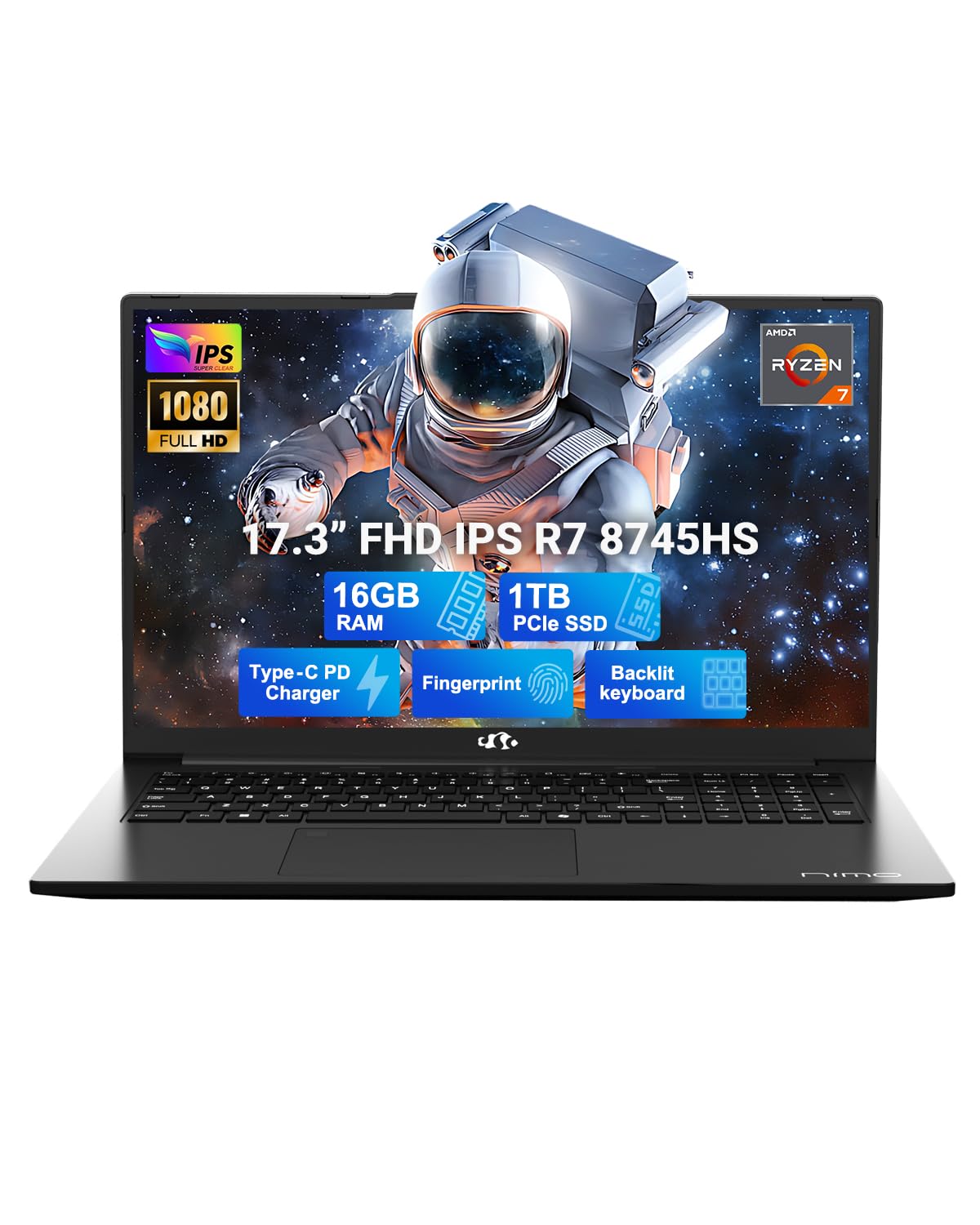
Figure 1: NIMO 17.3" IPS FHD Gaming Laptop
1. Орнотуу
1.1 Кутудан чыгаруу жана баштапкы күйгүзүү
Carefully remove the laptop and its accessories from the packaging. Ensure all components listed in the 'What's in the Box' section are present. Connect the 100W USB-C PD fast charger to the laptop and a power outlet. The laptop will guide you through the initial Windows 11 setup process.
Video 1: NIMO 17.3" Gaming Laptop with PD 100W Ultra-Fast Charging - Demonstrates connecting the charger and initial power-on sequence.
1.2 Charging the Laptop
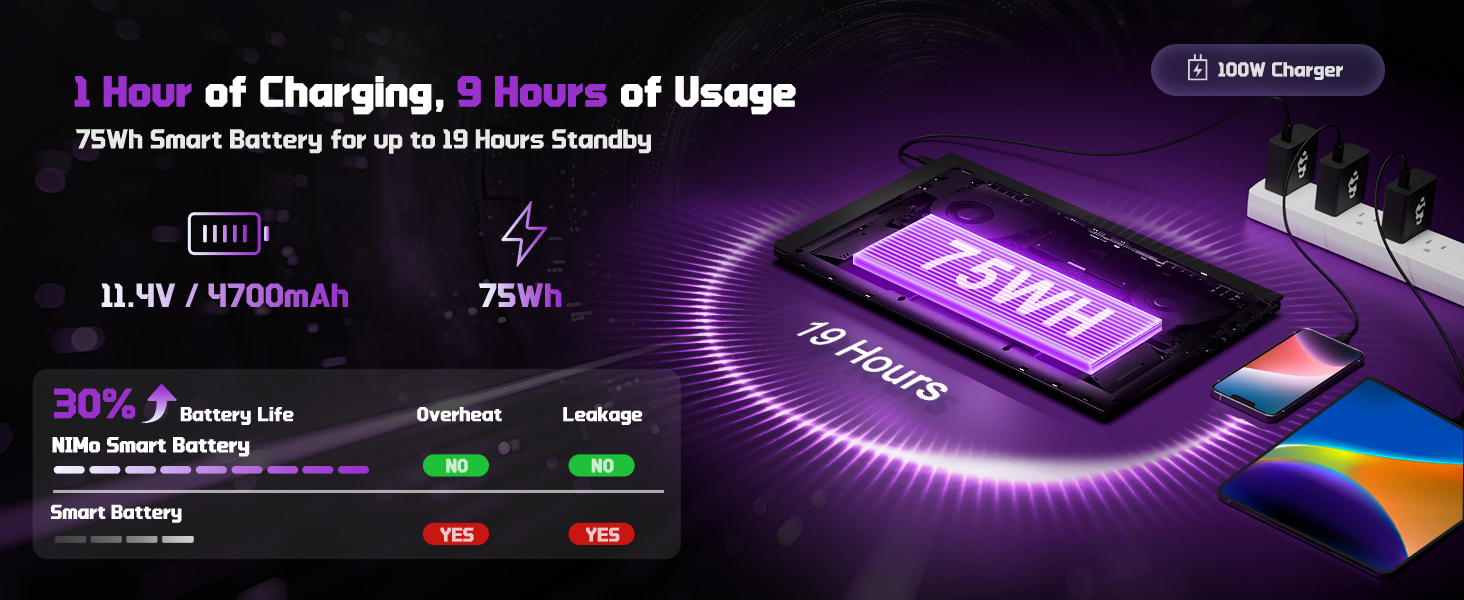
The NIMO laptop comes with a 100W PD fast charger and a 6.56ft USB-C cable. A 15-minute charge can provide up to 2 hours of use. The USB-C charger is universally compatible and can charge other devices like phones and tablets.
Figure 2: The 100W USB-C fast charger included with the NIMO laptop.
1.3 Байланыш
The laptop features a variety of high-speed interfaces for versatile connectivity:
USB 2.0 порту
3x USB 3.0 порттору
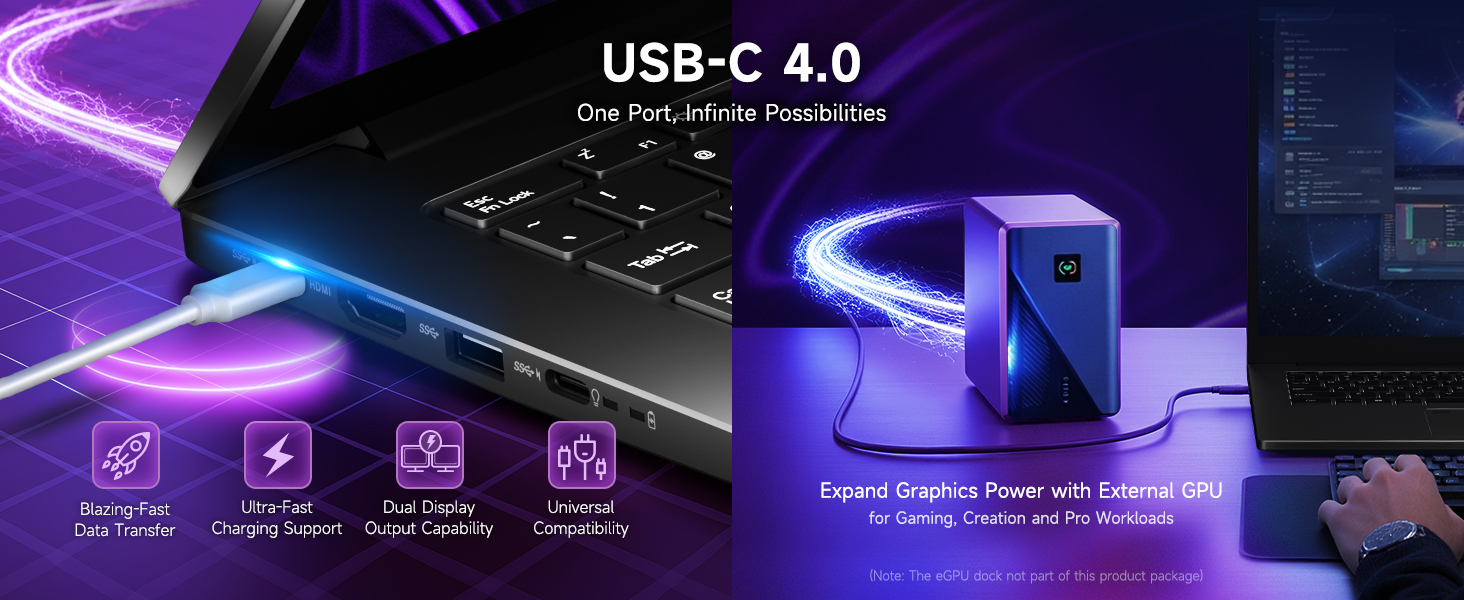
USB 4.0 Type-C Port (supports external GPU docks, high-speed drives, multiple displays)
HDMI порту
Наушник уясы
SD Card Reader
Kensington Lock Slot
Figure 3: ашыкview of the NIMO laptop's high-speed interfaces.
2. Ноутбукту иштетүү
2.1 Аткаруу
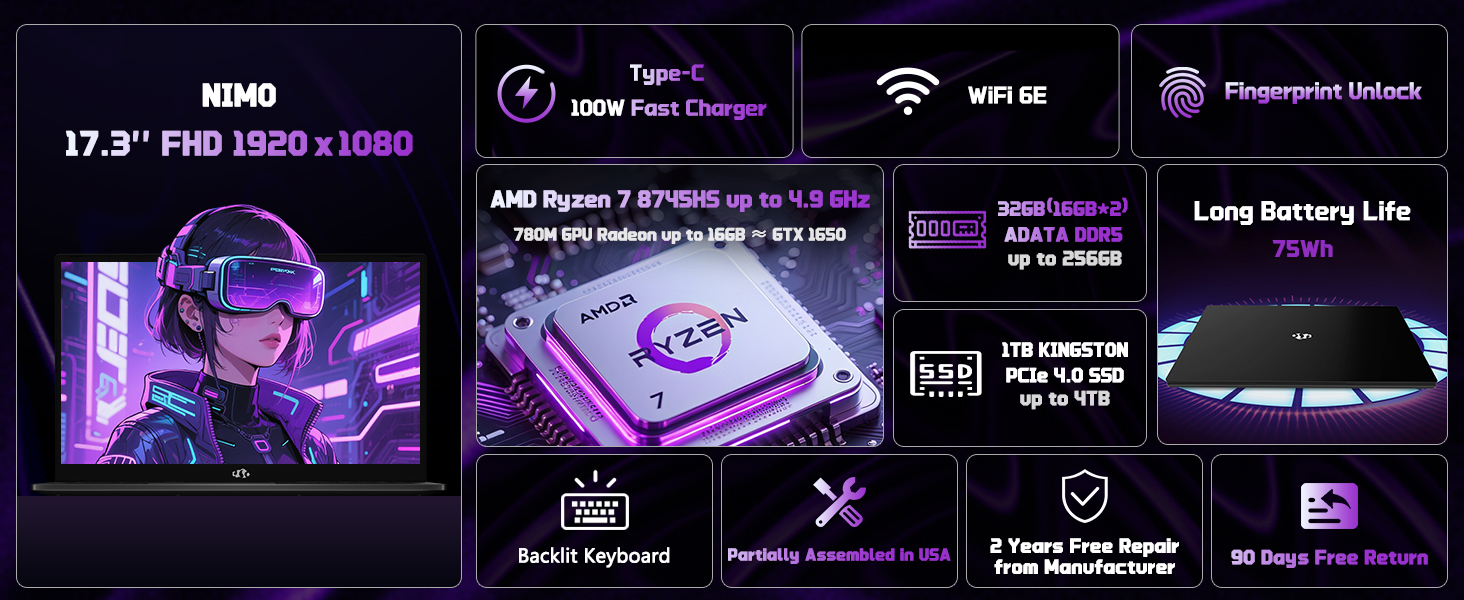
The NIMO laptop is equipped with an AMD Ryzen 7 8745HS processor (8-core/16-thread) with turbo speeds up to 4.9GHz, and AMD Radeon 780M Graphics. This configuration is designed for seamless gaming, content creation, and productivity, handling both single and multi-threaded tasks efficiently. It also includes a built-in NPU for AI-powered tools.
Video 2: NIMO Gaming-Laptop Ryzen 9 8945HS Engineered for performance - Highlights the laptop's processing power.
Figure 4: AMD Ryzen 7 8745HS Processor details.
2.2 Дисплей
Имерсивдүү тажрыйба viewing on the 17.3" FHD IPS anti-glare display with a 1920x1080 resolution and an ultra-thin 85% screen-to-body ratio. This display offers bright views and eye protection, making it suitable for both work and entertainment.
Figure 5: The 17.3" FHD IPS display provides a large, sharp visual experience.
2.3 Баскычтоп жана сенсордук такта
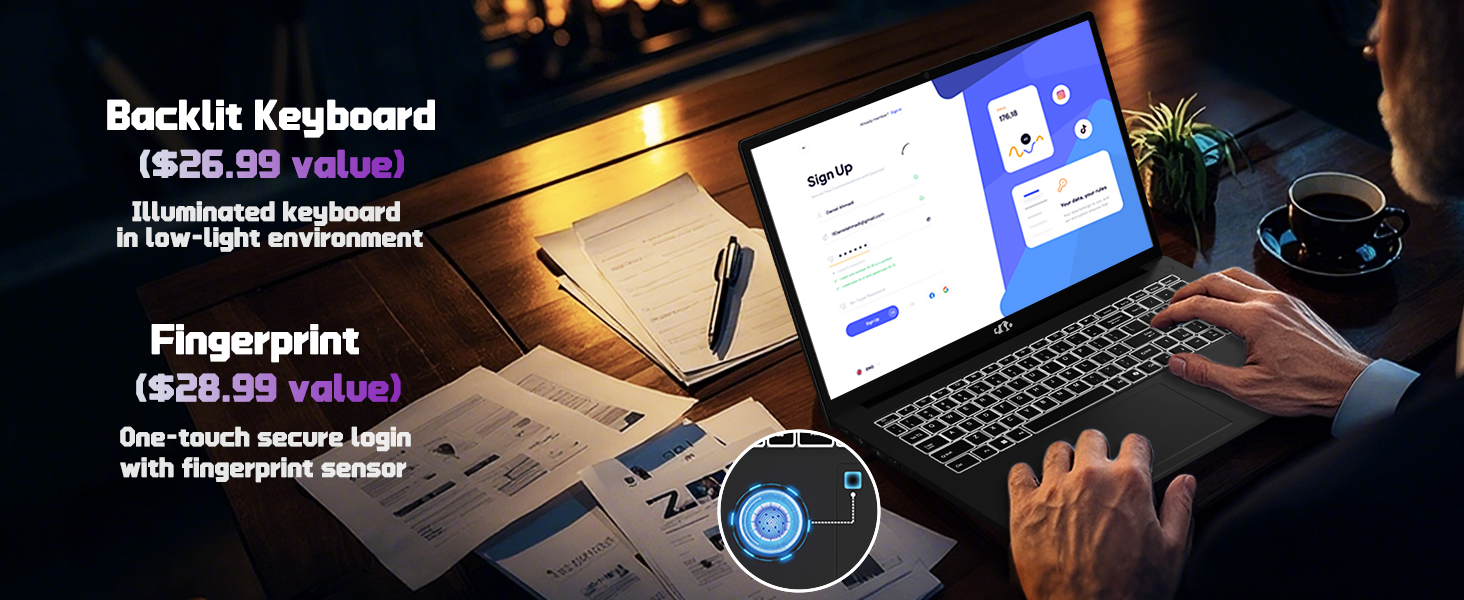
The laptop features a backlit keyboard for comfortable typing in any lighting condition and a precision gesture touchpad with an integrated fingerprint reader for instant, secure unlocking.
Figure 6: Backlit keyboard and fingerprint unlock feature on the NIMO laptop.
2.4 Webcam
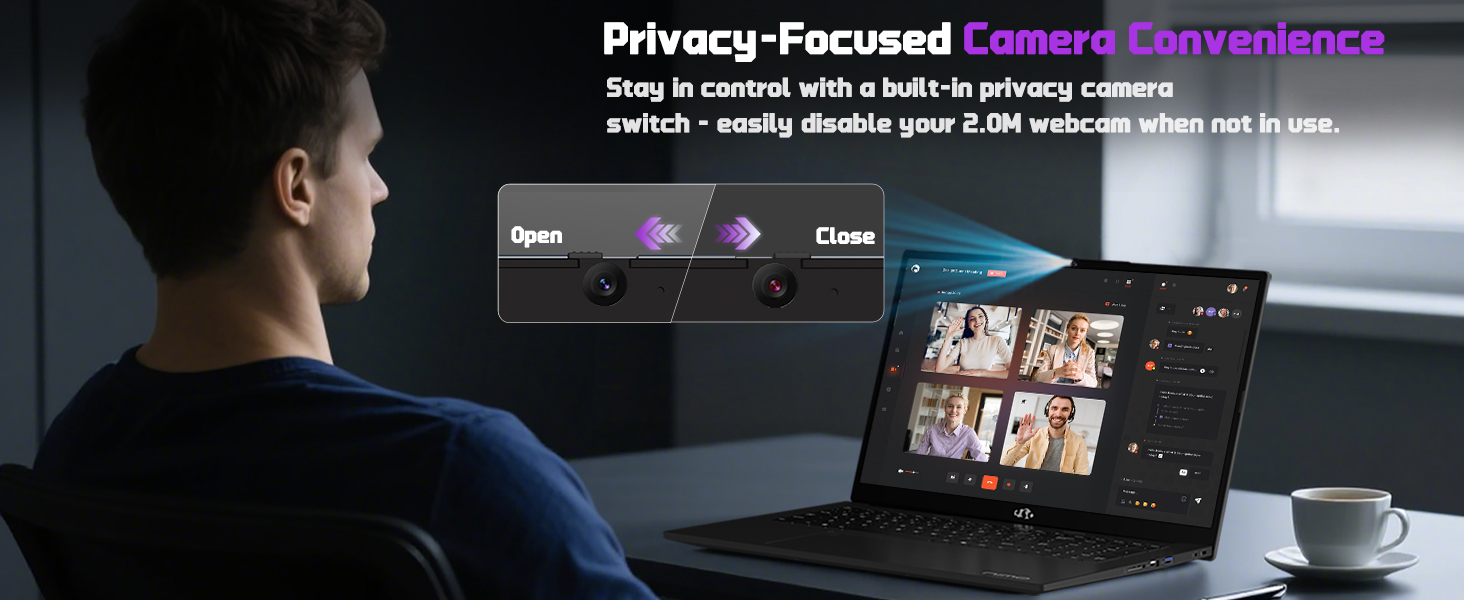
Интегралдык 2 МП webcam includes a built-in privacy switch, allowing you to easily disable it when not in use for enhanced privacy.
7-сүрөт: Webcam with privacy switch for user control.
2.5 Gaming and Productivity
The NIMO laptop is designed to handle demanding tasks, including gaming and creative work, with its powerful AMD Ryzen 7 8745HS processor and Radeon 780M Graphics. It provides a smooth and responsive experience for various applications.
Video 3: NIMO Gaming-Laptop: Think What You Will, Do As You Do - Showcases the laptop's capabilities for gaming and creative tasks.
3. Техникалык тейлөө
3.1 Жаңыртуу мүмкүнчүлүгү
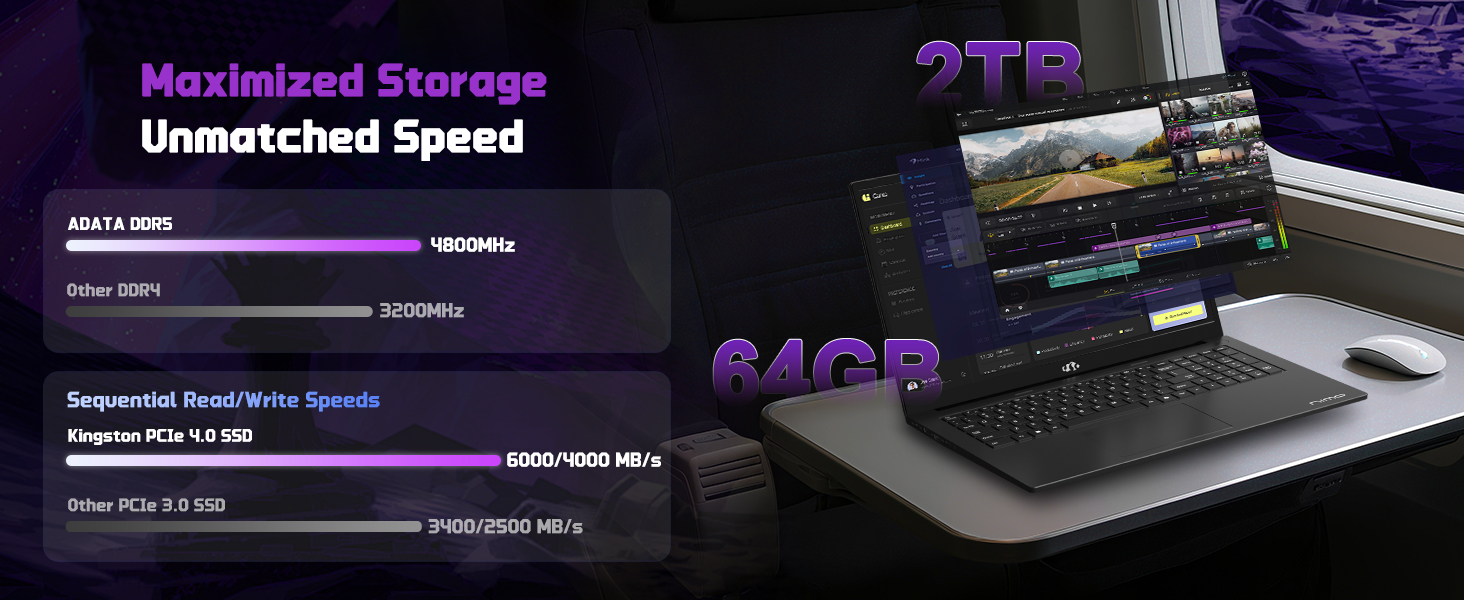
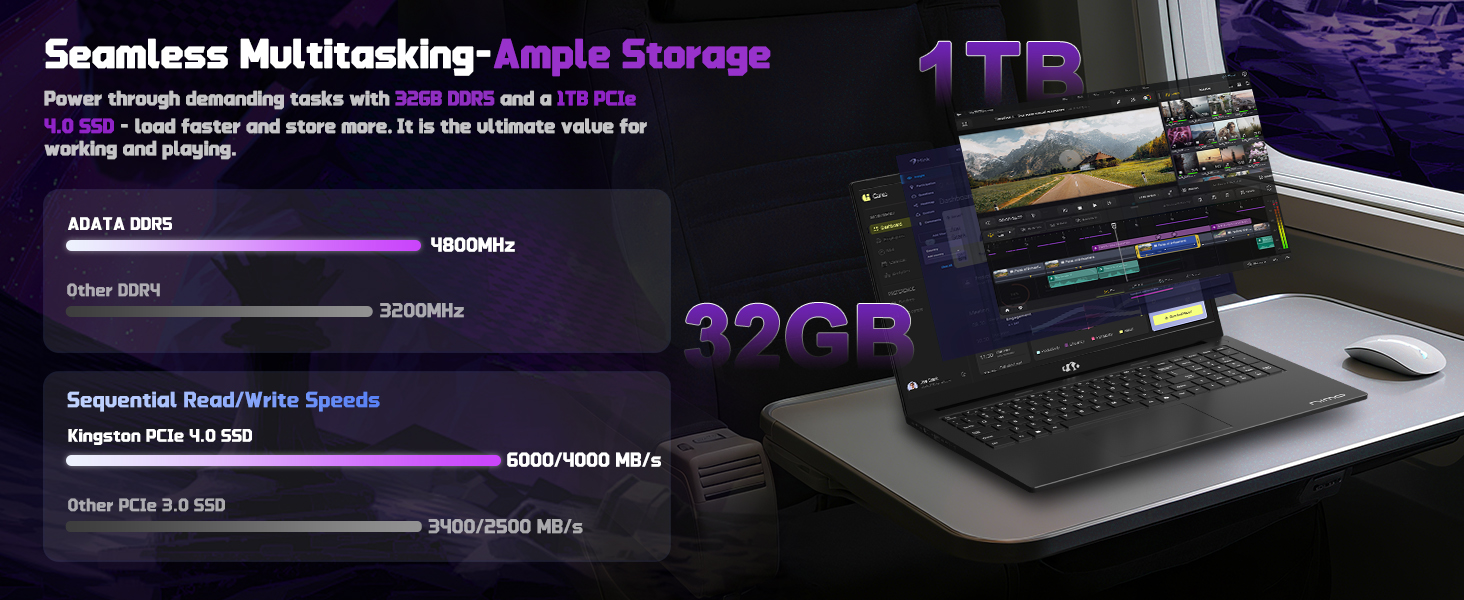
The NIMO laptop is equipped with 16GB DDR5 RAM and a 1TB PCIe 4.0 SSD. Its user-friendly design allows for effortless memory and storage expansion to meet your evolving needs.
Figure 8: Illustration of the laptop's upgradable RAM and SSD components.
3.2 Батареяга кам көрүү
The laptop features a 75Wh Smart Battery designed for up to 15.5 hours of average battery life. To maximize battery lifespan, avoid extreme temperatures and fully discharging the battery frequently.
Figure 9: Information on NIMO Smart Battery and charging efficiency.
4. Кыйынчылыктарды
If you encounter any issues with your NIMO laptop, please refer to the following general troubleshooting steps before contacting support:
Кубат жок: Ensure the charger is securely connected to both the laptop and a working power outlet. Check the charging indicator light.
Дисплей маселелери: Эгерде экран бош болсо, көйгөй ноутбуктун дисплейинде же графикалык чыгарууда экенин текшерүү үчүн тышкы мониторду туташтырып көрүңүз.
Жай аткаруу: Close unnecessary applications, check for background processes, and ensure your operating system is up to date. Consider performing a system scan for malware.
Туташуу көйгөйлөрү: For Wi-Fi issues, restart your router and the laptop. For peripheral issues, try connecting the device to a different port or another computer to isolate the problem.
For more complex issues, please contact NIMO customer support.
5. Техникалык шарттар
Өзгөчөлүк
Деталь
Бренд
NIMO
Модель аты
NIMO N177L
Screen Size
17.3 дюйм
Screen Resolution
1920 x 1080 пиксел (FHD IPS)
Процессор
AMD Ryzen 7 8745HS (8 Cores, 16 Threads, up to 4.9GHz)
RAM
16 ГБ DDR5 (4800 МГц)
Катуу диск
1 TB SSD (PCIe 4.0)
Графикалык сопроцессор
AMD Radeon 780M (интеграцияланган)
Операция системасы
Windows 11
Өзгөчөлүктөр
Арткы жарык клавиатура, манжа изин окугуч, HD аудио, сандык баскычтоп
Зымсыз түрү
802.11a/b/g/n/ac
USB порттору
1x USB 2.0, 3x USB 3.0, 1x USB 4.0 Type-C
Батареянын орточо иштөө мөөнөтү
15.5 Hours (75Wh)
Элемент Салмагы
3.84 фунт
Продукциянын өлчөмдөрү
15.66 x 9.99 x 0.74 дюйм
Түс
Кара
Арткы Webcam Resolution
2 депутат
6. Кепилдик жана колдоо
6.1 Кепилдик маалыматы
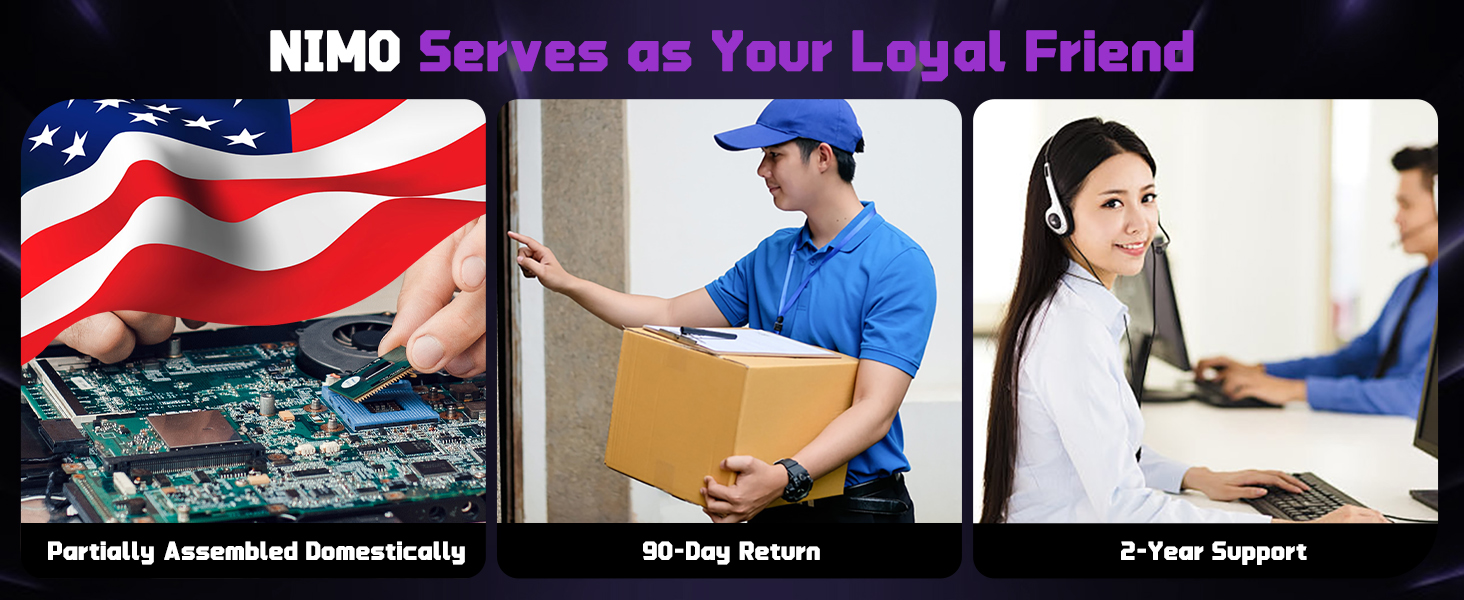
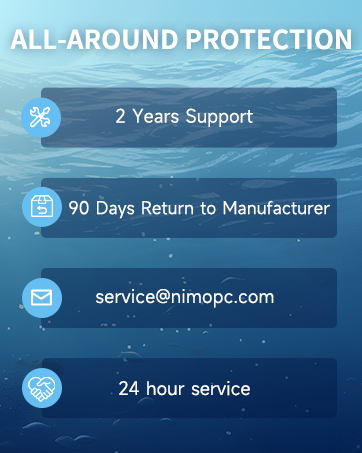
Your NIMO laptop is backed by a 2 жылдык кепилдик from NIMO Direct Inc. This warranty covers manufacturing defects and ensures your satisfaction.
Figure 10: NIMO products are covered by a 2-year support warranty.
6.2 Кайтаруу саясаты
NIMO offers hassle-free 90 күндүк кайтаруу. You may return any NIMO product for any reason within 90 days of purchase.
Figure 11: NIMO's 90-day return policy for customer satisfaction.
6.3 Кардарларды колдоо
Our dedicated support team is available to ensure quick solutions for a worry-free experience. For product-related questions or assistance, you can contact us through our official website, email, or telephone. We aim to reply to your inquiries as soon as we receive them.