
1. Киришүү
Thank you for choosing the GNCC 2K Indoor Security Camera. This manual provides essential information for setting up, operating, and maintaining your device. Please read it thoroughly before use to ensure optimal performance and safety.
2. Продукт бүтүп калдыview
Негизги өзгөчөлүктөрү
- 2K FHD Resolution: Captures clear video and images for detailed monitoring.
- Түнкү көрүнүш: Provides super clear night vision for continuous 24/7 protection.
- Smart Pan/Tilt Rotation: Толук камтуу үчүн 355° горизонталдык жана 90° вертикалдык айланууну сунуштайт.
- Smart Motion Detection & Tracking: Detects movement and tracks subjects, sending instant notifications.
- Эки тараптуу аудио: Реалдуу убакыт режиминде байланышуу үчүн орнотулган микрофон жана динамик.
- Көп түзмөк Viewing: Share memorable moments with family on up to 3 devices simultaneously.
- Ийкемдүү сактагыч: Supports 24/7 SD card storage (up to 128GB, not included) and optional cloud storage (30-day trial available).
- Smart Home шайкештиги: Үн менен башкаруу үчүн Amazon Alexa жана Google Assistant менен иштейт.
Кутуда эмне бар
- GNCC 2K Indoor Security Camera (Model P5W)
- Заряддоо кабели
- Instruction Manual
- Кубаттуу адаптер
- Кронштейн орнотуу
- Бурамалар жана дубал сайгычтары
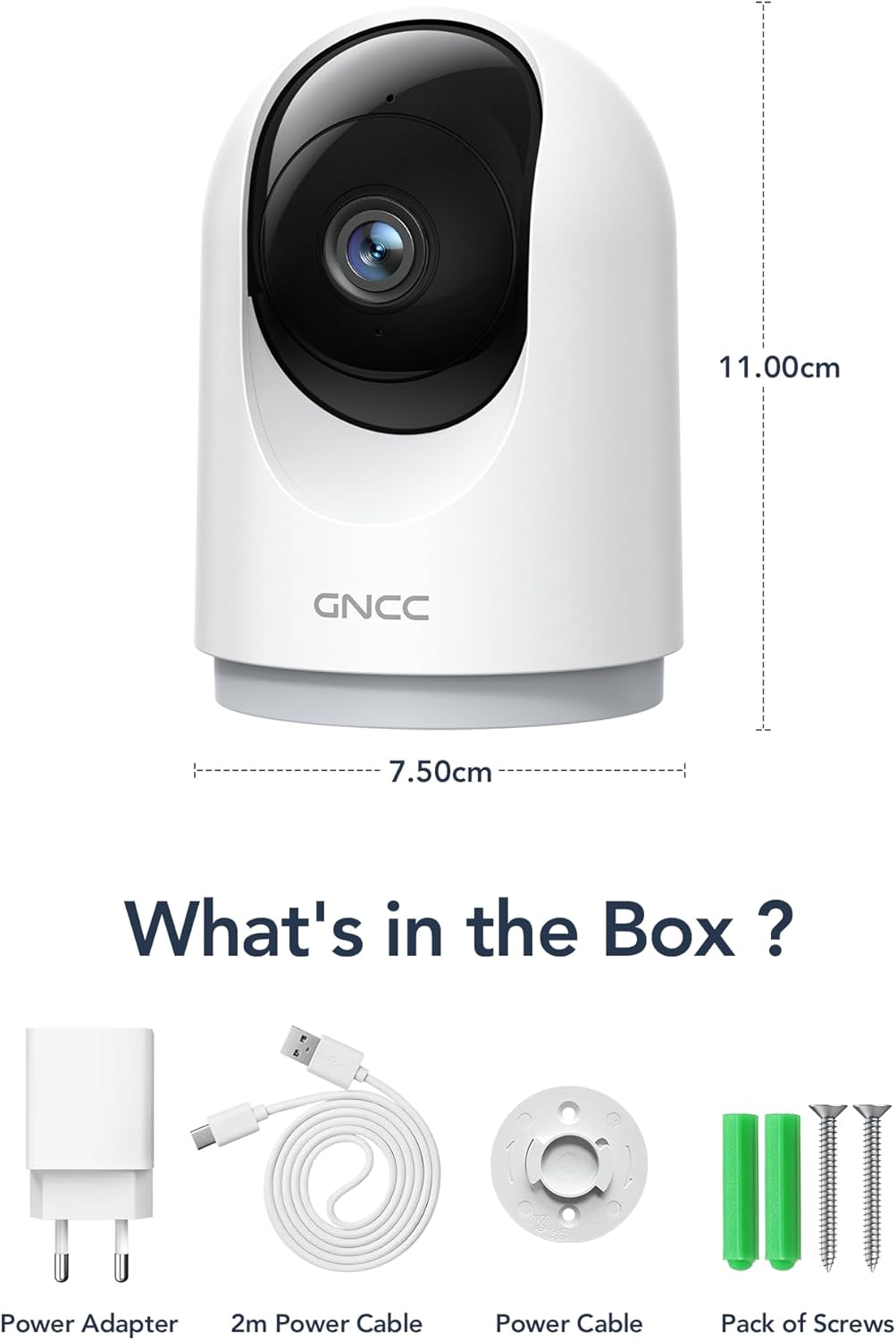
Image: Contents of the GNCC 2K Indoor Security Camera box, including camera, power adapter, USB cable, and mounting kit.
3. Орнотуу
Follow these steps to set up your GNCC 2K Indoor Security Camera:
- Download the OSAIO App: Издөө "OSAIO" in your smartphone's app store (available on Google Play and Apple App Store) and install it.
- Күйгүзүү: Connect the camera to a power source using the provided USB cable and power adapter. The camera will power on and indicate readiness for setup.
- Түзмөк кошуу: Open the OSAIO app, create an account if you don't have one, and follow the on-screen instructions to add your new camera. Ensure your phone is connected to a 2.4GHz Wi-Fi network (5GHz Wi-Fi is not supported).
- Монтаждоо (кошумча): If desired, use the included mounting bracket and screws to secure the camera to a wall or ceiling.
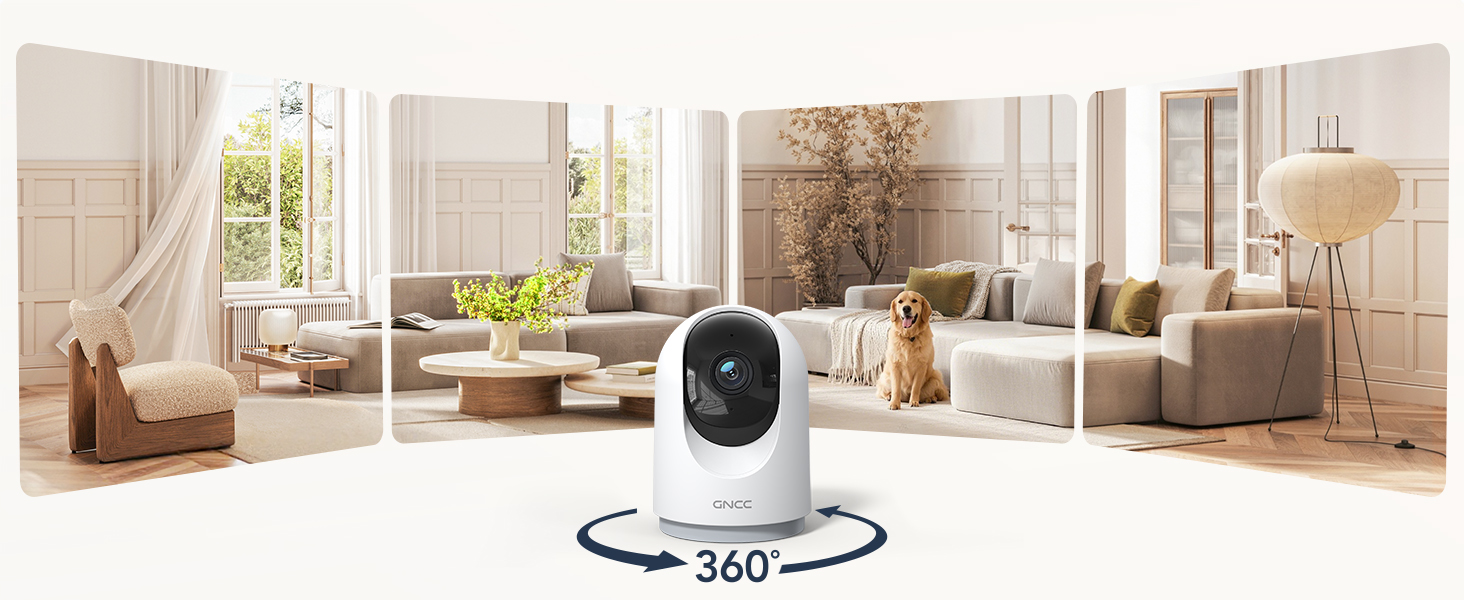
Image: GNCC 2K Indoor Security Camera providing a wide panoramic view of a living room, illustrating its broad coverage.
4. Иштөө нускамалары
Live View жана панорамалоо/кыйшайтуу башкаруусу
Access the live feed of your camera through the OSAIO app. Use the on-screen controls to remotely pan (355° horizontally) and tilt (90° vertically) the camera lens to view different areas of your space.

Image: GNCC 2K Indoor Security Camera demonstrating its 360-degree coverage capability, showing a wide view of a room on a smartphone screen.
Эки тараптуу аудио
Камерада орнотулган микрофон жана динамик бар. Түз эфирде view, tap the microphone icon to speak through the camera and the speaker icon to listen to audio from the camera's location. This allows for real-time communication with family, pets, or to deter intruders.

Image: A person using a smartphone to communicate through the GNCC 2K Indoor Security Camera's two-way audio feature, with speech bubbles indicating conversation.
Кыймылды аныктоо жана көзөмөлдөө
Enable motion detection in the app settings to receive instant notifications on your smartphone when movement is detected. The camera can also automatically track moving objects within its field of view.

Image: GNCC 2K Indoor Security Camera's smart motion tracking feature detecting movement of a child and a dog, with notification pop-ups on a smartphone.
Түнкү көрүнүш
The camera automatically switches to night vision mode in low-light conditions, providing clear black and white video up to 33 feet. This ensures continuous monitoring even in complete darkness.

Image: GNCC 2K Indoor Security Camera providing clear night vision of a baby sleeping in a crib, as seen on a smartphone screen.
Сактагыч параметрлери
- SD карта сактагычы: Insert a MicroSD card (up to 128GB, not included) into the designated slot for 24/7 continuous recording.
- Булуттагы сактагыч: The camera offers optional cloud storage for event recording. A 30-day free trial may be available. Refer to the OSAIO app for subscription details.
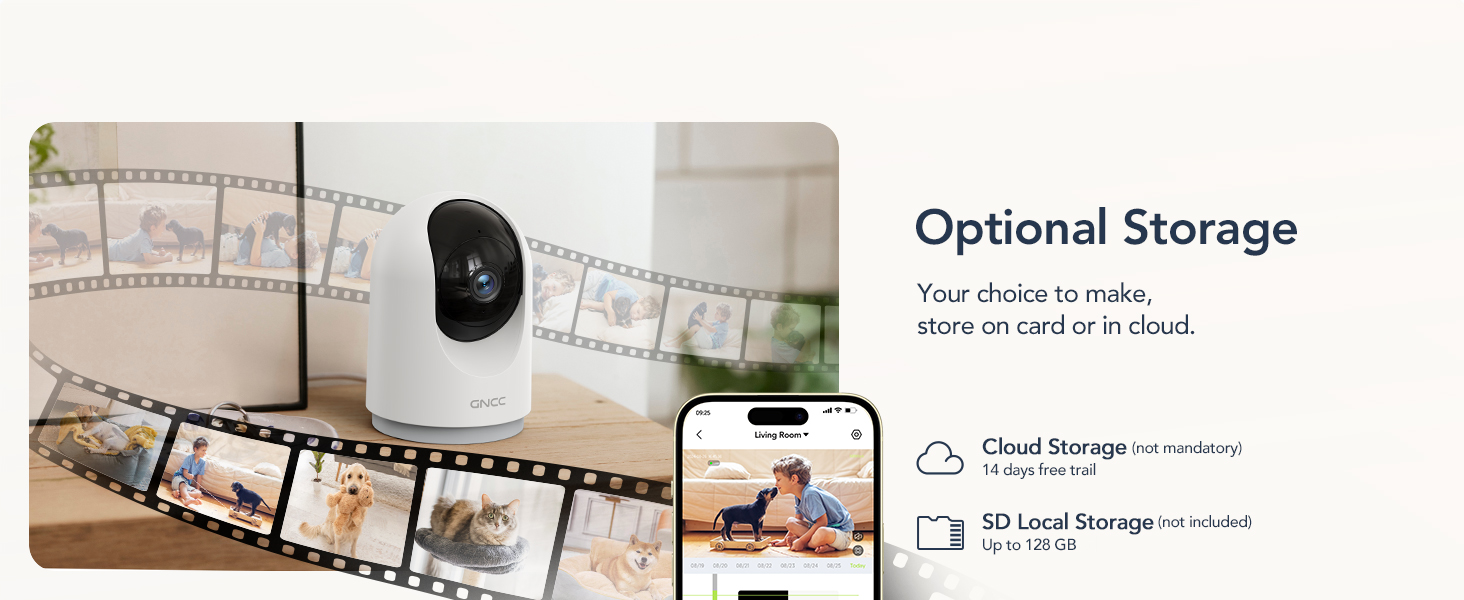
Image: GNCC 2K Indoor Security Camera illustrating its optional cloud and SD card storage capabilities, with images of recorded events.
5. Smart Home интеграциясы
The GNCC 2K Indoor Security Camera is compatible with Amazon Alexa and Google Assistant, allowing for convenient voice control and live feed viewшайкеш келген акылдуу дисплейлерде иштеп жатат.
Amazon Alexa менен туташуу
- Alexa колдонмосун ачыңыз.
- Go to "More" > "Skills & Games".
- Издөө the "OSAIO" skill and enable it.
- Log in to your OSAIO account and authorize the connection.
- Alexa will discover your camera. Once connected, you can use voice commands like, "Alexa, show me the indoor camera."
Video: Instructions on how to add the GNCC GP5 Camera to Alexa and Google Home, demonstrating the setup process and voice commands.
Google Home менен туташууда
- Google Home колдонмосун ачыңыз.
- Tap the "+" icon to add a device.
- Select "Set up device" > "Works with Google Home".
- Издөө the "OSAIO" app and link your account.
- Choose your camera and assign it to a room. You can then use voice commands like, "Hey Google, show me the indoor camera."

Image: GNCC 2K Indoor Security Camera integrated with Amazon Alexa, showing a user asking Alexa to display the camera feed on a smart display.
6. Техникалык шарттар
| Өзгөчөлүк | Деталь |
|---|---|
| Ички/тышкы колдонуу | Indoor |
| Шайкеш түзмөктөр | Смартфон |
| Power Source | Электр зымдары |
| Connectivity Protocol | Wi-Fi (2.4 ГГц гана) |
| Controller Type | Amazon Alexa, Google Жардамчысы |
| Монтаж түрү | Столдун үстү |
| Видео тартуунун резолюциясы | 2K |
| Элементтердин саны | 4 (for 4-pack model) |
| Зымсыз байланыш технологиясы | Wi-Fi |
| Viewбурч | 355 градус (пан), 90 градус (көңүл) |
| Түнкү көрүү диапазону | 33 Фут |
| Ватtage | 3 ватт |
| Буюмдун өлчөмдөрү L x W x H | 2.95 x 2.95 x 5.87 дюйм |
| Батареялар керекпи? | Жок |
| Эскертүү түрү | Аудио жана кыймыл |
| Флэш эс тутумдун максималдуу өлчөмү | 128 ГБ (MicroSD) |
| Өзгөчө өзгөчөлүк | 2 жолдуу аудио |
| Модель аты | 2K-4pack |
| Элементтин моделинин номери | P5W-4 Pieces |
7. Техникалык тейлөө
- Тазалоо: Камера линзасын жана корпусун тазалоо үчүн жумшак, кургак чүпүрөктү колдонуңуз. Катуу химиялык заттарды же абразивдүү материалдарды колдонуудан алыс болуңуз.
- Программалык камсыздоонун жаңыртуулары: Regularly check the OSAIO app for firmware updates to ensure your camera has the latest features and security enhancements.
- Жайгашкан жери: Камераны туруктуу жерге, түз күн нурунан, жылуулук булактарынан жана нымдуулуктан алыс коюңуз.
8. Кыйынчылыктарды
- Камера оффлайн: Check your Wi-Fi connection and ensure the camera is within range of your 2.4GHz router. Restart the camera and your router if necessary.
- Эскертмелер жок: Verify that motion detection is enabled in the app settings and that app notifications are allowed on your smartphone.
- Видеонун сапаты начар: Ensure your Wi-Fi signal is strong. If using an SD card, check its condition and ensure it's not full.
- Эки тараптуу аудио көйгөйлөр: Check the volume settings on your phone and in the app. Ensure there is no obstruction to the camera's microphone or speaker.
- Alexa/Google Assistant Not Responding: Confirm that the OSAIO skill/app is linked correctly in your smart home app and that your voice commands are clear.
9. Кепилдик жана колдоо
The GNCC 2K Indoor Security Camera comes with a 12 айлык кепилдик from the date of purchase. For technical support, troubleshooting assistance, or warranty claims, please contact GNCC customer service through the OSAIO app or visit the official GNCC webсайт.
You can also refer to the contact information provided on the product packaging for further assistance.