
1. Киришүү
This manual provides detailed instructions for the Tengsen Mp3 Player with Bluetooth 5.3, Model X1. It covers setup, operation, maintenance, and troubleshooting to ensure optimal use of your device. Please read this manual thoroughly before using the product.
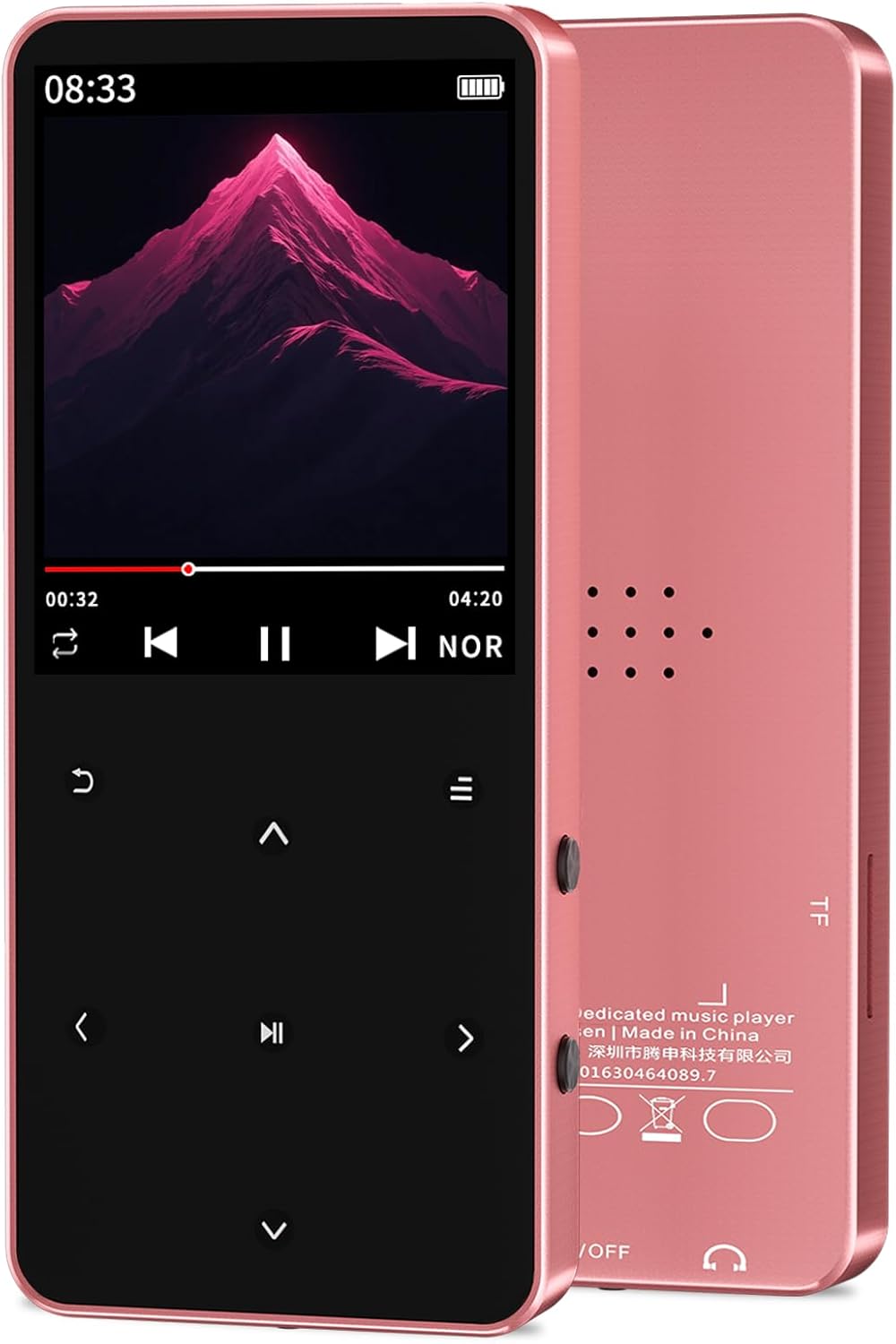
Image: The Tengsen Mp3 Player Model X1 in Rose Gold, showcasing its sleek design and screen interface.
2. Кутуда эмне бар
Пакетте бардык буюмдар бар экенин текшериңиз:
- 1 x Tengsen Mp3 Player with Bluetooth
- 1 x USB микро кабели
- 1 х Наушник
- 1 x User Manual
3. Продукт бүтүп калдыview жана Controls
Familiarize yourself with the device's layout and functions.

Image: A detailed diagram illustrating the key definitions and ports of the Tengsen Mp3 Player X1.
| Жок. | Функция |
|---|---|
| 1 | Кайтуу |
| 2 | Up (Previous) |
| 3 | Left / Fast Rewind |
| 4 | Down (Next) |
| 5 | Меню ачкычы |
| 6 | Көлөм + |
| 7 | Оңго / Тез алдыга |
| 8 | Көлөмү - |
| 9 | Ырастоо / ойнотуу / тындыруу |
| 10 | Наушник уясы |
| 11 | Power / Wake / Lock / Reset Key |
| 12 | Заряддоо порту (микро USB) |
4. Орнотуу
4.1 Аппаратты заряддоо
Connect the provided USB Micro cable to the player's charging port (12) and the other end to a USB power adapter or computer USB port. The battery indicator on the screen will show charging status. A full charge is recommended before first use.
4.2 Микро SD картаны салуу
The device supports Micro TF (SD) cards up to 128GB (not included). Locate the Micro SD card slot on the side of the player. Gently insert the Micro SD card until it clicks into place. Ensure the card is inserted correctly to avoid damage.
4.3 Күйгүзүү/өчүрүү
To power on, press and hold the Power/Wake/Lock /Reset Key (11) until the screen illuminates. To power off, press and hold the same key until the power-off option appears on the screen, then confirm your selection.
5. Иштөө нускамалары

Image: The Tengsen Mp3 Player X1's screen showing icons for its multi-functional capabilities, including music, FM radio, video, and e-book.
5.1 Музыканы ойнотуу
The player supports various audio formats including MP3, WMA, APE, FLAC, WAV, AAC-LC, and M4A. Navigate to the 'Music' icon on the main menu and press the Confirm/Play/Pause key (9) to enter. You can browse music by artist, album, or folder. Seven preset EQ modes are available for sound customization.
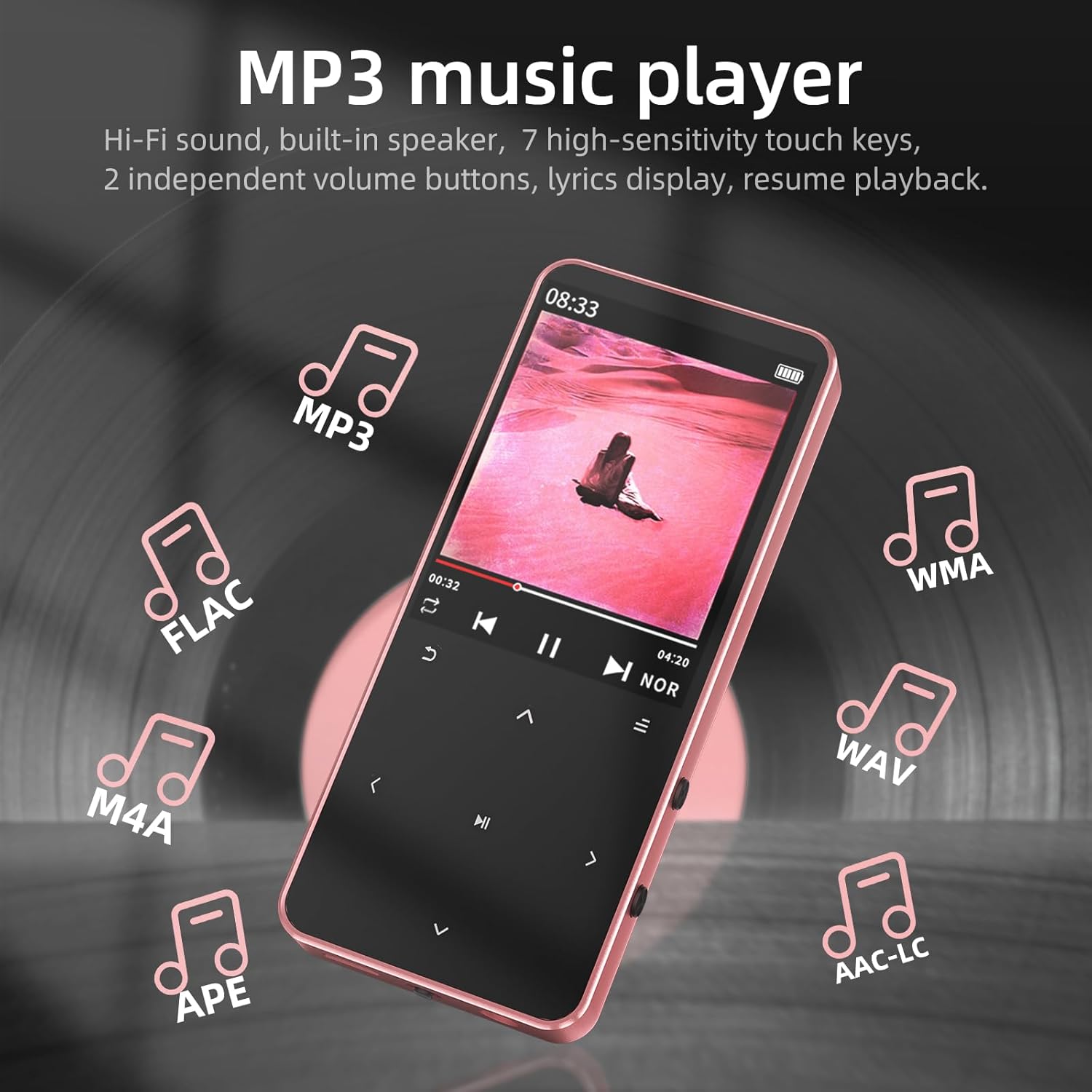
Image: The Mp3 Player X1 screen showing music playback, with icons representing supported audio formats like MP3, FLAC, WMA, WAV, M4A, APE, and AAC-LC.
5.2 Bluetooth жупташтыруу
The device features Bluetooth 5.3 for wireless connection to headphones and speakers. Navigate to the 'Bluetooth' icon in the menu. Turn on Bluetooth and search for available devices. Select your desired Bluetooth audio device from the list to pair. Note: This device is not compatible with smartphones or PCs via Bluetooth.

Image: The Mp3 Player X1 screen showing Bluetooth connectivity, with examples of wireless headphones and a speaker.
5.3 FM радиосу
To use the FM radio function, you must connect wired earphones to the headphone jack (10), as they serve as the antenna. Navigate to the 'FM Radio' icon. You can auto-scan for stations or manually tune. Enjoy news, music, and other broadcasts.

Image: The Mp3 Player X1 screen showing the FM Radio interface, tuned to 98.3 MHz, with a note indicating the need to plug in earphones as an antenna.
5.4 Диктофон
Access the 'Voice Recorder' function from the main menu. Use this feature to record audio notes or conversations. Recordings are saved to the device's internal memory or Micro SD card.
5.5 Электрондук китеп окугуч
The player supports TXT format e-books. Transfer your TXT files to the device or Micro SD card. Navigate to the 'E-Book' icon to open and read your documents. The device supports bookmarks for easy reading resumption.
5.6 Video and Photo Viewer
The device supports AVI video playback and JPG/BMP photo slideshows. Transfer your media files to the device or Micro SD card. Access these functions via the 'Video' and 'Picture' icons on the main menu.
5.7 Система орнотуулары
The 'Settings' menu allows you to adjust various device parameters, including language, date and time, display brightness, and other system preferences. Use the navigation keys to select and modify settings.
6. Техникалык тейлөө
- Тазалоо: Аппаратты тазалоо үчүн жумшак, кургак чүпүрөктү колдонуңуз. Суюк тазалагычтардан же абразивдүү материалдардан алыс болуңуз.
- Сактагыч: Ойноткучту салкын, кургак жерде, күн нуру түз тийбеген жана өтө жогорку температурадан алыс сактаңыз.
- Батареяга кам көрүү: Батареянын иштөө мөөнөтүн узартуу үчүн, бат-баттан батарейканы толук зарядсыздандырбаңыз. Аппаратты узак убакыт бою колдонбосо дагы, үзгүлтүксүз заряддаңыз.
- Суу таасири: Бул аппарат суу өткөрбөйт. Суунун же жогорку нымдуулуктун таасиринен алыс болуңуз.
7. Кыйынчылыктарды
- Түзмөк күйгүзүлбөйт: Ensure the battery is charged. If the issue persists, try resetting the device using the Power/Wake/Lock /Reset Key (11).
- Наушниктен үн чыкпайт: Check if headphones are properly plugged into the headphone jack (10). Verify volume settings.
- Bluetooth жупташтыруу көйгөйлөрү: Ensure the Bluetooth device is in pairing mode and within range. Remember, the player does not connect to smartphones or PCs via Bluetooth.
- FM радиосу иштебейт: Ensure wired earphones are connected, as they function as the antenna.
- Files not recognized: Медианы камсыз кылуу files are in supported formats (e.g., MP3 for audio, AVI for video, TXT for e-books). Check if the Micro SD card is properly inserted and formatted.
- Экран жооп бербейт: If the touch keys are unresponsive, try restarting the device.
8. Техникалык шарттар
| Өзгөчөлүк | Деталь |
|---|---|
| Модель аты | X1 |
| Продукциянын өлчөмдөрү | 3.72 x 1.61 x 0.32 дюйм |
| Элемент Салмагы | 1.48 унция |
| Батарея | 1 литий-иондук батарейка (кошулган) |
| Өзгөчөлүктөр | Built-In Speaker, Equalizer, FM Radio, Hi-Res Audio, Voice Recorder |
| Байланыш технологиясы | Bluetooth 5.3, USB |
| Эстутум сактоо сыйымдуулугу | 64 GB (supports up to 128GB Micro SD card) |
| Screen Size | 1.8 дюйм |
| Шайкеш түзмөктөр | Наушник |
| Медиа түрү | Flash, Micro SD |
9. Кепилдик жана колдоо
Tengsen is dedicated to providing reliable products and helpful usage guidance. For any questions or support needs, please refer to the contact information provided with your purchase or visit the official Tengsen support channels. While specific warranty details are not provided in this manual, please retain your proof of purchase for any warranty claims.