
Veise VE017-K
Veise VE017-K Fingerprint Smart Lock User Manual
Model: VE017-K
1. Киришүү
Thank you for choosing the Veise VE017-K Fingerprint Smart Lock. This manual provides detailed instructions for installation, operation, and maintenance to ensure optimal performance and security. This smart lock offers multiple access methods including fingerprint, passcode, key fob, mechanical key, and app control.
2. Эмнелер камтылган
Орнотууну баштоодон мурун бардык компоненттер бар экендигин текшериңиз:
- Fingerprint Smart Lock (Exterior & Interior assembly)
- 2 туткалары
- Монтаждоо плитасы
- Бурамалар
- Лач
- Strike Plate
- 2 IC карталары
- 2 Механикалык ачкычтар
- User Manual
- Орнотуу боюнча колдонмо
3. Техникалык шарттар
| Бренд | Veise |
| Модель номери | VE017-K |
| Кулпу түрү | Биометрикалык, Өлгүч, Баскычтоп |
| Материал | Алюминий |
| Түс | Matte Black |
| Элементтин өлчөмдөрү (L x W x Y) | 10.04 x 7.28 x 3.35 дюйм |
| Элемент Салмагы | 3.4 фунт |
| Байланыш | Bluetooth, WiFi (Veise G1 WiFi Gateway Required) |
| Өзгөчөлүктөр | Anti-Peeping Password, Auto-Lock, Fingerprint, Access Sharing, Voice Prompts in 3 Languages, Event History, Back-Lit Keypad, Emergency Power Port, IP55 Waterproof |
4. Орнотуу жана орнотуу
4.1 Эшиктин шайкештигин текшерүү
Орнотуудан мурун, эшигиңиз төмөнкү спецификацияларга жооп берерин текшериңиз:
- Эшик калыңдыгы: 1-3/8"дан 2"га чейин (35ммден 50ммге чейин)
- Тешик диаметри: 1-1/2"ден 2-1/8"ге чейин (38ммден 54ммге чейин)
- Артка: 2-3/8" же 2-3/4" (60мм же 70мм)
- Минималдуу аралык: ≥4" (101.6mm) between the deadbolt and the handle below.
The lock is designed for standard US doors and automatically detects left or right door orientation.

Image: Door measurement guide for Veise VE017-K smart lock, illustrating door thickness, hole diameter, backset, and minimum distance requirements. It also shows compatibility with chiseled and single cylinder doors, and incompatibility with mortise/integrated locks.
4.2 Орнотуу кадамдары
A detailed installation video is available to guide you through the process. No special wiring is required; a screwdriver is the only tool needed.
Video: Official Veise VE017-K Installation Guide. This video demonstrates the step-by-step process of installing the smart lock on a door, including preparing the door, mounting the components, and securing the lock.
4.3 App Pairing (KK Home App)
To utilize the smart features of your lock, download the KK Home App and pair your device. Ensure your phone is within 2 meters of the lock during the pairing process.
Video: Official Veise VE017-K KK Home App Pairing Guide. This video illustrates how to connect your smart lock to the KK Home mobile application, enabling remote control and management features.
5. Акылдуу кулпуну иштетүү
5.1 Кулпуну ачуу ыкмалары
The Veise VE017-K offers multiple convenient ways to unlock your door:
- Манжа изи: Place your registered finger on the sensor for a 0.2-second unlock. The AI self-learning feature improves recognition over time.
- Өткөрүүчү код: Enter your 6-10 digit passcode on the touchscreen keypad. The anti-peeping function allows you to enter random digits before or after your actual code for privacy.
- IC Card/Key Fob: Tap the provided IC card or key fob against the lock's sensor.
- Механикалык ачкыч: Физикалык ачкычты салттуу камдык көчүрмө катары колдонуңуз.
- Колдонмону башкаруу: Unlock or lock your door remotely via the KK Home App (requires Veise G1 Gateway, sold separately).

Image: Visual representation of the 5-in-1 smart access options for the Veise VE017-K lock, including fingerprint, PIN codes, IC cards, mechanical keys, and app control.
5.2 App Features (KK Home App)
The KK Home App provides comprehensive control and management:
- Колдонуучуну башкаруу: Add, modify, or delete users and their access permissions.
- Сырсөздү түзүү: Create permanent, recurring, duration-based, or one-time passcodes.
- Кирүү мүмкүнчүлүгүн бөлүшүү: Grant temporary access to guests or service providers.
- Иш-аракеттер журналы: View a complete history of all entry and exit activities.
- Алыстан башкаруу: Lock/unlock remotely, receive real-time notifications (requires Veise G1 Gateway).

Image: Screenshot of the KK Home App interface demonstrating remote user management, including family and guest access settings, and an access log for monitoring entry activity.

Image: Visual guide to creating various PIN codes (Permanent, Recurring, Duration, One-time) through the KK Home App, with options to share them via messaging platforms.
5.3 Авто кулпу өзгөчөлүгү
The auto-lock function can be customized via the app to automatically lock the door after a set period (10-180 seconds) once it closes.

Image: A user interacting with the auto-lock feature on the KK Home App, which allows setting a delay for the lock to automatically engage after the door closes.
5.4 Silent & Vacation Modes
- Үнсүз режим: Deactivates sound prompts for quiet operation.
- Эс алуу режими: Disables all user codes except the admin password, enhancing security during extended absences.
5.5 Voice Control (with G1 Gateway)
When paired with the Veise G1 Gateway (sold separately), the smart lock is compatible with Alexa and Google Assistant for voice commands.
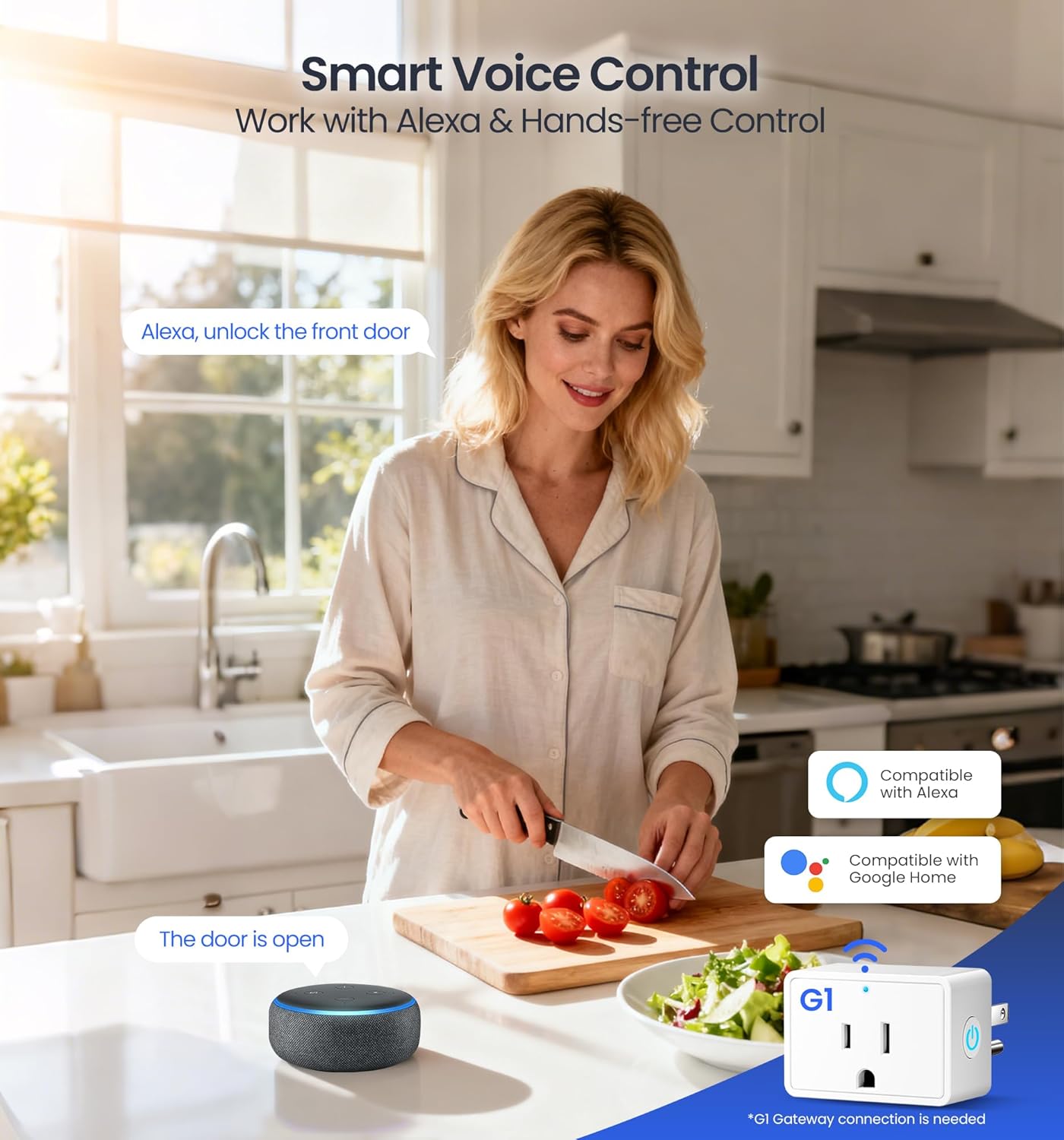
Image: A kitchen scene illustrating the smart voice control feature of the Veise lock, compatible with Alexa and Google Home when connected to the G1 Gateway.
6. Техникалык тейлөө
6.1 Батареяны алмаштыруу
The lock is powered by 4 AA batteries (not included) and provides up to 1 year of daily use. The KK Home App will provide low-battery alerts. To replace batteries, remove the interior assembly cover and insert new AA batteries, ensuring correct polarity.
6.2 Өзгөчө кырдаалдарда электр энергиясы
In case of complete battery depletion, a USB-C emergency power port is located on the bottom of the exterior keypad. Connect a power bank to temporarily power the lock and gain access.

Image: The Veise smart lock on an open door, with callouts for its security features including a built-in alarm, emergency power port, BHMA/ANSI certification, 10-month battery life, and IP55 weatherproofing.
7. Кыйынчылыктарды
7.1 Lock Reset Procedure
If you encounter issues or need to restore factory settings, follow these steps:
- Keep the door open and the lock unlocked (internal knob vertical).
- Using the reset tool (or a similar pointed object), press and hold the reset button for 5 seconds until you hear voice prompts "Restored to factory settings" and "DingDong" & "Beep". The latch will extend out automatically.
- Use the default master password (12345678) to unlock successfully. The reset is now complete.
Video: Official Veise VE017-K Reset Guide. This video demonstrates how to perform a factory reset on the smart lock, including locating the reset button and confirming the reset process.
7.2 Жалпы маселелер жана чечимдер
- Кулпу жооп бербей жатат: Check battery levels. Use the emergency USB-C port or mechanical key if batteries are dead.
- Манжа изи таанылган жок: Манжаңыздын таза жана кургак экенине ынаныңыз. Маселе чечилбесе, манжа изиңизди кайра каттаңыз.
- Баскычтоп жооп бербей жатат: Check for low battery. Ensure no debris is on the keypad.
- Колдонмо туташуу көйгөйлөрү: Ensure Bluetooth is enabled on your phone. If using Wi-Fi, verify the G1 Gateway is properly connected and within range.
8. Кепилдик жана колдоо
Veise provides comprehensive customer support and warranty for your VE017-K Smart Lock:
- Кепилдик: At least a 2-year warranty from the date of purchase.
- US-Based Phone Support: Available Monday-Friday 9 AM – 5 PM PST, and Saturday 7 AM – 3 PM PST.
- 24/7 электрондук почта кызматы: For assistance outside of phone support hours.
- Өмүр бою колдоо: Professional assistance available for the lifetime of the product.
For further assistance, please refer to the contact information provided with your product or visit the official Veise webсайт.
Ask a question about this manual
Ask about setup, troubleshooting, compatibility, parts, safety, or missing instructions. Manuals+ will review the question and use this page’s manual context to help answer it.