
TAGRY H08
TAGRY H08 гибриддик активдүү ызы-чууну жок кылуучу кулакчындар үчүн колдонуучунун колдонмосу
Model: H08 | Brand: TAGRY
Introduction
тандаганыңыз үчүн рахмат TAGRY H08 Hybrid Active Noise Cancelling Headphones. This manual provides detailed instructions for setting up, operating, and maintaining your headphones to ensure optimal performance and longevity. Please read this manual thoroughly before use.
Сүрөт: The TAGRY H08 Hybrid Active Noise Cancelling Headphones in black, showcasinалардын кулактын үстүнөн тагылып турган дизайны.
Эмне камтылган
Пакетиңизде бардык буюмдар бар экенин текшериңиз:
- TAGRY H08 Headphones
- User Manual
- AUX 3.5 мм аудио кабели
- Саякат баштыгы
- C түрүндөгү кубаттоочу кабель
Негизги өзгөчөлүктөрү
- Гибриддик активдүү ызы-чууну жокко чыгаруу (ANC): Reduces up to 95% of ambient noise for an immersive listening experience.
- Узартылган ойноо убактысы: Бир кубаттоо менен 100 саатка чейин музыка ойнотуу.
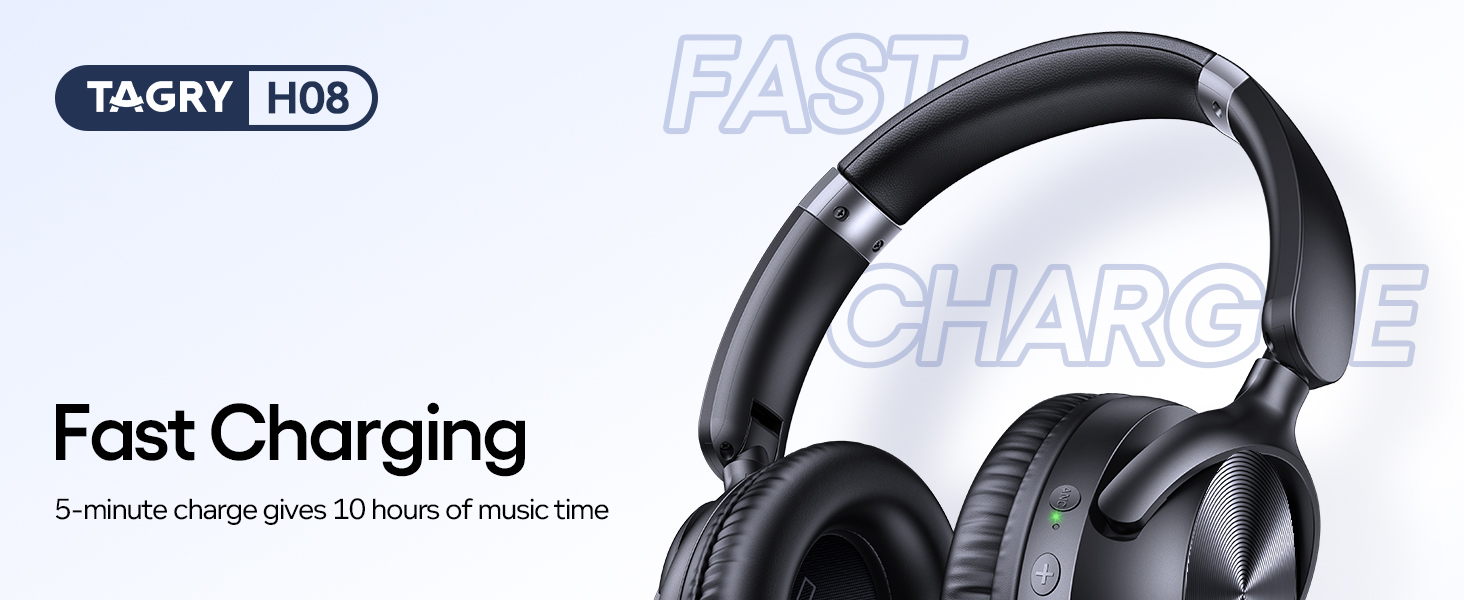
- Тез кубаттоо: 5 мүнөттүк кубаттоо болжол менен 10 саат угуу убактысын камсыз кылат.
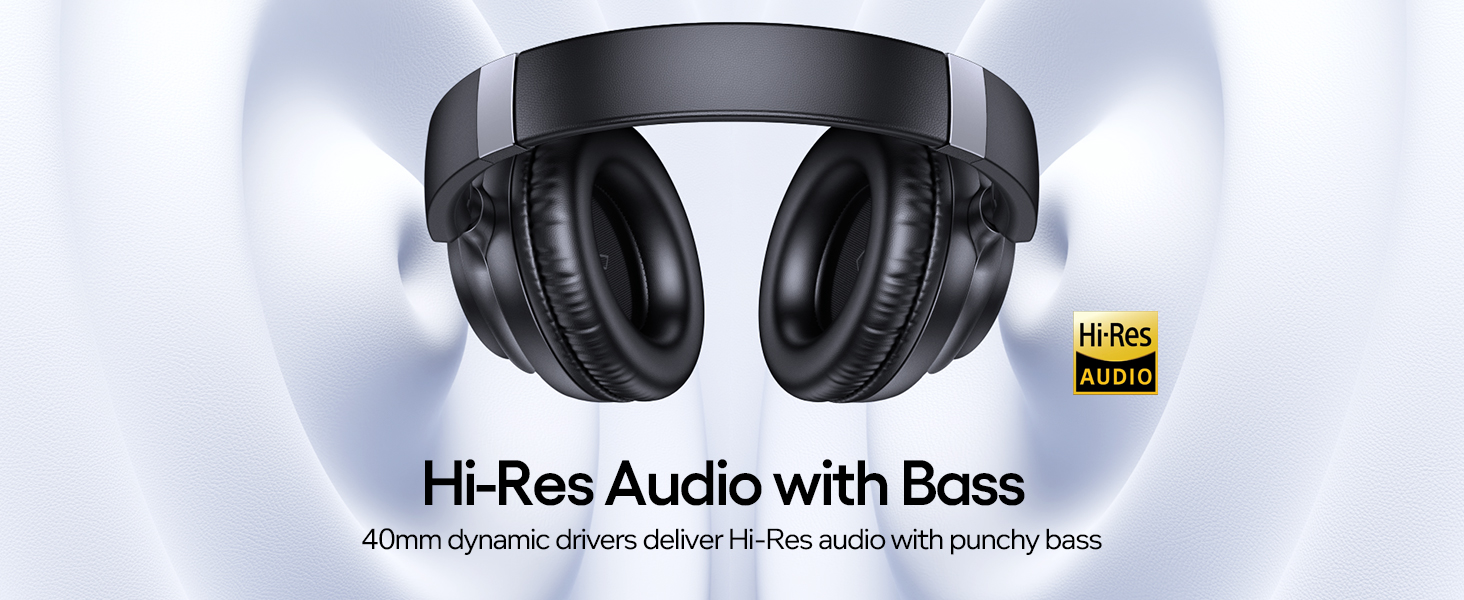
- Жогорку чечилиш аудио: Delivers high-quality audio with deep, punchy bass through 40mm dynamic drivers.
- Кош байланыш: Supports both wireless Bluetooth 5.0 and wired 3.5mm AUX connections.
- Комфорт дизайн: Lightweight (0.54 lbs) with ultra-soft protein leather ear cups for prolonged comfort.
- Портативдик: Foldable design and included travel pouch for easy transport.
- Жөндөлүүчү тууралоо: Ear cups rotate up to 105 degrees, and the headband is adjustable for various head sizes.
- Суу өткөрбөйт: IPX7 rating provides protection against water immersion.
Жайгашуу
1. Наушниктерди заряддоо
Before first use, fully charge your headphones. Connect the supplied Type C charging cable to the charging port on the headphones and to a 5V power source (e.g., a USB wall adapter or computer USB port).
Сүрөт: TAGRY H08 headphones connected to a Type C charging cable, highlighting the fast charging feature that provides 10 hours of playtime from a 5-minute charge.
A full charge takes approximately 1 hour. The LED indicator will change to show charging status. A 5-minute charge provides approximately 10 hours of playtime, and a full charge offers up to 100 hours.
2. Күйгүзүү / Өчүрүү
To power on, press and hold the Power button for approximately 2 seconds until the indicator light illuminates. To power off, press and hold the Power button again until the indicator light turns off.
3. Bluetooth Жупташтыруу
When powered on for the first time, the headphones will automatically enter pairing mode. The LED indicator will flash, indicating it's ready to connect.
- Түзмөгүңүздө (смартфондо, планшетте, компьютерде) Bluetooth иштетилгенин текшериңиз.
- Издөө "H08" in the list of available Bluetooth devices.
- Select "H08" to connect. Once connected, the LED indicator will stop flashing and remain solid blue.

Image: Visual guide demonstrating Bluetooth pairing for the H08 headphones, showing the device list on a smartphone screen and a reset option.
The headphones will automatically reconnect to the last paired device when powered on, if the device is within range and has Bluetooth enabled.
Иштөө нускамалары
Башкаруу баскычтары
The TAGRY H08 headphones feature intuitive button controls located on the earcups:

Image: Detailed diagram illustrating the function of each button on the H08 headphones, including power, volume, track control, call management, and ANC toggle.
- Power Button (G): Press and hold for 2 seconds to Power On/Off. Short press to Play/Pause music or Answer/End calls. Double press to Redial last number.
- Үнүн жогорулатуу (+): Үндү катуулатуу үчүн кыска басыңыз. Кийинки трек үчүн көпкө басыңыз.
- Үнүн төмөндөтүү (-): Үндү азайтуу үчүн кыска басыңыз. Мурунку трек үчүн көпкө басыңыз.
- ANC баскычы: Short press to toggle Active Noise Cancellation On/Off.
- Микрофон: Чалуулар үчүн интеграцияланган.
Активдүү Шумду Жоюу (ANC)
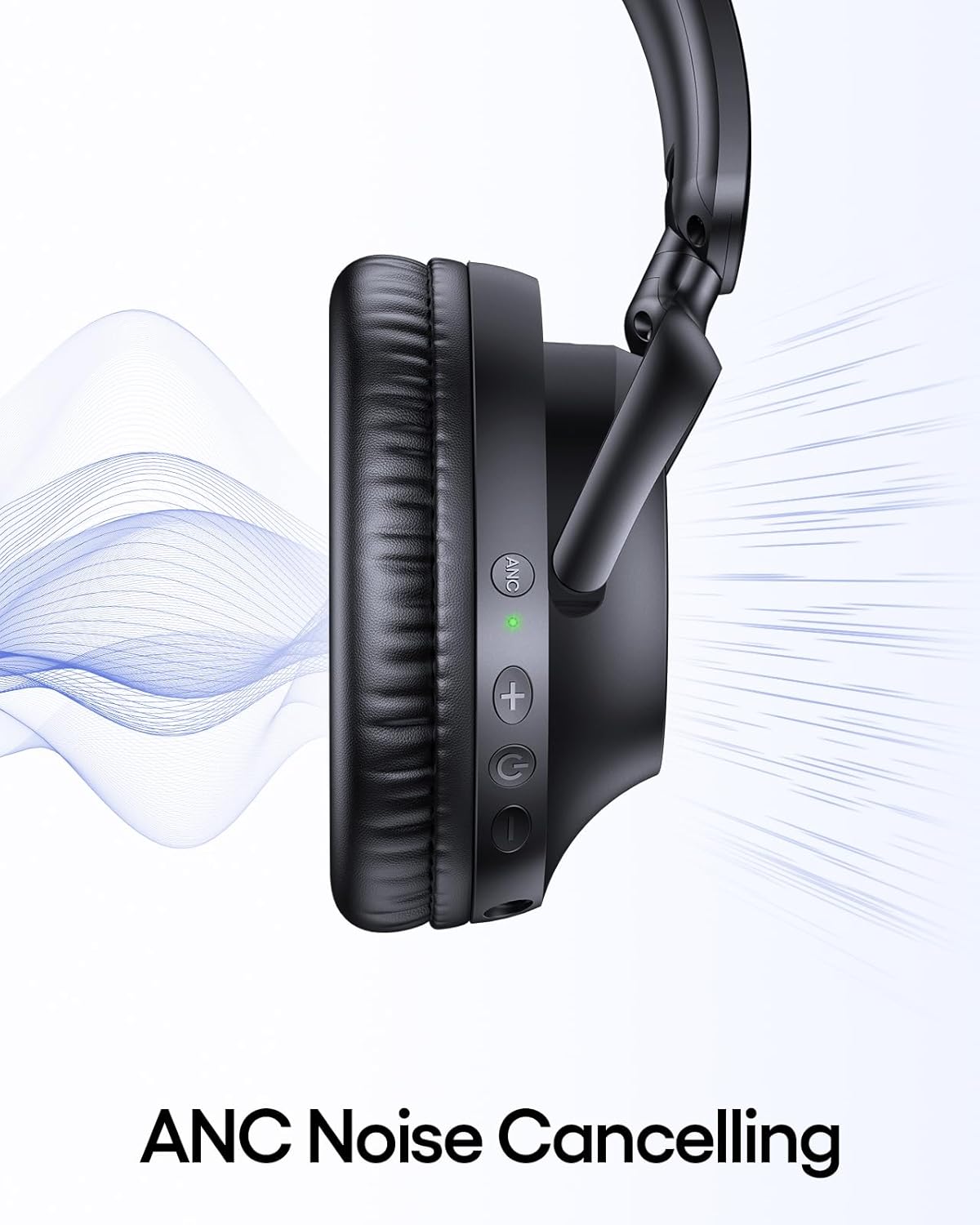
The ANC feature reduces ambient noise. To activate or deactivate ANC, press the dedicated ANC button on the earcup. An indicator light will confirm the ANC status.
Сүрөт: жакын план view of the headphone earcup highlighting the ANC button and its green indicator light, with sound waves illustrating noise cancellation.
Wired Connection (3.5mm AUX)
For devices without Bluetooth or when battery is low, use the included 3.5mm AUX audio cable. Connect one end to the headphone's 3.5mm jack and the other to your audio source.
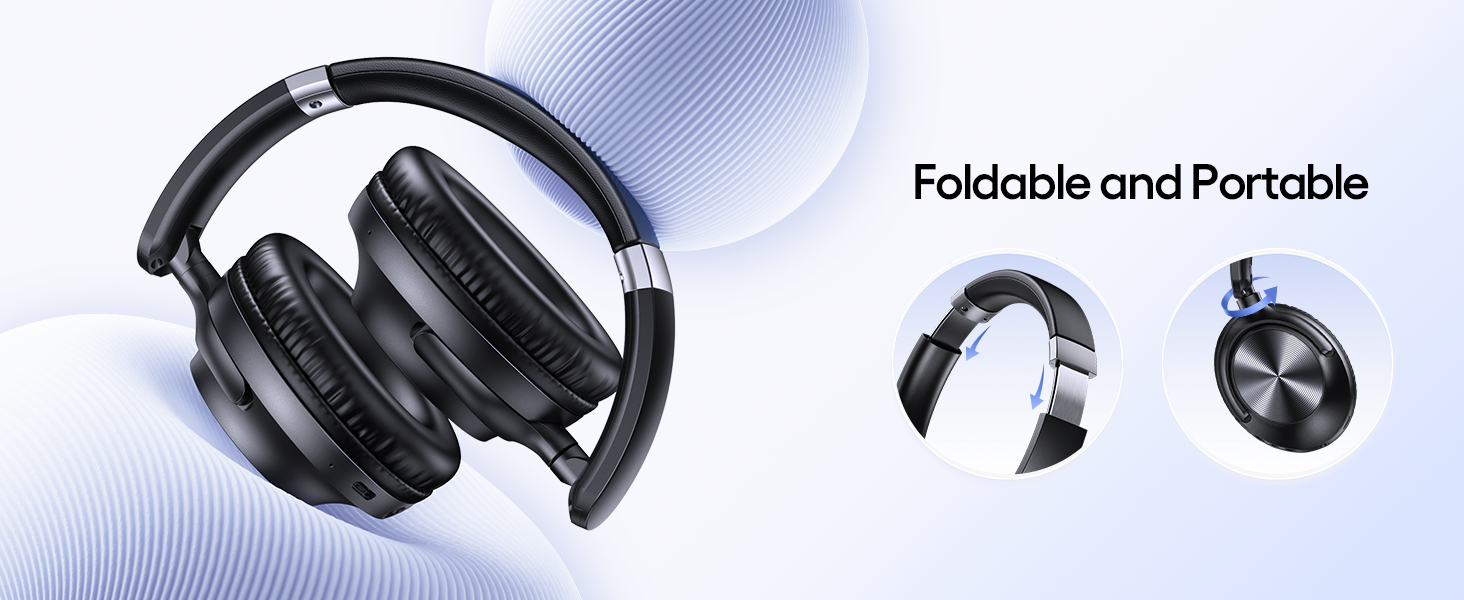
Image: The H08 headphones demonstrating both wireless Bluetooth connectivity and the option to use a 3.5mm AUX wired connection.
Note: Some headphone functions, like button controls, may be limited when using a wired connection.
Техникалык тейлөө
- Наушниктерди дайыма жумшак, кургак чүпүрөк менен тазалап туруңуз.
- Avoid exposing the headphones to extreme temperatures or direct sunlight for extended periods.
- Store the headphones in the provided travel pouch when not in use to protect them from dust and damage.
- Кулакчындарды бөлүктөргө бөлүүгө же өзгөртүүгө аракет кылбаңыз, анткени бул кепилдикти жокко чыгарат.
Проблемаларды чечүү
Эгер сиз менен көйгөйлөр пайда болсо TAGRY H08 headphones, refer to the following common solutions:
| Көйгөй | Чечим |
|---|---|
| Кулакчындар күйбөйт. | Кулакчындар толук заряддалганын текшериңиз. Күйгүзүү/өчүрүү баскычын 2 секунд басып туруңуз. |
| Түзмөк менен жупташтыруу мүмкүн эмес. |
|
| Үн жок же үнү төмөн. |
|
| ANC иштебей жатат. | Press the ANC button to ensure it is activated. Check for any obstructions around the ANC microphones. |
Техникалык шарттар
| Өзгөчөлүк | Деталь |
|---|---|
| Модель аты | H08 |
| Noise Control | Активдүү ызы-чууну жокко чыгаруу |
| Байланыш технологиясы | Зымсыз (Bluetooth), Зымдуу (3.5 мм AUX) |
| Зымсыз байланыш технологиясы | Bluetooth 5.0 |
| Батареянын иштөө мөөнөтү | 100 саатка чейин |
| Заряддоо убактысы | 1 саат (толук заряддоо үчүн) |
| Тез заряддоо | 10 саат ойноо үчүн 5 мүнөт кубаттоо |
| Наушник уясы | 3.5 мм Джек |
| Frequency Response | 20000 Гц |
| Материал | Акрилонитрил бутадиен стирол (ABS), Пластмасса |
| Элемент Салмагы | 0.54 фунт (болжол менен 245 г) |
| Сууга туруктуулук деңгээли | Суу өткөрбөйт (IPX7) |
| Башкаруу түрү | Control Button |
| Наушник формасы | Ашыкча кулак |
Кепилдик жана колдоо
TAGRY products are designed for reliability and performance. For warranty information or technical support, please refer to the contact details provided on the product packaging or visit the official TAGRY webсайт. Сатып алганыңыздын далили катары сатып алуу дүмүрчөгүңүздү сактаңыз.