
1. Продукт бүтүп калдыview
The HYCOMM H2 Motorcycle Helmet Bluetooth Headset is an advanced communication system designed for riders. It facilitates 2-way intercom communication, offers universal compatibility, and features a long-lasting battery. Equipped with noise-canceling technology and smart voice command, it ensures clear audio and hands-free control. Its robust IP67 waterproof rating makes it suitable for various weather conditions and activities.
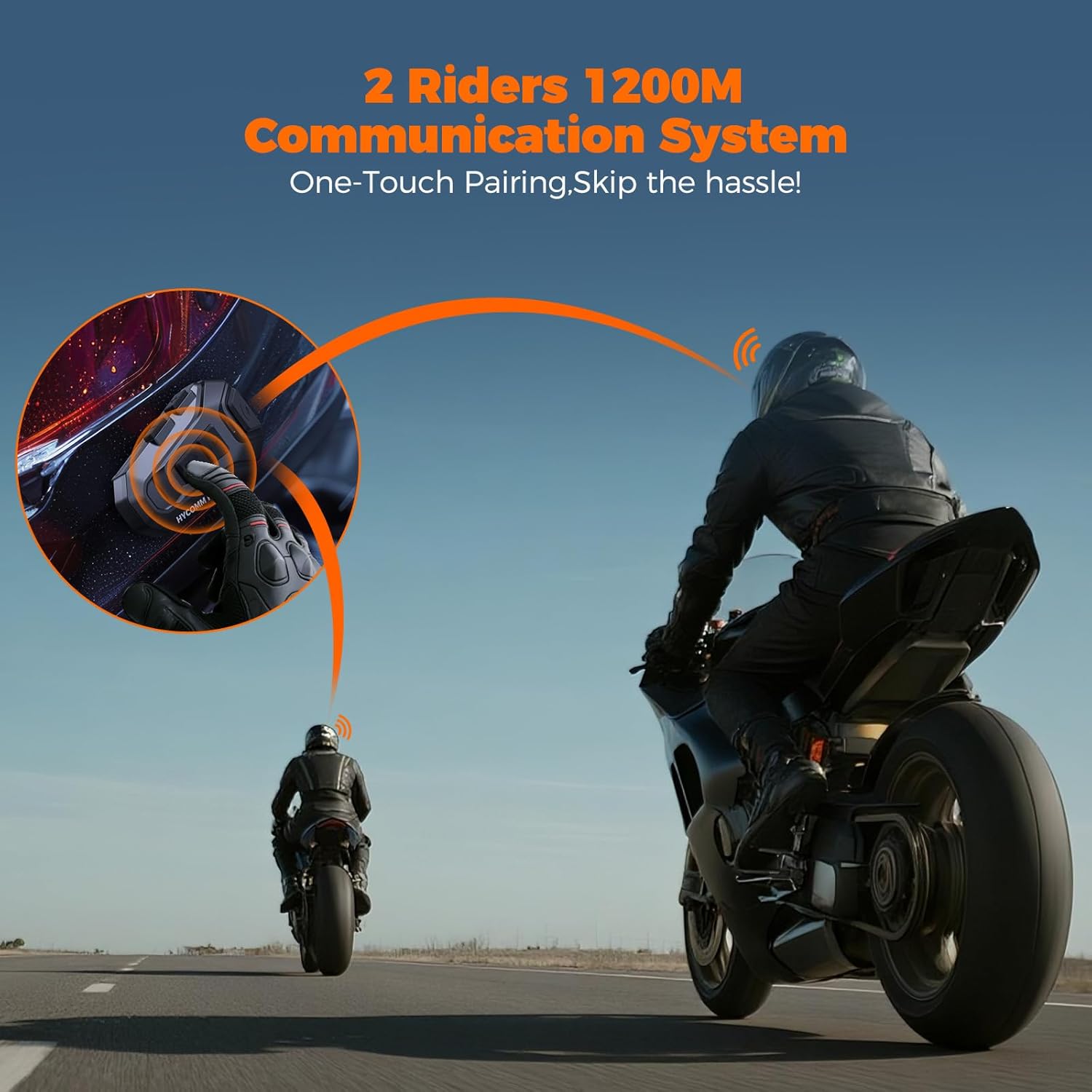
- 2-Way Intercom & Universal Compatibility: Enjoy one-touch connection with ultra-fast pairing and ultra-low latency. Seamlessly connects with other major brands, offering a maximum range of 1,200 meters (0.75 miles) in open areas for stable group communication.
- Marathon 35-Hour Battery & Built-In FM Radio: Powered by a 1000mAh battery, providing 35 hours of talk time from a 2-hour quick charge. Includes a built-in FM radio for entertainment.
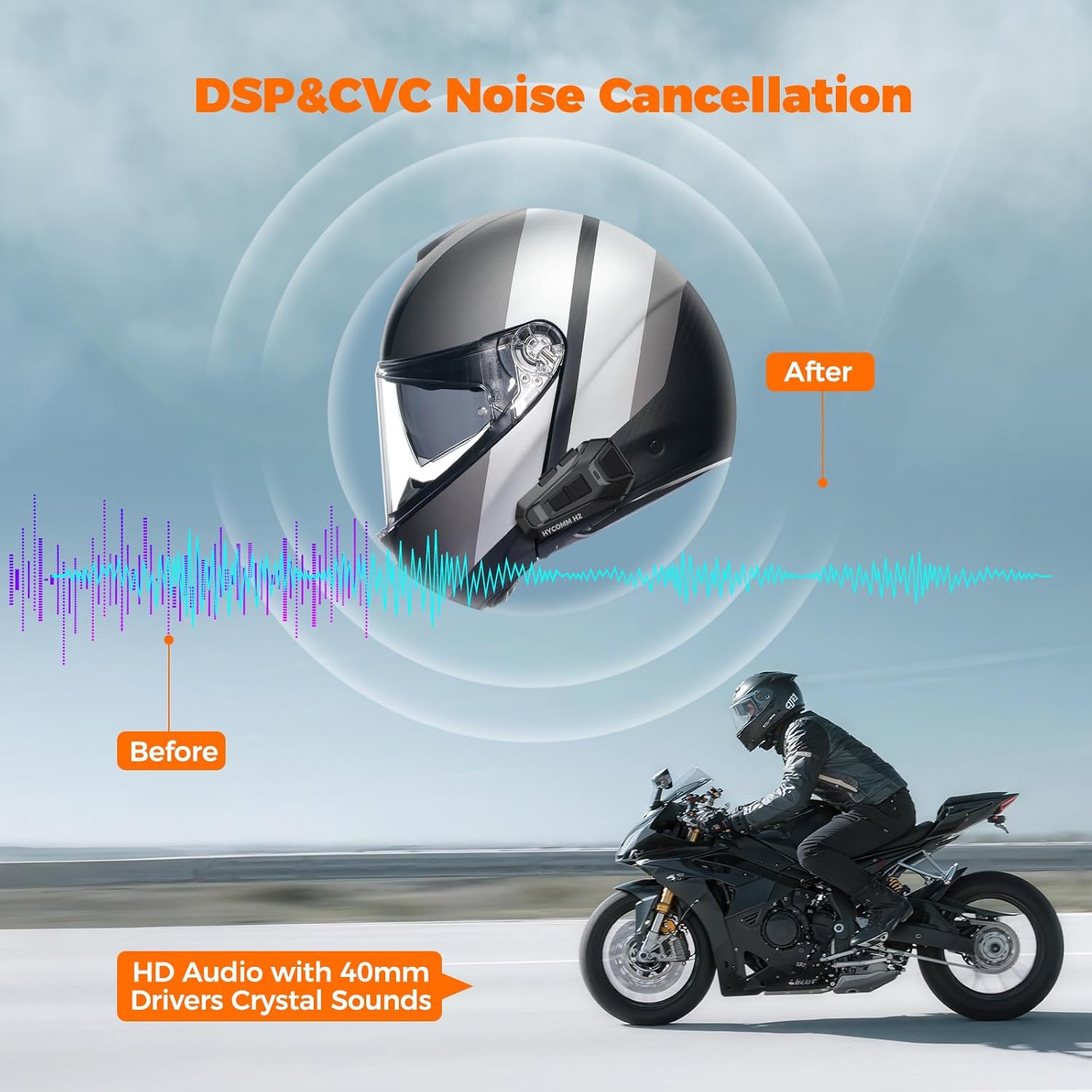
- Crystal Clear HD Audio with Noise Cancellation: Features advanced DSP and CVC noise cancellation technology to filter out wind and engine noise, ensuring clear music and conversations.
- Tool-Free Installation & Smart Voice Command: Easy, no-drill installation. Supports hands-free control via Siri and Google Assistant for calls, GPS, and music.
- IP67 Waterproof & Extreme Temperature Resistant: Offers complete protection against heavy rain and dust, operating flawlessly from -10°C to 55°C (14°F to 131°F).
2. Пакеттин мазмуну
Your HYCOMM H2 Dual Pack includes the following items:
- User Manual
- USB-C Cable
- Кулак жаздыкчалары
- 40мм Динамик
- Mounting Clip x2
- 3M Sticker Mount x2
- Boom Microphone x2
- Button Microphone x2
- H2 Main Unit x2

3. Орнотуу боюнча колдонмо
The HYCOMM H2 headset is designed for tool-free installation and fits most helmet types. Follow these steps to install your headset:
- Шлемди даярдоо: Remove the helmet's inner padding to access the speaker areas.
- Attach Speaker Pads: Peel the adhesive backing from the speaker pads and firmly press them into the designated speaker recesses inside your helmet.
- Динамиктерди орнотуу: Place the 40mm speakers onto the attached pads. Ensure they are positioned comfortably over your ears.
- Тоо негизги бирдиги: Choose between the mounting clip or the 3M sticker mount. Secure the chosen mount to the side of your helmet. Slide the H2 main unit onto the mount until it clicks into place.
- Микрофондорду туташтыруу: Select either the boom microphone (for open-face helmets) or the button microphone (for full-face helmets). Connect the microphone to the main unit and route the cable neatly under the helmet padding. Position the microphone close to your mouth.
- Маршруттук кабелдер: Carefully tuck all speaker and microphone cables under the helmet's inner padding to prevent interference and ensure comfort.
- Туулганы кайра чогултуу: Reinstall the helmet's inner padding.

4. Иштөө нускамалары
4.1 Power On/Off & Pairing
To power on or off the device, press and hold the designated button. The H2 features one-touch connection for ultra-fast pairing with your mobile device or other headsets. Once initially paired, the devices will automatically reconnect when powered on within range.
4.2 Домофондук байланыш
The 2-way intercom system allows communication between two riders up to 1,200 meters (0.75 miles) in open areas. It supports cross-brand pairing, enabling connection with other major helmet communication systems.

4.3 Audio & Voice Control
Experience crystal clear HD audio with 40mm drivers. Advanced DSP and CVC noise cancellation actively filter out wind and engine noise, ensuring optimal sound quality even at highway speeds. Utilize smart voice commands (Siri and Google Assistant) for hands-free control over calls, GPS directions, and music playback.

4.4 FM радиосу
The H2 includes a built-in FM radio. Refer to the full user manual for specific instructions on tuning and saving stations.

5. Техникалык шарттар
| Өзгөчөлүк | Спецификация |
|---|---|
| Модель аты | H2 Dual Pack |
| Бренд | HYCOMM |
| Байланыш технологиясы | Зымсыз (Bluetooth 5.1) |
| Noise Control | Active Noise Cancellation (DSP & CVC) |
| Батареянын иштөө мөөнөтү | 35 саат |
| Заряддоо убактысы | 2 саат |
| Сууга туруктуулук деңгээли | IP67 суу өткөрбөйт |
| Иштөө температурасы | -10°Cден 55°Cге чейин (14°Fтен 131°Fге чейин) |
| Башкаруу түрү | Siri, Google Assistant (Voice) |
| Аудио драйверинин өлчөмү | 40 миллиметр |
| Аппараттык интерфейс | USB түрү C |
6. Кароо жана тейлөө
The HYCOMM H2 headset is built to withstand various environmental conditions. It features an IP67 waterproof rating, providing complete protection against heavy rain and dust. It is also designed to operate reliably in extreme temperatures ranging from -10°C to 55°C (14°F to 131°F).
- Тазалоо: жумшак колдонуу, damp cloth to clean the exterior of the unit. Avoid harsh chemicals or abrasive materials.
- Сактагыч: Колдонбогондо гарнитураны салкын, кургак жерде сактаңыз.
- Заряддоо: Use the provided USB-C cable for charging. Ensure the charging port cover is securely closed when not charging to maintain water resistance.
7. Кыйынчылыктарды
If you encounter any issues with your HYCOMM H2 headset, please refer to the following common troubleshooting tips:
- Кубат жок: Аппараттын толук заряддалганын текшериңиз. Аны USB-C кабели аркылуу кубат булагына туташтырыңыз.
- Жупташтыруу маселелери: Make sure both devices are in pairing mode. Clear previous pairing records on your phone and the headset, then attempt to pair again.
- Аудио жок/Аудио сапаты начар: Check volume levels on both the headset and your connected device. Ensure speakers are correctly positioned and connected. Verify that the microphone is properly connected and positioned.
- Домофонду өчүрүү: Ensure devices are within the specified range (1,200 meters in open areas) and there are no significant obstructions. Re-initiate intercom pairing if necessary.
Көбүрөөк деталдуу көйгөйлөрдү чечүү үчүн, колдонуучунун толук нускамасын караңыз же кардарларды колдоо бөлүмүнө кайрылыңыз.
8. Кепилдик жана колдоо
The HYCOMM H2 Motorcycle Helmet Bluetooth Headset comes with a 2-Year Protection Plan, ensuring peace of mind for your purchase. For any technical assistance, warranty claims, or product inquiries, please contact HYCOMM customer support.
Manufacturer: HYCOMM