
1. Киришүү
Thank you for choosing the vebiliki F13 4K Mini Hidden Camera. This compact and powerful device is designed to provide reliable indoor surveillance with advanced features such as 4K UHD video, AI motion detection, enhanced night vision, and flexible storage options. This manual will guide you through the setup, operation, and maintenance of your new camera to ensure optimal performance and peace of mind.
2. Кутуда эмне бар
- vebiliki F13 4K Mini Hidden Camera
- Mounting Bracket with Adhesive
- USB-C заряддоо кабели
- Instruction Manual
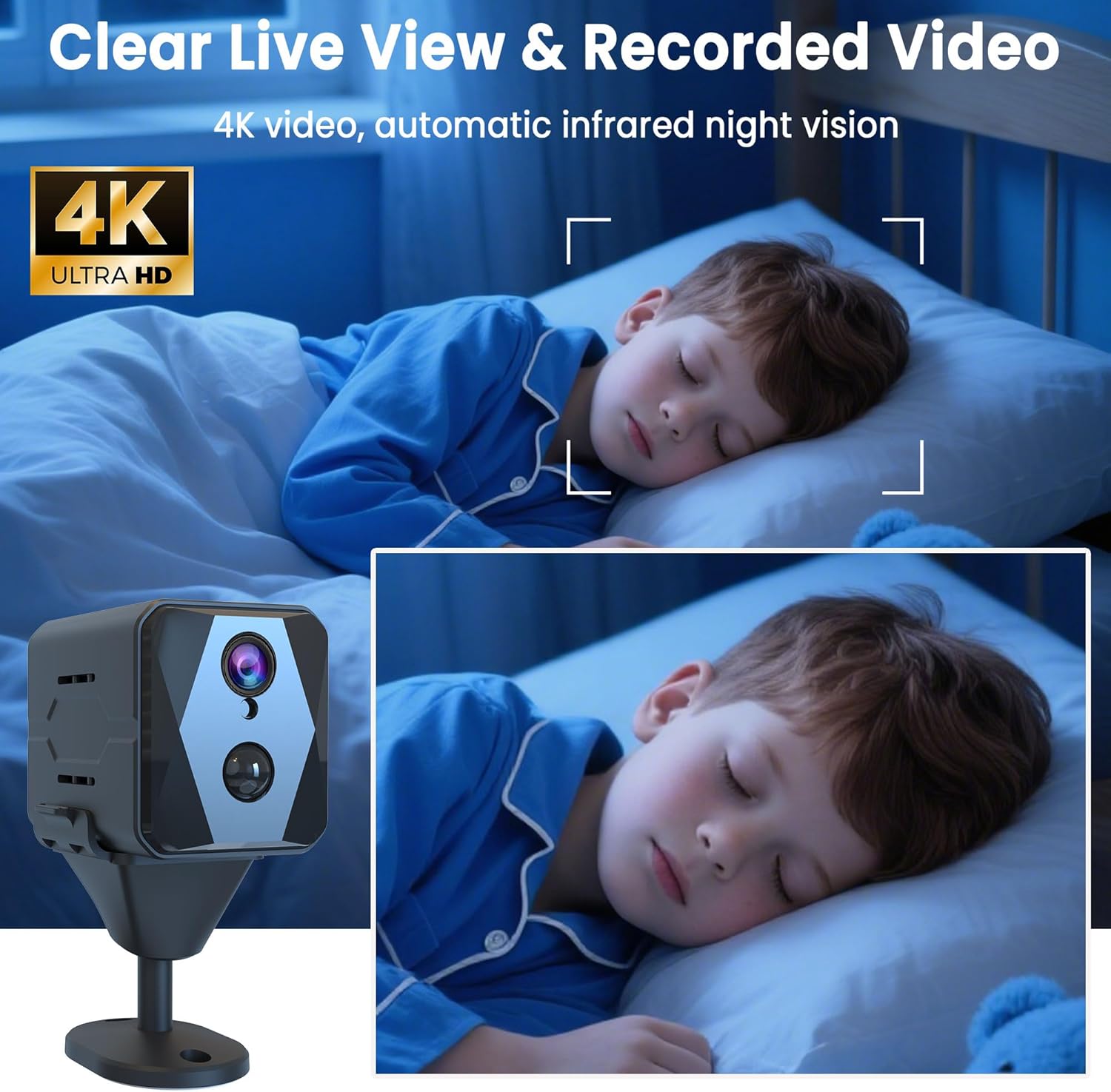
3. Продукт бүтүп калдыview & Негизги өзгөчөлүктөрү
The vebiliki F13 is engineered for discreet and effective monitoring. Its small cube design allows for versatile placement, while its robust features ensure comprehensive coverage.
- 4K UHD видео: Так жана деталдуу фоону тартатtage.
- 140° кең бурчтуу объектив: Provides broad room coverage.
- Кыймылды аныктоо: Жасалма интеллект Sends instant alerts to your phone upon detecting movement.
- Жакшыртылган түнкү көрүнүш: Automatic infrared night vision for clear monitoring in total darkness up to 16 feet.
- Батареянын узак иштөө мөөнөтү: Up to 100 days standby or 15-20 days continuous operation.
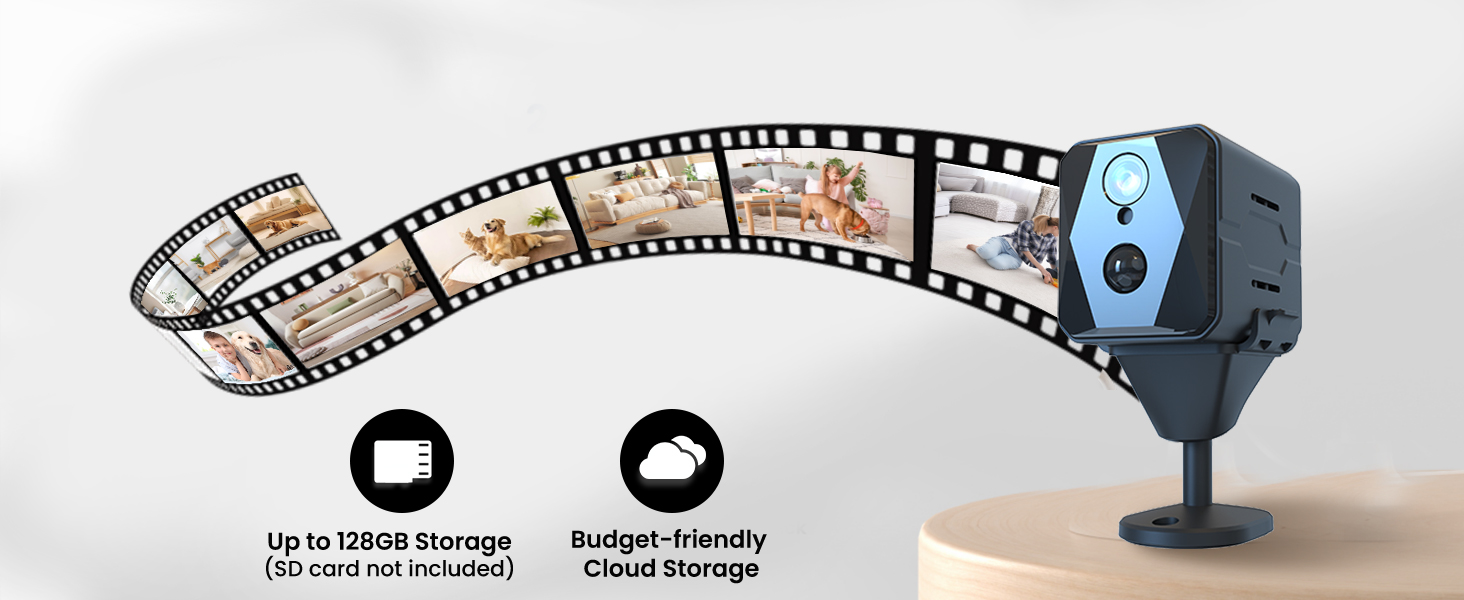
- Ийкемдүү сактагыч: Supports encrypted cloud backup and local TF card storage (up to 128GB, card not included).
- Компакттуу жана көчмө: Easy to install and move without drawing attention.
- Үй-бүлөлүк бөлүшүү: Allows multiple users to view the camera feed via the app.


4. Орнотуу нускамалары
4.1 Камераны заряддоо
Before initial use, fully charge your vebiliki F13 camera using the provided USB-C charging cable. Connect the cable to the camera's USB-C port and a compatible USB power adapter (not included). The charging indicator light will show the charging status and turn off when fully charged.
4.2 Колдонмону жүктөп алуу жана каттоо эсебин каттоо
- Scan the QR code in the instruction manual or search for the recommended app (e.g., 'HIDVCAM' or 'UBox' as per manual) in your smartphone's app store (App Store for iOS, Google Play for Android).
- Колдонмону жүктөп алып, орнотуңуз.
- Open the app and register for a new account using your email address. Follow the on-screen prompts to complete registration and verification.
4.3 Wi-Fiга туташуу
- Ensure your camera is powered on and within range of your 2.4GHz Wi-Fi network. (Note: The camera supports 2.4GHz Wi-Fi only).
- Колдонмодо жаңы түзмөк кошуу үчүн "+" сүрөтчөсүн таптаңыз.
- Select the option to add a device via Wi-Fi or Bluetooth network configuration.
- Follow the app's instructions to connect the camera to your home Wi-Fi network. This usually involves selecting your Wi-Fi network and entering the password.
- Once connected, you can name your device (e.g., 'Living Room', 'Nursery', 'Office').
5. Иштөө нускамалары
5.1 Live View жана Жаздыруу
Once connected, open the app to access the live video feed from your camera. You can view the feed in real-time, take screenshots, and manually record video clips directly from the app interface. The 4K UHD resolution ensures a clear picture.

5.2 Кыймылды аныктоо жана эскертүүлөр
The camera features advanced AI motion detection. When motion is detected, the camera will automatically begin recording and send an instant push notification to your smartphone. You can customize the sensitivity of the motion detection and review motion-triggered clips within the app.

5.3 Түнкү көрүнүш
The vebiliki F13 is equipped with enhanced infrared night vision, allowing it to capture clear footage even in complete darkness. The night vision mode activates automatically when ambient light is low, ensuring 24/7 monitoring capability.

6. Монтаждоо жана жайгаштыруу
The compact design and included mounting bracket make installation simple and versatile. The camera can be placed on a flat surface, attached to a wall, or mounted on a shelf or ceiling.
- Use the adhesive backing on the mounting bracket to secure it to a clean, flat surface.
- The camera magnetically attaches to the bracket, allowing for easy adjustment of the viewбурч.
- For optimal performance, place the camera in a location that provides a clear view of the area you wish to monitor, ideally within 16 feet for effective motion detection and night vision.


7. Батареяны башкаруу
The vebiliki F13 camera is designed for extended use with its built-in rechargeable battery. It offers up to 100 days of standby time or 15-20 days of continuous operation on a full charge, depending on usage patterns and settings (e.g., frequency of motion detection). Regularly check the battery level via the app and recharge as needed to ensure uninterrupted surveillance.

8. Сактоо параметрлери
Your vebiliki F13 camera offers two secure options for storing your video footage:
- TF карта сактоо: Insert a TF (microSD) card (up to 128GB, not included) into the designated slot on the camera. Footage will be recorded locally onto the card, ensuring your video history is protected even without an internet connection.
- Булуттагы сактагыч: For added security and accessibility, you can subscribe to the encrypted cloud storage service through the app. This allows for remote access to your recordings and protects against data loss if the device is lost or damaged.
9. Advanced App Features
The companion app provides a range of features to enhance your surveillance experience:
- Ыңгайлаштырылган Орнотуулар: Adjust motion detection sensitivity, recording schedules, and other monitoring options.
- Үй-бүлөлүк бөлүшүү: Easily share camera access with trusted family members, allowing multiple users to view түз эфир жана жаздыруулар бир убакта.
- Эки тараптуу аудио: (If applicable, check product for this feature) Communicate through the camera using the app.
10. Техникалык шарттар
| Өзгөчөлүк | Деталь |
|---|---|
| Модель аты | F13 |
| Видео тартуунун резолюциясы | 4K |
| Viewбурч | 140 градус |
| Түнкү көрүү диапазону | 16 Фут |
| Байланыш технологиясы | Зымсыз (Wi-Fi 2.4 ГГц) |
| Power Source | Батарея менен иштейт (1 C батарейкасы камтылган) |
| Флэш эс тутумдун максималдуу өлчөмү | 128 ГБ (TF картасы) |
| Элементтин өлчөмдөрү L x W x H | 2 x 1 x 1 дюйм |
| Элемент Салмагы | 7.4 унция |
| Материал | Акрилонитрил бутадиен стирол (ABS) |
| Ички/тышкы колдонуу | Indoor |
11. Кыйынчылыктарды
- Камера Wi-Fi'га туташпай жатат: Ensure your Wi-Fi network is 2.4GHz. Check your Wi-Fi password for accuracy. Make sure the camera is within range of your router. Try resetting the camera and repeating the connection process.
- Видеонун сапаты начар: Check your Wi-Fi signal strength in the camera's location. Ensure the camera lens is clean.
- Кыймылды аныктоо иштебей жатат: Verify that motion detection is enabled in the app settings. Adjust the PIR sensitivity if needed.
- Батареянын бат түгөнүп калышы: Көп түз эфирде viewing, continuous recording, or high motion detection activity can reduce battery life. Adjust settings to power-saving modes if available.
- SD card issues: Ensure the TF card is correctly inserted and formatted within the app. Use a high-quality TF card (Class 10 or higher).
12. Кепилдик жана колдоо
For warranty information and technical support, please refer to the contact details provided in the included instruction manual or visit the official vebiliki webсайт. Кепилдик дооматтары үчүн сатып алуу дүмүрчөгүңүздү сактаңыз.