
Introduction
This manual provides detailed instructions for the setup, operation, and maintenance of your Jectse 5G Mobile Hotspot. Please read this manual thoroughly before using the device to ensure proper functionality and to maximize your user experience. Keep this manual for future reference.
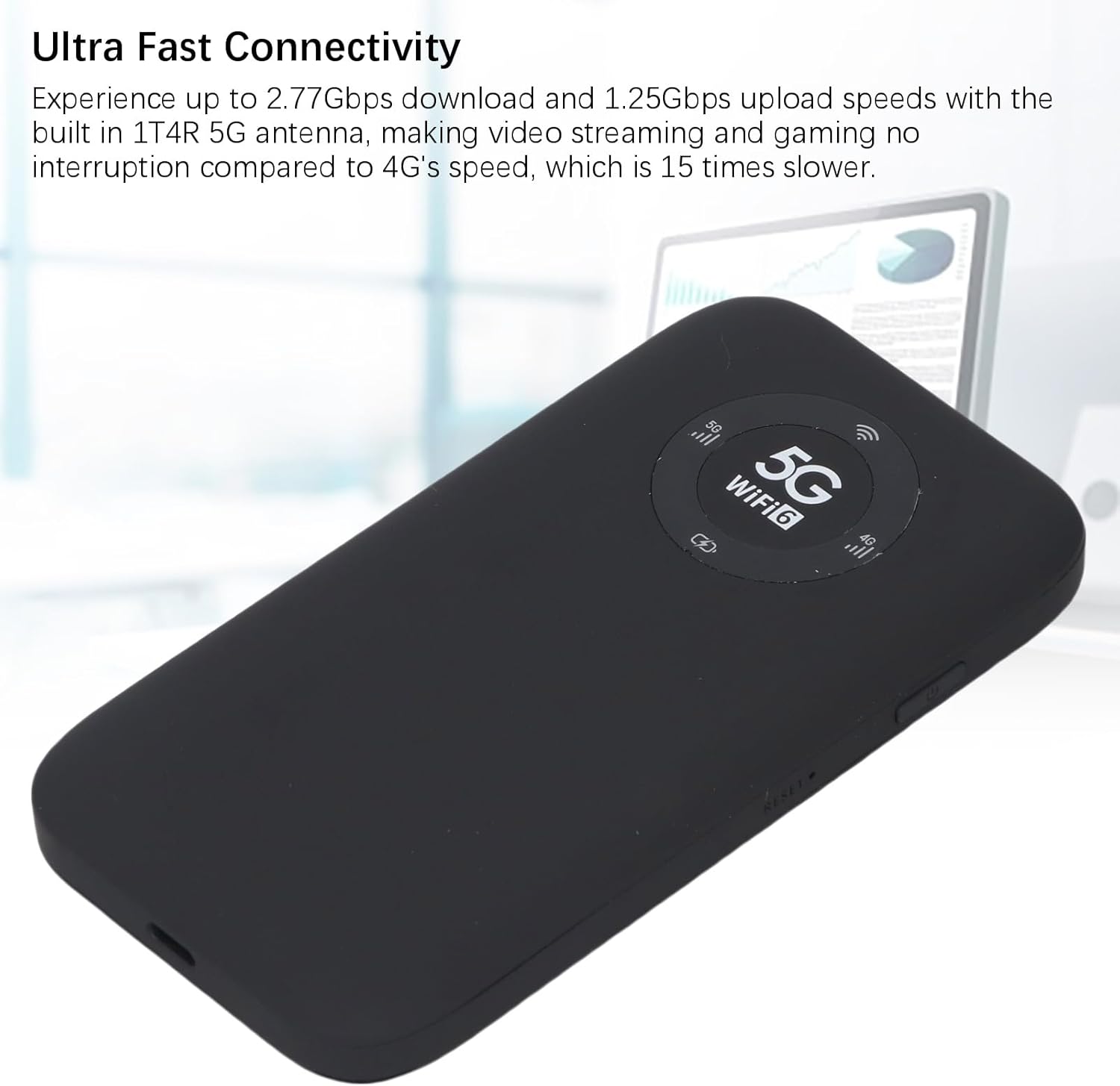
Image: The Jectse 5G Mobile Hotspot, a compact and portable device designed for high-speed 5G and WiFi 6 connectivity.
Продукт бүттүview
Негизги өзгөчөлүктөрү
- Ultra-Fast 5G Connectivity: Supports up to 2.77Gbps download and 1.25Gbps upload speeds with a built-in 1T4R 5G antenna.
- Extensive Network Band Support: Compatible with multiple 5G NR bands (FDD: N1, N3, N28; TDD: N41, N78) and 4G bands (TDD LTE: B34, 38, 39, 40, 41; FDD LTE: B1, B3, B5, B8), and 3G band B1.
- Кош тилкелүү WiFi 6: Offers 2.4GHz and 5.8GHz WiFi connectivity (802.11 a/b/g/n/ac/ax protocols) for up to 16 devices simultaneously.
- Узак мөөнөттүү батарея: Equipped with a 7100mAh Li-Ion battery for extended use.
- Күчтүү дизайн: Features an IP67 rating, making it drop-proof, dust-proof, and rain-proof.
- User-Friendly LED Display: Provides information on data usage, signal strength, WiFi credentials, and device settings.
- SIM карта слоту: Supports SIM card compatibility for ease of setup (SIM card not included).
Пакеттин мазмуну
Продукт пакетине төмөнкүлөр кирет:
- 1 x Jectse 5G Mobile Hotspot
- 1 x USB кабели (Type-C)
- 1 х Колдонуучунун колдонмосу (бул документ)
- 1 x SIM Card Eject Pin

Image: The Jectse 5G Mobile Hotspot device shown alongside its included USB-C charging cable and a SIM card eject pin.
Орнотуу колдонмосу
1. SIM картаны орнотуу
- Аппараттын өчүрүлгөнүн текшериңиз.
- Locate the SIM card slot on the side of the hotspot.
- Insert the provided SIM eject pin into the small hole next to the SIM card tray. Press gently until the tray pops out.
- Place your activated Nano-SIM card into the tray with the gold contacts facing down and the notched corner aligned correctly.
- Carefully push the SIM card tray back into the slot until it clicks into place.
2. Аппаратты заряддоо
- Connect the USB-C cable to the charging port on the hotspot.
- USB кабелинин экинчи учун туура келген USB кубат адаптерине (кошумча эмес) же компьютердин USB портуна туташтырыңыз.
- The LED indicator on the device will show charging status. A full charge is recommended before first use.
3. Күйгүзүү / Өчүрүү
- Күйгүзүү үчүн: Press and hold the Power button (usually located on the side) for a few seconds until the screen or LED indicators light up.
- Өчүрүү үчүн: Press and hold the Power button until the device prompts you to power off or the indicators turn off.
Иштөө нускамалары
1. Түзмөктөрдү хотспотко туташтыруу
- Ensure the Jectse 5G Mobile Hotspot is powered on.
- On your WiFi-enabled device (smartphone, laptop, tablet), open the WiFi settings.
- Scan for available WiFi networks.
- Select the network name (SSID) displayed on your hotspot's screen or indicated in the manual.
- Enter the WiFi password (Key) displayed on the hotspot's screen or in the manual.
- Once connected, your device will have internet access through the hotspot. Up to 16 devices can be connected simultaneously.

Image: The Jectse 5G Mobile Hotspot showing its display with 5G and WiFi 6 indicators, ready for device connection.
2. LED индикаторлорун түшүнүү
The device features an LED light display that provides essential information:
- Сигнал күчү: Indicates the strength of the 5G/4G cellular signal.
- Батарея деңгээли: Shows the current battery charge status.
- WiFi абалы: Confirms if WiFi is active and broadcasting.
- Дайындардын колдонулушу: May display current data consumption (check device interface for details).
- Тармак түрү: Indicates whether the device is connected to a 5G or 4G network.
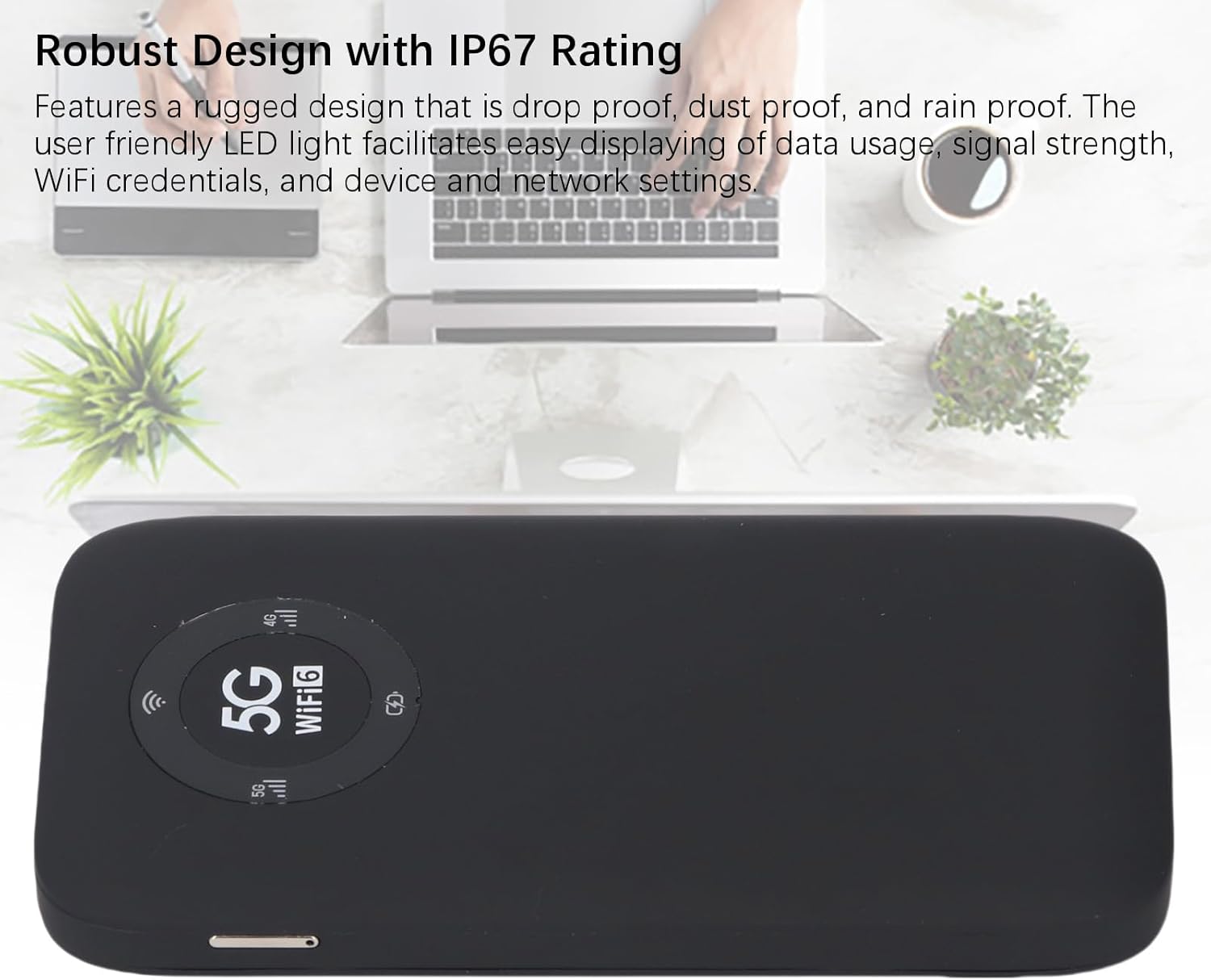
Image: A close-up of the Jectse 5G Mobile Hotspot's LED display, highlighting the 5G and WiFi 6 indicators, along with signal and battery icons.
3. Кирүү Web Management Interface (if applicable)
For advanced settings and configuration, you may access the device's web башкаруу интерфейси:
- Connect your computer or smartphone to the hotspot's WiFi network.
- ачуу а web browser and enter the default IP address (e.g., 192.168.0.1 or 192.168.1.1). This address is usually found on a sticker inside the SIM card slot or in the quick start guide.
- Enter the default username and password (also typically found on the device sticker or in documentation).
- From web interface, you can manage WiFi settings, change passwords, view туташкан түзмөктөрдү жана маалыматтарды колдонууну көзөмөлдөө.
Техникалык тейлөө
Батареяга кам көрүү
- Аппаратты экстремалдык температурага (0°C төмөн же 45°C жогору) тийгизүүдөн сактаңыз.
- Түзмөктү узак убакыт бою толугу менен зарядсыз абалда калтырбаңыз.
- Узак мөөнөткө сактоо үчүн, батареяны болжол менен 50-70% га чейин заряддаңыз.
- Заряддоо үчүн берилген USB кабелин гана колдонуңуз.
Тазалоо
- Аппаратты жумшак, кургак, түксүз чүпүрөк менен сүртүңүз.
- Суюк тазалоочу каражаттарды, аэрозолдорду же эриткичтерди колдонбоңуз.
- Бардык порттор чаңдан жана таштандыдан таза экенин текшериңиз.
Проблемаларды чечүү
| Көйгөй | Мүмкүн себеп | Чечим |
|---|---|---|
| Интернет байланышы жок |
|
|
| WiFi'га туташуу мүмкүн эмес |
|
|
| Түзмөк күйбөй жатат |
|
|
Техникалык шарттар
| Өзгөчөлүк | Деталь |
|---|---|
| Модель номери | Jectses1yn2px9gw-11 |
| Өлчөмдөр | Approx. 136x72x16mm (5.35x2.83x0.63in) |
| Салмагы | 10.6 унция |
| Батарея | 7100mAh Li-Ion Battery (Built-in) |
| Эс | LPDDR4X 4GB RAM, NAND 2GB ROM |
| Заряддоо порту | USB-C |
| SIM карта түрү | Nano-SIM (Not Included) |
| Уюлдук тармак | 3GPP Rel.15, 5G NR (SA/NSA, Sub 6G), LTE Category 18 |
| 5G NR тилкелери | FDD: N1, N3, N28; TDD: N41, N78 |
| 4G тилкелери | FDD: B1, B3, B5, B8; TDD: B34, B38, B39, B40, B41 |
| 3G тобу | B1 |
| WiFi тилкелери | WiFi6 2.4GHz, 5.8GHz |
| WiFi протоколу | 802.11 a, b, g, n, ac, ax |
| Max WiFi Connections | Up to 16 Devices Simultaneously |
| NR Download Rate | 2.77Gbps (DL) |
| NR Upload Rate | 1.25Gbps (UL) |
| IP рейтинги | IP67 (Drop-proof, Dust-proof, Rain-proof) |
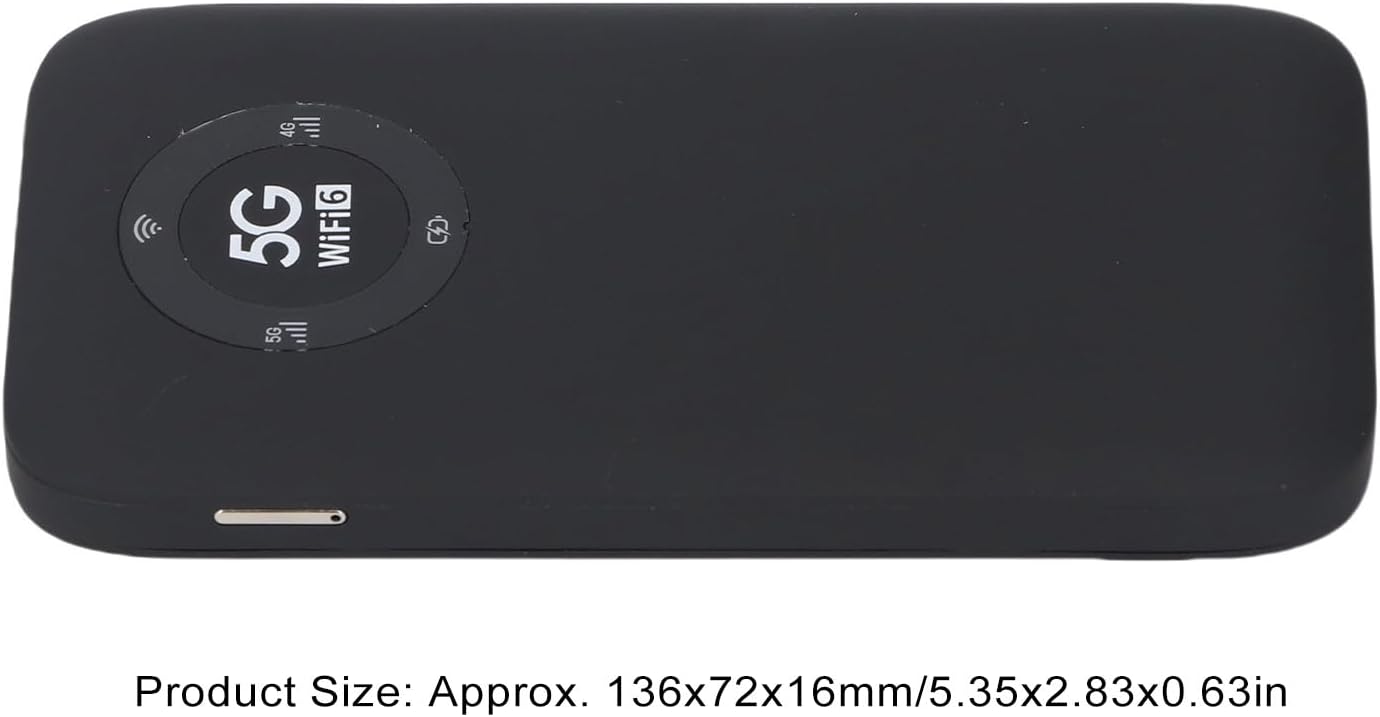
Image: The Jectse 5G Mobile Hotspot, illustrating its compact size with approximate dimensions of 136x72x16mm.
Маанилүү эскертүүлөр
- Сатып алуудан мурунasing, ensure that your local network signal frequency band and the SIM card frequency band are compatible with the supported frequency bands of this product.
- This product does not support use in South America, Japan, and South Korea regions.
Кепилдик жана колдоо
For warranty information and technical support, please refer to the documentation provided with your purchase or contact Jectse customer service through their official channels. Specific warranty terms may vary by region and retailer.
кире аласыз Jectse Store on Amazon көбүрөөк маалымат алуу үчүн же колдоо бөлүмүнө кайрылыңыз.