
Introduction
This manual provides essential instructions for the proper setup, operation, and maintenance of your ASHATA Sport DV Camera. This device is designed for capturing high-resolution video and photos during outdoor activities, featuring a 170-degree wide-angle lens and IP67 waterproofing.
Пакеттин мазмуну
Төмөндө тизмеленген нерселердин баары пакетиңизге камтылганын текшериңиз:
- 1 x ASHATA Sport DV Camera
- 1 х кашаа
- 1 x Желим чаптама
- 1 x USB кабели
- 1 х Колдонуучунун колдонмосу (бул документ)

Figure 1: Included components of the ASHATA Sport DV Camera package.
Жайгашуу
1. Камераны заряддоо
The camera has a built-in 450mAh battery. Before first use, fully charge the camera using the provided USB cable connected to a power source (e.g., computer USB port or USB wall adapter). The charging indicator light will show the charging status.
2. Эстутум картасын салуу
The camera requires a storage card (maximum support 128GB, not included) to save recordings and photos. Locate the memory card slot on the camera and insert a compatible card. Ensure the card is inserted correctly to avoid damage.
Эскертүү: If the blue light flashes upon power-on, it indicates that no memory card is inserted or the card is not recognized.
3. Камераны орнотуу
The ASHATA Sport DV Camera is designed for versatile mounting. Use the included bracket and adhesive sticker to secure the camera to helmets, bicycles, motorcycles, or other compatible surfaces. Ensure the mount is stable and the camera is securely attached before use.

Figure 2: The camera securely mounted on a helmet, ready for action.
Иштөө нускамалары
1. Күйгүзүү / Өчүрүү
Press and hold the power button to turn the device on. The blue indicator light will illuminate. To power off, press and hold the power button again until the light turns off.
2. Memory Card Status Indication
- If the blue light flashes, no memory card is inserted or detected.
- If the blue light stays on constantly, a memory card is inserted and ready for use.
3. Сүрөт тартуу
With the camera powered on and a memory card inserted, press the power switch once briefly to take a photo. The camera will capture an image at 1280 x 960 resolution.
4. Видео жаздыруу
To start video recording, press the record switch. The blue light will flash continuously, indicating that recording is in progress. The video resolution is 1280 x 960. To stop recording, press the record switch again. The blue light will stop flashing and return to a steady state.

Сүрөт 3: Алдыңкы view of the ASHATA Sport DV Camera, highlighting its wide-angle lens and resolution capabilities.
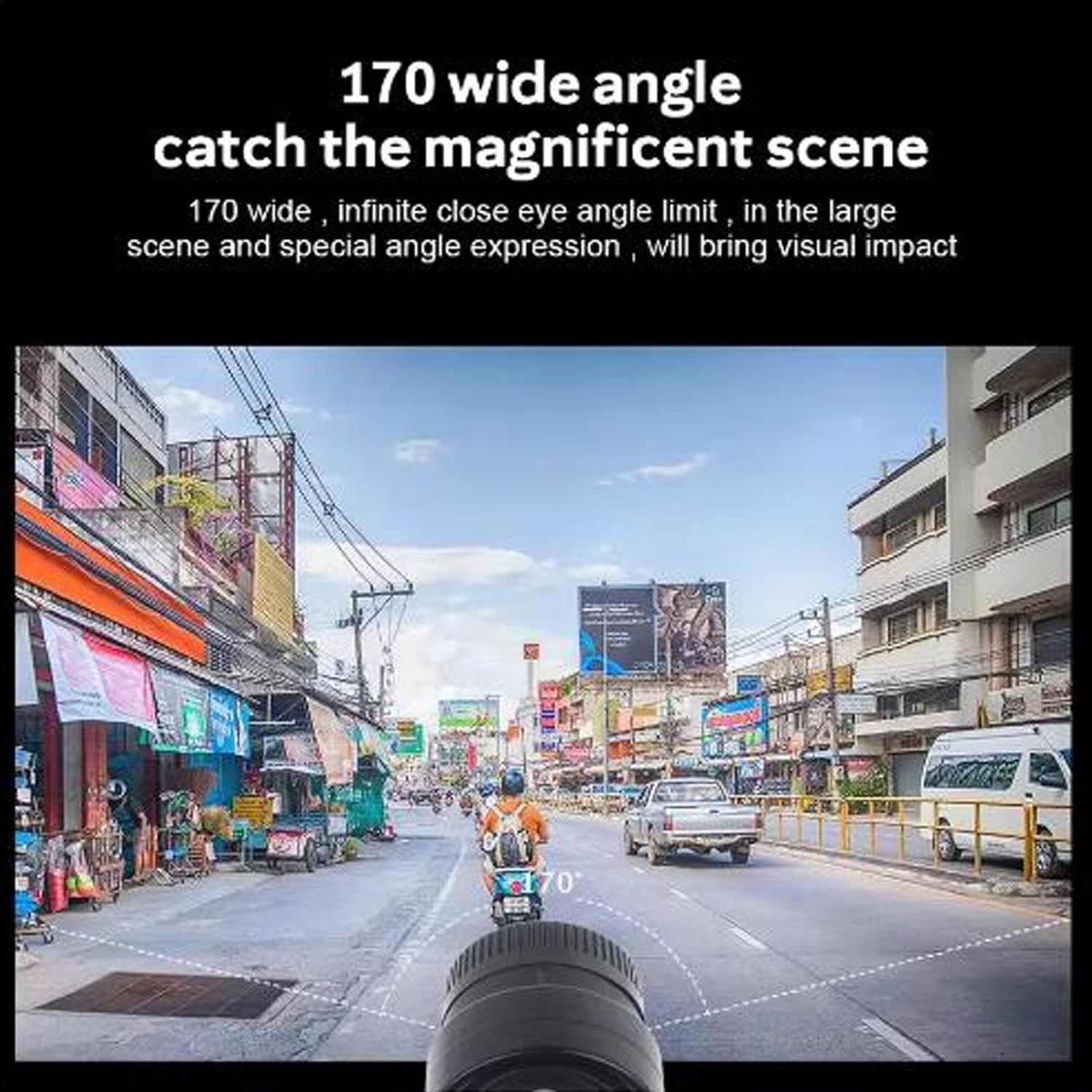
Figure 4: Illustration of the camera's 170-degree wide-angle field of view.
Техникалык тейлөө
Тазалоо
The camera is IP67 waterproof, offering protection against dust and temporary immersion in water. After use in wet or dusty conditions, gently wipe the camera body with a soft, damp cloth. Ensure the lens is clean for optimal image quality. Do not use harsh chemicals or abrasive materials.
Батареяга кам көрүү
To prolong battery life, avoid fully discharging the battery frequently. Store the camera in a cool, dry place when not in use for extended periods. Recharge the battery periodically if stored for a long time.
Проблемаларды чечүү
- Камера күйбөйт: Ensure the battery is charged. Connect the camera to a power source using the USB cable and try again.
- Blue light flashes continuously: This indicates no memory card is inserted or the inserted card is not recognized. Insert a compatible memory card (up to 128GB) or re-insert the existing one. Ensure it is properly seated.
- Сүрөт/видео сапаты начар: Check if the lens is clean and free from smudges or dirt. Ensure there is adequate lighting for recording.
- Камера катып калат же жооп бербей калат: Try resetting the device by pressing and holding the power button for an extended period (e.g., 10-15 seconds) until it powers off. If the issue persists, ensure the memory card is not corrupted.
Техникалык шарттар
| Элемент түрү | Sport DV Camera |
| Материал | ABS |
| Lens Angle | 170° |
| Video Resolution | 1280 x 960 |
| Video Format | AVI |
| Сүрөттүн резолюциясы | 1280 x 960 |
| Фото формат | JPG |
| Сактоо картасы | Максималдуу колдоо 128 ГБ (камтылган эмес) |
| Батарея сыйымдуулугу | 450 мАч (орнотулган) |
| Гидроизоляция | IP67 |
| Өлчөмдөрү (болжол менен) | 94мм (L) x 30mm (W) x 12.8mm (H) |
| Элемент Салмагы | 4.7 унция |
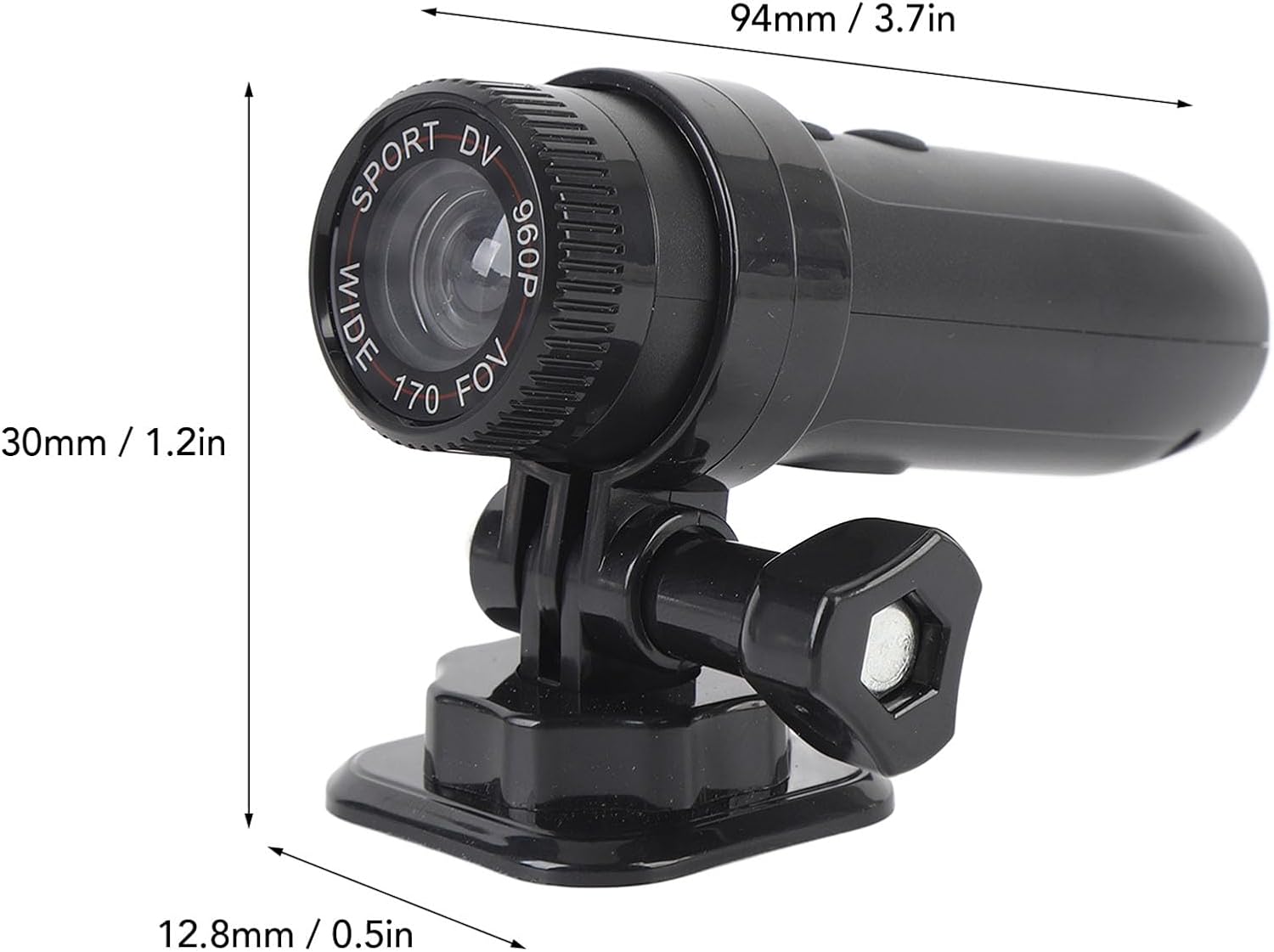
Figure 5: Approximate dimensions of the ASHATA Sport DV Camera.
Кепилдик маалымат
For detailed warranty information, please refer to the product packaging or the official ASHATA webсайт. Сатып алуу квитанциясын кепилдик дооматтары үчүн сатып алуунун далили катары сактаңыз.
Кардарларды колдоо
If you encounter any issues or have questions not covered in this manual, please contact ASHATA customer support for assistance. Refer to the product packaging or the manufacturer's webбайланыш маалыматы үчүн сайт.


