
1. Киришүү
This manual provides essential information for the proper setup, operation, and maintenance of your KTC 27M1 27-inch QHD 210Hz Fast IPS Gaming Monitor. This monitor features a native 2560 x 1440 QHD resolution, a 210Hz refresh rate, 1ms (MPRT) response time, built-in dual 2W speakers, and a detachable shielding hood for an optimized viewтажрыйбасы.

Figure 1: KTC 27M1 27-inch QHD 210Hz Fast IPS Gaming Monitor with Shielding Hood.
2. Кутуда эмне бар
Пакетте бардык компоненттер бар экенин текшериңиз:
- Монитор x1
- Негизги x1
- Monitor Shielding Hood x2
- Quick Start Guide (QSG) x1
- DisplayPort (DP) Cable x1
- Адаптер x1
- Электр кабели x1

Figure 2: Package contents for the KTC 27M1 monitor.
3. Орнотуу
3.1. Монитор Ассамблеясы
- Carefully remove the monitor and base from the packaging.
- Attach the base to the monitor stand. Ensure it clicks securely into place.
- Attach the monitor shielding hoods to the sides of the monitor. These are designed to absorb light and reduce reflections, enhancing visual immersion.
3.2. Мониторду туташтыруу
The KTC 27M1 monitor offers versatile connectivity options:
- DisplayPort 1.4 (DP): Supports up to 200Hz (overclocked to 210Hz) QHD resolution. Use the included DP cable for optimal performance.
- HDMI2.0: Supports up to 144Hz QHD resolution.
- USB 2.0: For firmware upgrades only.
- Наушник джек: Аудио чыгаруу үчүн.
Connect the appropriate cable(s) from your computer or device to the monitor. Then, connect the power adapter and power cord to the monitor and a power outlet.
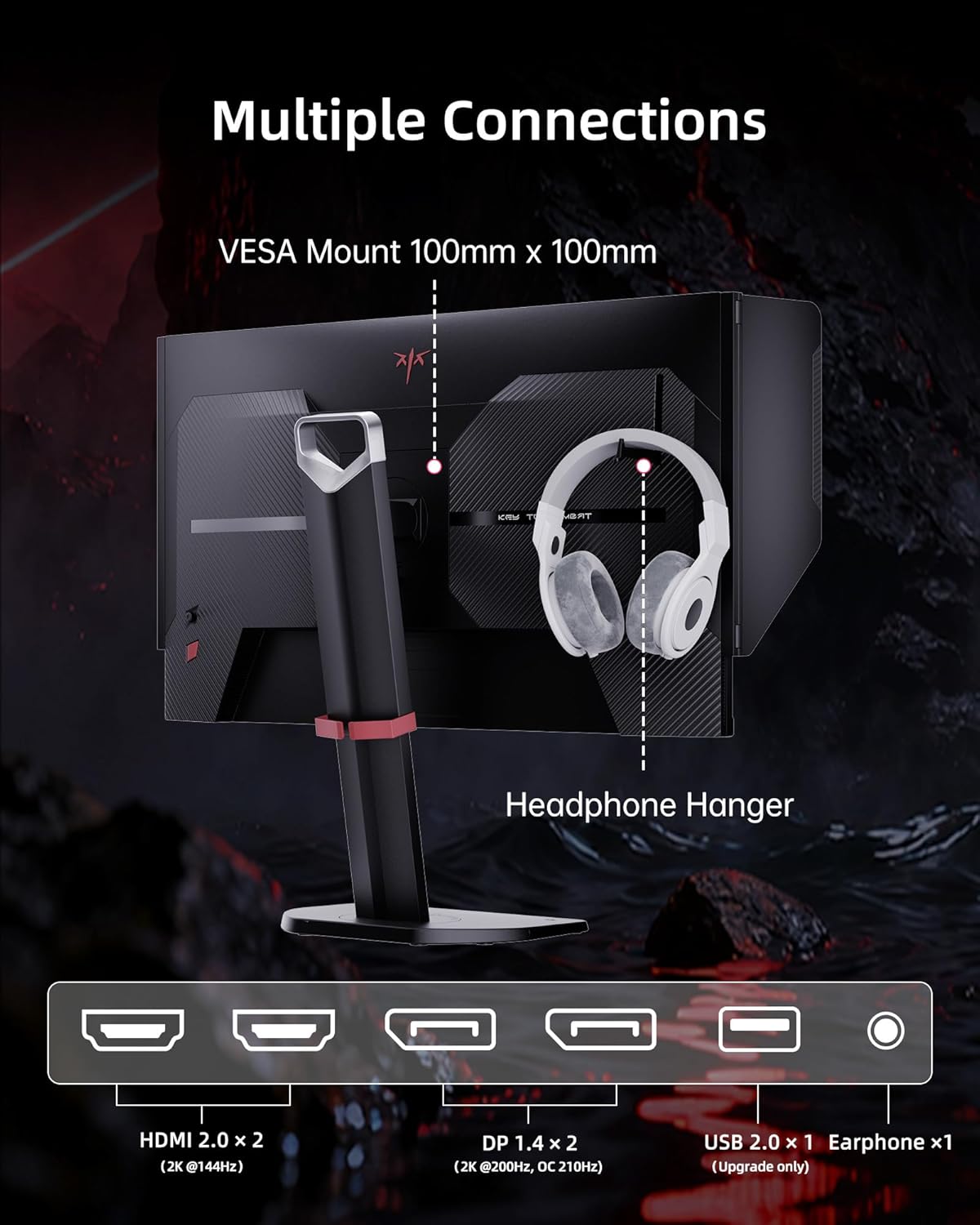
Figure 3: Multiple connection options and features on the KTC 27M1 monitor.
4. Мониторду иштетүү
4.1. Күйгүзүү/өчүрүү
Аны күйгүзүү же өчүрүү үчүн монитордо жайгашкан кубат баскычын басыңыз.
4.2. Экрандагы дисплей (OSD) менюсунун навигациясы
The monitor features a 5-way navigation joystick for easy access and control of the OSD menu. Push the joystick in to open the menu, then move it up, down, left, or right to navigate and select options.
4.3. Дисплей орнотуулары
- Чечим: The monitor supports a native 2560 x 1440 QHD resolution for sharp and clear visuals.
- Жаңыртуу ылдамдыгы: Enjoy a smooth experience with a 210Hz refresh rate (when overclocked via DisplayPort 1.4).
- Жооп убактысы: A 1ms (MPRT) response time minimizes motion blur and ghosting.
- Түс тактыгы: Features 130% sRGB color gamut area, 1.07 billion colors, 1000:1 contrast ratio, and 450cd/m² brightness with HDR support for professional, true-to-life colors.

Figure 4: QHD 2K Resolution for clear visual detail.
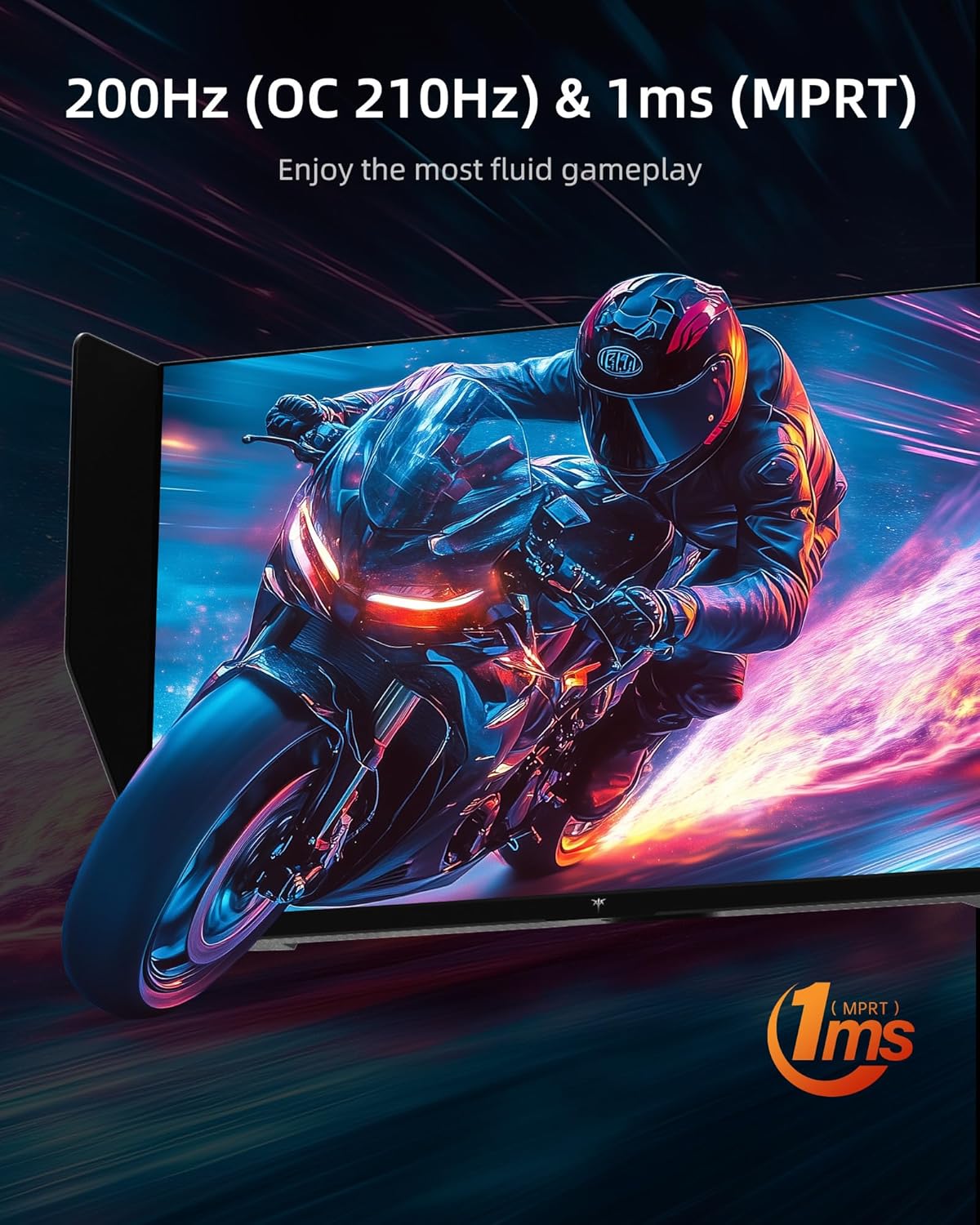
Figure 5: High refresh rate and fast response time for fluid gameplay.
4.4. Оюн функциялары
- Адаптивдүү синхрондоштуруу: Supports Adaptive Sync technology for tear-free and stutter-free gaming.
- Overdrive: Adjust the overdrive setting for faster pixel response times.
- MPRT: Motion Picture Response Time can be enabled for reduced motion blur.
- Оюндун жардамчысы: Access various in-game enhancements like crosshairs or timers.
- Кара эквалайзер: Adjust dark areas in games for better visibility.
- Game Mode/FPS Mode: Pre-set display modes optimized for different game genres.
4.5. Аудио
The monitor includes built-in dual 2W speakers, providing convenient audio without external speakers. An earphone jack is also available for private listening.
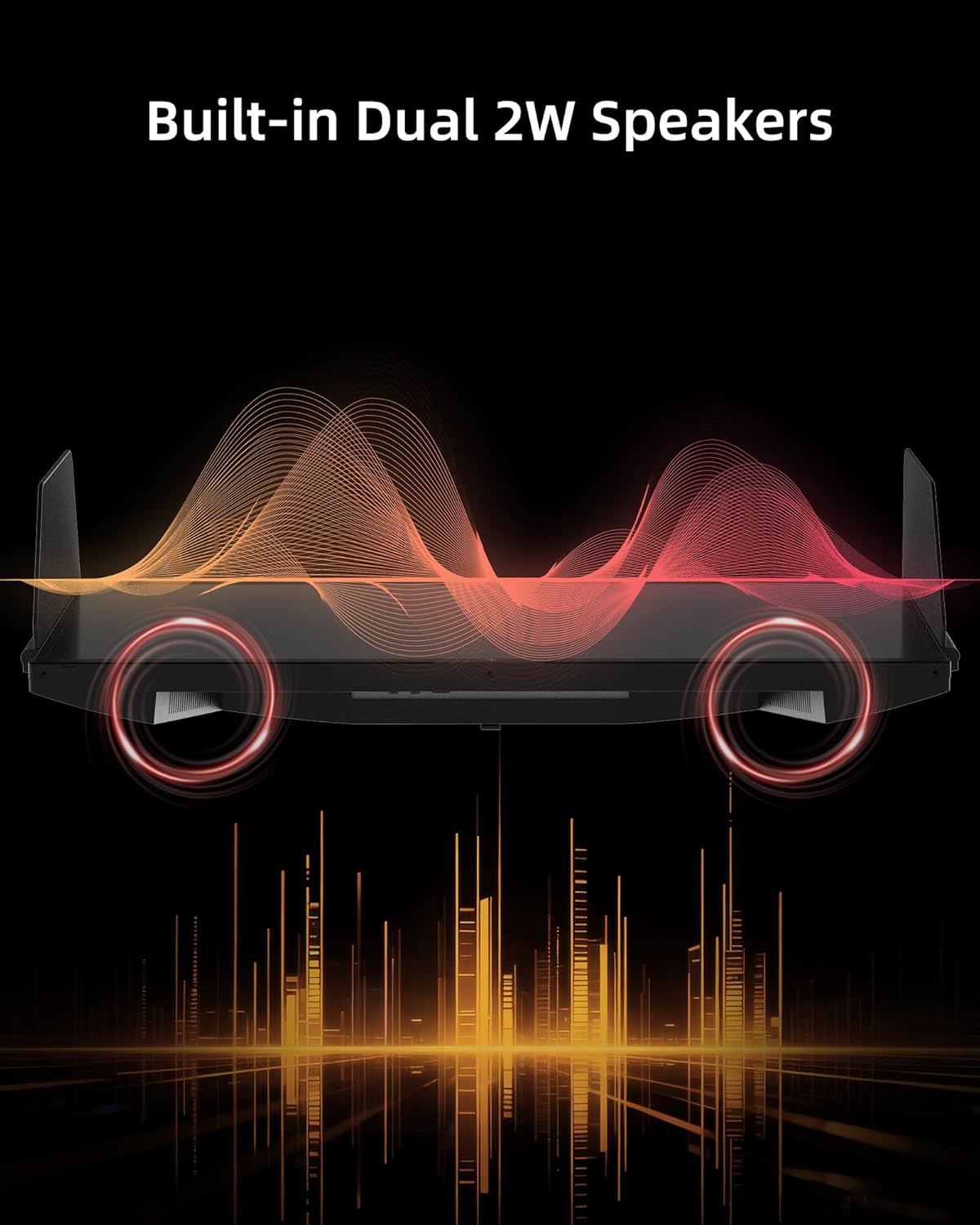
Figure 6: Built-in Dual 2W Speakers.
4.6. Shielding Hood
The detachable monitor hood, made of flocking material, helps eliminate frame reflections by absorbing ambient light. This enhances visual immersion and image contrast, and also provides a soft texture with sound-absorbing effects.

Figure 7: Detachable Monitor Hood to eliminate ambient light and reflection.
4.7. Эргономикалык тууралоо
The monitor stand supports a range of adjustments for optimal viewсооронуч:
- Бийиктигин тууралоо: 150±5мм
- Россия: -5°тан 35°ка чейин
- Айлануучу: -60°тан 60°ка чейин
- Пивот: -5° to 90° (for vertical orientation)
The monitor also supports VESA 100 x 100 mm mounting for alternative mounting solutions.

Figure 8: Flexible angle adjustments for personalized viewing.
4.8. Eye Comfort Features
The monitor incorporates low blue light and flicker-free technologies to reduce eye strain and enhance comfort during prolonged use.
4.9. Расмий продукт Video
Видео 1: Бүттүview of the KTC 27 Inch 210Hz 2K Gaming Monitor with Shielding Hood, showcasing анын өзгөчөлүктөрү жана дизайны.
5. Техникалык тейлөө
Мониторуңуздун узак иштөөсүн жана оптималдуу иштешин камсыз кылуу үчүн төмөнкү тейлөө көрсөтмөлөрүн аткарыңыз:
- Экранды тазалоо: Экранды жумшак, түксүз чүпүрөк менен акырын сүртүңүз. өжөр белгилер үчүн, гampen the cloth slightly with water or a mild, non-abrasive screen cleaner. Avoid using harsh chemicals or abrasive materials.
- Тазалоо Casing: Мониторду тазалоо үчүн жумшак, кургак чүпүрөктү колдонуңуз casing.
- Сактагыч: If storing the monitor for an extended period, place it in its original packaging or a protective cover in a cool, dry place.
6. Кыйынчылыктарды
If you encounter any issues with your KTC 27M1 monitor, refer to the following common problems and solutions:
- Дисплей жок:
- Кубат кабели мониторго да, розеткага да бекем туташтырылганын текшериңиз.
- Verify that the video cable (DP or HDMI) is correctly connected to both the monitor and your computer/device.
- OSD менюсунда туура киргизүү булагы тандалганын текшериңиз.
- Мүмкүн болсо, мониторду башка түзмөк же кабель менен текшериңиз.
- Жаркылдаган экран:
- Видео кабели коопсуз туташтырылганын текшериңиз.
- Check your graphics card drivers and update them if necessary.
- Disable any overclocking settings if enabled.
- Verify that the refresh rate is set correctly in your operating system's display settings.
- Түс маселелери:
- Adjust color settings (brightness, contrast, color temperature) in the OSD menu.
- Ensure HDR is enabled or disabled as desired in both the monitor's OSD and your device's settings.
- OSD менюсу аркылуу мониторду заводдук демейки жөндөөлөргө кайтарыңыз.
- Динамиктерден үн жок:
- Check the volume level on the monitor and your connected device.
- Ensure the audio output is correctly routed to the monitor in your device's sound settings.
- If using the earphone jack, ensure headphones are properly plugged in.
7. Техникалык шарттар
| Өзгөчөлүк | Спецификация |
|---|---|
| Модель номери | 27М1 |
| Screen Size | 27 дюйм |
| Резолюция | 2560 x 1440 Pixels (QHD Wide 1440p) |
| Жаңыртуу ылдамдыгы | 210Hz (OC) via DisplayPort 1.4, 144Hz via HDMI 2.0 |
| Жооп убактысы | 1 мс (MPRT) |
| Панел түрү | Ыкчам IPS |
| Аспект катышы | 21:9 |
| Түс гаммасы | 130% sRGB |
| Түстөр колдоого алынат | 1.07 миллиард |
| Контраст катышы | 1000:1 |
| Жарыктык | 450 кд/м² |
| HDR колдоо | Ооба |
| Баяндамачылар | Камтылган кош 2 Вт динамиктер |
| Байланыш | DisplayPort 1.4 x2, HDMI 2.0 x2, USB 2.0 x1 (Upgrade only), Earphone x1 |
| VESA тоосу | 100 x 100 мм |
| Эргономика | Height Adjustment (150±5mm), Tilt (-5°~35°), Swivel (-60°~60°), Pivot (-5°~90°) |
| Көзгө кам көрүү өзгөчөлүктөрү | Low Blue Light, Flicker-Free |
| Продукциянын өлчөмдөрү | 8.03 x 24.09 x 21.18 дюйм |
| Элемент Салмагы | 12.54 фунт |
8. Кепилдик жана колдоо
KTC provides a three-year warranty for the 27M1 monitor. For any issues or inquiries, please contact Ktcmonitor-Official customer support. They aim to respond within 12 hours.
You can typically find contact information on the seller's page or through your purchase platform.