
Introduction
The BEREST A10 Baby Lovey Music Box is designed to provide a soothing environment for newborns and infants, aiding in peaceful sleep. This device features 10 calming sounds, a smart cry sensor, an adjustable timer, a recording function, and a rechargeable battery. This manual provides essential information for the safe and effective use of your BEREST A10.
Коопсуздук маалыматы
- Do not use the device in the bath or near water.
- Do not use the USB cable while the machine is in use.
- Бул түзмөк оюнчук эмес. Аны балдар жетпеген жерде сактаңыз.
- Use the device within recommended noise levels to prevent potential hearing damage.
Пакеттин мазмуну
Сураныч, төмөнкү нерселер үчүн кутучаны белгилеңиз:
- BEREST A10 Music Box
- C түрүндөгү кубаттоочу кабель
- User Manual
- Gifted Box

Image: Contents of the BEREST A10 package, including the music box, charging cable, and manual.
Продукт бүттүview
The BEREST A10 is a compact and versatile sleep soother. Its main features include:
- 10 Тынчтандыруучу үн: Includes 2 heartbeat sounds, white noise, rain, shushing, and 5 different lullabies.
- Smart Baby Cry Sensor: Automatically detects baby's crying and plays soothing sounds for 30 minutes.
- Жөнгө салынуучу таймер: Set for 15, 30, or 60 minutes, or enable continuous play.
- Жазуу функциясы: Allows for up to 120 seconds of personalized recording.
- Кайра заряддалуучу литий батареясы: Provides long-lasting power, eliminating the need for disposable batteries.
- Жөндөлүүчү үндү башкаруу: Fine-tune the sound level to protect infant hearing.
- Компакт дизайн: Measures 2.52 x 2.52 x 1.38 inches, designed to fit seamlessly into most plush toys and loveys.

Image: The BEREST A10 Music Box shown with various plush toys, highlighting its small size and versatility.
Жайгашуу
1. Аппаратты заряддоо
Before first use, fully charge the BEREST A10 using the provided Type-C charging cable. Connect the cable to the device and a suitable USB power source. The charging indicator light will show the charging status.
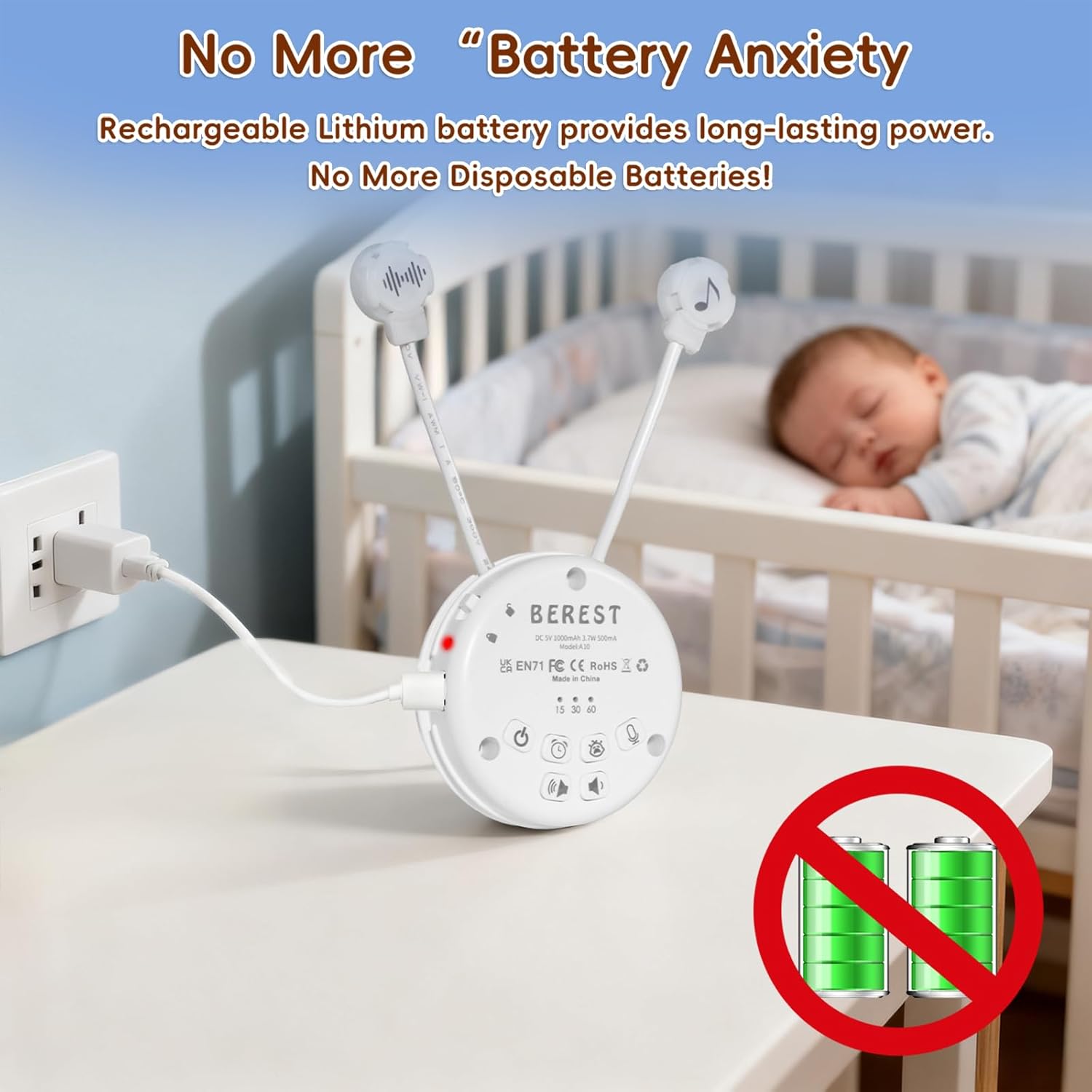
Image: The BEREST A10 Music Box being charged with its Type-C cable, indicating its rechargeable nature.
2. Inserting into a Plush Toy (Optional)
The compact design of the A10 allows it to be inserted into most plush toys or loveys. Locate the opening in your plush toy, gently insert the music box, and secure it if possible. Ensure the buttons are accessible if you plan to operate it while inside the plush.

Сүрөт: жакын план view of the BEREST A10 Music Box being placed inside a plush toy for integrated use.
Иштөө нускамалары
Familiarize yourself with the control buttons on the device:
Image: Labeled diagram of the BEREST A10 Music Box controls.
1. Күйгүзүү/өчүрүү
- басыңыз ON/OFF баскычы once to turn the device on.
- басып, кармап туруңуз ON/OFF баскычы аппаратты өчүрүү үчүн 3 секунд.
2. Үн тандоо
- When the device is on, short press the ON/OFF баскычы to cycle through the 10 available soothing sounds (2 heartbeats, white noise, rain, shushing, 5 lullabies).
- көпкө басыңыз ON/OFF баскычы for 3 seconds (while on) to enable continuous loop playing of all songs.

Image: The BEREST A10 Music Box providing 10 soothing sounds for a sleeping baby.
3. Үндү башкаруу
- басыңыз Үнүн жогорулатуу баскычы үн деңгээлин жогорулатуу үчүн.
- басыңыз Үндү азайтуу баскычы to decrease the sound level.
4. Таймер функциясы
- басыңыз Таймер баскычы to set the auto-off timer. The available options are 15, 30, or 60 minutes.
- If no timer is set, the device will play continuously until manually turned off or the battery runs out.

Image: The BEREST A10 Music Box with its timer function set to 15, 30, or 60 minutes.
5. Smart Baby Cry Sensor
- басыңыз Baby Cry Sensor button бул функцияны иштетүү үчүн.
- When activated, the device will automatically detect a baby's crying and play soothing sounds for 30 minutes to help calm the baby back to sleep.
- The sensor will reactivate if crying is detected again after the 30-minute cycle.

Image: The BEREST A10 Music Box's cry sensor feature, designed to soothe a crying baby.
6. Жазуу функциясы
- басып, кармап туруңуз Жаздыруу баскычы to begin recording. The device supports up to 120 seconds of recording.
- Жаздырууну токтотуу үчүн баскычты коё бериңиз.
- баскычын кыска басыңыз Жаздыруу баскычы to play back your recorded message.
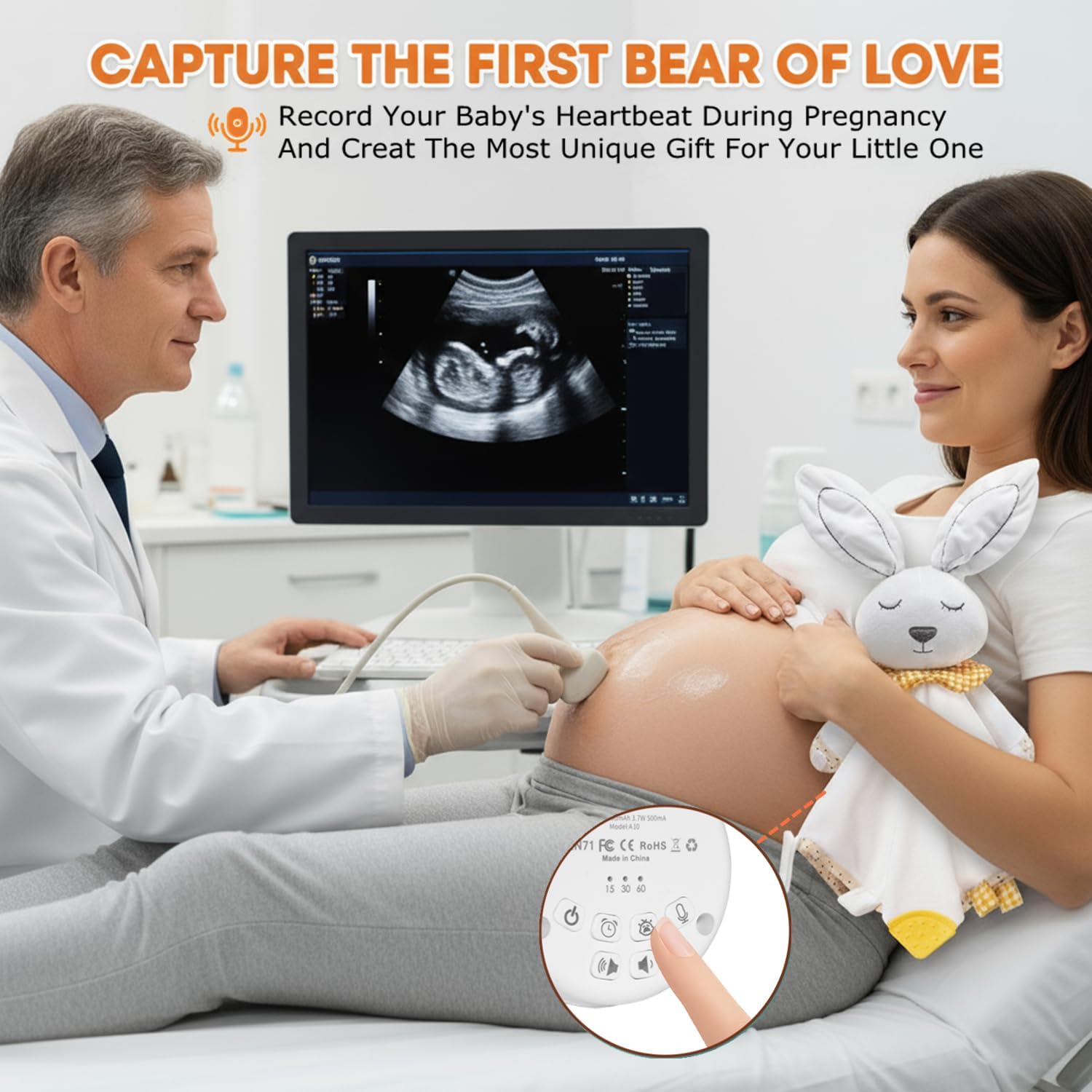
Image: The BEREST A10 Music Box's recording function being used to capture a heartbeat.
7. Children Lock
- табыңыз Children Lock switch түзмөктүн капталында
- Slide the switch to the lock position to prevent accidental changes to settings by children.
Техникалык тейлөө
Тазалоо
- Аппаратты жумшак, кургак чүпүрөк менен аарчыңыз.
- Do not use liquid cleaners or immerse the device in water.
Батареяга кам көрүү
- Батареянын иштөө мөөнөтүн узартуу үчүн, бат-баттан батарейканы толук зарядсыздандырбаңыз.
- Аппаратты узак убакыт бою колдонбогондо салкын, кургак жерде сактаңыз.
Проблемаларды чечүү
| Көйгөй | Мүмкүн себеп | Чечим |
|---|---|---|
| Түзмөк күйбөй жатат. | Батарея аз же түгөнүп калган. | Берилген Type-C кабелин колдонуу менен аппаратты заряддаңыз. |
| Үн жок же үнү төмөн. | Үн өтө төмөн коюлган. | Increase the volume using the Volume Up button. |
| Cry sensor not activating. | Cry sensor not enabled or ambient noise is too high. | Ensure the Baby Cry Sensor button is pressed. Reduce other noise sources. |
| Түзмөк күтүүсүздөн өчөт. | Timer is set, or battery is low. | Таймердин жөндөөлөрүн текшериңиз. Эгерде батареянын заряды аз болсо, түзмөктү кайра заряддаңыз. |
Техникалык шарттар
| Модель номери | A10 |
| Продукциянын өлчөмдөрү | 2.52 x 2.52 x 1.38 дюйм |
| Элемент Салмагы | 3.2 унция |
| Материалдын түрү | Пластик |
| Түс | Creamy White |
| Батарея түрү | Rechargeable Lithium-ion (1 AA battery included, likely referring to internal rechargeable equivalent) |
Кепилдик жана колдоо
For warranty information or technical support, please refer to the contact details provided with your purchase or visit the official BEREST webсайт. Ар кандай кепилдик дооматтары үчүн сатып алганыңыздын далилин сактаңыз.