
Introduction
This manual provides essential information for the safe and efficient use of your DJI Neo Intelligent Flight Battery. This battery is designed for compatibility with the DJI Neo 2 drone, offering reliable power for your flight experiences. Please read this manual thoroughly before using the product.

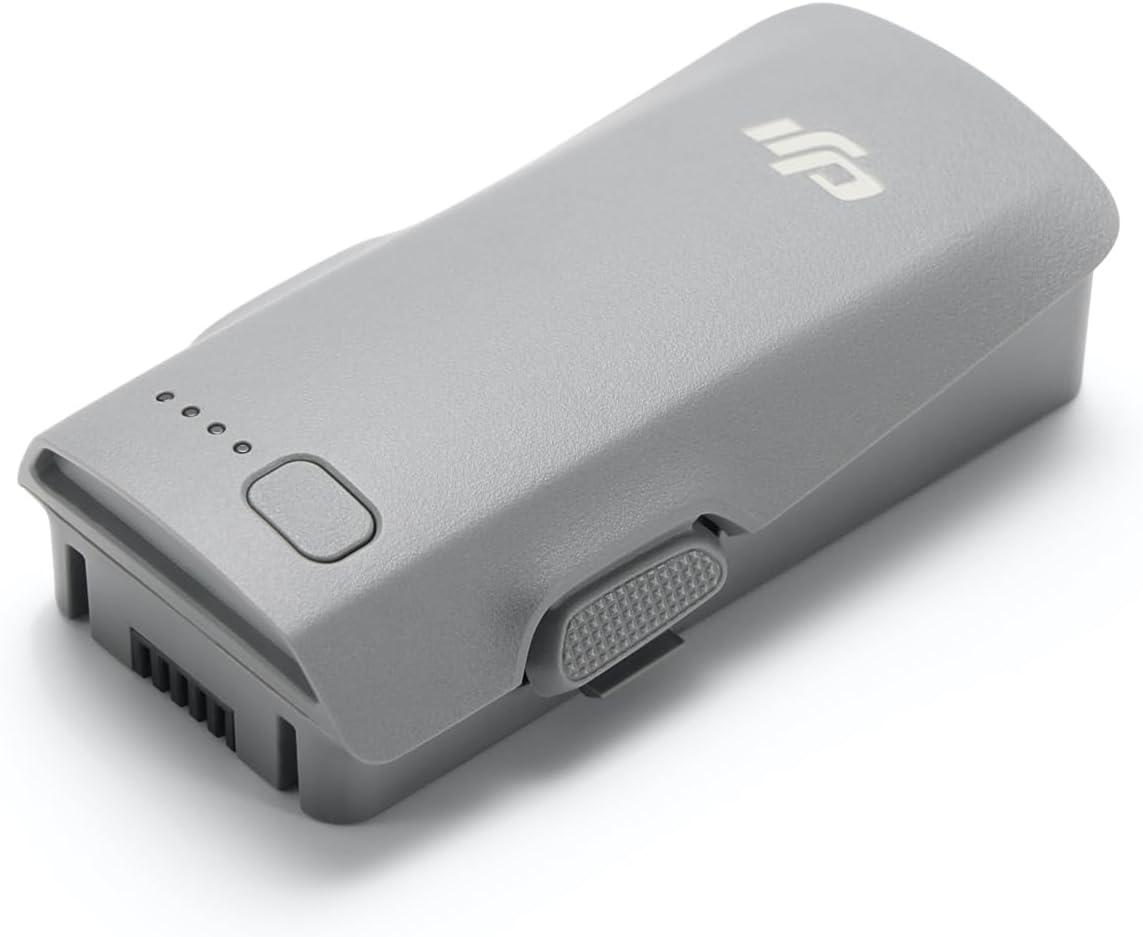
The DJI Neo Intelligent Flight Battery, showcasing its sleek design and the four LED lights that indicate battery charge level.
Жайгашуу
1. асуда
Carefully remove the DJI Neo Intelligent Flight Battery from its packaging. The package should contain one (1) DJI Neo Intelligent Flight Battery.
2. Баштапкы заряддоо
Before first use, fully charge the battery using a DJI-approved charging device. Connect the charger to a power source and then connect the battery to the charger. The LED indicators on the battery will show the charging status.
3. Батареяны орнотуу
To install the battery into your DJI Neo 2 drone, align the battery with the battery compartment on the drone. Gently push the battery into place until it clicks securely. Ensure it is firmly seated to prevent dislodgement during flight.

The DJI Neo Intelligent Flight Battery positioned beside a compatible DJI Neo 2 drone, illustrating its size and form factor relative to the drone.
Иштөө нускамалары
1. Күйгүзүү / Өчүрүү
To power on the battery, press the power button once, then press and hold it for two seconds. The LED indicators will light up. To power off, repeat the same procedure: press the power button once, then press and hold it for two seconds until the LEDs turn off.
2. Батареянын деңгээлин текшерүү
With the battery powered off, a single short press of the power button will illuminate the LED indicators to show the current charge level. Each illuminated LED typically represents approximately 25% of the battery's charge.
3. Flight Time
The DJI Neo Intelligent Flight Battery provides up to 19 minutes of flight time under optimal conditions. Actual flight time may vary based on environmental factors, flight style, and drone payload.
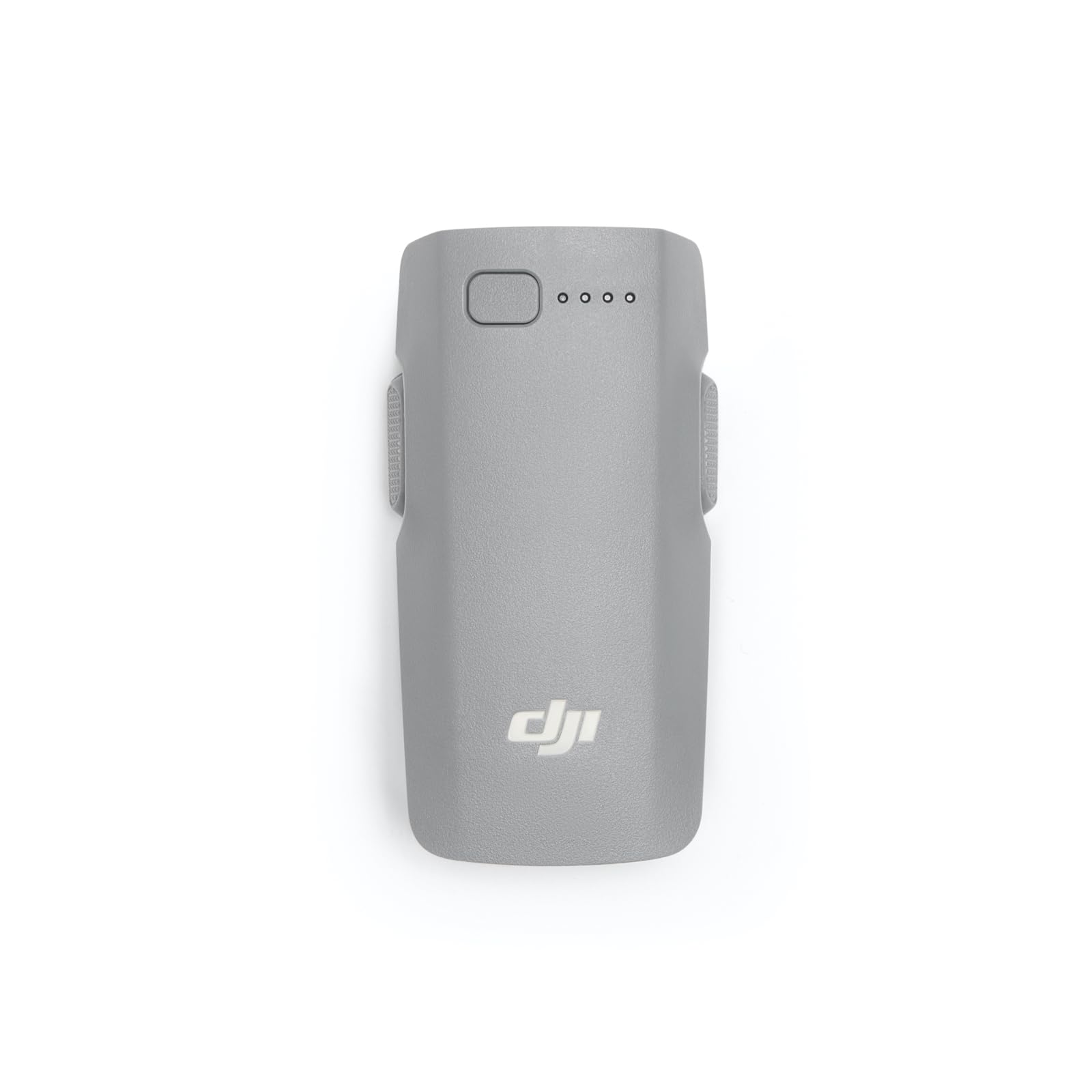
Жакын план view of the DJI Neo Intelligent Flight Battery, showing its grey casing, LED indicators, and power button.
Тейлөө жана коопсуздук
1. Заряддоо мыкты тажрыйбалары
- Always use a DJI-approved charger.
- Батареяны кароосуз заряддабаңыз.
- Ашыкча температурада заряддоодон алыс болуңуз.
2. Сактоо
- Store the battery in a cool, dry place, away from direct sunlight and heat sources.
- For long-term storage, discharge the battery to approximately 50-60% to prolong its lifespan.
- Avoid storing fully charged or fully discharged batteries for extended periods.
3. Тазалоо
Батареянын бетин таза, кургак чүпүрөк менен сүртүңүз. Суюк тазалоочу каражаттарды колдонбоңуз же батареяны сууга салбаңыз.
4. Коопсуздук эскертүүлөрү
Observe the following critical safety warnings to prevent damage or injury:
- Only use DJI approved charging devices.
- DO NOT place the battery in a fire or disassemble, pierce, drop, strike, or short circuit the battery.
- DO NOT use batteries that have been dropped in water.
- Батареяны балдардан жана үй жаныбарларынан алыс кармаңыз.
- If the battery shows signs of swelling, leakage, or damage, discontinue use immediately and dispose of it properly.
А деталдуу view of the warning label on the DJI Neo Intelligent Flight Battery, displaying important safety instructions, specifications, and certification marks.
Проблемаларды чечүү
Батарея заряддалбай жатат
- Заряддоочу түзүлүш кубат булагына жана батарейкага туура туташтырылганын текшериңиз.
- Verify that you are using a DJI-approved charger.
- Батареяда же заряддоочу түзүлүштө кандайдыр бир көрүнүктүү бузулуулар бар-жогун текшериңиз.
- Try charging in a different power outlet.
Drone Not Powering On with Battery
- Батарея толугу менен заряддалганын текшериңиз.
- Confirm the battery is correctly installed and securely clicked into the drone's compartment.
- Perform the power-on sequence correctly (press once, then press and hold for two seconds).
Reduced Flight Time
- Ашыкча температура (ысык же суук) батареянын иштешине таасир этиши мүмкүн.
- Aggressive flight maneuvers or high wind conditions consume more power.
- Ар бир учуунун алдында батарейканын толук заряддалганын текшериңиз.
- Over time, all batteries experience degradation. If flight time significantly decreases, consider replacing the battery.
Техникалык шарттар
| Өзгөчөлүк | Деталь |
|---|---|
| Бренд | DJI |
| Модель номери | 6937224131798 |
| Батарея клеткасынын курамы | Литий ион |
| Батарея клеткасынын түрү | Литий ион |
| Тtage | 220 вольт |
| Батарея Салмагы | 100 грамм |
| Элемент Салмагы | 46 грамм |
| Элементтин өлчөмдөрү (L x W x Y) | 3.05 x 1.6 x 0.8 дюйм |
| Батареялардын саны | 1 C батарейкалар талап кылынат (кошулган) |
Кепилдик маалымат
The DJI Neo Intelligent Flight Battery is covered by DJI's standard manufacturer's warranty. Please refer to the official DJI website or your purchase documentation for detailed warranty terms and conditions, including coverage period and claim procedures. Keep your proof of purchase for warranty service.
Кардарларды колдоо
For technical assistance, troubleshooting beyond this manual, or service inquiries, please contact DJI Customer Support. You can find contact information, including phone numbers and online support resources, on the official DJI webсайт.