
1. Коопсуздук маалыматы
Please read all safety instructions carefully before using the innioasis G1 MP3 Player. Keep this manual for future reference.
- Аппаратты экстремалдык температурага, түз күндүн нуруна же жогорку нымдуулукка дуушар кылбаңыз.
- Аппаратты түшүрүүдөн же катуу таасирлерден сактаныңыз.
- Түзмөктү өз алдынча бөлүктөргө бөлүүгө же оңдоого аракет кылбаңыз. Бул кепилдикти жокко чыгарат.
- Заряддоо үчүн берилген USB-C кабелин гана колдонуңуз.
- Аппаратты суудан жана башка суюктуктардан алыс кармаңыз.
- Үндүн катуу деңгээлинде узакка созулган угуу угуунун бузулушуна алып келиши мүмкүн.
2. Пакеттин мазмуну
Пакетиңизде бардык буюмдар бар экенин текшериңиз:
- 1 x innioasis G1 MP3 ойноткучу
- 1 x 64GB SD card (pre-installed or separate)
- 1 x USB-C заряддоо кабели
- 1 x Wired headphones
- 1 x Колдонуучунун колдонмосу

Image: The innioasis G1 MP3 Player, USB-C cable, wired headphones, 64GB SD card, and user manual included in the package.
3. Түзмөк бүттүview
The innioasis G1 MP3 Player features a compact design with a 4-inch full-touch screen. It includes physical buttons for power and volume control, and ports for charging and headphones.

Сүрөт: алдыңкы view of the innioasis G1 MP3 Player displaying various preinstalled applications on its touch screen.
Негизги өзгөчөлүктөрү:
- 4 дюймдук толук сенсордук экран
- Android OS with 1.9GHz Octa-core CPU and 2GB RAM
- 80GB Storage (16GB ROM + 64GB TF card), expandable up to 1TB
- Bluetooth 4.2 туташуу
- Wi-Fi (2.4 ГГц жана 5 ГГц)
- Pre-installed streaming apps (Spotify, Spotify Kids, Amazon Music, Pandora, Tidal, Deezer, Audible)
- Ата-энелик көзөмөл
- FM Radio, Voice Recorder, Video Player, Ebook Reader, Calculator, Clock, Gallery, Browser, Calendar
4. Орнотуу
4.1 Алгачкы заряддоо
Before first use, fully charge the device using the provided USB-C cable and a compatible power adapter (not included). The battery indicator on the screen will show charging status.
4.2 Күйгүзүү/өчүрүү
- Күйгүзүү үчүн: Press and hold the Power button on the side of the device until the screen lights up.
- Өчүрүү үчүн: Кубат баскычын басып, кармап туруңуз, андан кийин экрандагы параметрлерден "Өчүрүү" дегенди тандаңыз.
4.3 Тил жана убакыт жөндөөлөрү
Upon first startup, you may be prompted to select your preferred language and set the date and time. Follow the on-screen instructions.
4.4 Wi-Fi туташуусу
Агым кызматтарына жана онлайн функцияларына кирүү үчүн, түзмөгүңүздү Wi-Fi тармагына туташтырыңыз:
- барыңыз Орнотуулар > Тармак жана Интернет > Wi-Fi.
- Wi-Fi которуштуруу On.
- Тизмеден каалаган тармакты тандаңыз.
- Эгер суралса, сырсөздү киргизип, таптаңыз Туташуу.

Image: The innioasis G1 MP3 Player displaying its home screen with app icons, illustrating its strong network connection capabilities.
5. Иштөө нускамалары
5.1 Негизги навигация
The device features a full touch screen for navigation. Swipe left/right to browse app pages, tap an icon to open an app, and use the navigation buttons at the bottom of the screen (Back, Home, Recent Apps) to move between screens and applications.
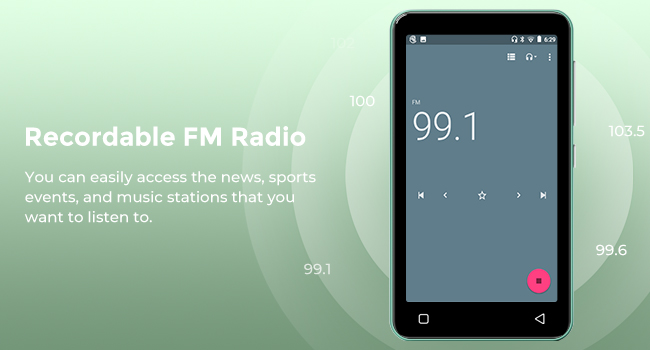
Image: A hand demonstrating touch screen interaction on the innioasis G1 MP3 Player, highlighting its ease of use.
5.2 Музыканы ойнотуу
The innioasis G1 supports various audio formats including MP3, FLAC, WAV, AAC, APE, OGG, M4A, WMA, and MP2.
- Local Music Player: Open the "Music" app to play files stored on the device or SD card. You can create playlists, search for songs, and use the graphic equalizer to adjust sound.
- Агымдуу колдонмолор: Access pre-installed apps like Spotify, Spotify Kids, Amazon Music, Pandora, Tidal, and Deezer. Ensure you are connected to Wi-Fi for streaming.

Image: The innioasis G1 MP3 Player displaying its local music player interface, showing song categories, search function, playlist creation, and equalizer options.
5.3 Bluetooth байланышы
Connect your MP3 player to Bluetooth headphones, speakers, or car stereos.
- барыңыз Орнотуулар > Туташкан түзмөктөр > Bluetooth.
- Bluetooth которуштуруу On.
- Make sure your Bluetooth accessory is in pairing mode.
- Жупташтыруу үчүн жеткиликтүү түзмөктөрдүн тизмесинен аксессуарыңызды тандаңыз.
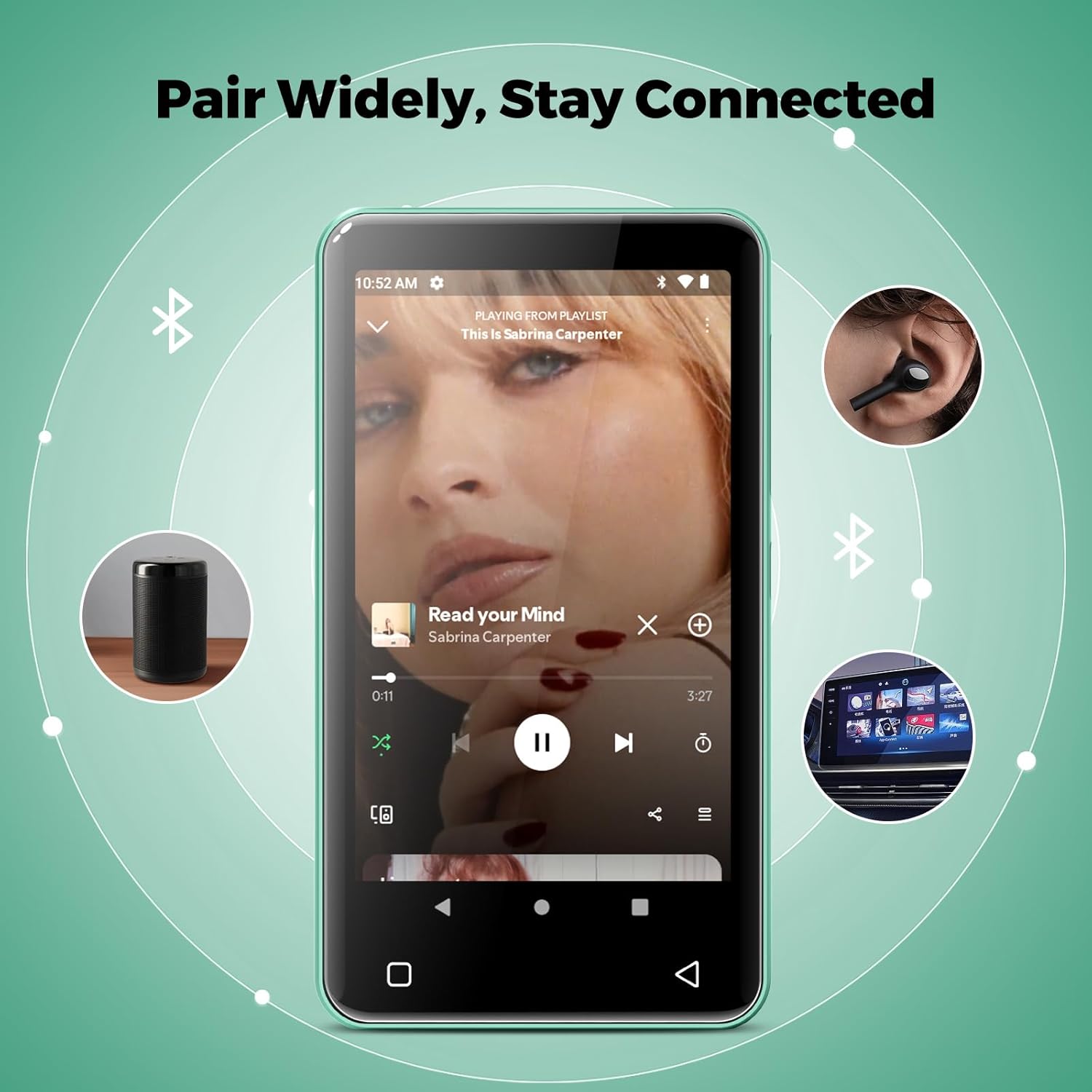
Image: The innioasis G1 MP3 Player showing its Bluetooth connection capabilities, pairing with headphones, a portable speaker, and a car stereo system.
5.4 Ата-эненин көзөмөлү
The device includes parental control features to manage app access and settings.
- барыңыз Орнотуулар > Ата-энелик көзөмөл.
- Set a parental control password.
- You can enable/disable app installation, limit internet usage, and restrict device usage time.
- Preloaded apps can be removed, and settings can be locked with the passcode.

Image: The innioasis G1 MP3 Player displaying its parental control settings, including options for password management, app installation, internet usage limits, and device usage limits.
5.5 File Transfer
To transfer music, videos, and other files from a computer:
- Connect the MP3 player to your computer using the USB-C cable.
- On the MP3 player, swipe down from the top of the screen to open the notification panel.
- Tap the USB notification (e.g., "USB charging this device") and select "File transfer" or "MTP".
- Your computer should now recognize the device as a removable storage drive. You can drag and drop files to the internal storage or the SD card.
5.6 Башка колдонмолор
The innioasis G1 comes with several other useful applications:
- FM радиосу: Tune into local radio stations. Some models may support recording.
- Видео ойноткуч: Supports 1080P HD video playback and various formats including AVI, MKV, MP4, MPEG, MOV, VOB, WMV, WEBM, DIVX, F4V, FLV, XviD, 3GP.
- Үн жазгыч: Орнотулган микрофонду колдонуп, аудио жаздырыңыз.
- Ebook Reader: Access pre-loaded Audible for audiobooks and other e-book formats.
- Calculator, Clock, Gallery, Browser, Calendar: Standard utility apps for daily use.
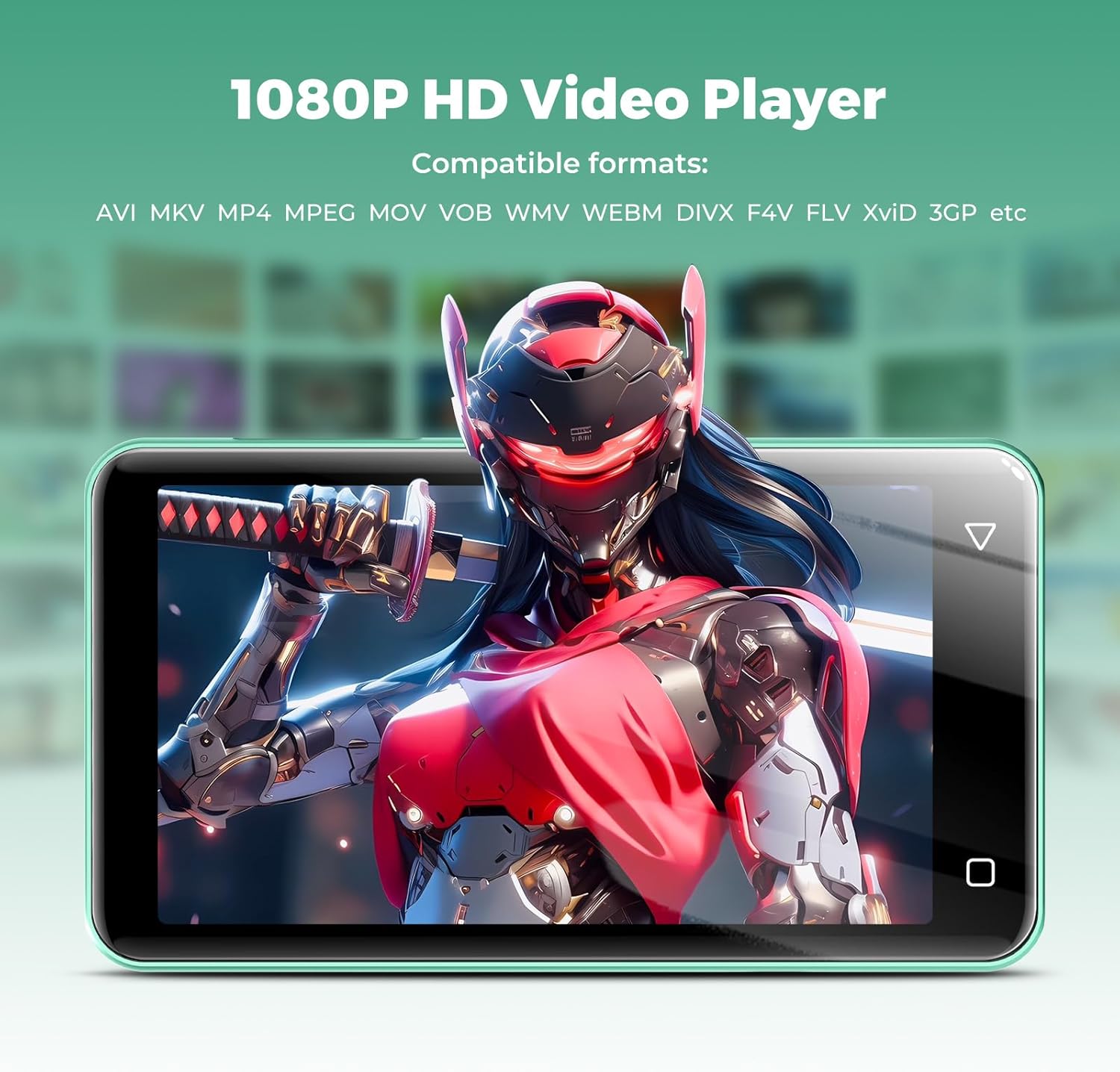
Image: The innioasis G1 MP3 Player displaying a high-definition video on its screen, illustrating its 1080P HD video playback capability.
6. Техникалык тейлөө
- Тазалоо: Аппаратты тазалоо үчүн жумшак, кургак чүпүрөктү колдонуңуз. Суюк тазалагычтарды же аэрозолдорду колдонбоңуз.
- Батареяга кам көрүү: To prolong battery life, avoid fully discharging the battery frequently. Charge the device regularly. If storing for a long period, charge it to about 50% every few months.
- Программалык камсыздоо жаңыртуулары: Periodically check for software updates in the device settings to ensure optimal performance and security.
7. Кыйынчылыктарды
| Көйгөй | Мүмкүн чечим |
|---|---|
| Түзмөк күйбөйт. | Ensure the battery is charged. Connect to a charger for at least 30 minutes. If unresponsive, press and hold the power button for 10-15 seconds to force a restart. |
| Wi-Fi'га туташпай жатат. | Check if Wi-Fi is enabled in settings. Verify the Wi-Fi password. Restart your router and the MP3 player. Ensure you are within range of the Wi-Fi signal. |
| Bluetooth түзмөгү жупташкан жок. | Ensure Bluetooth is enabled on both devices and the accessory is in pairing mode. Move the devices closer together. Try restarting both devices. |
| Колдонмолор жай же жооп бербей жатат. | Close unused background apps. Clear app cache in Settings > Apps. Restart the device. Ensure sufficient storage space is available. |
| Которуу мүмкүн эмес files to/from computer. | Ensure the USB-C cable is properly connected and functioning. On the MP3 player, select "File transfer" mode from the USB notification. Try a different USB port or computer. |
| Үн сапаты начар. | Check headphone connection. Test with different headphones. Adjust equalizer settings in the music player. Ensure audio fileлар бузулган эмес. |
8. Техникалык шарттар
- Модель аты: G1
- Продукциянын өлчөмдөрү: 0.39 x 2.56 x 4.13 дюйм
- Элемент Салмагы: 5.9 унция
- Өндүрүүчү: INNIOASIS
- Эстутум сактоо сыйымдуулугу: 80 GB (16GB ROM + 64GB TF card)
- Кеңейтүүчү сактагыч: Up to 1TB (SDXC/SDHC compatible)
- Экрандын өлчөмү: 4 дюйм
- Байланыш технологиясы: Bluetooth 4.2, Wi-Fi (2.4 ГГц жана 5 ГГц)
- Өзгөчөлүктөр: Equalizer, FM Radio, Hi-Res Audio, Video Playback, Voice Recorder, Parental Controls
- Шайкеш түзмөктөр: Headphones, Earphones
- Медиа түрү: Микро SD, Микро SDHC, Микро SDXC, SD карта, SDHC
- Батарея: 1500mAh (up to 25 hours music, 5 hours video playback)

Image: The innioasis G1 MP3 Player screen displaying battery life indicators for video (5 hours) and music (25 hours) playback.
9. Кепилдик жана колдоо
The innioasis G1 MP3 Player comes with a standard manufacturer's warranty. For detailed warranty information, please refer to the warranty card included in your package or contact innioasis customer support.
If you encounter any issues or have questions about your device, please contact innioasis customer support through their official webсайтына же продукттун таңгагында көрсөтүлгөн байланыш маалыматына кайрылыңыз.