
1. Киришүү
The Redragon GS821 Soundbar is a versatile audio system designed to enhance your entertainment experience. It features dual powerful drivers and dual diaphragms for high-fidelity stereo sound, rich bass, and clear dialogue. With multiple connectivity options including HDMI ARC, Optical, Bluetooth 5.3, AUX, and USB, it integrates seamlessly with various devices such as TVs, PCs, projectors, and smartphones. The soundbar also offers three specialized equalizer modes to optimize audio for movies, music, and dialogue.
This manual provides detailed instructions for setting up, operating, and maintaining your Redragon GS821 Soundbar. Please read it thoroughly before use to ensure proper functionality and to maximize your audio experience.
2. Пакеттин мазмуну
Төмөндө тизмеленген нерселердин баары пакетиңизге камтылганын текшериңиз:
- Redragon GS821 Soundbar
- Алыстан башкаруу
- Кубаттуу адаптер
- 3.5 мм аудио кабель
- Wall Mounting Kit (screws and anchors)
- Колдонуучунун Колдонмосу (бул документ)
3. Продукт бүтүп калдыview
3.1 Алды жана каптал View
The soundbar features a sleek, compact design suitable for various placements.

The Redragon GS821 Soundbar, a compact audio device designed for TV and PC use.
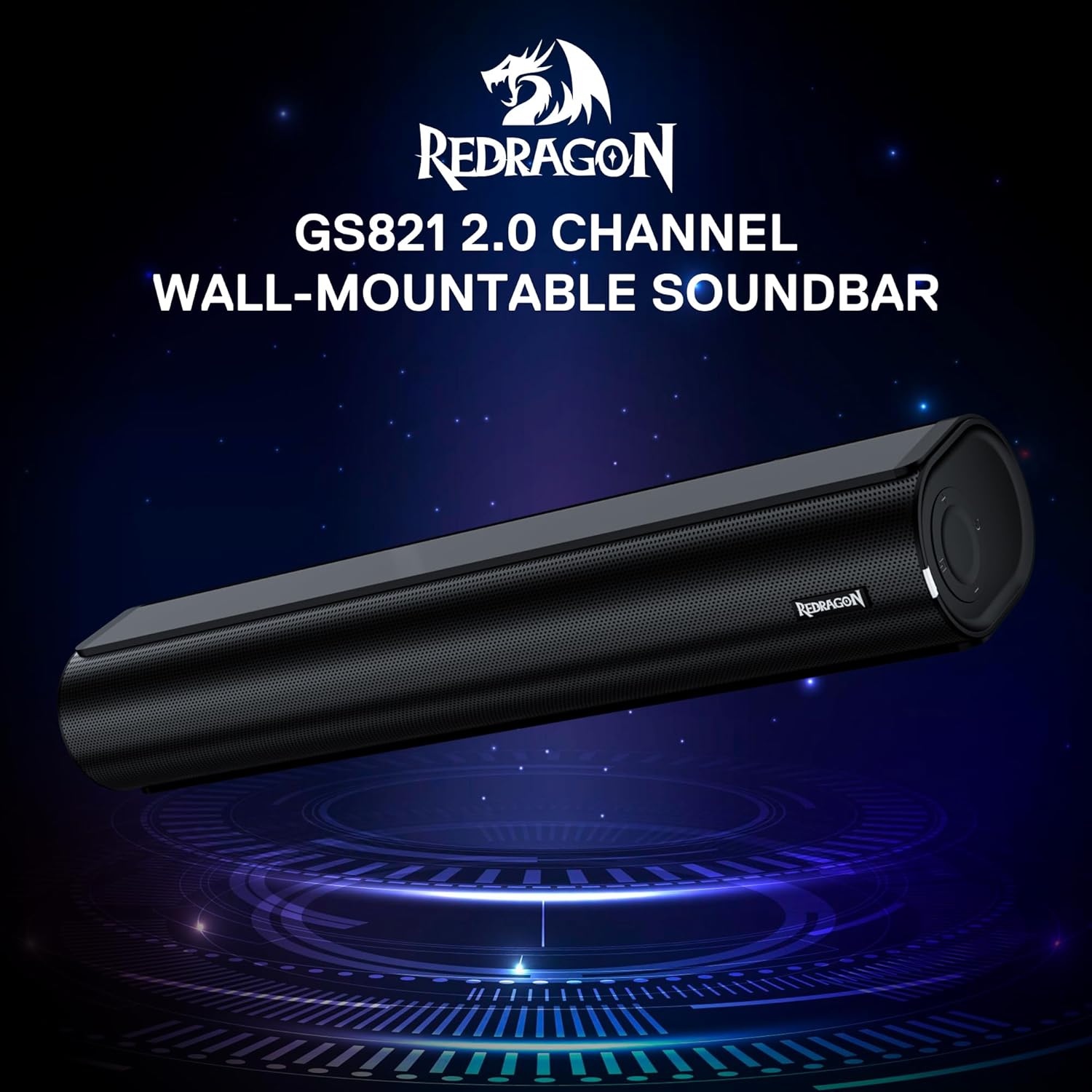
The Redragon GS821 Soundbar showing its compact dimensions: 15.9 inches wide, 4 inches deep, and 2.8 inches high.

А жарылды view illustrating the dual 45mm sound units and internal components of the Redragon GS821 Soundbar, designed for Hi-Fi stereo sound.
3.2 Арткы панель жана байланыштар
Арткы панелде түзмөктөрүңүзгө туташуу үчүн ар кандай порттор бар.
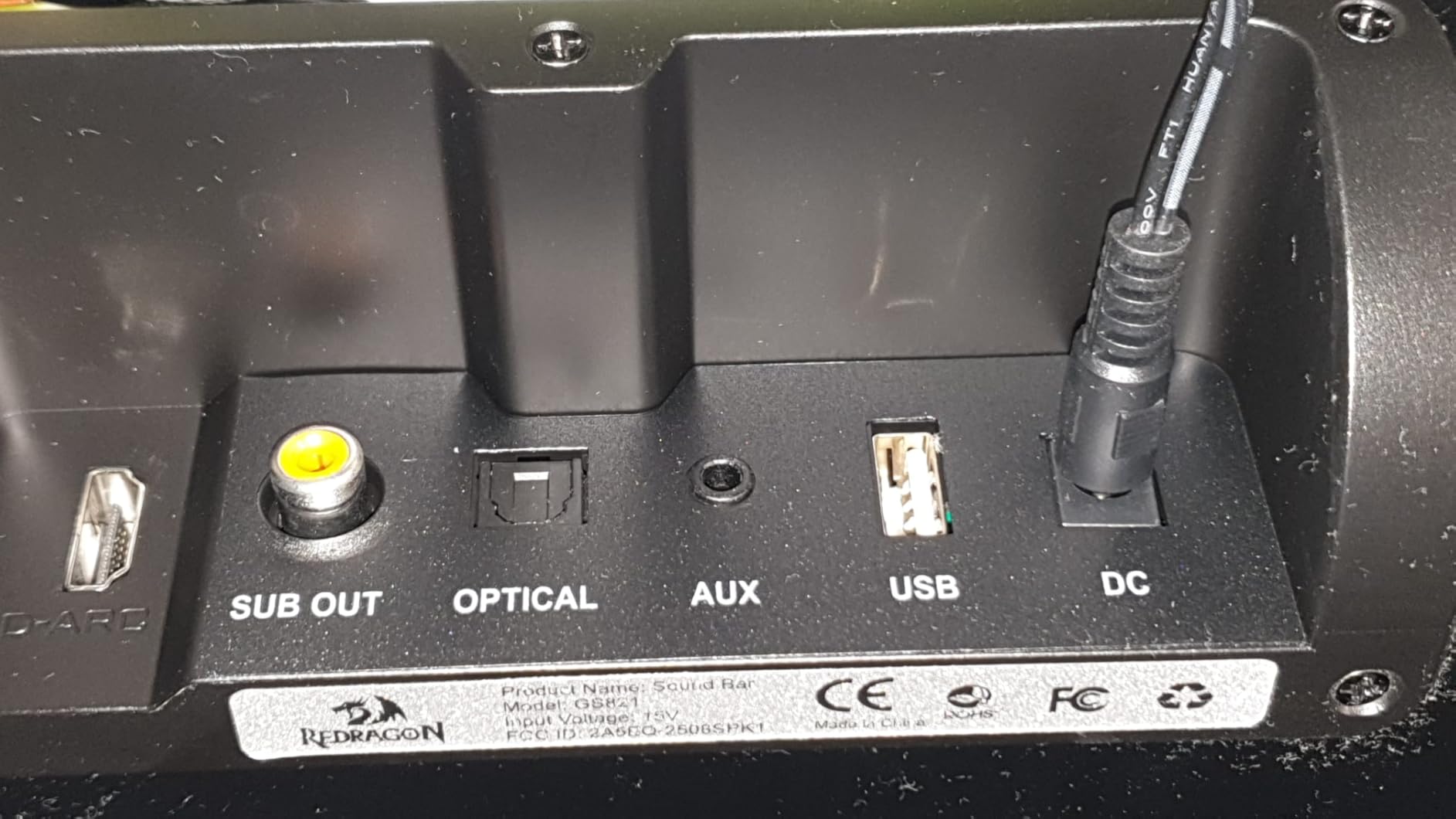
The rear panel of the Redragon GS821 Soundbar, featuring various input ports including HDMI ARC, Optical, AUX, and USB for versatile connectivity.
3.3 Controls and Remote
The soundbar can be controlled via its side buttons or the included remote control.

The included remote control for the Redragon GS821 Soundbar, alongside the manual control buttons located on the side of the soundbar for easy access.
4. Орнотуу
4.1 Орнотуу
The Redragon GS821 Soundbar can be placed on a tabletop or mounted on a wall.
- Столдун үстүнө жайгаштыруу: Position the soundbar on a flat, stable surface directly in front of your TV or monitor. Ensure it does not block any sensors or the screen.
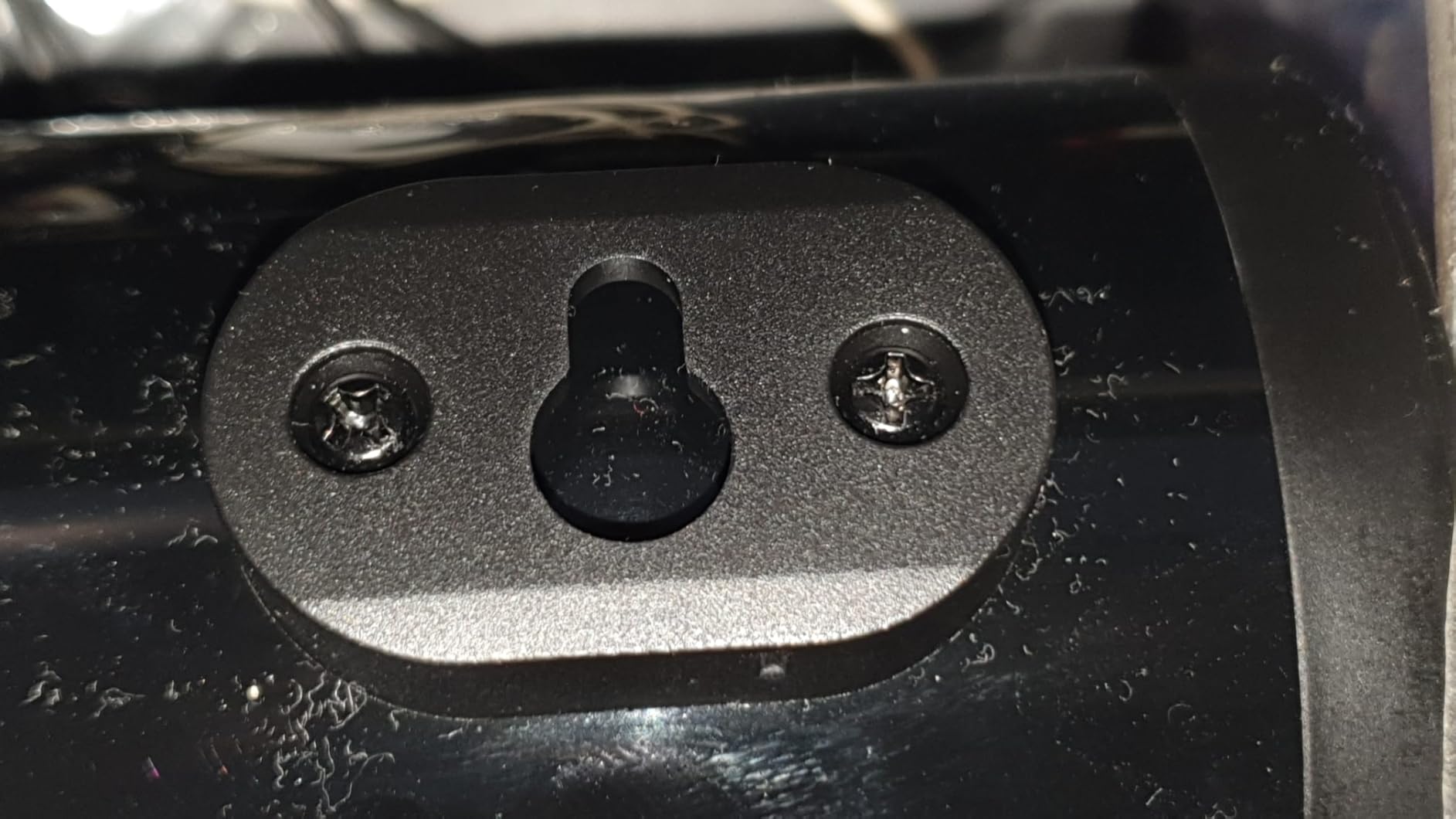
- Дубалга орнотуу: Use the provided wall mounting kit. Mark the desired positions on the wall, drill pilot holes, insert anchors, and secure the soundbar using the screws. Ensure the soundbar is level and securely fastened.
4.2 Кубат туташтыруу
- Кубат адаптерин саундбардагы DC IN портуна туташтырыңыз.
- Кубат адаптерин розеткага сайыңыз.
4.3 Аудио байланыштар
Choose one of the following methods to connect the soundbar to your audio source:
- HDMI ARC: Connect an HDMI cable from the soundbar's HDMI ARC port to your TV's HDMI ARC port. Ensure your TV's HDMI ARC function is enabled in its settings.
- Оптикалык: Connect an optical cable from the soundbar's OPTICAL port to your TV's or device's optical output port.
- AUX (3.5 мм): Use the provided 3.5mm audio cable to connect the soundbar's AUX port to the headphone jack or audio output of your device.
- USB: Аудио камтыган USB флэш-дискти салыңыз files into the USB port. The soundbar will automatically detect and play compatible audio files.
- Bluetooth: For wireless connection, refer to section 5.3 Bluetooth Pairing.
5. Иштөө нускамалары
5.1 Күйгүзүү/өчүрүү
- Түзмөктү күйгүзүү же өчүрүү үчүн үн панелиндеги же алыстан башкаруу пультундагы кубат баскычын басыңыз.
5.2 Киргизүүнү тандоо
Cycle through input modes using the 'M' button on the soundbar or the 'Input' button on the remote control. The LED indicator will change color to show the active input:
A guide to the LED indicator colors on the Redragon GS821 Soundbar, showing which color corresponds to each input mode (Standby, BT, ARC, Optical, AUX, USB).
- Кызыл: Жанымда бол
- Көк: Bluetooth (BT)
- Көк: HDMI ARC
- Ак: Оптикалык
- Сары: AUX
- Кызгылт көк: USB
5.3 Bluetooth жупташтыруу
Аспабыңызды Bluetooth аркылуу туташтыруу үчүн:

A visual representation of the advanced Bluetooth 5.3 technology integrated into the Redragon GS821 Soundbar, ensuring ultra-low latency for perfect audio synchronization.
- Switch the soundbar to Bluetooth mode (Blue LED). The soundbar will enter pairing mode automatically.
- Түзмөгүңүздө (смартфон, планшет ж.б.) Bluetooth иштетиңиз жана жеткиликтүү түзмөктөрдү издеңиз.
- Select "Redragon GS821" from the list to pair.
- Жупташкандан кийин, LED индикатору жарк этүүнү токтотуп, көк бойдон калат.
5.4 EQ режимдери
The soundbar offers three specialized EQ modes to optimize your listening experience. Press the EQ button on the remote control to cycle through them:

An illustration of the three specialized sound modes available on the Redragon GS821 Soundbar: Music, Movie, and Dialogue, each optimized for different audio experiences.
- Кино режими: Enhances surround sound effects for cinematic immersion.
- Музыка режими: Boosts bass and high frequencies for a rich, full-bodied audio experience.
- Диалог режими: Isolates and clarifies human voices, ideal for news, podcasts, or talk shows.
5.5 Үндү башкаруу
Adjust the volume using the volume buttons on the soundbar or the remote control.
- Басыңыз + көлөмүн көбөйтүү.
- Басыңыз - үнүн азайтуу.
- басыңыз Үнсүз button on the remote to mute/unmute the sound.
6. Техникалык тейлөө
- Тазалоо: Саундбардын бетин тазалоо үчүн жумшак, кургак чүпүрөктү колдонуңуз. Суюк тазалагычтарды же абразивдүү материалдарды колдонбоңуз.
- Сактагыч: Саундбарды көпкө чейин колдонбогон учурда, аны салкын, кургак жерде, күндүн түз нурунан жана өтө жогорку температурадан алыс сактаңыз.
- Тоскоолдуктарды болтурбоо: Ensure the speaker grilles are not obstructed to maintain optimal sound quality.
7. Кыйынчылыктарды
| Көйгөй | Чечим |
|---|---|
| Күч жок | Кубат адаптери саундбарга жана иштеген электр розеткасына бекем туташтырылганын текшериңиз. |
| Үн жок | Check the input source selection. Ensure the volume is not muted and is turned up. Verify audio cables are correctly connected. If using HDMI ARC, ensure the TV's ARC function is enabled. |
| Bluetooth жупташуу көйгөйлөрү | Ensure the soundbar is in Bluetooth mode. Turn off and on Bluetooth on your device. Move your device closer to the soundbar. Forget the device from your Bluetooth list and try pairing again. |
| Пульт иштебей жатат | Check the battery in the remote control and replace if necessary. Ensure there are no obstructions between the remote and the soundbar. |
| Үн сапаты начар / бурмалоо | Adjust the volume level. Try different EQ modes. Ensure the audio source is of good quality. Check cable connections for any damage. |
8. Техникалык шарттар
| Өзгөчөлүк | Нарк |
|---|---|
| Бренд | Redragon |
| Модель номери | GS821 |
| Динамиктин максималдуу чыгаруу күчү | 20 Ватт |
| Frequency Response | 20000 Гц |
| Байланыш технологиясы | Bluetooth (BT 5.3), HDMI ARC, Optical, USB, 3.5mm AUX |
| Аудио чыгаруу режими | Стерео |
| Монтаж түрү | Үстөлгө орнотуу, дубалга орнотууга болот |
| Түс | Кара |
| Элементтин өлчөмдөрү (D x W x Y) | 2.8"D x 15.9"W x 4"H |
| Ызы-чуунун катышы | 80 дБ |
| Шайкеш түзмөктөр | Desktop, Laptop, Projector, Tablet, Television |
9. Кепилдик маалыматы
The Redragon GS821 Soundbar comes with a 1 жылдык кепилдик from the date of purchase. This warranty covers manufacturing defects and workmanship under normal use. It does not cover damage caused by misuse, accidents, unauthorized modifications, or external factors. Please retain your proof of purchase for warranty claims.
10. Кардарларды колдоо кызматы
If you encounter any issues or have questions regarding your Redragon GS821 Soundbar that are not addressed in this manual, please contact Redragon customer support. Refer to the official Redragon webЭң акыркы байланыш маалыматын алуу үчүн сайтка же продуктуңуздун таңгагына кайрылыңыз.
For online support and FAQs, visit: www.redragonzone.com