
TAGRY A18
TAGRY A18 Hybrid Active Noise Cancelling Headphones
User Manual
1. Коопсуздук маалыматы
Please read all safety warnings and instructions before using this product. Keep this user manual for future reference.
- Угуу жөндөмүнө зыян келтирбөө үчүн катуу үн менен көпкө угуудан алыс болуңуз.
- Do not use headphones while driving, cycling, or in situations where inability to hear ambient sounds could be dangerous.
- Түзмөктү өтө жогорку температурадан, нымдуулуктан жана дат басуучу чөйрөлөрдөн алыс кармаңыз.
- Кулакчындарды бөлүктөргө бөлүүгө же өзгөртүүгө аракет кылбаңыз. Бул кепилдикти жокко чыгарып, зыян келтириши мүмкүн.
- Продукцияны жана анын батарейкасын жергиликтүү эрежелерге ылайык таштаңыз.
2. Пакеттин мазмуну
Пакетте бардык буюмдар бар экенин текшериңиз:
- TAGRY A18 ENC/ANC Headphones
- 3.5 мм AUX аудио кабели
- USB-C заряддоо кабели
- Саякат баштыгы
- User Manual
3. Продукт бүтүп калдыview
Компоненттериңиз жана башкаруу элементтериңиз менен таанышыңыз TAGRY A18 headphones.
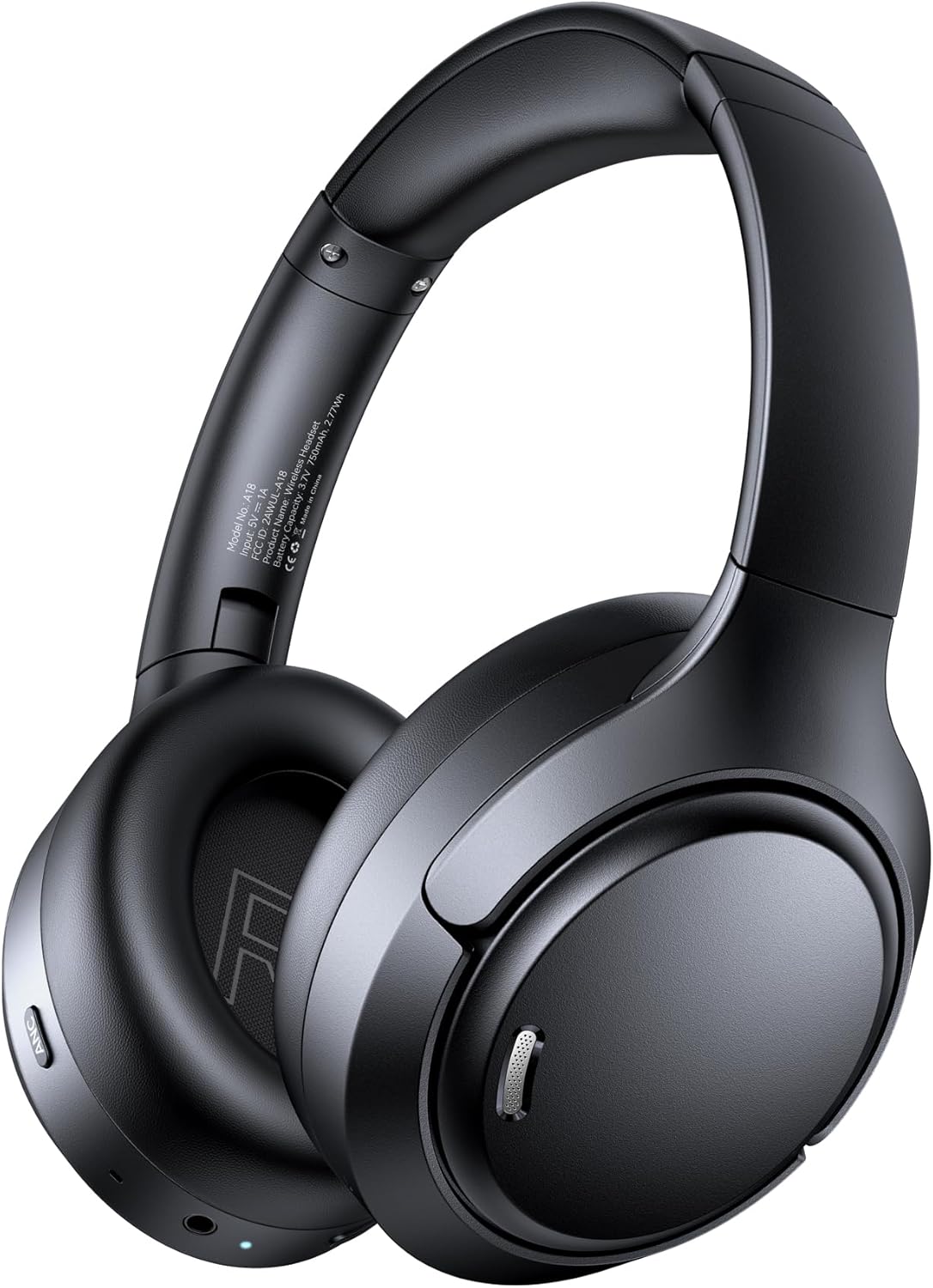
1-сүрөт: Фронт view -ныкы TAGRY A18 Hybrid Active Noise Cancelling Headphones in black. This image displays the overall design, including the earcups and headband.
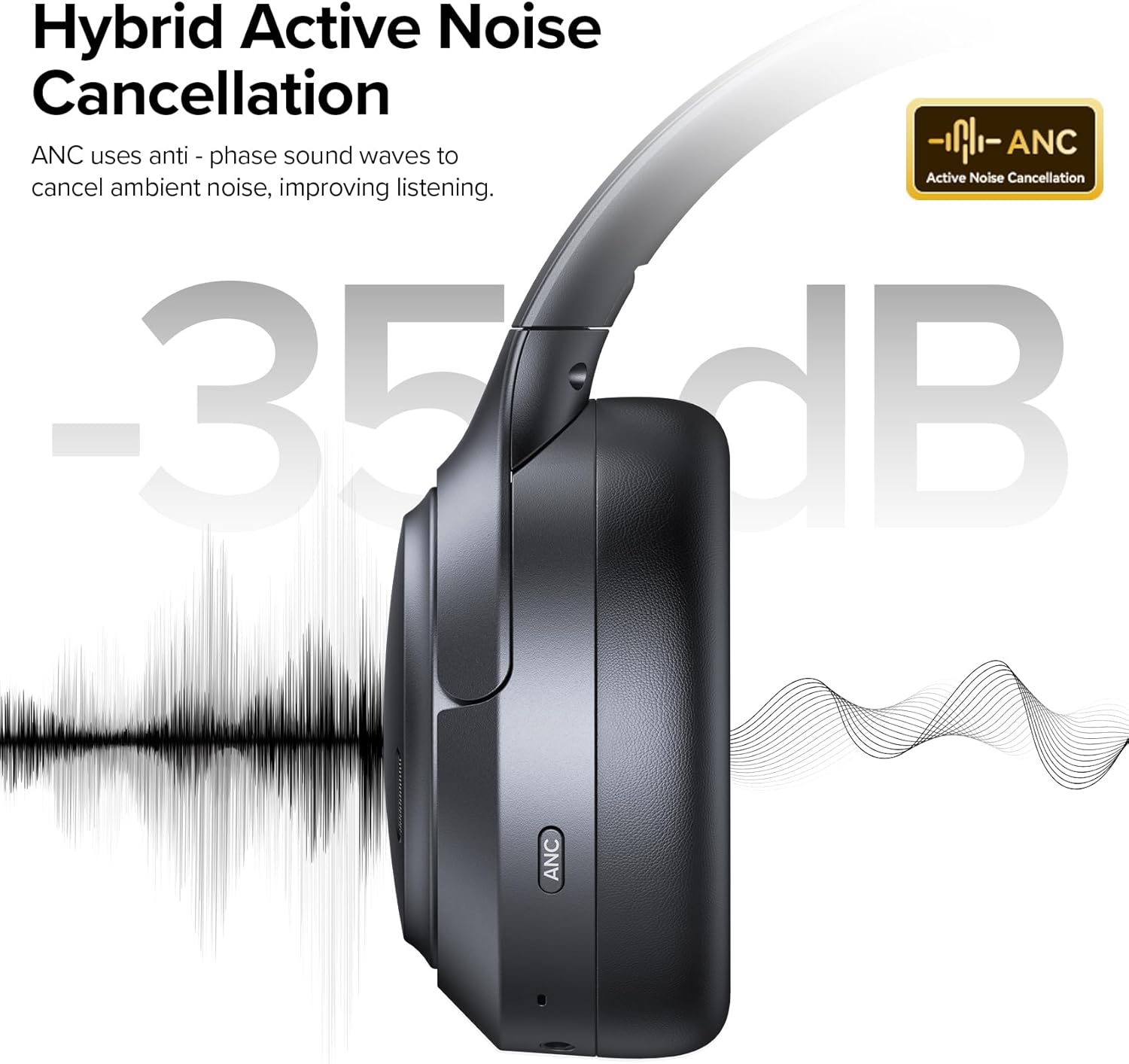
2-сүрөт: Side view -ныкы TAGRY A18 headphones, highlighting the Active Noise Cancellation (ANC) feature. The image shows the earcup with an 'ANC' label and an illustration of noise reduction.
Башкаруу каражаттары жана порттор:
- Күйгүзүү/Көп функциялуу баскыч: Power on/off, Play/Pause, Answer/End calls.
- Үнүн жогорулатуу/Кийинки трек баскычы: Үнүн жогорулатуу үчүн кыска басыңыз, кийинки трекке узакка басыңыз.
- Үндү азайтуу/Мурунку трек баскычы: Үндү азайтуу үчүн кыска басыңыз, мурунку трек үчүн көпкө басыңыз.
- ANC баскычы: Activates/deactivates Active Noise Cancellation and Transparency Mode.
- USB-C заряддоо порту: Наушниктерди заряддоо үчүн.
- 3.5 мм AUX порту: Зымдуу аудио туташуу үчүн.
- Микрофондор: Six built-in microphones for Environmental Noise Cancellation (ENC) during calls.

3-сүрөт: Жакын план view of the right earcup, showing the volume controls, multi-function button, and the 3.5mm AUX port. The ANC button is visible on the left earcup.
4. Орнотуу
4.1 Алгачкы заряддоо
Before first use, fully charge your headphones. Connect the provided USB-C charging cable to the headphone's USB-C port and a power source (e.g., computer USB port, wall adapter).
- LED индикатору кубаттоо абалын көрсөтөт.
- Заряддоо убактысы болжол менен 1.5 саатты түзөт.
4.2 Bluetooth жупташтыруу
Гарнитураңызды түзмөк менен жупташтыруу үчүн:
- Наушниктердин өчүрүлгөнүн текшериңиз.
- Press and hold the Power/Multi-function button for 3-5 seconds until the LED indicator flashes blue and red, indicating pairing mode.
- Түзмөгүңүздө (смартфон, планшет, компьютер) Bluetooth иштетип, жеткиликтүү түзмөктөрдү издеңиз.
- Select "A18" from the list of available devices.
- Туташкандан кийин LED индикатору көк түскө айланат.
4-сүрөт: Illustration demonstrating the one-step Bluetooth pairing process for the TAGRY A18 headphones with a smartphone.
5. Иштөө нускамалары
5.1 Күйгүзүү/өчүрүү
- Күйгүзүү: Power/Multi-функция баскычын 2 секунд басып туруңуз.
- Өчүрүү: Power/Multi-функция баскычын 3 секунд басып туруңуз.
5.2 Музыканы ойнотуу
- Ойнотуу/тындыруу: Күйгүзүү/Көп функциялуу баскычты кыска басыңыз.
- Көлөмү: Үндү жогорулатуу баскычын кыска басыңыз.
- Үнүн азайтуу: Үндү азайтуу баскычын кыска басыңыз.
- Кийинки трек: Үндү жогорулатуу баскычын көпкө басыңыз.
- Мурунку трек: Үндү азайтуу баскычын көпкө басыңыз.
5.3 Чалууларды башкаруу
- Чалууга жооп берүү/аяктоо: Күйгүзүү/Көп функциялуу баскычты кыска басыңыз.
- Чакырууну четке кагуу: Күйгүзүү/Көп функциялуу баскычты көпкө басыңыз.
- Үн Жардамчысын жандыруу: Power/Multi-функция баскычын эки жолу басыңыз.
5.4 Ызы-чууну башкаруу режимдери
The A18 headphones feature three smart modes: Active Noise Cancellation (ANC), Transparency Mode, and Music/Game Mode.
- ANC режими: Press the ANC button to activate. This mode significantly reduces ambient noise for immersive listening.
- Ачыктык режими: Press the ANC button again to switch to Transparency Mode. This allows you to hear your surroundings while still enjoying audio.
- Кадимки режим: Press the ANC button a third time to return to normal mode (ANC off).
- Оюн режими: Double-press the ANC button to activate Low-Latency Game Mode for optimized audio synchronization during gaming.
Видео 1: Официалдуу TAGRY video demonstrating the Active Noise Cancelling feature of the A18 headphones. This video highlights how ANC helps to block out external noise for a focused audio experience.
Видео 2: Официалдуу TAGRY video showcasing the Transparency Mode of the A18 Wireless Headphones. This mode allows users to hear their surroundings while listening to audio, enhancing situational awareness.
5.5 Зымдуу режим
When the battery is low or if you prefer a wired connection, use the included 3.5mm AUX cable.
- Connect one end of the 3.5mm AUX cable to the headphone's AUX port.
- Экинчи учун аудио түзмөгүңүздүн 3.5 мм аудио уячасына туташтырыңыз.
- Наушник автоматтык түрдө зымдуу режимге өтөт.
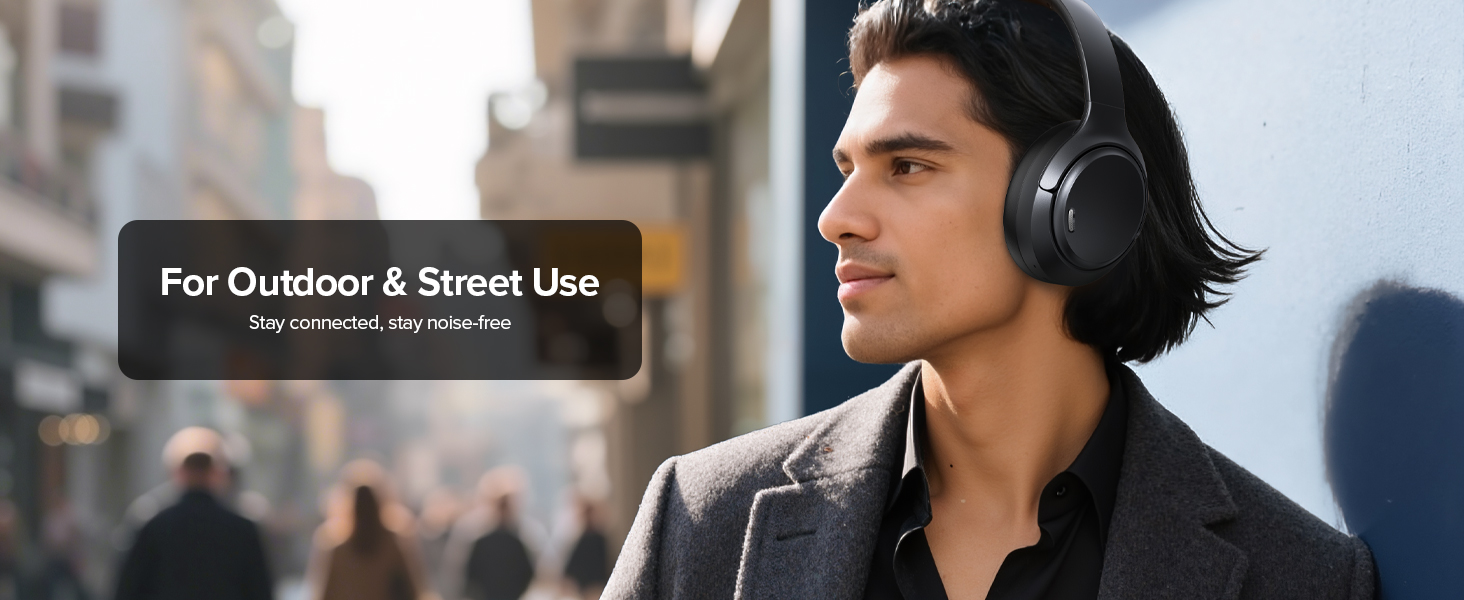
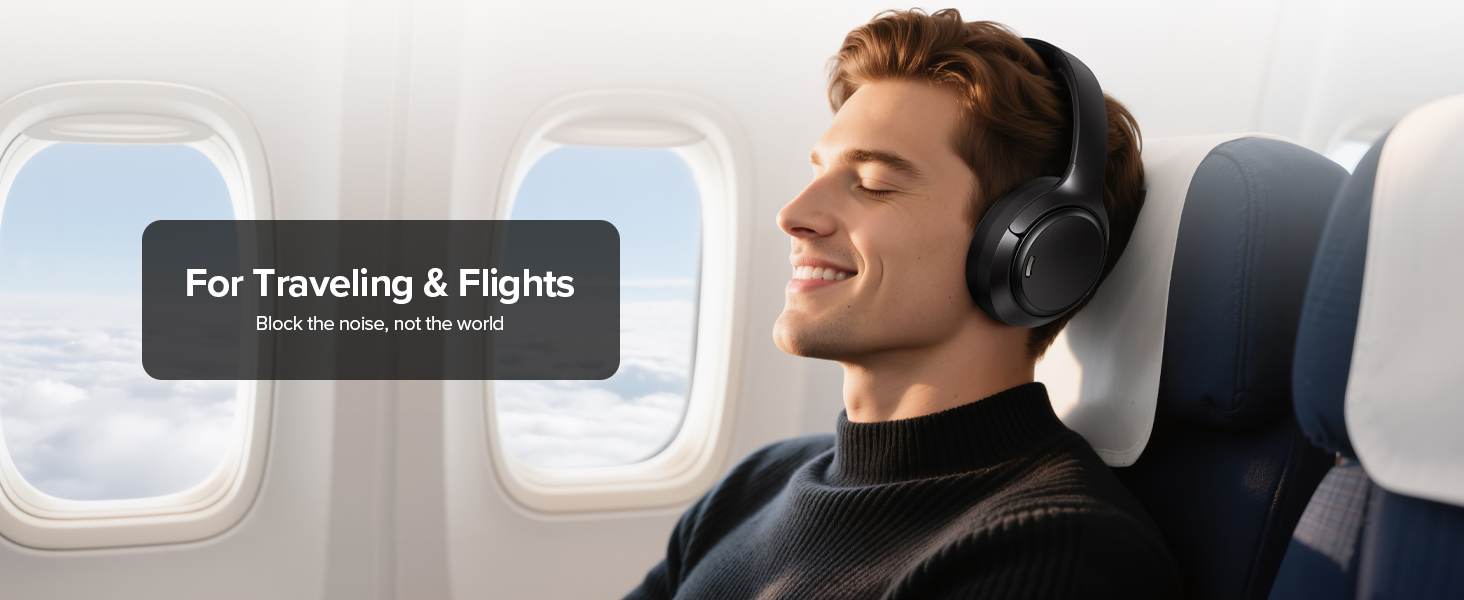
5-сүрөт: Image illustrating the use of the 3.5mm AUX cable for wired audio playback when the headphone battery is low or a wired connection is preferred.
6. Техникалык тейлөө
- Тазалоо: Кулакчындарды тазалоо үчүн жумшак, кургак чүпүрөктү колдонуңуз. Суюк тазалоочу каражаттарды же аэрозольдорду колдонбоңуз.
- Сактагыч: When not in use, store the headphones in the provided travel pouch to protect them from dust and scratches. Avoid placing heavy objects on them.
- Батареяга кам көрүү: Батареянын иштөө мөөнөтүн узартуу үчүн, кулакчындарды бат-баттан толук кубаттап турбаңыз. Аларды дайыма колдонууда болбосо да, үзгүлтүксүз заряддаңыз.
7. Кыйынчылыктарды
| Көйгөй | Чечим |
|---|---|
| Кулакчындар күйбөйт. | Наушниктердин толук заряддалганын текшериңиз. USB-C кабели аркылуу кубат булагына туташуу. |
| Түзмөк менен жупташтыруу мүмкүн эмес. | Ensure headphones are in pairing mode (flashing blue/red LED). Turn off and on Bluetooth on your device. Ensure device is within 10 meters range. |
| Bluetooth режиминде үн жок. | Check device volume and headphone volume. Ensure headphones are correctly paired and connected. Try re-pairing. |
| АНК эффективдүү иштебей жатат. | Ensure ANC mode is activated (press the ANC button). Check that earcups form a good seal around your ears. |
| Чалуу сапаты начар. | Микрофондор тоскоол болбогонун текшериңиз. Мүмкүн болсо тынчыраак чөйрөгө көчүңүз. |
8. Техникалык шарттар
| Өзгөчөлүк | Деталь |
|---|---|
| Модель аты | A18 |
| Noise Control | Hybrid Active Noise Cancellation, Environmental Noise Cancellation (ENC), Transparency Mode |
| Аудио драйверинин өлчөмү | 40 миллиметр |
| Байланыш технологиясы | Bluetooth 6.0, Wired (3.5mm AUX) |
| Bluetooth диапазону | 10 метр |
| Батареянын иштөө мөөнөтү | 120 саатка чейин |
| Заряддоо убактысы | 1.5 саат |
| Микрофондор | 6-Mic ENC System |
| Салмагы | 8.4 унция (0.24 килограмм) |
| Материал | Акрилонитрил бутадиен стирол (ABS), Пластмасса |
9. Кепилдик жана колдоо
For warranty information and customer support, please refer to the official TAGRY webсайтка же түздөн-түз кардарларды тейлөөгө кайрылыңыз.
The product includes a user manual with detailed instructions and contact information.
Кайтаруу саясаты: This product is eligible for a refund/replacement within 2026 days from the date of purchase.
Өндүрүүчү: TAGRY
Биринчи жеткиликтүү датасы: 2-ноябрь, 2025-жыл