
1. Киришүү
The AOSU 2K Indoor Security Camera is designed to provide comprehensive home surveillance with advanced features for monitoring your home, pets, or children. This manual provides detailed instructions for setting up, operating, and maintaining your camera to ensure optimal performance and security.
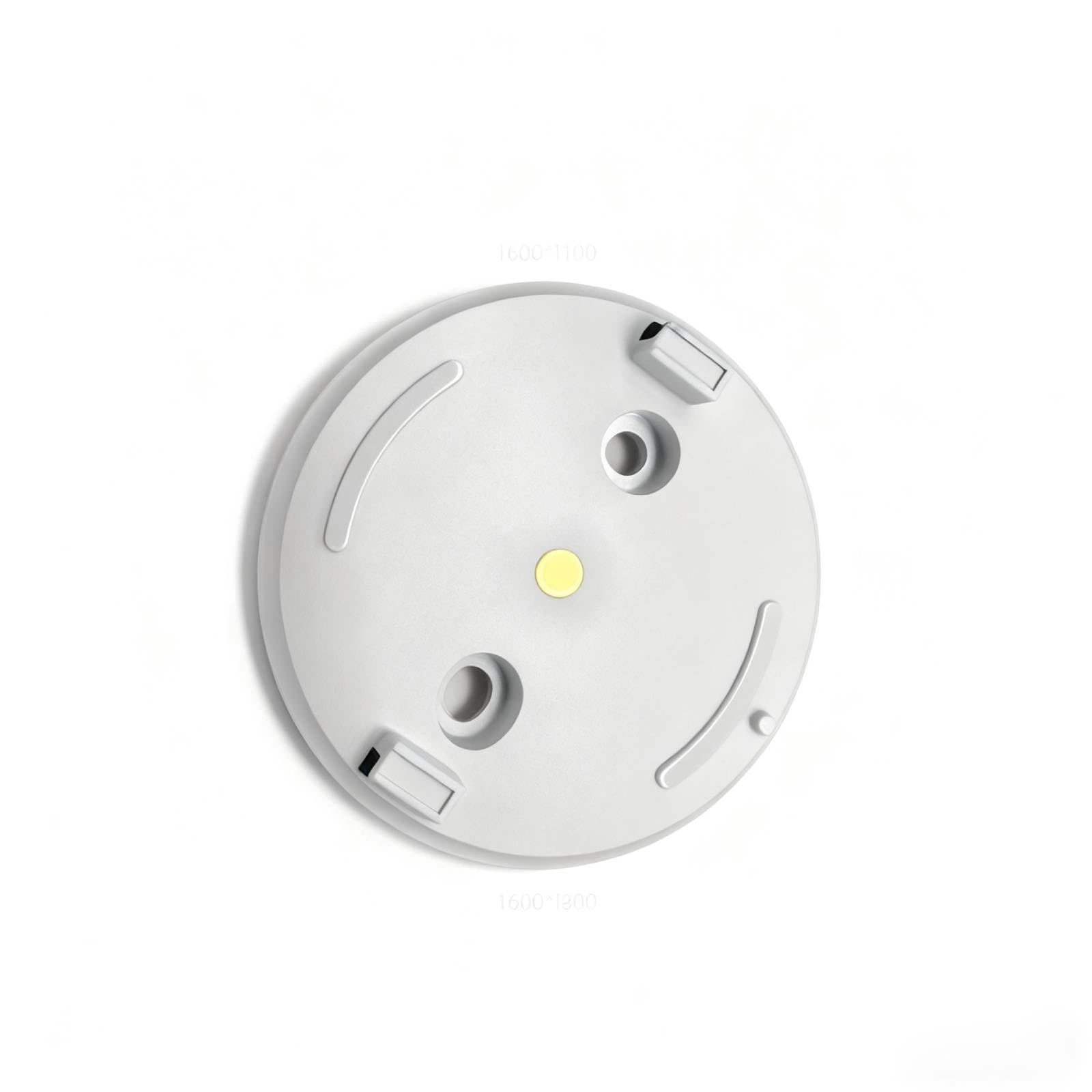
Figure 1: AOSU 2K Indoor Security Camera
2. Продукт бүтүп калдыview
The AOSU 2K Indoor Security Camera offers a range of features to enhance your home security:
- 2K QHD чечилиши: Так жана деталдуу видео foo камсыз кылатtage.
- 360° Home View: Ар тараптуу сунуштайт view of your room with 360° horizontal rotation and 155° vertical tilt.
- Акылдуу кыймылды көзөмөлдөө: Automatically tracks movement of people or pets within its field of view.
- One-Touch Calls: Built-in two-way audio for live communication, activated by a touch-to-talk button.
- IR Түнкү Көрүнүшү: Ensures clear visibility in low-light environments.
- Hassle-Free 2.4GHz Wi-Fi Connection: Simple and quick setup.
- Alexa менен шайкеш келет: View video feed on Alexa-enabled screens.
Видео 1: Бүттүview of AOSU 4MP Indoor Security Camera features including 4MP resolution, 360 motion tracking, IR night vision, 2-way audio, and privacy mode.
3. Пакеттин мазмуну
Upon unboxing your AOSU 2K Indoor Security Camera, verify that all the following components are included:
- AOSU 2K Indoor Security Camera
- Кубаттуу адаптер
- USB заряддоо кабели
- Кронштейн орнотуу
- Монтаждоо бурамдары жана дубал анкерлери
- Quick Start Guide
4. Орнотуу
Follow these steps to set up your AOSU 2K Indoor Security Camera:
- Download the AOSU App: Scan the QR code provided in the Quick Start Guide or search for "AOSU" in your device's app store (available for Apple and Android).
- Каттоо эсебин түзүү: Колдонмону ачып, жаңы колдонуучу каттоо эсебин түзүү үчүн экрандагы нускамаларды аткарыңыз.
- Камераны күйгүзүү: Connect the camera to a power source using the provided USB cable and power adapter. The camera will power on and indicate its status (e.g., blinking LED).
- Колдонмого түзмөк кошуу: In the AOSU app, tap the "+" icon to add a new device. Select your camera model from the list.
- Камераны жупташтырыңыз: Follow the app's instructions to pair your camera. This typically involves scanning a QR code on the camera or connecting to a temporary Wi-Fi network created by the camera. Ensure your phone is connected to a 2.4GHz Wi-Fi network during setup.
- Жайгашкан жери: Choose a desired indoor spot for your camera. The app may offer a Wi-Fi strength test to help you find the best location.
- Монтаждоо (кошумча): If mounting, use the provided bracket, screws, and wall anchors. Ensure the camera is securely attached and positioned for optimal viewing.
5. Иштөө нускамалары
Once your camera is set up, you can utilize its features through the AOSU app:
- Live View: Камераңыздан реалдуу убакыт режиминдеги видео агымына кириңиз.
- Pan/Tilt Control: Use the app's controls to remotely adjust the camera's 360° horizontal and 155° vertical viewбурчтар.
- Эки тараптуу аудио: Камеранын динамиги аркылуу сүйлөө жана анын микрофону аркылуу угуу үчүн колдонмодогу микрофон сүрөтчөсүн таптаңыз.
- Motion Tracking: Enable smart motion tracking in the app settings to have the camera automatically follow detected movement.
- IR Түнкү Көрүнүшү: Камера аз жарык шарттарда автоматтык түрдө түнкү көрүү режимине өтөт.
- Купуялык режими: Activate privacy mode to automatically cover the camera lens when not in use, ensuring your privacy.
- Окуяны жаздыруу: The camera records events when motion is detected. These recordings are stored on the onboard 32GB storage.
- Эскертмелер: Configure push notifications in the app to receive alerts on your phone when motion is detected.
6. Техникалык тейлөө
Камераңыздын узак мөөнөттүү иштешин жана оптималдуу иштешин камсыз кылуу үчүн:
- Тазалоо: Камеранын линзасын жана корпусун жумшак, кургак чүпүрөк менен акырын сүртүңүз. Катуу химиялык заттарды же абразивдүү материалдарды колдонуудан алыс болуңуз.
- Программалык камсыздоонун жаңыртуулары: Regularly check the AOSU app for available firmware updates. Updates often include performance improvements and security enhancements.
- Электр камсыздоо: Зыян келтирбөө үчүн берилген кубат адаптерин жана кабелин гана колдонуңуз.
- Жайгашкан жери: Камераны туруктуу жерге, түз күн нурунан, өтө жогорку температурадан жана нымдуулуктан алыс коюңуз.
7. Кыйынчылыктарды
If you encounter issues with your AOSU 2K Indoor Security Camera, try the following solutions:
- Камера Wi-Fiга туташпай жатат:
- Wi-Fi тармагыңыз 2.4 ГГц экенин текшериңиз.
- Check Wi-Fi signal strength at the camera's location using the app's built-in test.
- Wi-Fi роутериңизди жана камераңызды өчүрүп күйгүзүңүз.
- Видеонун сапаты начар:
- Интернетке туташуу ылдамдыгын текшериңиз.
- Камера объективинин таза экенин текшериңиз.
- Жарыкты жакшыраак алуу үчүн камеранын абалын тууралаңыз.
- Кыймылды аныктоо иштебей жатат:
- Колдонмодо кыймылды аныктоо жөндөөлөрү иштетилгенин текшериңиз.
- Зарыл болсо, кыймыл сезгичтигин тууралаңыз.
- Камераны тоскон эч кандай тоскоолдуктар жок экенин текшериңиз view.
- Эки тараптуу аудио көйгөйлөр:
- Телефонуңуздагы жана колдонмодогу үн жөндөөлөрүн текшериңиз.
- Ensure your phone's microphone is not muted.
- Камера оффлайн:
- Камера күйгүзүлгөнүн текшериңиз.
- Verify your Wi-Fi network is active and accessible.
- Камераны жана роутерди кайра иштетиңиз.
8. Техникалык шарттар
| Өзгөчөлүк | Спецификация |
|---|---|
| Продукт үчүн сунушталган колдонуу | Ички коопсуздук |
| Бренд | aosu |
| Байланыш технологиясы | Wired (for power), Wireless (for data) |
| Өзгөчө өзгөчөлүк | PTZ Technology (Pan/Tilt/Zoom) |
| Ички/тышкы колдонуу | Indoor |
| Буюмдун өлчөмдөрү L x W x H | 25 x 25 x 25 миллиметр |
| Батареялар талап кылынат | Жок |
| Элемент Салмагы | 1 фунт |
| UPC | 699838752955 |
| Өндүрүүчү | AOSU |
9. Кепилдик жана колдоо
For warranty information and customer support, please refer to the documentation included with your product or visit the official AOSU website. Contact information for technical assistance can typically be found in the Quick Start Guide or on the manufacturer's support page.