
Продукт бүттүview
The EWEADN C98 Wired Keyboard and Mouse Combo is designed for comfortable and efficient use with various computer systems. This set includes a wired keyboard with a detachable wrist rest, RGB backlighting, double-shot keycaps, and a multimedia knob, along with a wired mouse featuring adjustable DPI settings.
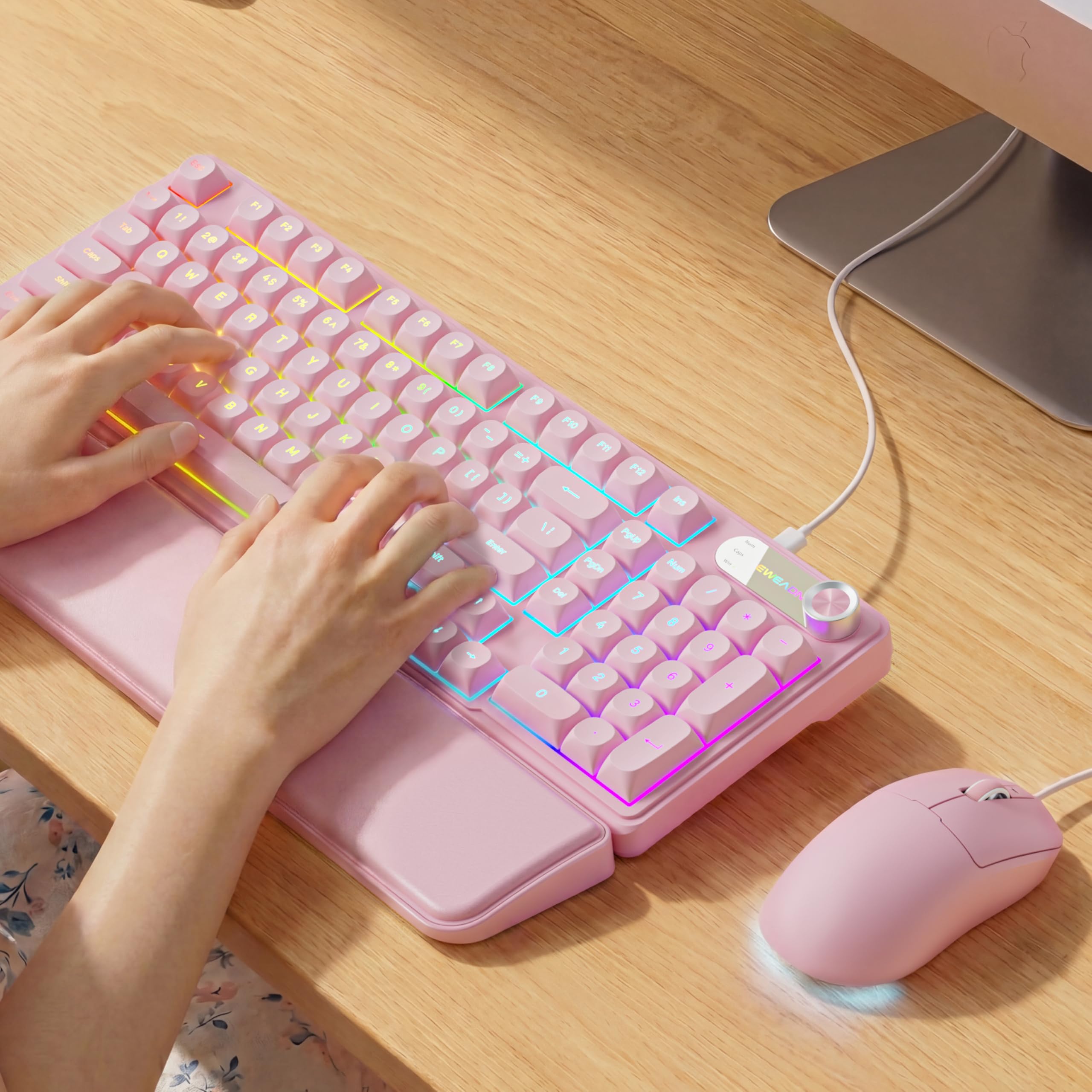
Image: EWEADN C98 Wired Keyboard and Mouse Combo in Pink. This image displays the full keyboard and mouse set, highlighting its ergonomic design and color.
Пакеттин мазмуну
Пакетте бардык буюмдар бар экенин текшериңиз:
- EWEADN C98 Wired Keyboard
- Зымдуу чычкан
- Алынуучу билек эс алуу
- USB кабели (интеграцияланган)
- Колдонуучунун Колдонмосу (бул документ)
Орнотуу нускамалары
Follow these steps to set up your EWEADN C98 Keyboard and Mouse Combo:
- Баскычтопту туташтыруу: Locate an available USB-A port on your computer (Laptop, PC, Desktop, Gaming Console). Insert the USB-A connector from the keyboard into the port.
- Чычканды туташтыруу: The mouse is typically connected via the same USB cable as the keyboard or has its own integrated USB-A connector. Insert the mouse's USB-A connector into another available USB-A port on your computer.
- Билек таянычын тиркөө: Align the detachable wrist rest with the front edge of the keyboard and gently attach it.
- Системаны таануу: Your operating system (Windows, Linux, macOS) should automatically detect and install the necessary drivers. No additional software installation is typically required for basic functionality.
- Mac шайкештиги боюнча эскертүү: For macOS devices, a USB-A to Type-C adapter is required if your Mac only has Type-C ports. This adapter is not included with the product.

Image: Close-up of the keyboard's USB connection and the detachable wrist rest. This illustrates how the keyboard connects and the wrist rest attaches for ergonomic support.

Image: Diagram showing dual-system compatibility. The image indicates how to switch between Windows (FN + A) and Mac (FN + S) layouts for optimal functionality.
Иштөө нускамалары
Баскычтоптун функциялары
- RGB жарыктандыруу: The keyboard features 12 active RGB lighting modes.
- Ачык түстү которуу: Басыңыз FN + INS to cycle through different lighting colors.
- Жарыктыкты жөндөө: Басыңыз FN + PGUP жарыктыгын жогорулатуу жана FN + PGDN жарыктыгын азайтуу үчүн.
- Мультимедиа баскычы: The 2-in-1 rotary knob provides quick control over media and lighting.
- Үндү көзөмөлдөө: Системанын үнүн тууралоо үчүн баскычты буруңуз.
- Үнсүз функция: Press the knob once to mute/unmute audio.
- Которуу режими: Press and hold the knob for 3 seconds to switch between volume control mode and lighting adjustment mode. In lighting mode, rotate to adjust brightness or press to switch light effects.
- Эргономикалык дизайн: The keyboard includes a detachable PU leather wrist rest for comfortable typing posture and foldable stands to adjust the typing angle (up to 8 degrees).
- Тынч терүү: The membrane keys are designed for low-noise operation, suitable for quiet environments.
- Double Shot Keycaps: Characters are injection molded for durability and fade resistance, allowing backlighting to shine through clearly.

Image: Illustration of RGB backlight controls. This image shows the FN + INS and FN + PGUP/PGDN key combinations for adjusting keyboard lighting.

Image: Diagram detailing the 2-in-1 multimedia knob functions. It shows how to adjust volume, mute, and switch between lighting and volume modes.
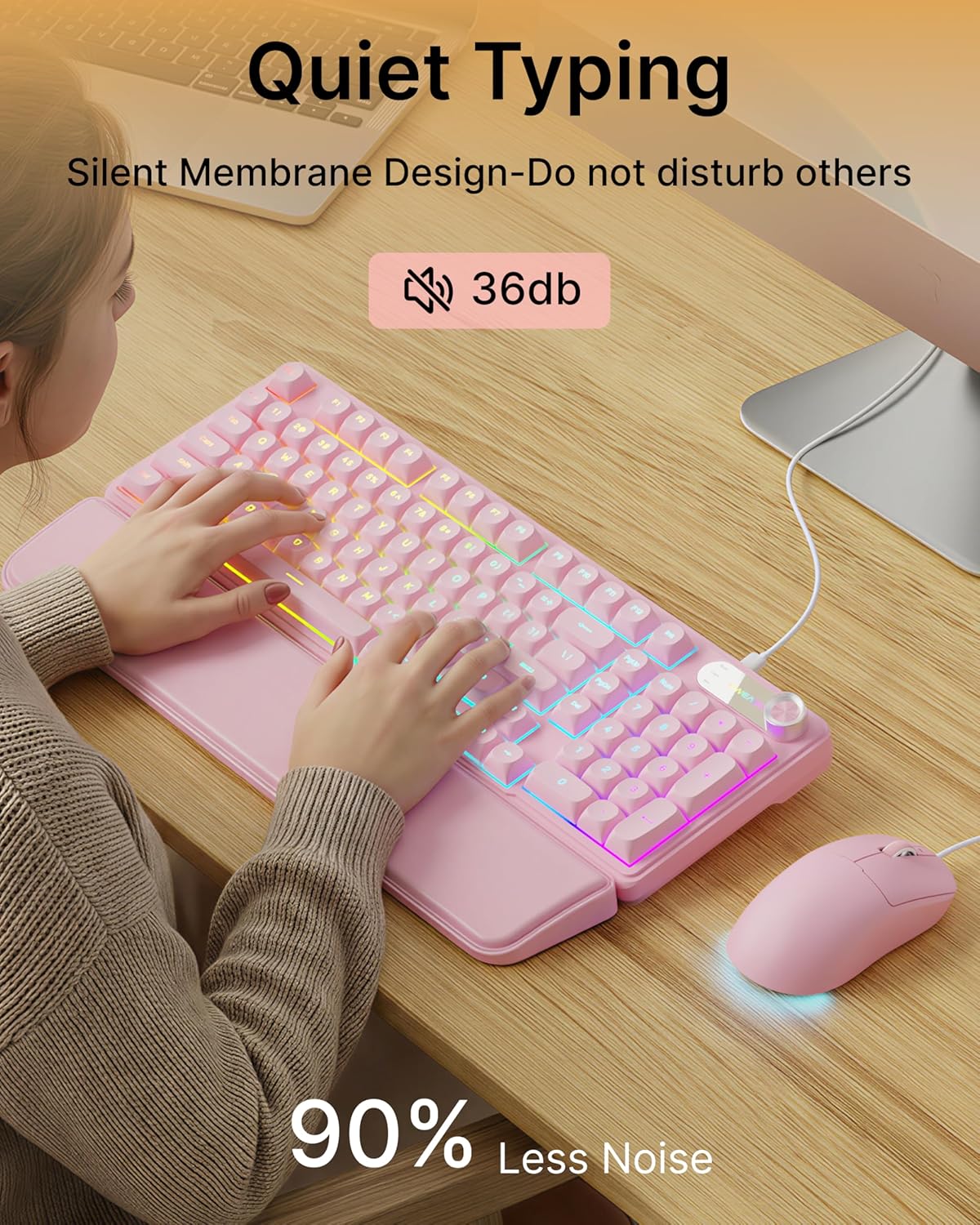
Image: Visual representation of the quiet typing feature. This image highlights the low noise level (36dB) of the keyboard during use.
Чычкан функциялары
- Жөнгө салынуучу DPI: The mouse offers 4 adjustable DPI levels for precision control.
- DPI levels typically range from 800 to 4800.
- Press the DPI button (usually located behind the scroll wheel) to cycle through the available sensitivity settings.
- Тынч чыкылдатуу: The mouse buttons are designed for quiet operation.
- Эргономикалык дизайн: Designed for a comfortable palm grip.

Image: Diagram illustrating the 4-level DPI adjustment for the mouse. It shows the different DPI settings (800, 1600, 3200, 4800) and the ergonomic palm grip design.
Техникалык тейлөө
To ensure the longevity and optimal performance of your EWEADN C98 Keyboard and Mouse Combo, follow these simple maintenance guidelines:
- Тазалоо: Клавиатура менен чычкандын бетин жумшак, кургак чүпүрөк менен сүртүңүз. Өтө кир болсо, бир аз сүртүңүз.ampчүпүрөктү суу же жумшак, абразивдүү тазалагыч менен жууп салыңыз. Ашыкча нымдуулуктан сактаныңыз.
- Чаңды тазалоо: Баскыч капкактарынын ортосундагы чаңды жана калдыктарды тазалоо үчүн кысылган абаны колдонуңуз.
- Суюктуктардан алыс болуңуз: While the product has some water resistance, avoid spilling liquids directly onto the keyboard or mouse. If a spill occurs, disconnect immediately and allow to dry completely before reconnecting.
- Сактагыч: Store the combo in a clean, dry environment away from extreme temperatures.
Проблемаларды чечүү
If you encounter issues with your EWEADN C98 Keyboard and Mouse Combo, refer to the following common solutions:
- Баскычтоп же чычкан жооп бербейт:
- Ensure the USB-A connector(s) are securely plugged into your computer's USB port(s).
- Try plugging the USB connector(s) into a different USB port on your computer.
- Компьютериңизди өчүрүп күйгүзүңүз.
- Эгер USB хабын колдонсоңуз, компьютерге түз туташып көрүңүз.
- Арткы жарык иштебей жатат:
- Клавиатура туура туташтырылганын текшериңиз.
- Басыңыз FN + PGUP multiple times to increase brightness, as it might be set to the lowest level.
- Басыңыз FN + INS to cycle through lighting modes, ensuring a mode with backlighting is selected.
- Multimedia Knob Not Functioning:
- Клавиатура туура туташтырылганын текшериңиз.
- Press and hold the knob for 3 seconds to switch between volume and lighting modes. Verify you are in the desired mode.
- Mouse Cursor Movement is Erratic or Slow:
- Clean the mouse sensor on the underside with a soft cloth.
- Чычканды ылайыктуу жерде (мисалы, чычкан аянтчасында) колдонуп жатканыңызды текшериңиз.
- Press the DPI button to adjust the sensitivity.
- Mac шайкештиги: If using with a Mac and experiencing connection issues, confirm you are using a USB-A to Type-C adapter if your Mac lacks standard USB-A ports.
Техникалык шарттар
| Бренд | EWEADN |
| Модель номери | C98 |
| Байланыш технологиясы | USB-A (Зымдуу) |
| Шайкеш түзмөктөр | Laptop, PC, Desktop, Windows, Linux, Gaming Consoles |
| Keyboard Description | Membrane, 98-key layout |
| Өзгөчөлүктөр | RGB Backlit, Ergonomic, Detachable Wrist Rest, Multimedia Knob, Double-Shot Keycaps, Quiet Typing |
| Баскычтоптун арткы жарыгынын түсүн колдоо | RGB (12 режим) |
| Чычкандын DPI деңгээлдери | 4 adjustable levels (up to 4800 DPI) |
| Материал | Plastic (Keyboard), PU Leather (Wrist Rest) |
| Сууга туруктуулук деңгээли | Waterproof (general resistance, not submersible) |
| Түс | Кызгылт |

Image: Detailed dimensions of the EWEADN C98 keyboard, mouse, and wrist rest. This image provides measurements in inches for each component.
Кепилдик жана колдоо
Specific warranty details are not provided in the product information. For warranty claims or technical support, please refer to the retailer's return policy or contact EWEADN customer service directly through their official channels. Typically, products purchased through Amazon.sg may be subject to a 30-day return policy.