
1. Киришүү
This manual provides essential information for setting up, operating, and maintaining your Auusda 15.6-inch FHD Laptop. Designed for work, study, and entertainment, this laptop features an Athlon Silver 3050E Processor, 32GB DDR4 RAM, and a 1TB SSD for efficient performance and ample storage. Its thin and light design enhances portability, making it suitable for various environments.
Key features include a vibrant 15.6-inch Full HD IPS display, comprehensive connectivity options, a secure fingerprint reader, and a backlit keyboard for comfortable use in diverse lighting conditions. The laptop comes pre-installed with Windows 11 Pro.


2. Орнотуу
2.1 Кутудан чыгаруу жана алгачкы текшерүү
Carefully remove the laptop and its accessories from the packaging. Ensure all components are present and undamaged.
- Auusda 15.6" FHD Laptop
- 12V 3A кубаттагыч
- US Layout Keyboard Cover
- Колдонуучунун Колдонмосу (бул документ)
2.2 Күйгүзүү жана баштапкы конфигурация
- Connect the charger to the laptop's DC-in port and a power outlet.
- Ноутбуктун капкагын ачыңыз. Ноутбук автоматтык түрдө күйүшү мүмкүн же сиз кубат баскычын басышыңыз керек болушу мүмкүн.
- Windows 11 Pro орнотуусун аяктоо үчүн экрандагы нускамаларды аткарыңыз, анын ичинде тил, аймак, тармак туташуусу жана колдонуучу каттоо эсебин түзүү.
- For secure login, configure the integrated fingerprint reader during setup or via Windows Settings later.
3. Операция
3.1 Дисплей жана визуалдык көрүнүштөр
The laptop features a 15.6-inch Full HD (1920x1080) IPS display, providing crisp and vibrant visuals. The narrow bezel design enhances the viewing experience for various tasks, from document editing to streaming media.

3.2 Процессор жана аткаруу
Powered by an Athlon Silver 3050E Processor with 2 cores and 4 threads, the laptop offers a base frequency of 1.4 GHz and a maximum turbo frequency of up to 2.8 GHz. This configuration supports daily office tasks, online learning, and video playback efficiently.

3.3 Эстутум жана сактоо
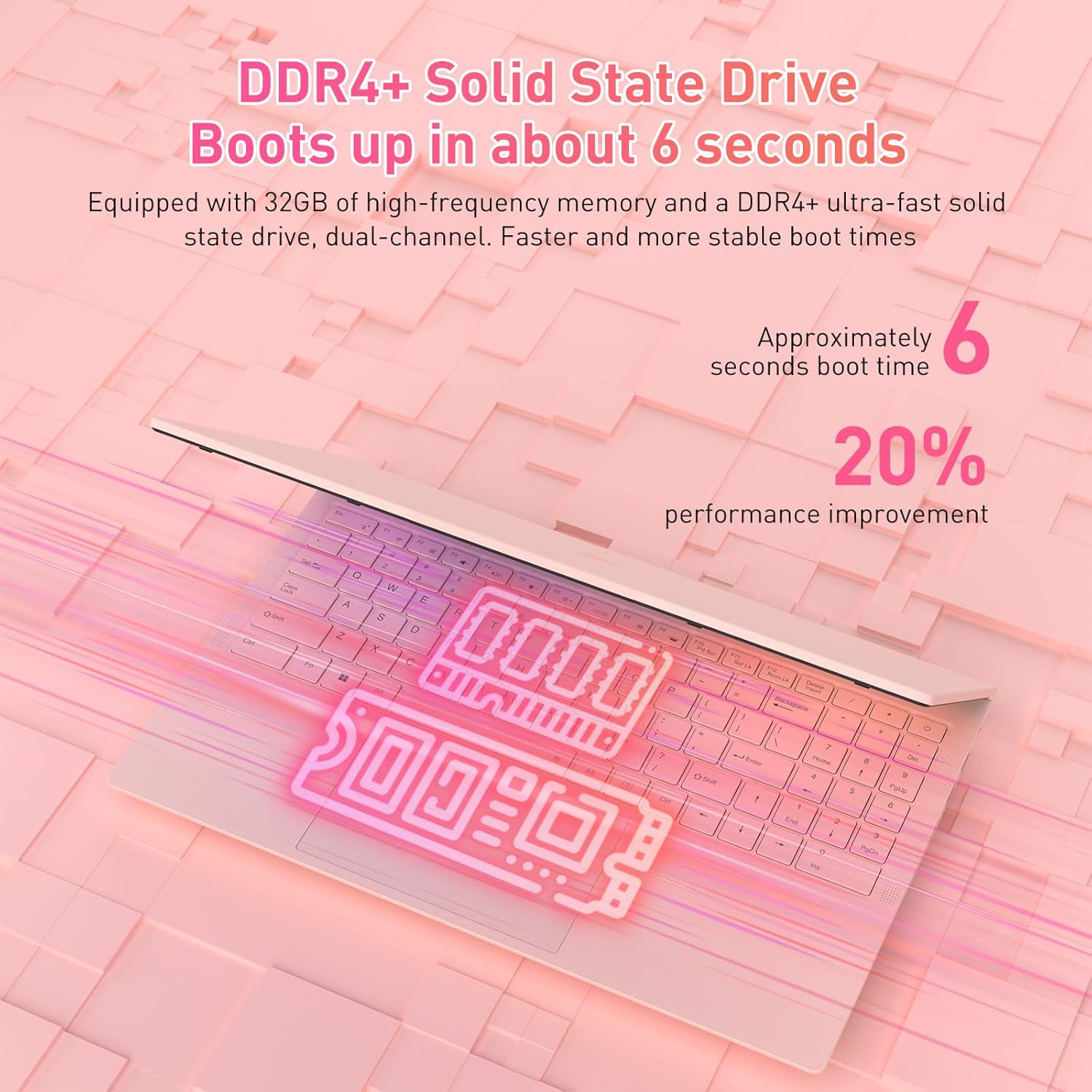
The laptop is equipped with 32GB of DDR4 RAM (2400 MHz) and a 1TB M.2 SATA 3.0 SSD. This combination ensures fast boot times (approximately 6 seconds) and smooth multitasking, allowing you to run multiple applications without significant slowdowns.

3.4 Keyboard and Security Features
The full-size backlit keyboard includes a numeric keypad for enhanced productivity. The large touchpad provides precise navigation. For secure access, the laptop is equipped with an integrated fingerprint reader, allowing for quick and reliable unlocking.

The laptop also features a privacy camera, which can be physically covered for enhanced security.
3.5 Байланыш
The Auusda laptop offers a variety of ports and wireless options for versatile connectivity:
- USB порттору: 1x USB 3.0, 2x USB 2.0
- Тип-C Port: Full-featured, supporting charging and data transfer.
- HDMI: Тышкы дисплейлерге туташуу үчүн.
- Аудио: 3.5 мм гарнитура уясы.
- Картаны окугуч: TF Card Slot.
- Зымсыз: Built-in Wi-Fi 5 (802.11a/b/g/n) and Bluetooth 5.0.
- Коопсуздук: Security Lock Slot.
- Күч: DC Jack for charging.

3.6 Multi-Screen Expansion
The laptop supports multi-screen expansion, allowing you to connect external monitors via the HDMI port for an extended desktop experience, enhancing productivity for work or entertainment.
While not primarily a gaming laptop, the Athlon Silver 3050E processor with RX Vega 3 integrated graphics can handle some lighter gaming titles. For optimal performance in gaming, ensure your system drivers are up to date.
4. Техникалык тейлөө
4.1 Тазалоо
- Экранды тазалоо үчүн жумшак, түксүз чүпүрөктү колдонуңуз. Кежир тактар үчүн, гampчүпүрөктү суу же экранга арналган тазалоо эритмеси менен сүртүңүз.
- Клавиатураны жана шассиди бир аз d менен сүртүңүзamp кездеме. Ашыкча нымдуулуктан сактаныңыз.
- Чаңдын топтолушун алдын алуу үчүн желдеткичтин желдеткич тешиктерин үзгүлтүксүз тазалап туруңуз, анткени алар муздатуунун иштешине таасир этиши мүмкүн.
4.2 Батареяга кам көрүү
- Батареяны бат-баттан толук кубаттап калуудан алыс болуңуз.
- Ноутбукту узак убакытка колдонбогондо салкын, кургак жерде сактаңыз.
- Use only the provided charger to prevent damage to the battery and laptop.
4.3 Программалык камсыздоо жаңыртуулары
Regularly check for and install Windows updates and driver updates (especially for graphics and chipset) to ensure optimal performance and security. You can typically find driver updates on the Auusda support webсайты же AMD расмий website for the Athlon processor.
5. Кыйынчылыктарды
Эгерде сиз ноутбукта көйгөйлөргө туш болсоңуз, анда төмөнкү жалпы көйгөйлөрдү чечүү кадамдарын караңыз:
- Ноутбук күйбөй жатат: Ensure the charger is securely connected and the power outlet is functional. Try pressing and holding the power button for 10-15 seconds.
- Экран көйгөйлөрү (дисплейдин жоктугу, жымыңдаган үн): Connect an external monitor via HDMI to check if the issue is with the laptop's internal display. Restart the laptop.
- Жай аткаруу: Close unnecessary applications, check for background processes, ensure sufficient free storage space, and run a malware scan.
- Байланыш көйгөйлөрү (Wi-Fi, Bluetooth): Check if wireless adapters are enabled in Windows settings. Restart your router/modem for Wi-Fi issues.
- Баскычтоп же сенсордук такта жооп бербей жатат: Restart the laptop. Ensure no external devices are interfering.
- Ашыкча ысып кетүү: Ensure the laptop's vents are clear and not obstructed. Use the laptop on a hard, flat surface to allow for proper airflow.
For persistent issues, please contact Auusda customer support.
6. Техникалык шарттар
| Өзгөчөлүк | Деталь |
|---|---|
| Бренд | Auusda |
| Модель аты | T156A-3050E-32GB+1TB |
| Элемент моделинин номери | 3050E |
| Screen Size | 15.6 дюйм |
| Screen Resolution | 1920 x 1080 пиксел (Full HD IPS) |
| Процессор | AMD Athlon Silver 3050E (1.4 GHz base, up to 2.8 GHz) |
| RAM | 32 ГБ DDR4 SDRAM (2400 МГц) |
| Сактагыч | 1 TB SSD (PCIE x 2 interface) |
| Графикалык сопроцессор | RX Vega 3 (Integrated Graphics) |
| Операция системасы | Windows 11 Pro |
| Зымсыз түрү | 802.11a/b/g/n (Wi-Fi 5), Bluetooth 5.0 |
| USB порттору | 1x USB 3.0, 2x USB 2.0, 1x Type-C (Full-Featured) |
| Башка порттор | HDMI, 3.5mm Headphone Jack, TF Card Slot, DC Jack, Security Lock Slot |
| Элемент Салмагы | 3.7 фунт |
| Продукциянын өлчөмдөрү | 14 x 11 x 0.7 дюйм |
| Түс | Кызгылт |
| Өзгөчөлүктөр | Anti Glare Coating, Backlit Keyboard, Fingerprint Reader, Numeric Keypad, Portable |
| Батарея | 1x 12V battery (included) |
7. Кепилдик жана колдоо
7.1 Өндүрүүчүнүн кепилдиги
Your Auusda laptop comes with a 2-year manufacturer-backed coverage. This warranty covers defects in materials and workmanship under normal use. Please retain your proof of purchase for warranty claims.
7.2 Кардарларды колдоо
For technical assistance, warranty claims, or any questions regarding your Auusda laptop, please contact our customer support team:
- Электрондук почта: Auusda.ltd@gmail.com (as per A+ content FAQ)
- Онлайн: Log in to your Amazon buyer account, find your order, and click "Get Help" or "Ask questions" to reach the seller.
When contacting support, please provide your order number and a detailed description of the issue, including any relevant videos or screenshots.
