
1. Киришүү
This manual provides essential information for setting up, operating, maintaining, and troubleshooting your NIMO 15.6-inch Laptop N152. Please read this manual thoroughly before using your device to ensure proper functionality and longevity.

Image 1.1: NIMO 15.6-inch Laptop, top-down view.
2. Орнотуу
2.1 Кутудан чыгаруу жана алгачкы текшерүү
Carefully remove all components from the packaging. Verify that all items listed in the 'What's in the Box' section (Section 6) are present and undamaged. If any items are missing or damaged, contact customer support.
2.2 Charging the Laptop
Before first use, fully charge your NIMO laptop. Connect the provided 65W USB-C PD Fast Charger to the laptop's USB-C port and then to a power outlet. The charging indicator light will illuminate. A 15-minute charge provides approximately 2 hours of use.

Image 2.1: The 65W USB-C PD Fast Charger can charge multiple devices.
2.3 Күйгүзүү жана баштапкы конфигурация
Press the power button to turn on the laptop. Follow the on-screen instructions to complete the Windows 11 Home setup, including language selection, network connection, and user account creation. You can set up the fingerprint reader during this process for secure login.
3. Иштөө нускамалары
3.1 Баскычтоп жана сенсордук такта
The NIMO N152 features an ergonomic backlit keyboard. To adjust the backlight brightness or toggle it on/off, use the dedicated function keys (Fn + F-key combination, refer to keyboard legends). The touchpad supports multi-touch gestures for enhanced navigation.
3.2 Манжа изин окугуч
The fingerprint reader is integrated into the touchpad for secure and instant login. Once configured, simply place your registered finger on the sensor to unlock your device.
3.3 Дисплейдин өзгөчөлүктөрү
The 15.6-inch Full HD (1920x1080) IPS anti-glare display offers clear visuals. The 180° hinge allows the screen to lay completely flat, useful for sharing content or collaborating.

Image 3.1: The 180° lay-flat hinge for versatile viewing.
3.4 Байланыш
The laptop is equipped with various ports for external devices:
- USB 3.0 порттору: жогорку ылдамдыктагы маалыматтарды берүү үчүн.
- USB 2.0 порт: Стандарттык USB түзмөктөр үчүн.
- HDMI: Тышкы дисплейлерге же проекторлорго туташуу.
- Type-C порттору: Заряддоо жана маалыматтарды өткөрүү үчүн.
- Микро SD окугуч: Сактагычты кеңейтүү же өткөрүп берүү үчүн fileэстутум карталарынан.
- Аудио Jack: Наушник же тышкы динамиктер үчүн.
- Кенсингтон кулпусу: Физикалык коопсуздук үчүн.
Сүрөт 3.2: Каптал view of the NIMO laptop showing available ports.
For wireless connectivity, the laptop supports Wi-Fi 6 for stable, high-speed internet and Bluetooth 5.2 for connecting wireless peripherals.
4. Негизги өзгөчөлүктөрү
4.1 Аткаруу
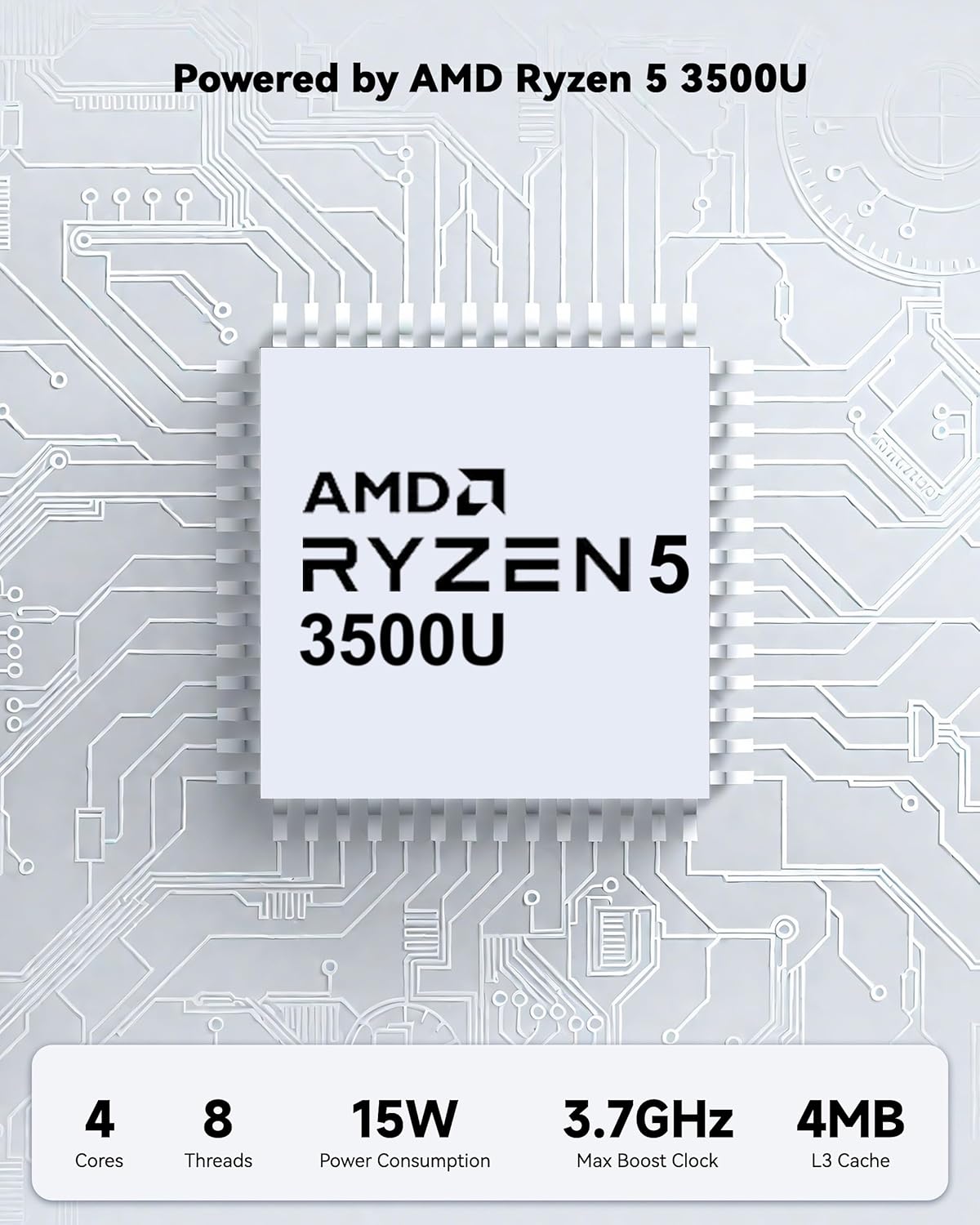
Powered by an AMD Ryzen 5 processor with 4 cores up to 3.7GHz and 16GB DDR4 RAM, the NIMO N152 is designed for efficient multitasking. The 512GB PCIe SSD ensures fast boot-ups and quick file transfers. The RAM is upgradable for future needs.

Image 4.1: AMD Ryzen 5 processor details.
4.2 Visuals and Audio
The 15.6-inch Full HD (1920x1080) IPS anti-glare display provides vibrant visuals with an 85% screen-to-body ratio. The integrated 2MP webcam allows for clear video calls.
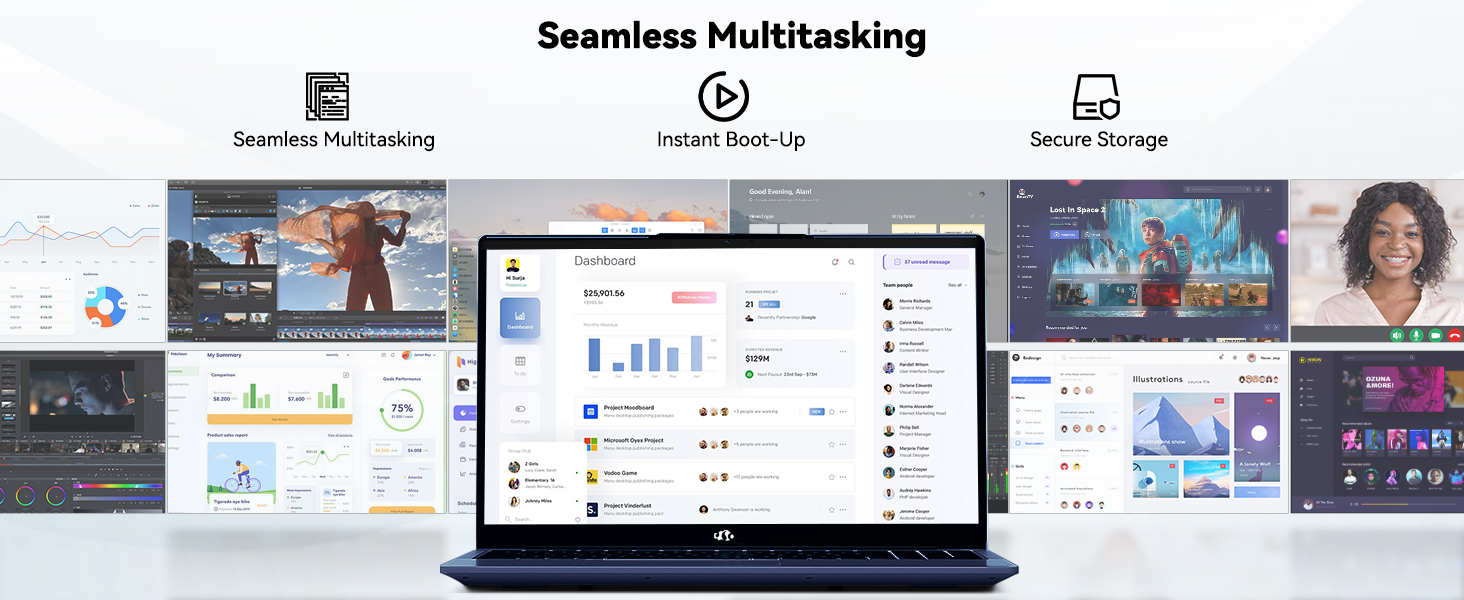
Image 4.2: The laptop's stunning Full HD display.

Image 4.3: The 1080p FHD camera for clear video conferencing.
4.3 Батареянын иштөө мөөнөтү
The laptop features a 54WH battery with smart battery optimization for extended lifespan and efficient power control, providing approximately 9 hours of average battery life.

Image 4.4: Smart Battery Optimization features.
4.4 Дизайн жана көчүрүү
The NIMO N152 has a durable metal A-shell and a slim, lightweight design, weighing approximately 3.75 pounds.

Image 4.5: The NIMO laptop's lightweight and slim profile.
4.5 Продукт бүттүview Video
Видео 4.1: Жалпы жыйынтыкview of the NIMO 15.6-inch laptop, highlighting its features and design.
4.6 Power and Portability Video
Video 4.2: This video demonstrates the power and portability aspects of the NIMO 15.6-inch laptop.
5. Техникалык тейлөө
5.1 Тазалоо
- Экранды жана сыртты тазалоо үчүн жумшак, түксүз чүпүрөктү колдонуңуз.
- өжөр тактар үчүн, жеңил гampкездемени суу же экранды коргоочу тазалоочу каражат менен сүртүңүз.
- Катуу химиялык заттардан, абразивдерден же эриткичтерден алыс болуңуз.
- Keep vents clear of dust and debris to ensure proper airflow.
5.2 Батареяга кам көрүү
- Батареяны бат-баттан толук кубаттап калуудан алыс болуңуз.
- Ноутбукту узак убакытка колдонбогондо салкын, кургак жерде сактаңыз.
- Use only the provided NIMO charger.
5.3 Программалык камсыздоо жаңыртуулары
Regularly update your operating system and drivers to ensure optimal performance and security. Windows 11 Home will prompt you for updates.
6. Кыйынчылыктарды
6.1 Ноутбук күйбөй жатат
- Ensure the charger is securely connected to both the laptop and a working power outlet.
- Башка аспапка сайып, розетка иштеп жатканын текшериңиз.
- Allow the laptop to charge for at least 30 minutes before attempting to power on again.
6.2 Screen Issues
- If the screen is blank, try connecting an external monitor to check if the display output is working.
- Функция баскычтары менен экрандын жарыктыгын тууралаңыз.
- Ноутбукту кайра иштетиңиз.
6.3 Байланыш көйгөйлөрү
- Wi-Fi: Check your router and internet connection. Ensure Wi-Fi is enabled on the laptop.
- Bluetooth: Verify Bluetooth is enabled and devices are in pairing mode.
- USB түзмөктөрү: Try connecting the device to a different USB port or another computer to rule out device issues.
6.4 Жай аткаруу
- Фондо иштеп жаткан керексиз тиркемелерди жабыңыз.
- Күтүүдөгү Windows жаңыртууларынын бардыгын текшерип, орнотуңуз.
- SSDде жетиштүү бош орун камсыз кылыңыз.
- Вирусту сканерлеңиз.
7. Техникалык шарттар
| Өзгөчөлүк | Спецификация |
|---|---|
| Модель аты | NIMO N152 |
| Screen Size | 15.6 дюйм |
| Screen Resolution | 1920 x 1080 пиксел (Full HD IPS) |
| Процессор | AMD Ryzen 5 (4 Cores, up to 3.7 GHz) |
| RAM | 16 GB DDR4 (Upgradable) |
| Memory Speed | 3200 МГц |
| Катуу диск | 512 ГБ SSD (PCIe) |
| Графикалык сопроцессор | AMD Integrated graphics |
| Операция системасы | Windows 11 Home |
| Зымсыз түрү | Wi-Fi 6 (802.11a/b/g/n/ac), Bluetooth 5.2 |
| USB 2.0 порттору | 1 |
| USB 3.0 порттору | 3 |
| Батареянын орточо иштөө мөөнөтү | 9 саат |
| Элемент Салмагы | 3.75 фунт |
| Продукциянын өлчөмдөрү | 14.07 x 8.98 x 0.76 дюйм |
| Түс | Көк |
| Арткы Webcam Resolution | 2 депутат |
| Өзгөчөлүктөр | Арткы жарык клавиатура, манжа изин окугуч, HD аудио, сандык баскычтоп |
7.1 Кутуда эмне бар
- 1 x NIMO N152 Laptop
- 1 x Type-C 65W PD Fast Charger
- 1 x User Manual
- Windows 11 Home (Pre-installed)
8. Кепилдик жана колдоо
Your NIMO N152 laptop comes with a 2 жылдык өндүрүүчүнүн кепилдиги. Additionally, NIMO offers a 90-day hassle-free return and exchange policy. For any product-related questions, technical assistance, or warranty claims, please contact NIMO customer service.
8.1 Байланыш маалыматы
For support, you can reach out to the professional after-sales team via email or phone. Please refer to the official NIMO website or product page for the most current contact details.

Image 8.1: NIMO products are covered by a 2-year support.

Image 8.2: 90-Day Return policy.