
1. Киришүү
Thank you for choosing the Dytole Wireless Headset DY108. This headset is designed to provide clear audio communication and comfort for various professional and personal uses. Featuring advanced AI noise cancellation, Bluetooth 5.3 connectivity, and a long-lasting battery, it is optimized for calls, online meetings, and general audio playback.

Figure 1.1: Dytole Wireless Headset DY108
2. Пакеттин мазмуну
Сураныч, пакетте төмөнкү нерселерди текшериңиз:
- Bluetooth Wireless Headset x 1
- 2.4G USB Dongle x 1
- USB-C заряддоо кабели x 1
- Колдонуучунун колдонмосу x 1
2.1-сүрөт: Пакеттин мазмуну
3. Продукт бүтүп калдыview жана Controls
Familiarize yourself with the headset's components and control buttons.

Figure 3.1: Headset Controls
- Ийкемдүү микрофон: 135° adjustable mic boom for optimal voice pickup.
- Үн баскычтары: Аудио чыгаруу деңгээлин тууралаңыз.
- Үнсүз баскычы: Чалуу учурунда микрофондун үнүн өчүрүү/ачуу.
- MFB (көп функциялуу баскыч): Power on/off, play/pause music, answer/end calls, activate voice assistant.
- Кубат баскычы: On/Off switch for the headset.
- Жумшак дем алуучу кулакчындар: Designed for comfort during extended wear.
- Жөнгө салынуучу баш боосу: Коопсуз жана ыңгайлуу отуруу үчүн.
4. Орнотуу
4.1. Гарнитураны заряддоо
Before first use, fully charge the headset. Connect the USB-C charging cable to the headset's charging port and the other end to a USB power source (e.g., computer, wall adapter). The LED indicator will show charging status.
- Заряддоо убактысы: Толук кубаттоо үчүн болжол менен 2 саат.
- Батареянын иштөө мөөнөтү: Up to 65 hours of talk/music time on a full charge.
4.1-сүрөт: Заряддоо жана батареянын иштөө мөөнөтү
4.2. Bluetooth аркылуу туташуу
- Гарнитура заряддалганын жана өчүрүлгөнүн текшериңиз.
- Press and hold the MFB button until the LED indicator flashes blue and red alternately, indicating pairing mode.
- Түзмөгүңүздө (смартфон, планшет, ноутбук) Bluetooth иштетиңиз жана жеткиликтүү түзмөктөрдү издеңиз.
- Select "DY108" from the list of devices.
- Туташтырылгандан кийин, LED индикатору акырындык менен көк болуп жанат.
4.3. USB донгл аркылуу туташуу
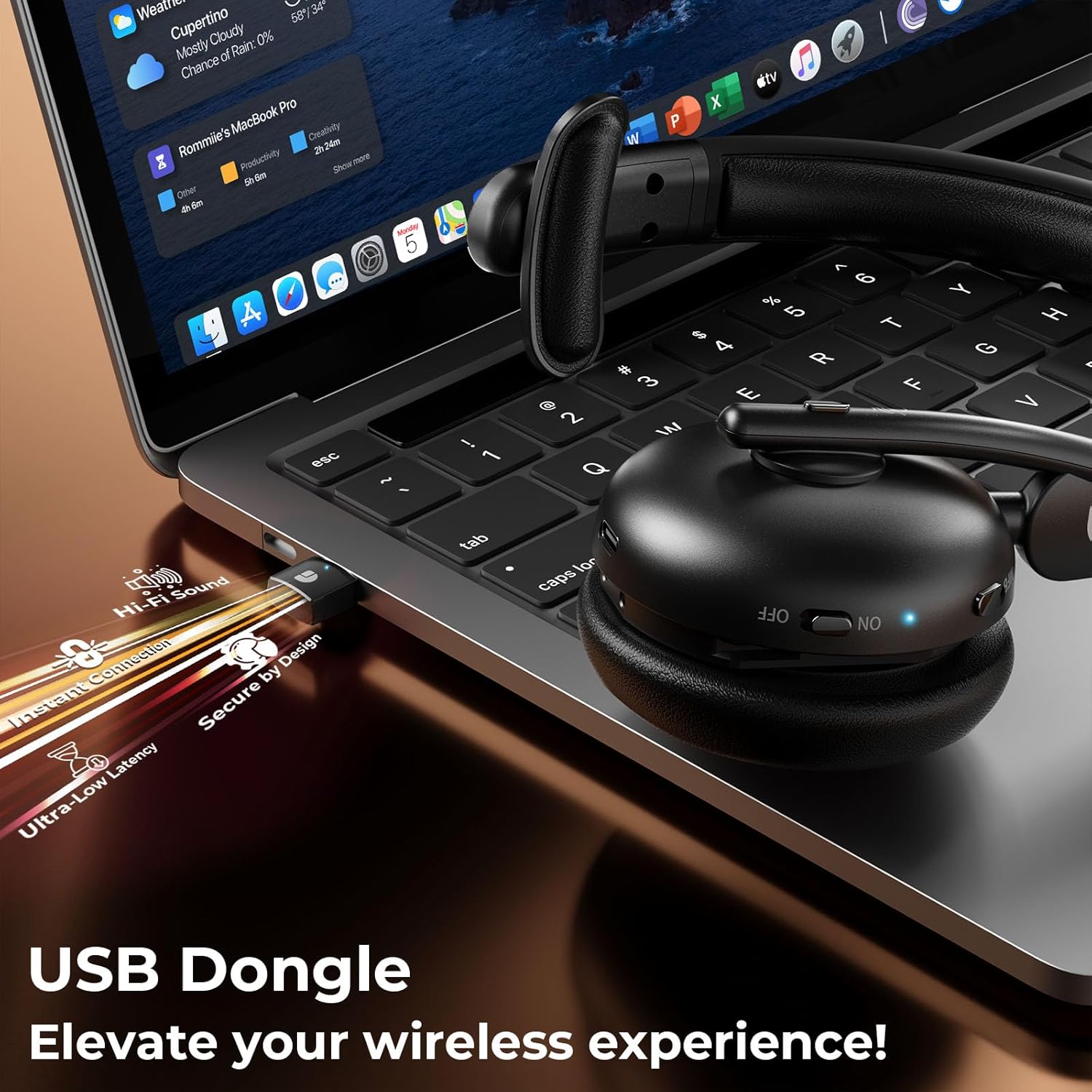
The USB dongle provides a stable and low-latency connection, ideal for PC/laptop use.
- Plug the 2.4G USB dongle into an available USB port on your computer.
- Power on the headset. It will automatically connect to the USB dongle.
- The LED indicator on both the headset and dongle will show a steady blue light when connected.
- Ensure the headset is selected as the audio input/output device in your computer's sound settings.
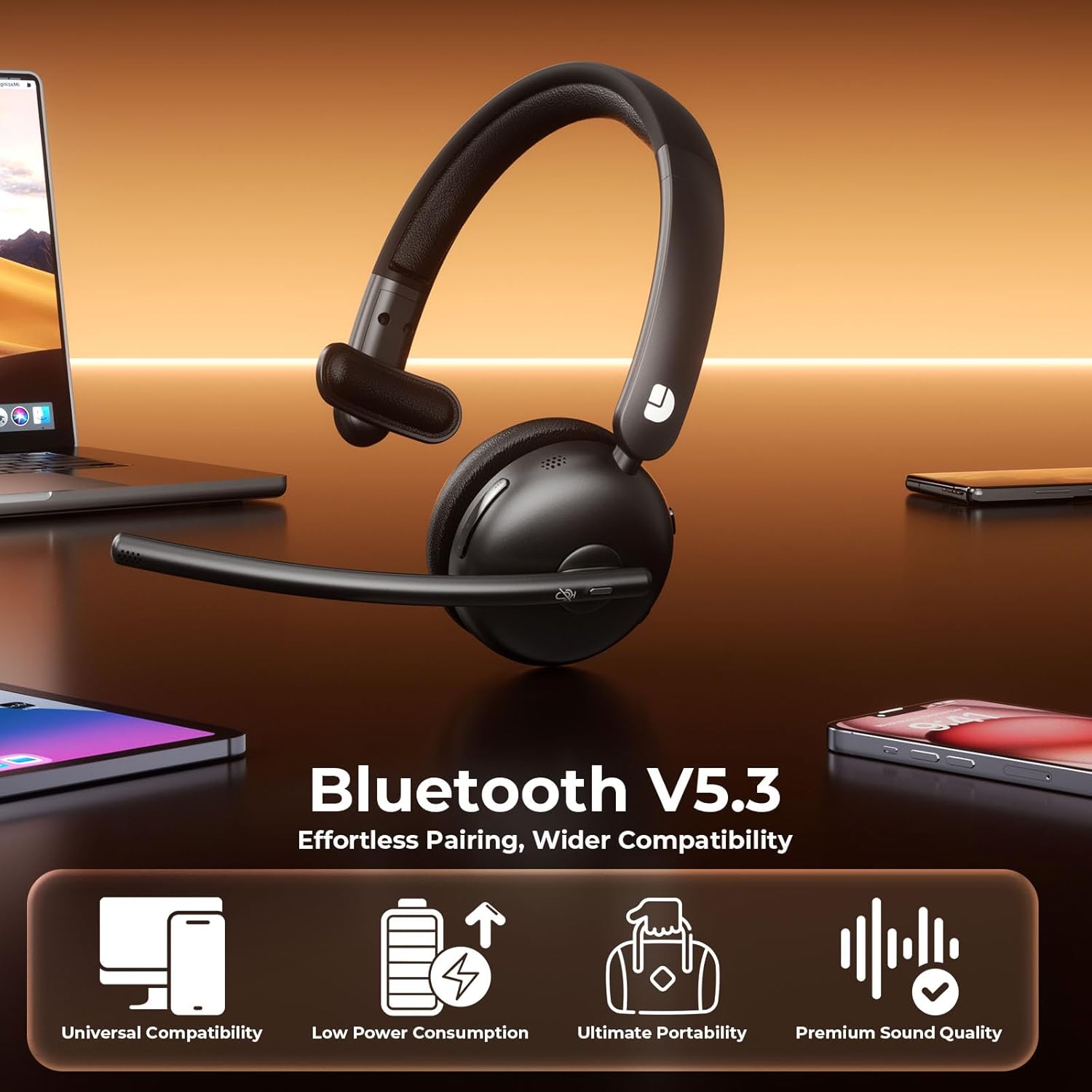
Figure 4.2: USB Dongle Connection
5. Иштөө нускамалары
5.1. Күйгүзүү/өчүрүү
- Күйгүзүү: Slide the Power Button to the 'ON' position. The LED indicator will light up.
- Өчүрүү: Slide the Power Button to the 'OFF' position. The LED indicator will turn off.
5.2. Үндү тууралоо
- Көлөмүн жогорулатуу: Press the 'Volume+' button.
- Көлөмдү азайтуу: Press the 'Volume-' button.
5.3. Үнсүз функция
- Микрофондун үнүн басуу: Press the Mute Button once during a call. The LED indicator on the microphone will turn red.
- Микрофондун үнүн чыгаруу: Press the Mute Button again. The LED indicator will turn off.
5.4. Чалууларды башкаруу
- Чакырууга жооп берүү: MFB баскычын бир жолу басыңыз.
- Чакырууну аяктоо: Press the MFB button once during a call.
- Чакырууну четке кагуу: MFB баскычын 2 секунд басып туруңуз.
5.5. Музыканы ойнотуу
- Ойнотуу/тындыруу: MFB баскычын бир жолу басыңыз.
- Кийинки трек: Press and hold the 'Volume+' button.
- Мурунку трек: Press and hold the 'Volume-' button.
5.6. Үн жардамчысы
- Үн Жардамчысын жандыруу: Double-press the MFB button.
6. Негизги өзгөчөлүктөрү
6.1. AI Noise Cancelling Microphone
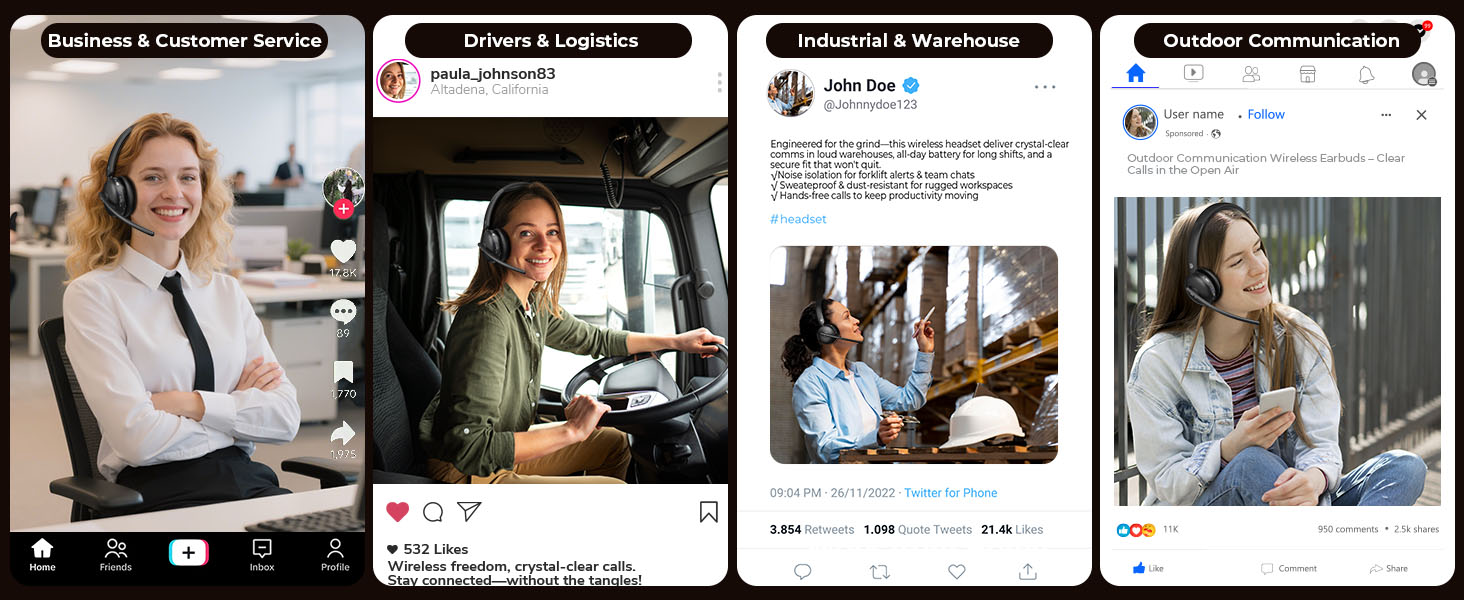
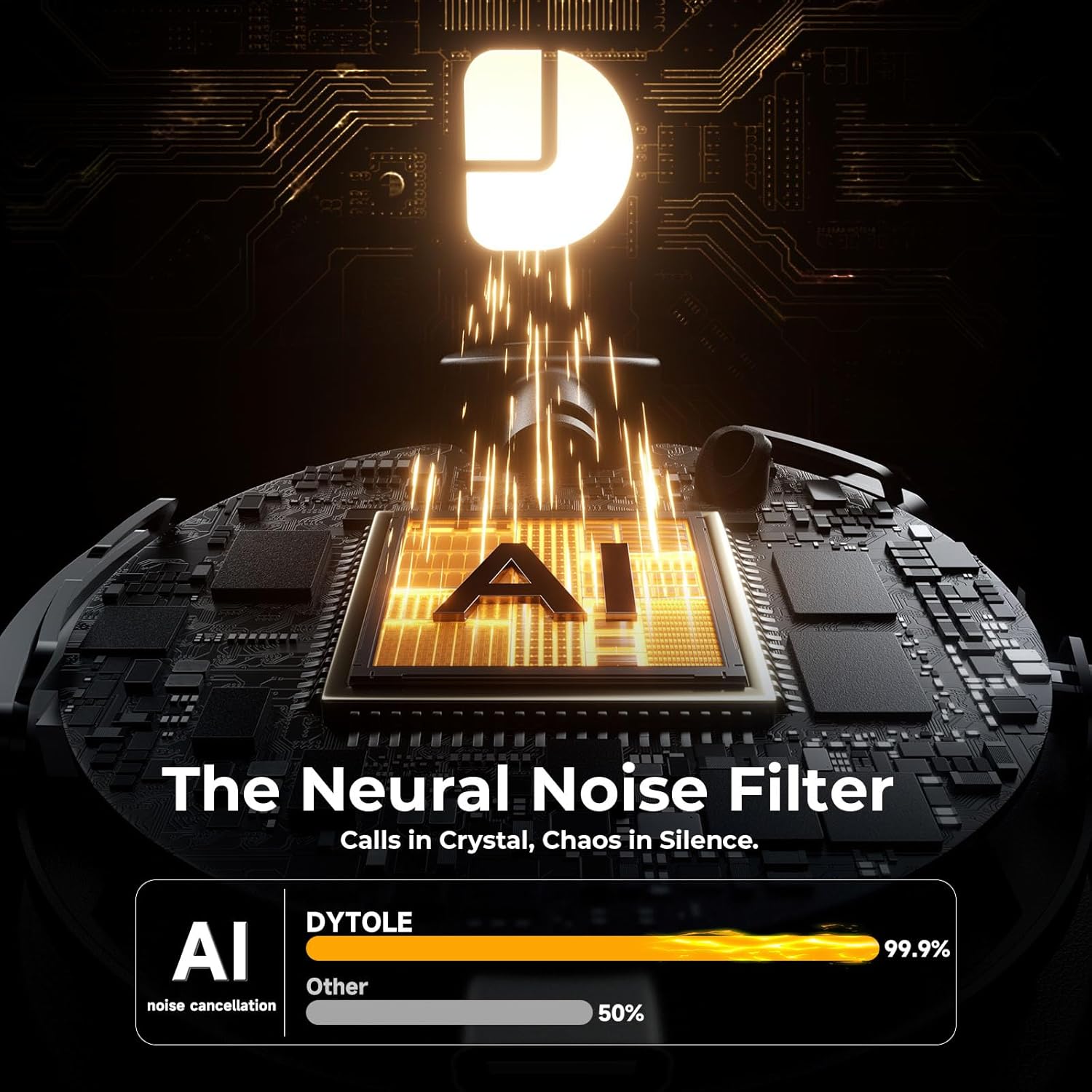
The headset features advanced AI noise cancellation technology, designed to eliminate up to 99% of background noise. This ensures your voice is transmitted clearly and professionally, even in noisy environments.

Figure 6.1: AI Noise Cancelling in Action
6.2. Comfortable and Durable Design
Constructed with lightweight, skin-friendly materials, the DY108 headset offers all-day comfort. The adjustable headband and soft, breathable earmuffs ensure a secure yet gentle fit, making it suitable for extended use.
6.3. Универсалдуу шайкештик
With Bluetooth 5.3 and a dedicated USB dongle, the headset provides seamless compatibility across a wide range of devices, including PCs, laptops, smartphones, and tablets. It supports various communication platforms like Teams and Zoom.
6.2-сүрөт: Универсалдуу түзмөк шайкештиги
7. Техникалык шарттар
| Модель аты | DY108 |
| Байланыш технологиясы | Wireless (Bluetooth 5.3, 2.4G USB Dongle) |
| Noise Control | AI ызы-чууну жокко чыгаруу |
| Батареянын иштөө мөөнөтү | 65 саатка чейин |
| Заряддоо убактысы | Болжол менен 2 саат |
| Bluetooth диапазону | 15 метрге чейин |
| Кулак жайгаштыруу | On Ear |
| Материал | Faux Leather, Stainless Steel |
| Элемент Салмагы | 10.5 унция |
8. Кыйынчылыктарды
8.1. Үн жок же үнү төмөн
- Ensure the headset is powered on and connected to your device.
- Гарнитурадагы жана туташкан түзмөгүңүздүн үнүнүн деңгээлин текшериңиз.
- Verify that the headset is selected as the audio output device in your computer's sound settings.
8.2. Cannot Connect via Bluetooth/USB Dongle
- Make sure the headset is in pairing mode (flashing blue/red) for Bluetooth connection.
- For USB dongle, ensure it is properly inserted and the headset is powered on.
- Гарнитураны да, түзмөгүңүздү да өчүрүп-күйгүзүп көрүңүз.
- Түзмөгүңүздөгү мурунку Bluetooth жупташууларын тазалап, кайра жупташтырып көрүңүз.
8.3. Микрофон иштебей жатат
- Check if the microphone is muted (red LED on mic). Press the Mute Button to unmute.
- Ensure the headset is selected as the audio input device in your device's sound settings.
- Микрофондун штангасын оозуңузга жакындатыңыз.
9. Кароо жана тейлөө
- Гарнитураны жумшак, кургак чүпүрөк менен үзгүлтүксүз тазалап туруңуз. Катуу химиялык заттарды же абразивдүү материалдарды колдонуудан алыс болуңуз.
- Гарнитураны күн нурунан жана экстремалдык температурадан алыс салкын, кургак жерде сактаңыз.
- Гарнитураны сууга же ашыкча нымдуулукка дуушар кылбаңыз.
- Гарнитураны түшүрүүдөн же катуу таасирлерге дуушар кылуудан качыңыз.
10. Кепилдик жана колдоо
The Dytole Wireless Headset DY108 comes with a standard manufacturer's warranty. For detailed warranty information, technical support, or service inquiries, please refer to the warranty card included in your package or contact Dytole customer support through their official webпродукт сатылып алынган сайт же сатуучу.