
1. Продукт бүтүп калдыview
The Cuifati 50000mAh Solar Power Bank is a robust and versatile portable charging solution designed for outdoor enthusiasts and emergency preparedness. Featuring a high-capacity battery and solar charging capabilities, it ensures your devices remain powered in various environments.
Негизги өзгөчөлүктөрү:
- Массивдуу 50,000 мАч кубаттуулугу: Provides multiple recharges for smartphones, tablets, and other USB-powered devices.
- Күн кубаттоо мүмкүнчүлүгү: Allows for emergency recharging using sunlight, ideal for off-grid situations.
- Crush-Proof Aluminum Alloy Casing: Durable exterior offers protection against impacts and aids in heat dissipation.
- Integrated LED Campжарык: Features high-brightness LED with constant, breathing, and SOS flashing modes for illumination and emergency signaling.
- Ар тараптуу тез кубаттоо: Supports USB-A, Type-C, and QC Fast Charging protocols for efficient power delivery to a wide range of digital devices.
- Көптөгөн коргоо системасы: Built-in safeguards against overcharge, overvoltage, overcurrent, overpower, overdischarge, and temperature fluctuations.

Сүрөт 1.1: Алдыңкы view of the Cuifati Solar Power Bank, showcasing the integrated solar panel.

Сүрөт 1.2: Каптал view displaying the various charging ports and the LED light panel.
2. Орнотуу жана алгачкы колдонуу
2.1 Power банкты заряддоо
Before first use, fully charge the power bank using a wall adapter to ensure optimal battery performance. Solar charging is primarily for emergency use and maintaining charge, not for rapid full charging.
- Via USB Wall Adapter: Connect the included USB charging cable (or a compatible Type-C cable) to the power bank's input port and plug the other end into a USB wall adapter (not included). The indicator lights will show charging progress.
- Күн панели аркылуу: Place the power bank in direct sunlight. The solar indicator light will illuminate, indicating that solar charging is active. For best results, ensure the solar panel is clean and unobstructed.

Сүрөт 2.1: Жогорку view of the power bank, showing the solar panel and a USB charging cable.
2.2 Батареянын деңгээлин текшерүү
үчүн кубат баскычын бир жолу басыңыз view the current battery level indicated by the LED lights.
3. Иштөө нускамалары
3.1 Тышкы түзмөктөрдү заряддоо
Connect your device's charging cable to one of the power bank's output ports (USB-A or Type-C). The power bank will automatically begin charging your device. If charging does not start, press the power button once.
3.2 Using the LED Campжарык
The integrated LED light offers multiple modes for various situations.
- Күйгүзүү/өчүрүү: Long press the power button to turn the LED light on or off.
- Цикл режимдери: Once the light is on, short press the power button to cycle through the modes: Constant Brightness > Breathing Light > SOS Flashing > Burst Flash.

Image 3.1: The power bank demonstrating its LED bright light feature, useful for campже өзгөчө кырдаалдар.
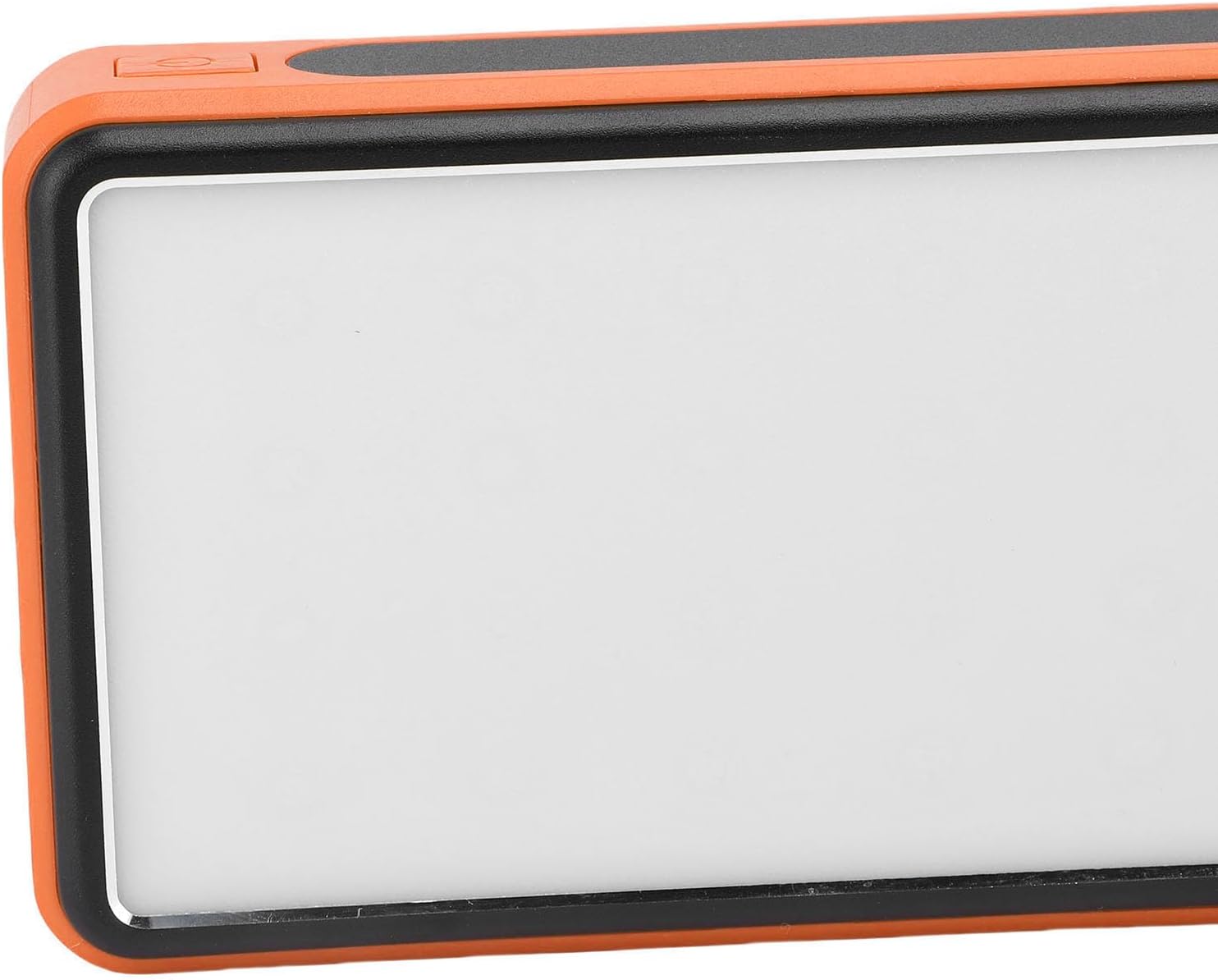
Сүрөт 3.2: Каптал view highlighting the power button used for operating the device and LED light.
4. Техникалык тейлөө жана кам көрүү
- Тазалоо: Wipe the power bank with a soft, dry cloth. Avoid using harsh chemicals or abrasive materials. Ensure the solar panel is clean for efficient charging.
- Сактагыч: Store the power bank in a cool, dry place away from direct sunlight and extreme temperatures. For long-term storage, charge the power bank to about 50-75% every 3-6 months to preserve battery health.
- Экологиялык шарттар: While crush-proof, avoid intentional drops or impacts. Do not expose to water or high humidity.

Image 4.1: Icons representing the power bank's multiple protection features, including overcharge, overvoltage, and temperature prevention.
5. Кыйынчылыктарды
- Power банк кубатталбай жатат: Ensure the charging cable is securely connected to both the power bank and the power source. Try a different cable or wall adapter. For solar charging, ensure direct sunlight and a clean solar panel.
- Түзмөк кубат банкынан кубатталбай жатат: Ensure the power bank has sufficient charge. Press the power button once to activate output. Try a different USB port or charging cable.
- LED жарыгы иштебейт: Long press the power button to turn it on. If it still doesn't work, ensure the power bank has sufficient charge.
- Жай кубаттоо: Ensure you are using a fast-charging compatible cable and your device supports fast charging. Solar charging is inherently slower than wall charging.
6. Техникалык шарттар
| Өзгөчөлүк | Спецификация |
|---|---|
| Батарея сыйымдуулугу | 50,000mAh |
| Шайкеш түзмөктөр | Smartphones, Tablets, USB-powered devices (including some laptops) |
| Заряддоо протоколдору | USB-A, Type-C, QC Fast Charging |
| LED жарык режимдери | Constant, Breathing, SOS Flashing, Burst Flash |
| Casing Материал | Алюминий эритмеси |
| Түс | Ачык күрөң |
| Пакеттин өлчөмдөрү | 19 x 13 x 5 см |
| Салмагы | 552 грамм |
| Келип чыккан өлкө | Кытай |
7. Кепилдик маалыматы
This Cuifati Solar Power Bank comes with a 2 жылдык өндүрүүчүнүн кепилдиги сатып алынган күндөн тартып. Бул кепилдик нормалдуу колдонуудагы материалдардагы жана жасалгадагы кемчиликтерди камтыйт. Бул туура эмес колдонуудан, кырсыктардан, уруксатсыз өзгөртүүлөрдөн же кадимки эскирүүдөн келип чыккан зыянды камтыбайт. Кепилдик дооматтары үчүн сатып алганыңыздын далилин сактап коюңуз.
8. Колдоо
For technical support, warranty claims, or further inquiries, please contact Cuifati customer service. Refer to the product packaging or the retailer's webэң акыркы байланыш маалыматы үчүн сайт.
We recommend visiting the official Cuifati webпродуктуну каттоо, көп берилүүчү суроолор жана кошумча колдоо ресурстары үчүн сайт.