
1. Продукт бүтүп калдыview
The MCHOSE A7 V2 Ultra is a high-performance wireless gaming mouse designed for precision and comfort. It features an ultra-lightweight design, an advanced optical sensor, and versatile connectivity options to enhance your gaming and productivity experience.
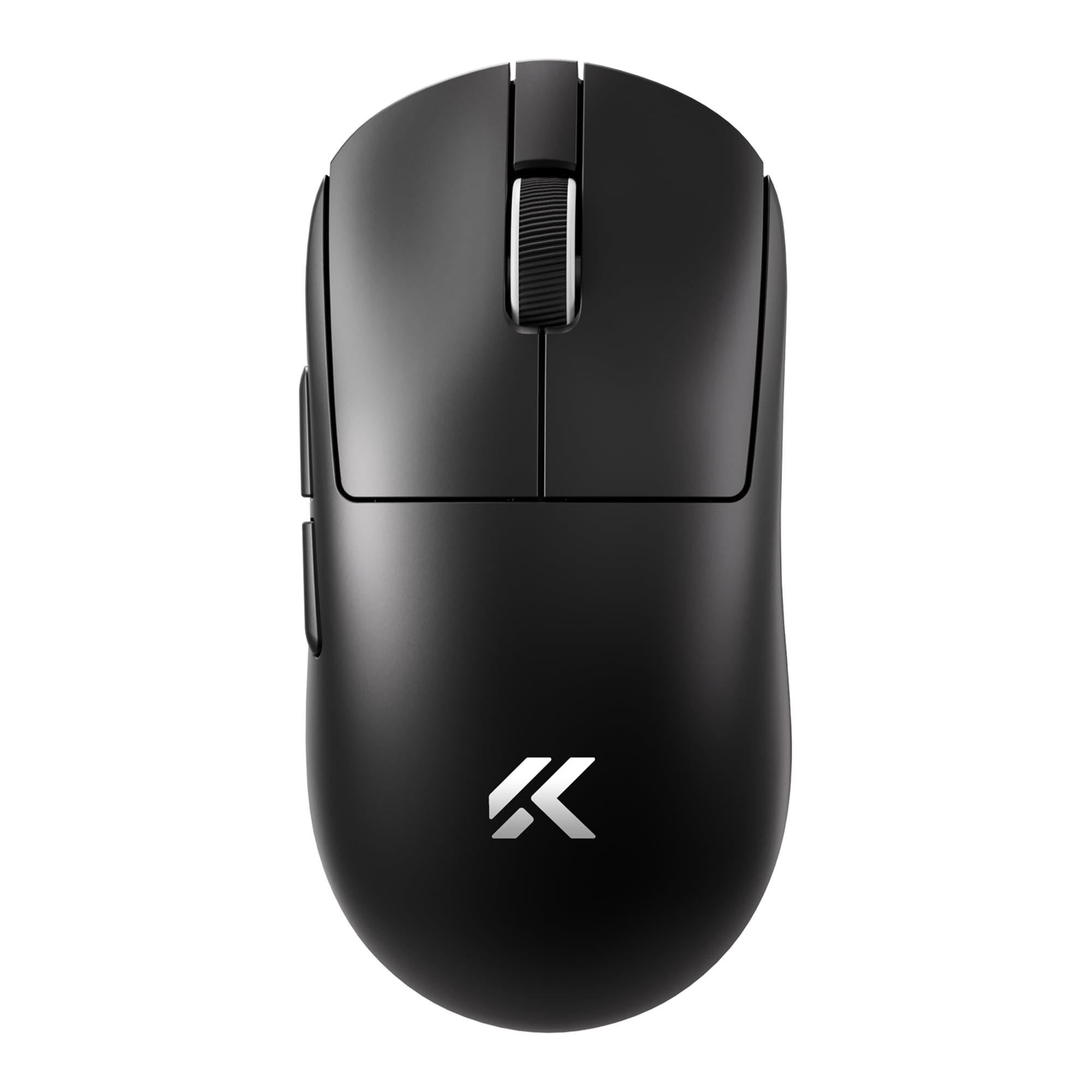
Image: MCHOSE A7 V2 Ultra Wireless Gaming Mouse, showcasing анын эргономикалык дизайны.
2. Пакеттин мазмуну
Пакетиңизде бардык буюмдар бар экенин текшериңиз:
- MCHOSE A7 V2 Ultra Wireless Gaming Mouse
- USB-C - USB-A заряддоо/дата кабели
- 2.4 ГГц USB зымсыз кабыл алгыч
- User Manual
- Additional Grip Tape (optional accessory)
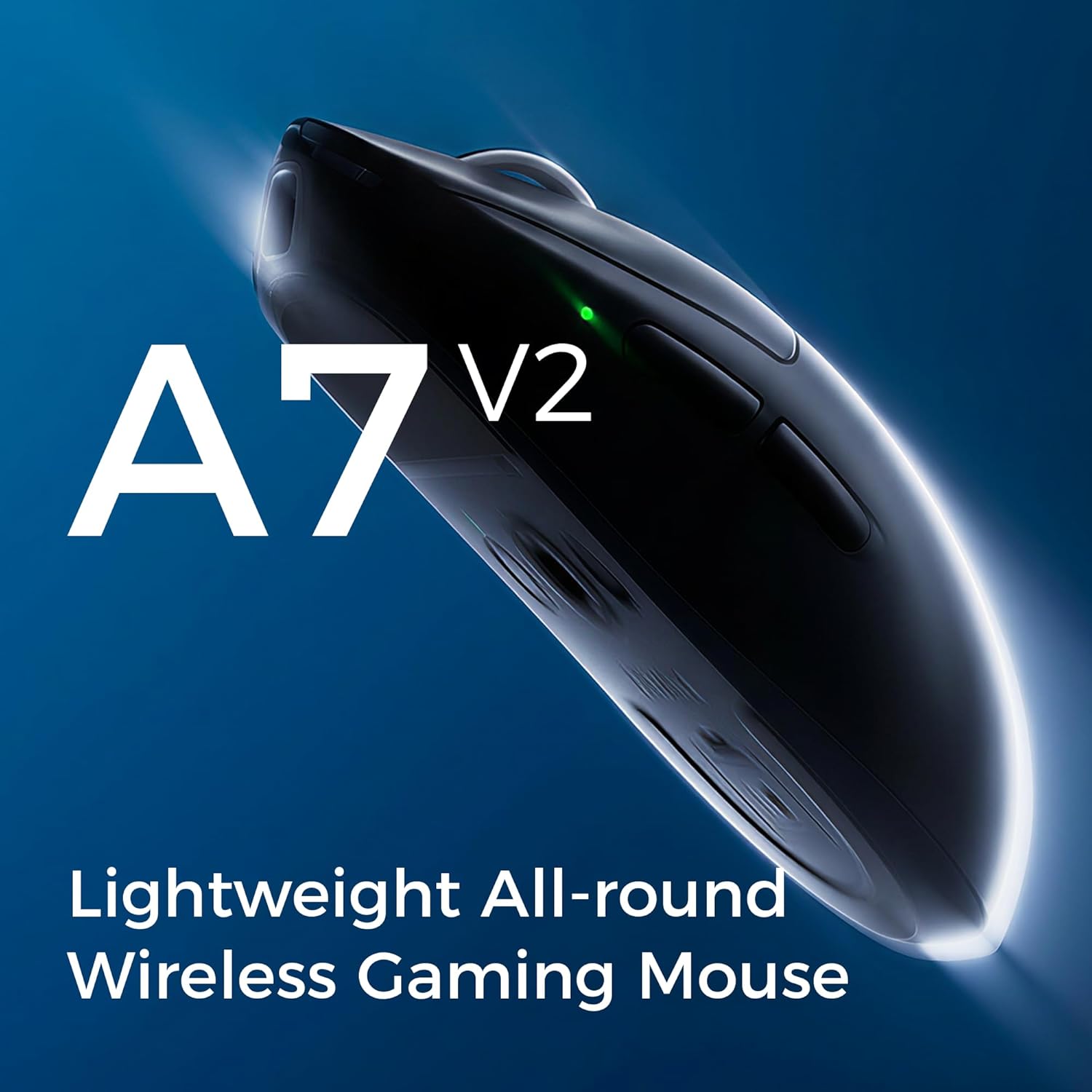
Image: The MCHOSE A7 V2 Ultra mouse along with its charging cable, USB receiver, and grip tape.
3. Орнотуу колдонмосу
3.1 Чычканды заряддоо
Before first use, it is recommended to fully charge the mouse. Connect the provided USB-C cable to the mouse's charging port and the USB-A end to a powered USB port on your computer or a wall adapter. The mouse features a 130-hour battery life on a single charge.

Image: Illustration highlighting the mouse's long battery life.
3.2 Connectivity Options (Tri-Mode)
The MCHOSE A7 V2 Ultra supports three connection modes: Wired, 2.4GHz Wireless, and Bluetooth.
- Зымдуу режим: USB-C кабелин чычкандан түз эле компьютериңизге туташтырыңыз. Чычкан автоматтык түрдө зымдуу режимге өтүп, кубаттала баштайт.
- 2.4 ГГц зымсыз режими:
- Locate the 2.4GHz USB wireless receiver, typically stored in a compartment on the underside of the mouse.
- Ресиверди компьютериңиздеги жеткиликтүү USB портуна сайыңыз.
- Turn on the mouse using the switch on the bottom and select the '2.4G' mode. The mouse should connect automatically.
- Bluetooth режими:
- Turn on the mouse using the switch on the bottom and select the 'B' (Bluetooth) mode.
- Компьютериңизден же түзмөгүңүздөн Bluetooth жөндөөлөрүнө өтүп, жаңы түзмөктөрдү издеңиз.
- Select 'MCHOSE A7 V2 Ultra' from the list of available devices to pair.
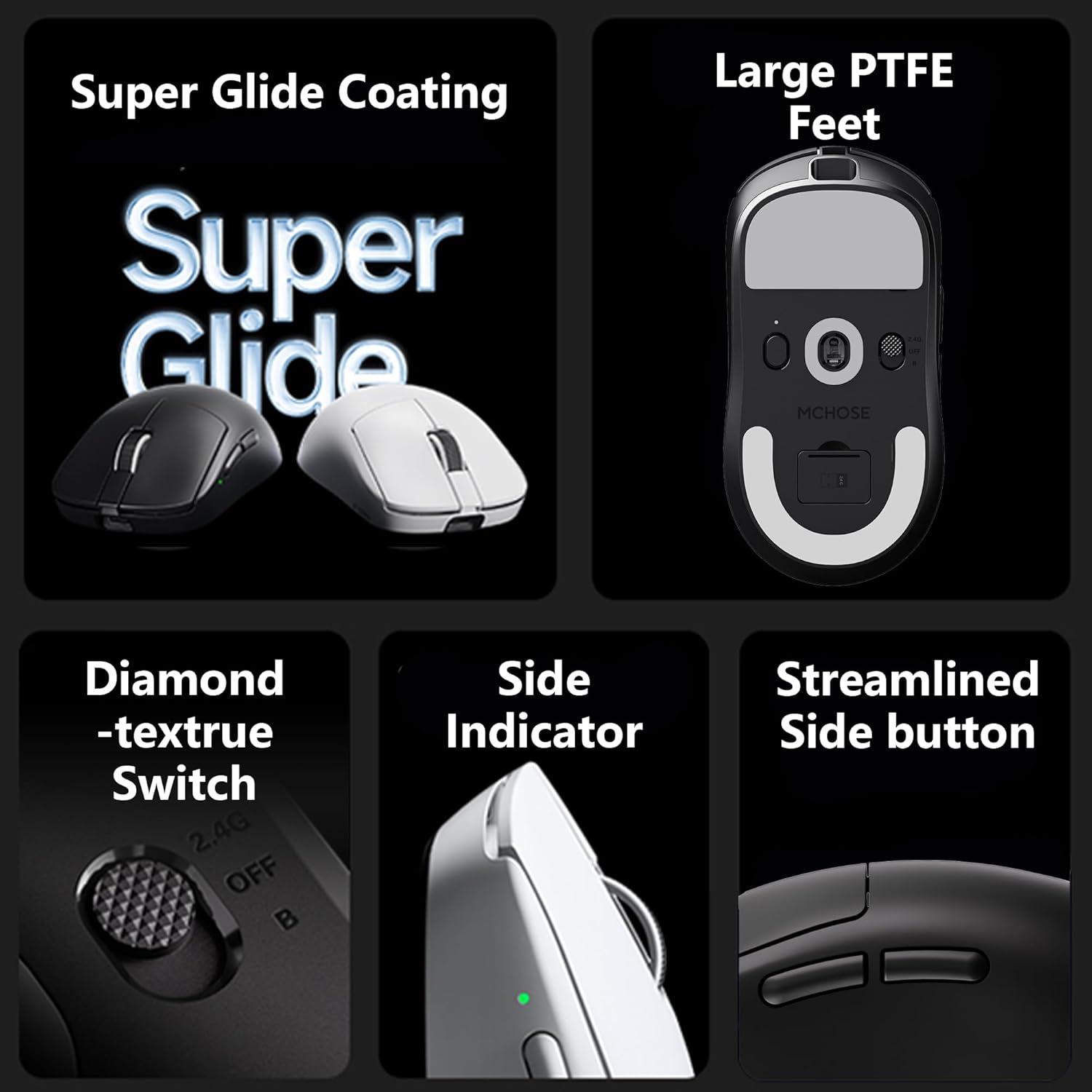
Image: Underside of the MCHOSE A7 V2 Ultra mouse, showing the connectivity mode switch and USB receiver storage.
4. Иштөө нускамалары
4.1 DPI жөндөө
The MCHOSE A7 V2 Ultra is equipped with a PAW3950TI custom optical sensor, offering up to 42,000 DPI. You can adjust the DPI sensitivity using the dedicated DPI button on the mouse or through the custom software. Refer to the software section for advanced customization.

Сүрөт: Жакын план view of the PAW3950TI custom optical sensor for high precision tracking.
4.2 Сурамжылоо көрсөткүчү
Experience ultra-fast response times with a dual 8000Hz polling rate in both wired and 2.4GHz wireless modes. This high polling rate ensures minimal input lag for competitive gaming.

Image: Graphic illustrating the 8K polling rate capability of the mouse.
4.3 Custom Software (M-HUB)
The MCHOSE A7 V2 Ultra supports custom software, M-HUB, which allows you to personalize button assignments, DPI settings, polling rates, and other advanced functions. This software enables you to store custom settings directly on the mouse's onboard memory.

Image: Screenshot of the M-HUB software interface, showing customization options for MCHOSE devices.
4.4 Эргономика жана кармоо
Weighing only 59g, the mouse is designed for comfortable use across various grip styles including palm, claw, and fingertip grips, ensuring stable and efficient handling during extended use.

Image: The MCHOSE A7 V2 Ultra mouse highlighting its ultra-lightweight design.
5. Техникалык тейлөө
Proper maintenance ensures the longevity and optimal performance of your MCHOSE A7 V2 Ultra mouse.
- Тазалоо: Чычкандын бетин сүртүү үчүн жумшак, кургак чүпүрөктү колдонуңуз. өжөр кир үчүн, бир аз гampчүпүрөктү суу же жумшак тазалоо эритмеси менен жууп салыңыз. Катуу химиялык заттарды же абразивдүү материалдарды колдонуудан алыс болуңуз.
- Сенсорго кам көрүү: Так көз салууну камсыз кылуу үчүн чычкандын астыңкы жагындагы оптикалык сенсорду чаңдан же таштандыдан таза кармаңыз.
- Сактагыч: Узак мөөнөткө колдонулбаганда, чычканды күн нурунан жана экстремалдык температурадан алыс салкын, кургак жерде сактаңыз.
- PTFE буттары: The mouse features large PTFE feet for smooth gliding. If these wear out, replacement feet can be purchased from authorized retailers.

Image: Close-up of the large PTFE feet on the underside of the MCHOSE A7 V2 Ultra mouse.
6. Кыйынчылыктарды
If you encounter issues with your MCHOSE A7 V2 Ultra mouse, please refer to the following common solutions:
- Чычкан жооп бербейт:
- Чычкандын заряддалганын текшериңиз.
- Check the connectivity mode switch on the bottom of the mouse (Wired, 2.4G, B).
- For 2.4GHz wireless, ensure the USB receiver is securely plugged into a working USB port. Try a different USB port.
- For Bluetooth, ensure Bluetooth is enabled on your device and the mouse is paired correctly.
- Чычканды зымдуу режимде туташтырууга аракет кылып көрүңүз, ал иштейби же жокпу.
- Inconsistent Tracking or Lag:
- Чычкандын астындагы оптикалык сенсорду тазалаңыз.
- Ensure you are using a suitable mouse pad.
- Check for interference in 2.4GHz wireless mode (e.g., other wireless devices).
- Update mouse firmware via the M-HUB software.
- Батарея заряддалбай жатат:
- Ensure the charging cable is securely connected to both the mouse and a powered USB port.
- Башка USB портун же кубаттоо кабелин колдонуп көрүңүз.
If these steps do not resolve your issue, please contact MCHOSE customer support for further assistance.
7. Техникалык шарттар
| Өзгөчөлүк | Спецификация |
|---|---|
| Модел | A7 V2 Ultra |
| Салмагы | 59 г (болжол менен 2.12 унция) |
| Сенсор | PAW3950TI Custom Optical Sensor |
| DPI диапазону | 42,000 XNUMX DPI чейин |
| Добуш берүү көрсөткүчү | Up to 8000Hz (Wired/2.4GHz Wireless) |
| Байланыш | Wired (USB), 2.4GHz Wireless, Bluetooth |
| Батареянын иштөө мөөнөтү | 130 саатка чейин |
| Өлчөмдөр | 7.17 x 4.41 x 3.27 дюйм (Пакет) |
| Өндүрүүчү | CHSE |
8. Кепилдик жана колдоо
MCHOSE products are manufactured to the highest quality standards. For information regarding warranty coverage, terms, and conditions, please refer to the warranty card included in your product packaging or visit the official MCHOSE webсайт.
For technical support, product inquiries, or to download the latest M-HUB software and firmware updates, please visit the official MCHOSE support page or contact their customer service directly.