
Introduction
Thank you for choosing the EDYELL MBH-C2 Motorcycle Helmet Bluetooth Headset. This manual provides detailed instructions for the proper installation, operation, and maintenance of your device. Please read this manual thoroughly before use to ensure optimal performance and safety.
Пакеттин мазмуну
Орнотууну улантуудан мурун, пакетиңизде төмөндө келтирилген нерселердин бардыгы бар экенин текшериңиз:
- Motorcycle Bluetooth Headset C2 (x1)
- Replaceable Hard Mic and Soft Micspeakers (x1)
- Clamping Base (x1)
- Microphone Velcro Tape (x2)
- Speaker Velcro (x2)
- Booster Sticker (x2)
- Stand Velcro Tape (x1)
- Thick Double Sided Tape (x1)
- Колдонуучунун колдонмосу (x1)
- Кубаттоо кабели (x1)

Image: Contents of the EDYELL MBH-C2 package.
Жайгашуу
1. Орнотуу
The EDYELL MBH-C2 is designed for easy installation and is compatible with all types of helmets. Follow these steps to install the headset:
- cl тиркеңизamping base to the side of your helmet using the provided screws or adhesive tape. Ensure it is securely fastened.
- Insert the main headset unit into the clamping base until it clicks into place.
- Position the speakers inside the helmet's ear pockets. Use the speaker Velcro to secure them. Ensure the speakers are aligned with your ears for optimal sound quality.
- Attach the microphone to a suitable location inside the helmet, near your mouth, using the microphone Velcro tape. Choose between the hard mic (for open-face helmets) or soft mic (for full-face helmets) as appropriate.
- Route all cables neatly within the helmet padding to avoid interference and ensure comfort.

Image: The MBH-C2 headset is compatible with various helmet types.
2. Аппаратты заряддоо
The C2 features a built-in 1000mAh rechargeable Li-ion battery. Before first use, fully charge the device.
- Connect the provided Type-C charging cable to the charging port on the headset and to a USB power source.
- Индикатор кубаттоо абалын көрсөтөт (мисалы, кубаттоо үчүн кызыл, толук заряддалган үчүн көк).
- Толук кубаттоо болжол менен 1.5 саатты талап кылат.
- Once fully charged, the device provides up to 25 hours of music playback or 50 hours of talk time.

Image: Charging and battery life indicators for the MBH-C2 headset.
3. Bluetooth Жупташтыруу
To connect your headset to a mobile device or another C2 unit:
- Гарнитура өчүрүлгөнүн текшериңиз.
- Press and hold the Power Button until the indicator light flashes red and blue, indicating pairing mode.
- On your mobile device, enable Bluetooth and search for available devices. Select "EDYELL C2" from the list.
- Туташкандан кийин индикатор жарыгы катуу көк түскө айланат.
- For intercom pairing with another C2 unit, refer to the Group Communication section.
Иштөө нускамалары
1. Controls Overview
The EDYELL MBH-C2 features a unique scroll roller design for intuitive control, alongside dedicated buttons.

Image: EDYELL MBH-C2 control layout.
- Кубат баскычы (1): Press and hold to power on/off. Short press to play/pause music, answer/hang up calls.
- Айлантуу дөңгөлөгү (2): Rotate up/down to adjust volume. Press to switch function modes.
- Индикатор жарыгы (3): Түзмөктүн абалын көрсөтөт (жупташтыруу, туташуу, кубаттоо).
- Previous Song Button / Intercom Button (4): Short press for previous song. Long press to initiate/end intercom.
- Speaker/Microphone Interface (5): Connection point for speakers and microphone.
- Next Song Button / Music Sharing Button (6): Short press for next song. Long press to activate music sharing.
2. Group Communication System
The C2 supports group communication within a range of 200-520 meters. It allows universal pairing with other motorcycle helmet headsets for two-rider communication. For group chat functionality, pairing with EDYELL brand motorcycle helmet speakers is required.
- One-on-One Intercom: The C2 can pair with third-party helmet headsets for one-on-one communication.
- EDYELL Group Chat: For multi-rider group chat, pair with other EDYELL brand C2 motorcycle helmet speakers.
- Домофонду иштетүү: Long press the Intercom Button (4 or 7) on both units to establish a connection.
- Диапазон: For optimal communication in areas with poor signal or at high speeds, it is recommended to maintain a communication distance within 200 meters.
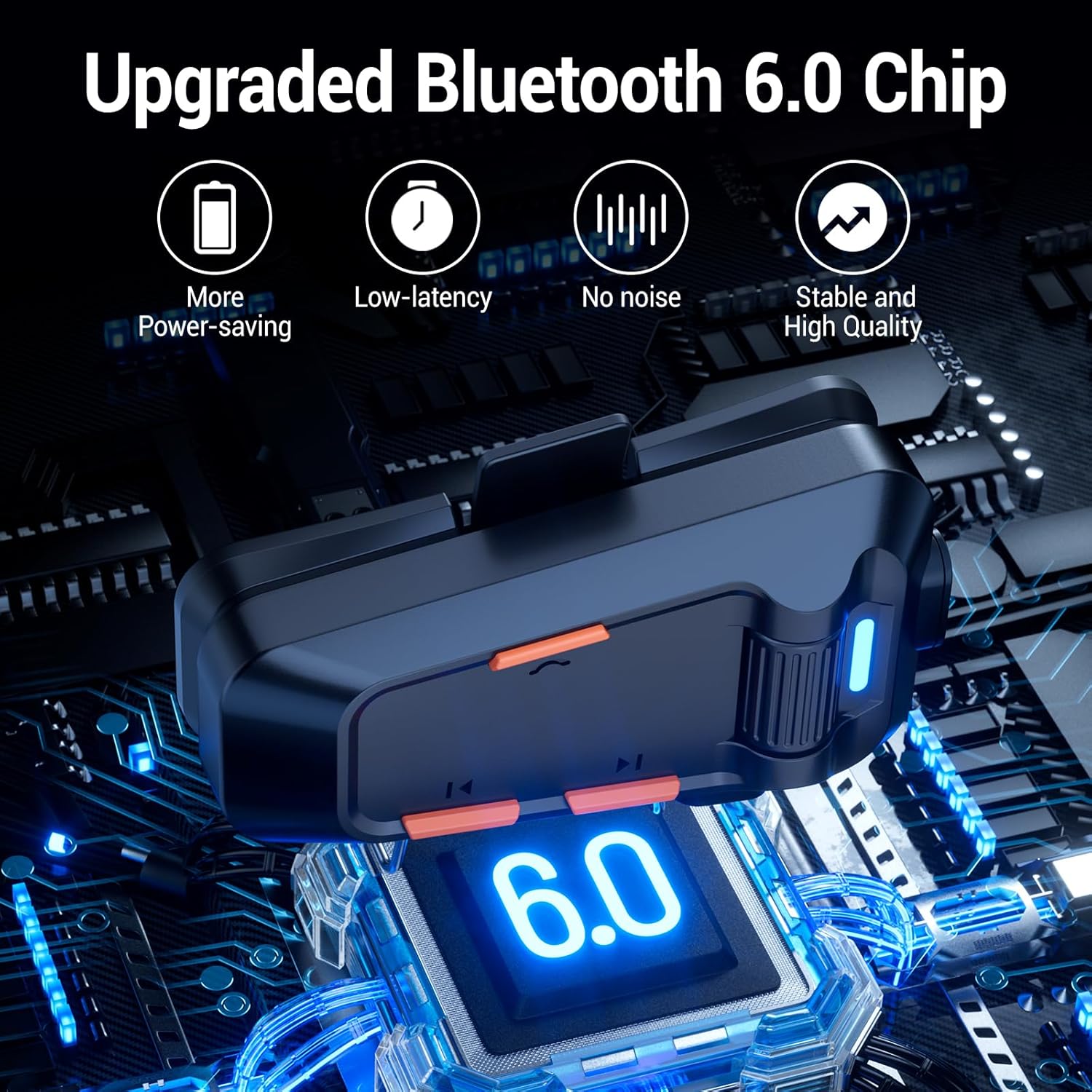
Image: EDYELL MBH-C2 Group Communication System in use.
3. Музыка ойнотуу жана бөлүшүү
Enjoy stereo music with Bluetooth 6.0 connectivity.
- Ойнотуу/тындыруу: Кубат баскычын (1) кыска басыңыз.
- Кийинки / Мурунку трек: Short press the Next Song Button (6) or Previous Song Button (4).
- Үндү тууралоо: Rotate the Scroll Wheel (2) up or down.
- Музыка бөлүшүү: Long press the Music Sharing Button (6) to share your audio with another paired EDYELL C2 unit.

Image: Music sharing between two EDYELL MBH-C2 users.
4. Чакыруу функциялары
The headset supports automatic call answering and features Enhanced Noise Cancellation (ENC) for clear voice calls.
- Чалууга жооп берүү/аяктоо: Кубат баскычын (1) кыска басыңыз.
- Автоматтык жооп берүү: The headset will automatically answer incoming calls after a few rings.
- Ызы -чууну жокко чыгаруу: The microphone's ENC technology reduces background noise from engine, wind, and traffic, ensuring your voice is heard clearly.
Техникалык тейлөө
Proper maintenance ensures the longevity and performance of your EDYELL MBH-C2 headset.
- Тазалоо: Гарнитураны жумшак менен сүртүңүз, damp кездеме. Катуу химиялык заттарды же абразивдүү тазалагычтарды колдонбоңуз.
- Суу жана чаң өткөрбөйт: The device is IPX5 waterproof and dustproof, utilizing nano-coating technology. This design protects against dust and rain, ensuring reliable operation in various weather conditions and temperatures down to -50°F. While resistant, avoid prolonged submersion in water.
- Сактагыч: Колдонбогондо гарнитураны салкын, кургак жерде сактаңыз. Экстремалдуу температурадан сактаныңыз.
- Батареяга кам көрүү: Батареянын иштөө мөөнөтүн сактоо үчүн, батареянын тез-тез толук зарядын жоготуп албаңыз. Түзмөктү үзгүлтүксүз кубаттап туруңуз, ал тургай тынымсыз колдонулбаса да.
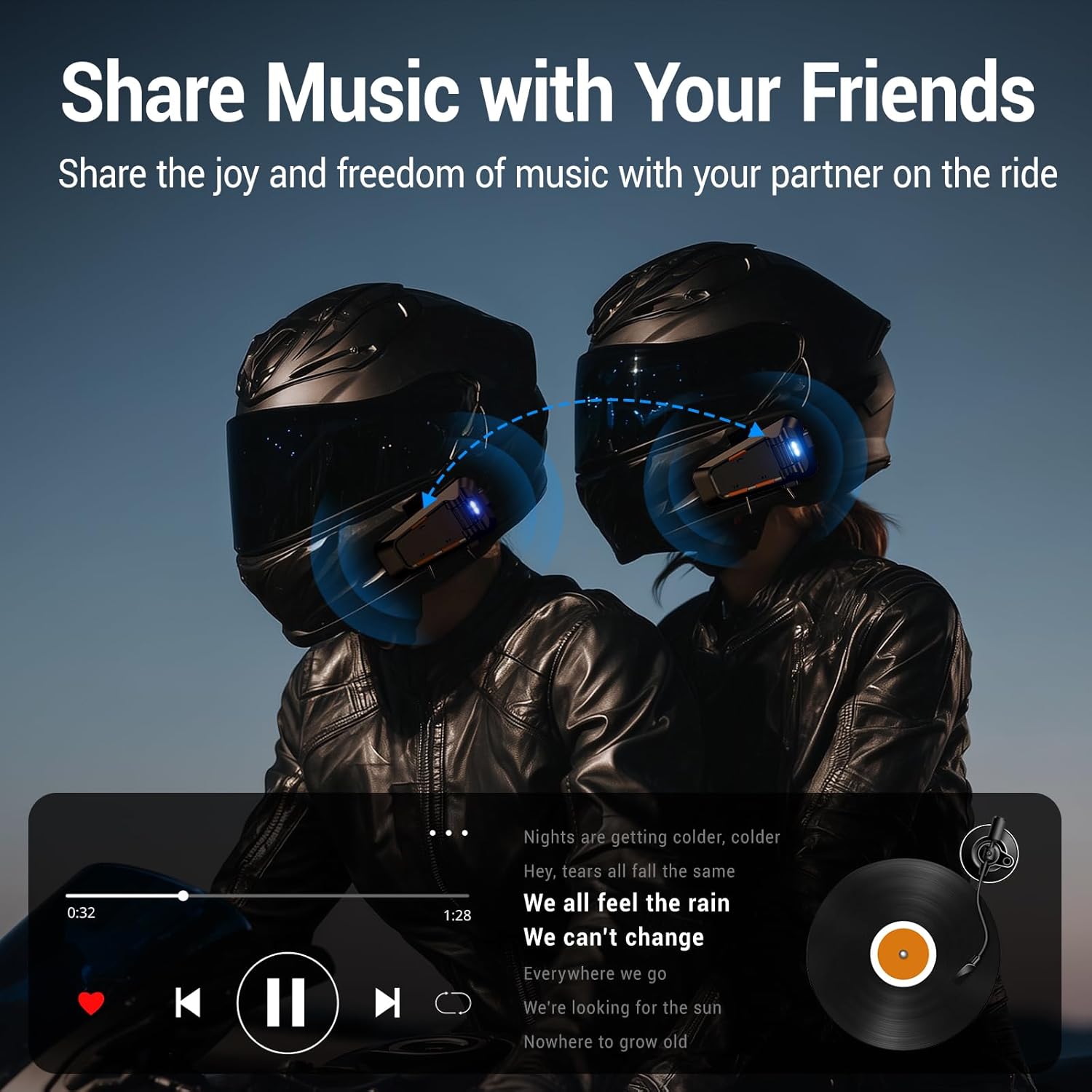
Image: EDYELL MBH-C2 IPX5 Waterproof and Dustproof features.
Проблемаларды чечүү
If you encounter issues with your EDYELL MBH-C2 headset, refer to the following common solutions:
| Көйгөй | Мүмкүн себеп | Чечим |
|---|---|---|
| Түзмөк күйбөйт | Батареянын аздыгы; Аппараттын бузулушу | Түзмөктү толук кубаттаңыз. Эгерде көйгөй чечилбесе, колдоо кызматына кайрылыңыз. |
| Cannot pair with phone/another headset | Not in pairing mode; Bluetooth off on other device; Too far apart | Ensure headset is in pairing mode (flashing red/blue). Check Bluetooth on your device. Bring devices closer. Restart both devices. |
| Үн жок же үнү төмөн | Volume too low; Speakers not positioned correctly; Loose connection | Increase volume using the scroll wheel. Adjust speaker position inside helmet. Check speaker/microphone interface connection. |
| Intercom connection unstable or short range | Obstructions; Exceeding range; Signal interference | Reduce distance between units. Avoid physical obstructions. Ensure clear line of sight if possible. |
| Poor call quality / excessive noise | Microphone not positioned correctly; High wind noise; ENC not active | Adjust microphone closer to your mouth. Ensure microphone is not obstructed. ENC is automatic; if issues persist, contact support. |
Техникалык шарттар
| Өзгөчөлүк | Деталь |
|---|---|
| Модел | MBH-C2 |
| Байланыш технологиясы | Зымсыз (Bluetooth 6.0) |
| Noise Control | Passive Noise Cancellation, ENC Microphone |
| Батарея сыйымдуулугу | 1000mAh Li-ion |
| Заряддоо убактысы | Approx. 1.5 Hours (Type-C) |
| Музыканы ойнотуу убактысы | 25 саатка чейин |
| Talk Time | 50 саатка чейин |
| Домофон диапазону | 200-520 meters (EDYELL units) |
| Суу өткөрбөйт рейтинги | IPX5 |
| Иштөө температурасы | Down to -50°F |
| Элемент Салмагы | 150 грамм |
| Продукциянын өлчөмдөрү | 14 x 9.5 x 6 см |
| Келип чыккан өлкө | Кытай |
Кепилдик жана колдоо
For warranty information, technical support, or customer service inquiries, please contact EDYELL INDIA directly.
- Кардарларды тейлөө электрондук почтасы: support@fenman.in
- Кардарларды тейлөө телефону: +91 8882786235
Сураныч, кепилдик дооматтар үчүн сатып алуу далилиңизди сактап коюңуз.